The Most Comfy All-Day Earbuds Ever? ( Huawei Freeclip 2 Review )
There seems to be an emerging trend. More and more brands are making these portable audio solutions designed for people who don't want things in, over, or on their ears. So maybe big headphones are going out of fashion. But maybe the reason is that there are more popular use cases these days for open-fit style earbuds, and I have some thoughts on that. So stick around if you're interested in hearing them. And by the end of this article, maybe you'll be one of those people who appreciates products like this. Huawei has a few new tricks up their sleeves with the second generation of their FreeClips. These are the official Huawei FreeClip 2, so let me show you what makes these a truly premium design from Huawei.
Design & Comfort
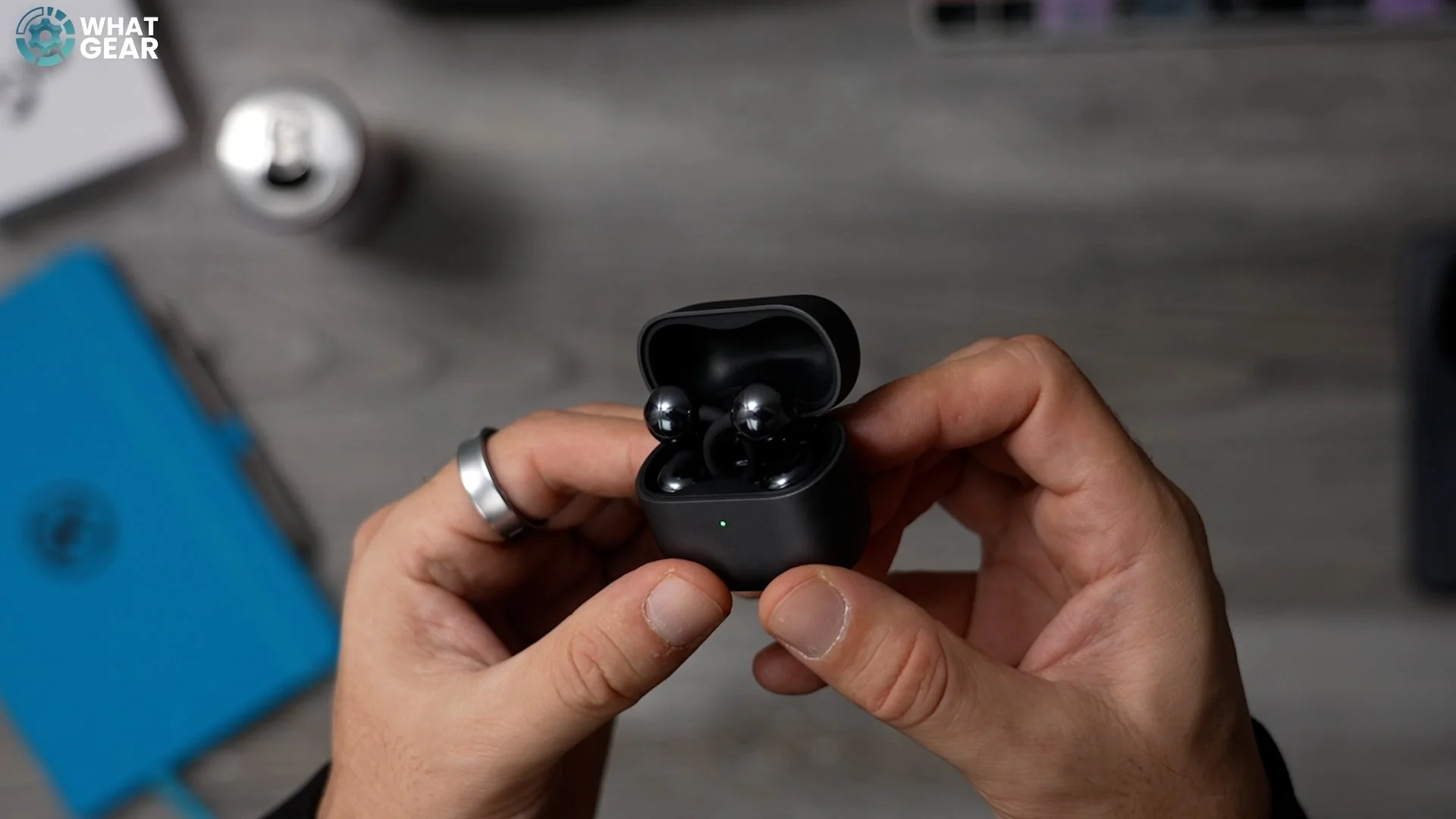
There are three parts to each of the FreeClip 2 earbuds. There’s this part right here, which Huawei calls the Airy SeaBridge. This is a flexible C-shaped connector that has a shape-memory alloy core running through it, designed to keep its shape even after thousands of flexes. This joins the two main parts of the buds, and with this second-generation approach, Huawei says they’ve managed to make them 25% softer than before.
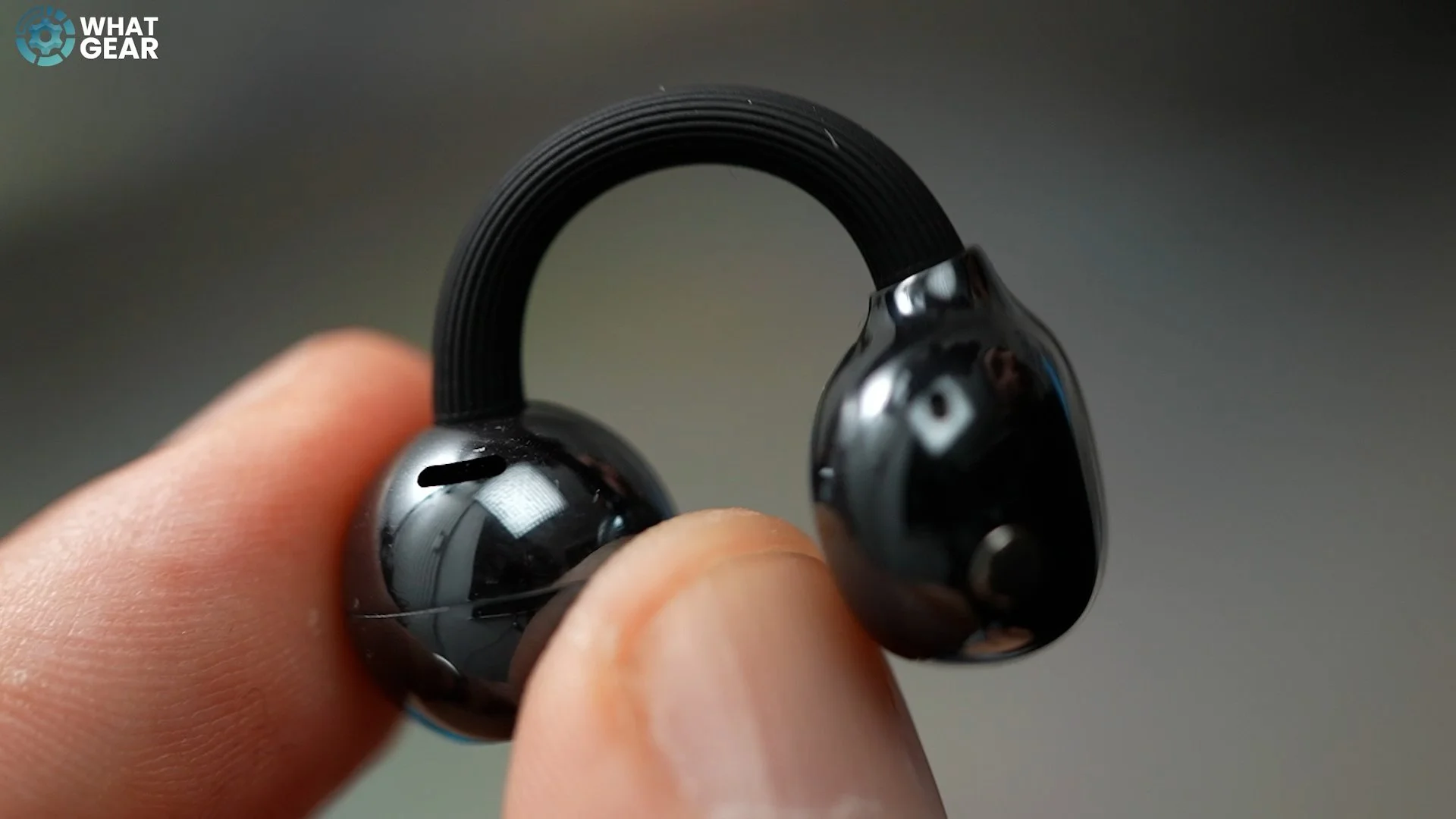
Now, this part right here sits at the back of your ear. It’s called the Comfort Bean, and it acts as a counterweight for the audio component on the other side of your ear. The Bean itself has also been upgraded, with Huawei decreasing its size by 11%. The audio unit also has a name. They call it the Acoustic Ball. So yes, we are talking about Beans and Balls, which are somewhat suggestive names — but moving on. These spherical components hover over your ear canals, which means they’re instantly more hygienic to use than regular earbuds. And when you put them back in the case, even after they’ve been sitting there for a long period of time, the chances of bacteria building up inside or on the buds is massively reduced.
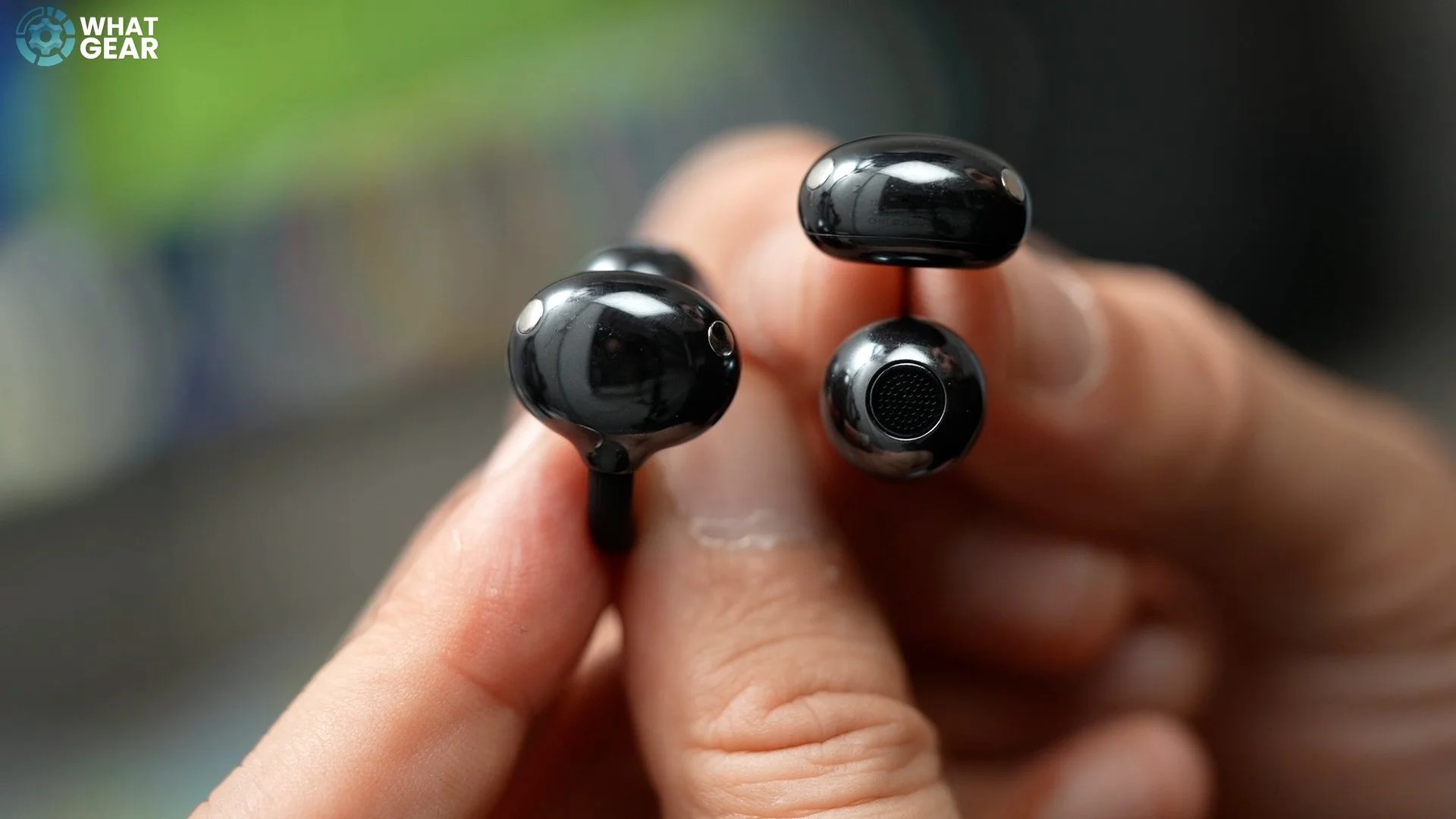
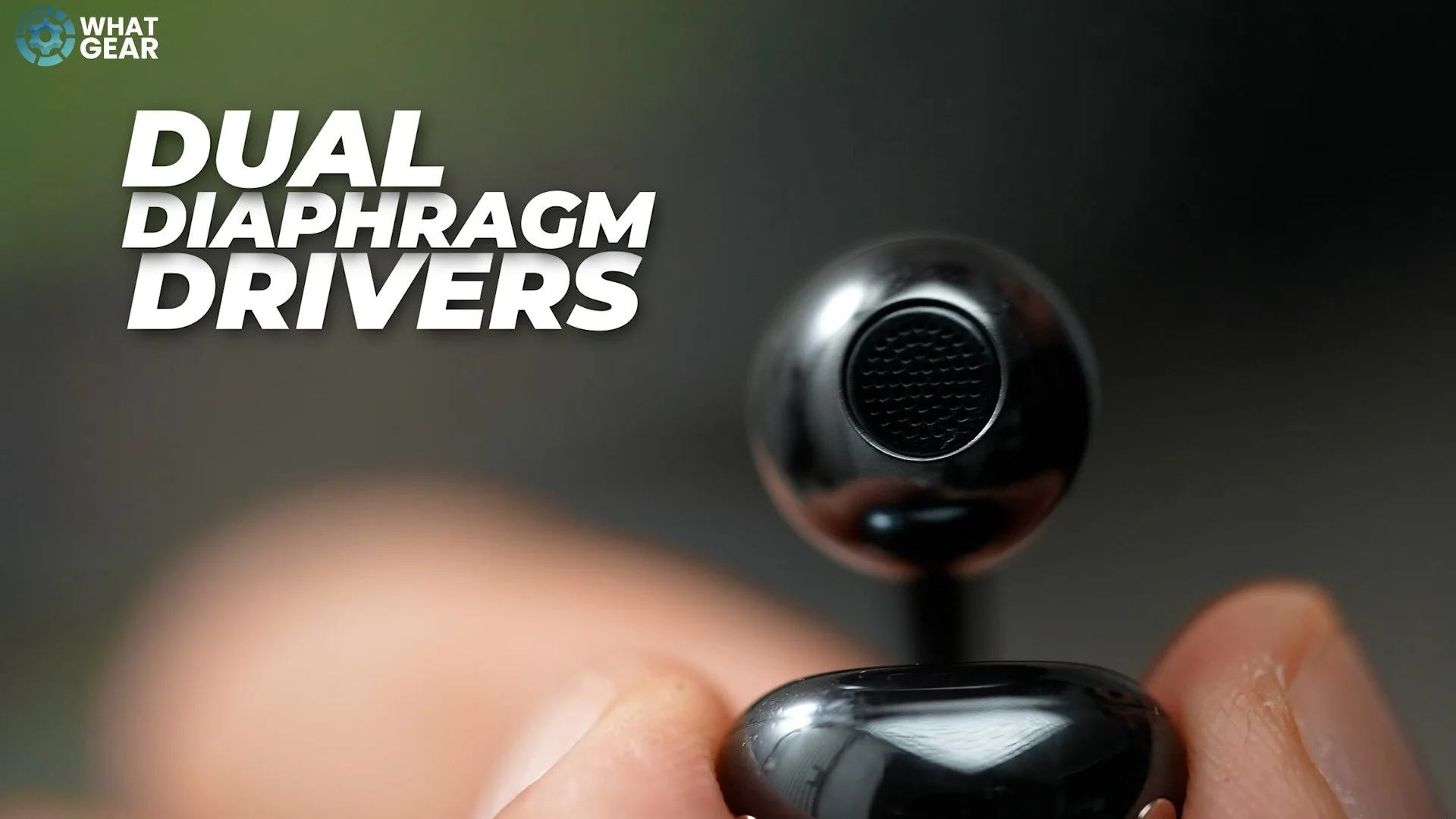
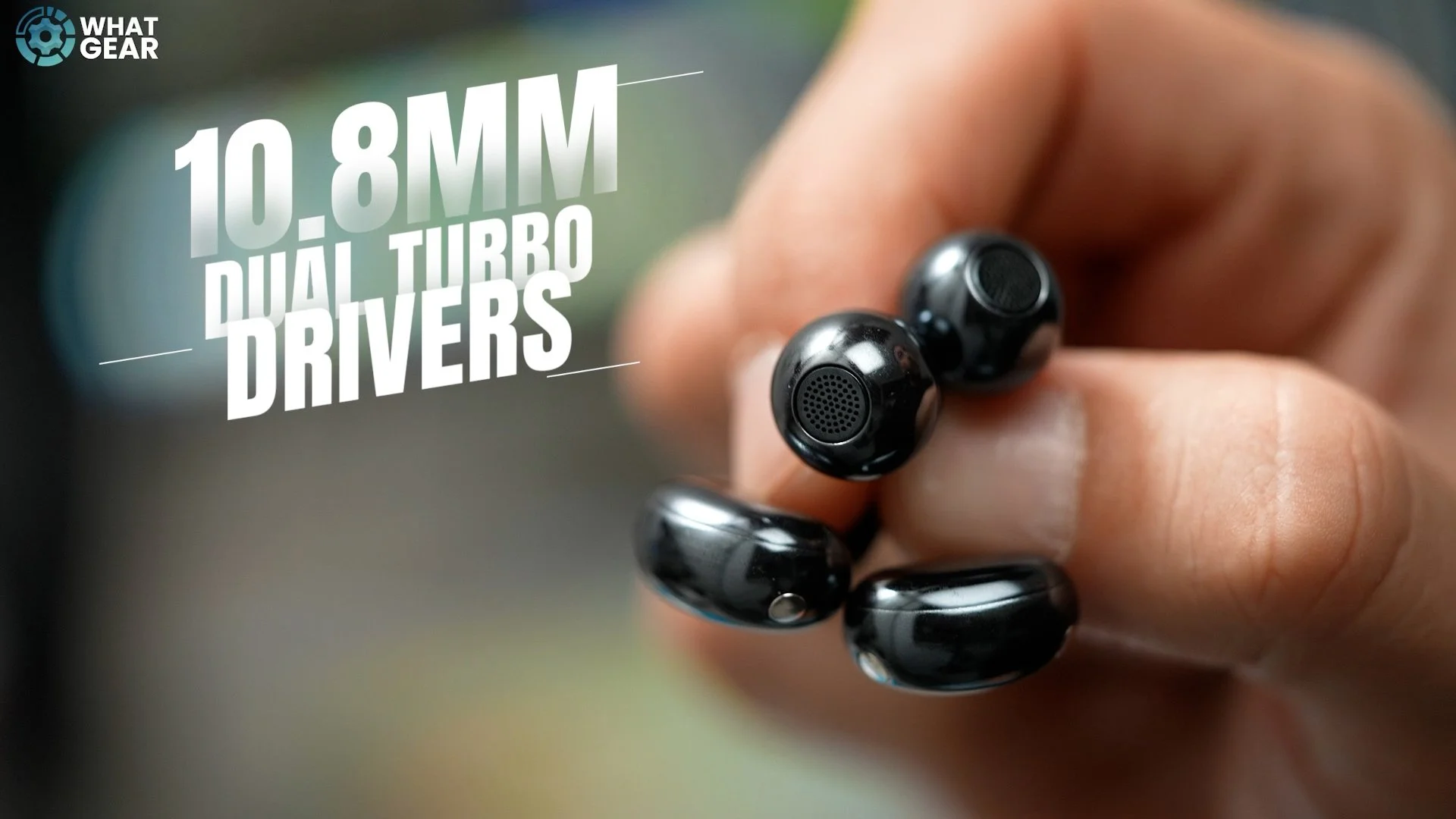
When you look at the design, you’ll also notice that tech sensors are built in, meaning when you’re not wearing them, the FreeClip 2 will detect that and automatically pause your audio. This also helps save power when they’re not in the charging case. Inside the Acoustic Balls are dual-diaphragm drivers, with one driver focused on the high frequencies and the second driver acting as a mid-bass unit. So in theory, you should get well-balanced sound with crisp high-end detail — and I’ll give you my opinion on the sound quality shortly.
Smart Case & Durability
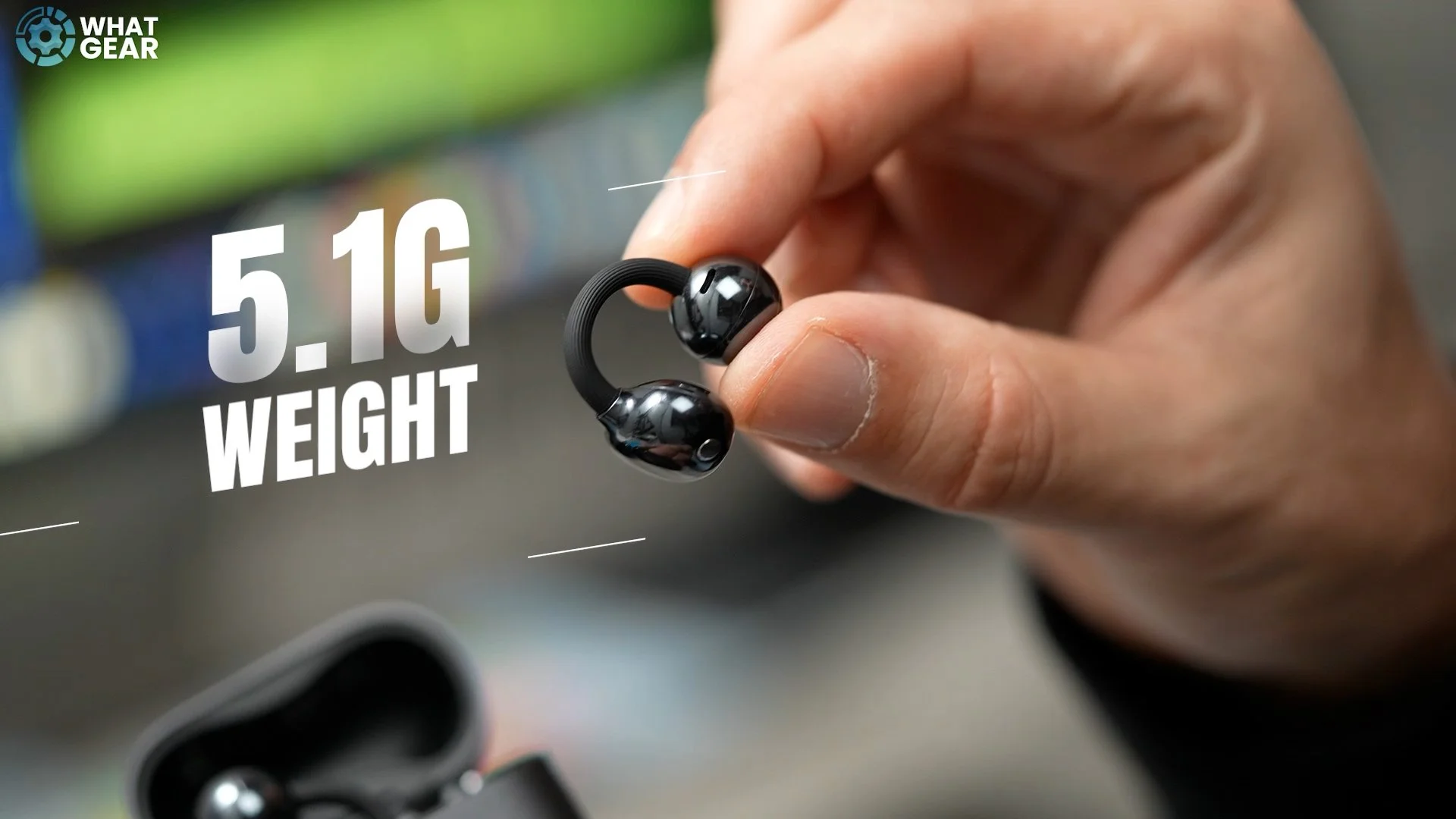
Here’s something quite unique that really makes the FreeClip 2 easier to use: they can be placed back in the case on either side, so it really doesn’t matter. If you do mix up the left and right earbud, the case will automatically detect which side they’re on and reset the left and right audio channels accordingly. When you take them back out, left is left and right is right. Each earbud weighs just 5.1g, which is a fairly standard weight for earbuds, but it’s the weight distribution that makes these feel lighter than they actually are.
They also have very solid water and dust resistance ratings of IP57. This doesn’t mean you can take them swimming, but you can comfortably use them on the beach, in the rain, or during workouts, as they can resist sweat. Aside from the modern black colorway shown here, there are two other options available. There’s Feather White, and a third option that’s unlike any earbud I’ve seen before — a stain-resistant denim-textured surface. I haven’t seen this one in person yet, but it sounds interesting.
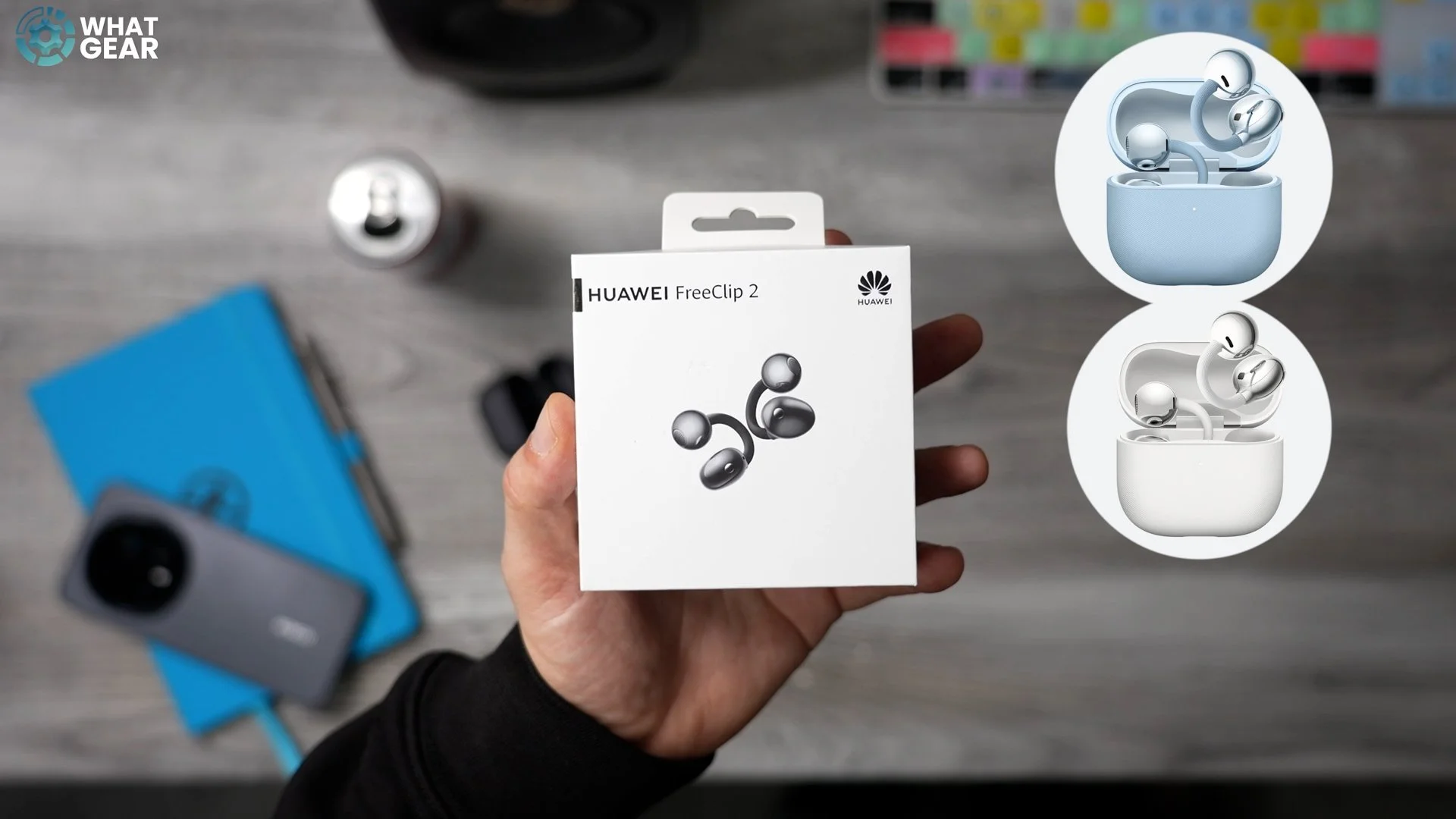
Now let’s take a look at the charging case. At first glance, it looks similar to the previous generation, but Huawei has made some upgrades here too. The case is now 17% narrower and 14% lighter, which are very welcome improvements for portable audio tech. Even better, the case itself is splash and dust resistant, with an official IP54 rating, which is honestly quite rare when it comes to earbud cases.
Controls & Gesture Features
So what are the FreeClip 2 like to wear and use on a daily basis? Very simple. If you swipe on the Comfort Bean, you can adjust the volume. If you tap the Bean, you can play or pause music, answer calls, and end calls. Double taps are also recognised, and you can tap anywhere on the FreeClip — it doesn’t have to be on the Bean specifically. Triple taps, by default, skip tracks. All of these controls can be remapped in the app.
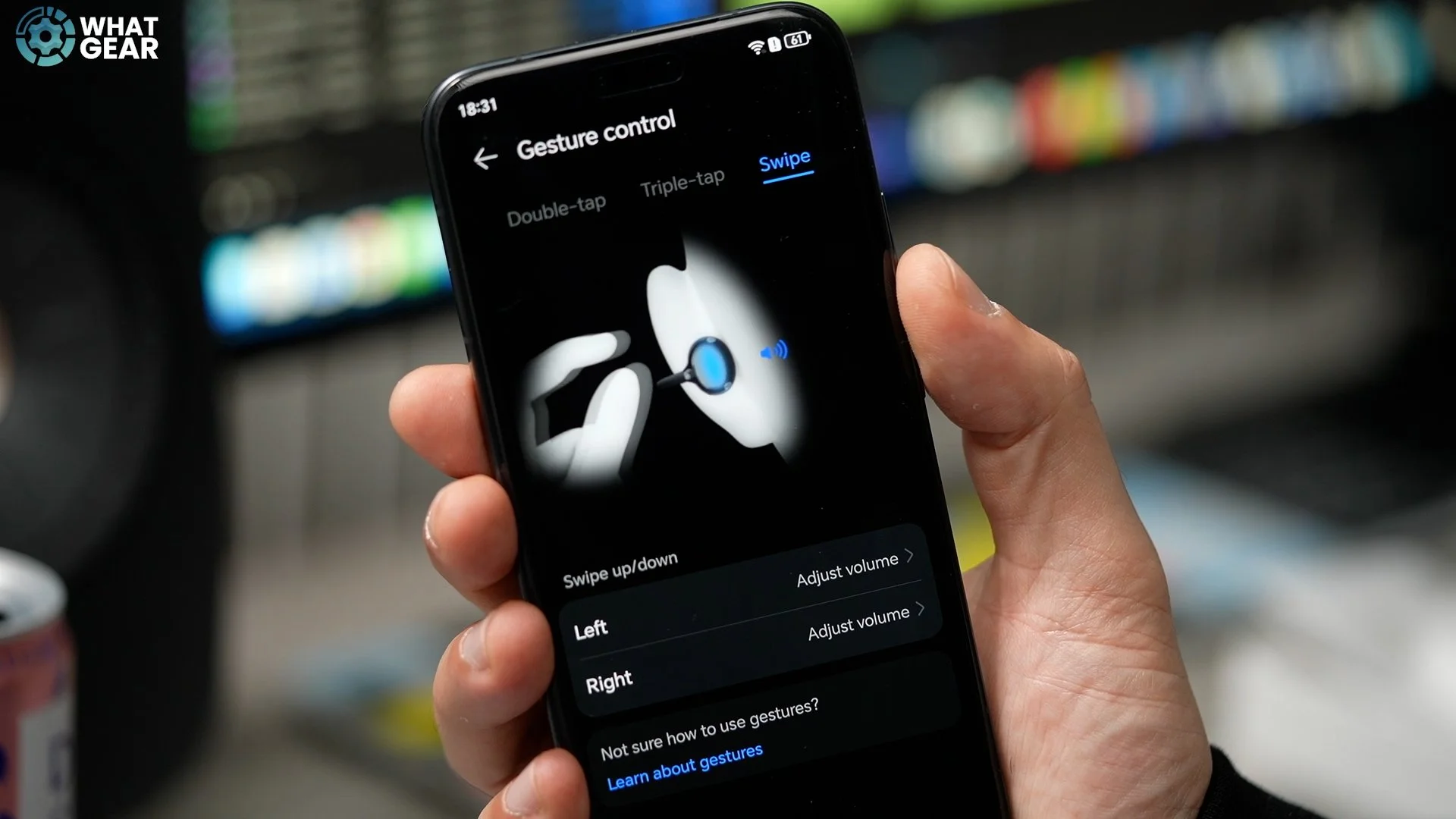
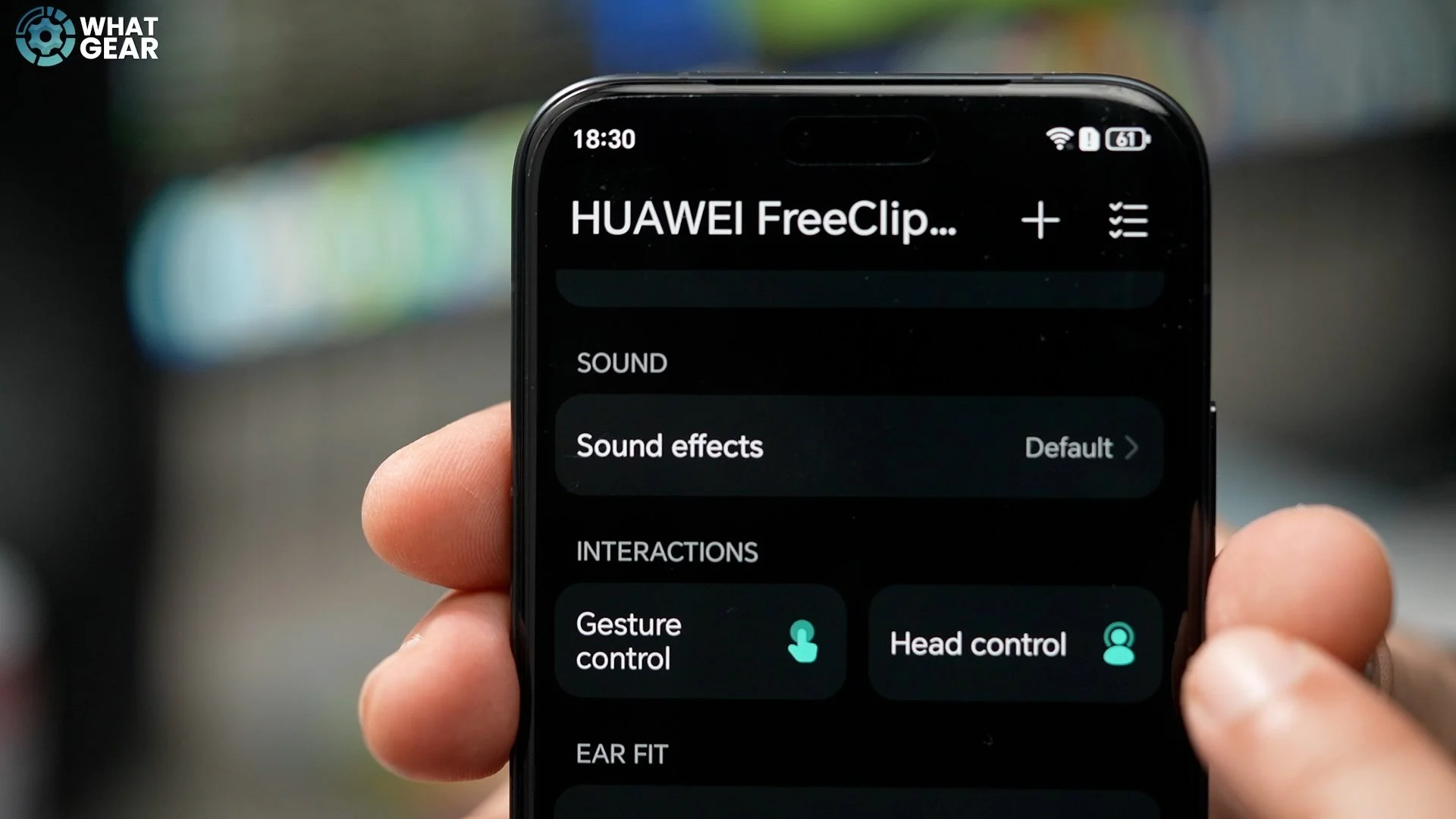
But Huawei has taken controls one step further with head gesture input. If a call comes in and you nod your head, you can answer it. If you shake your head, you can reject it. You do need to be mindful with this feature though — you don’t want to be bobbing your head to music and accidentally rejecting a call from your boss.
App Features & Connectivity
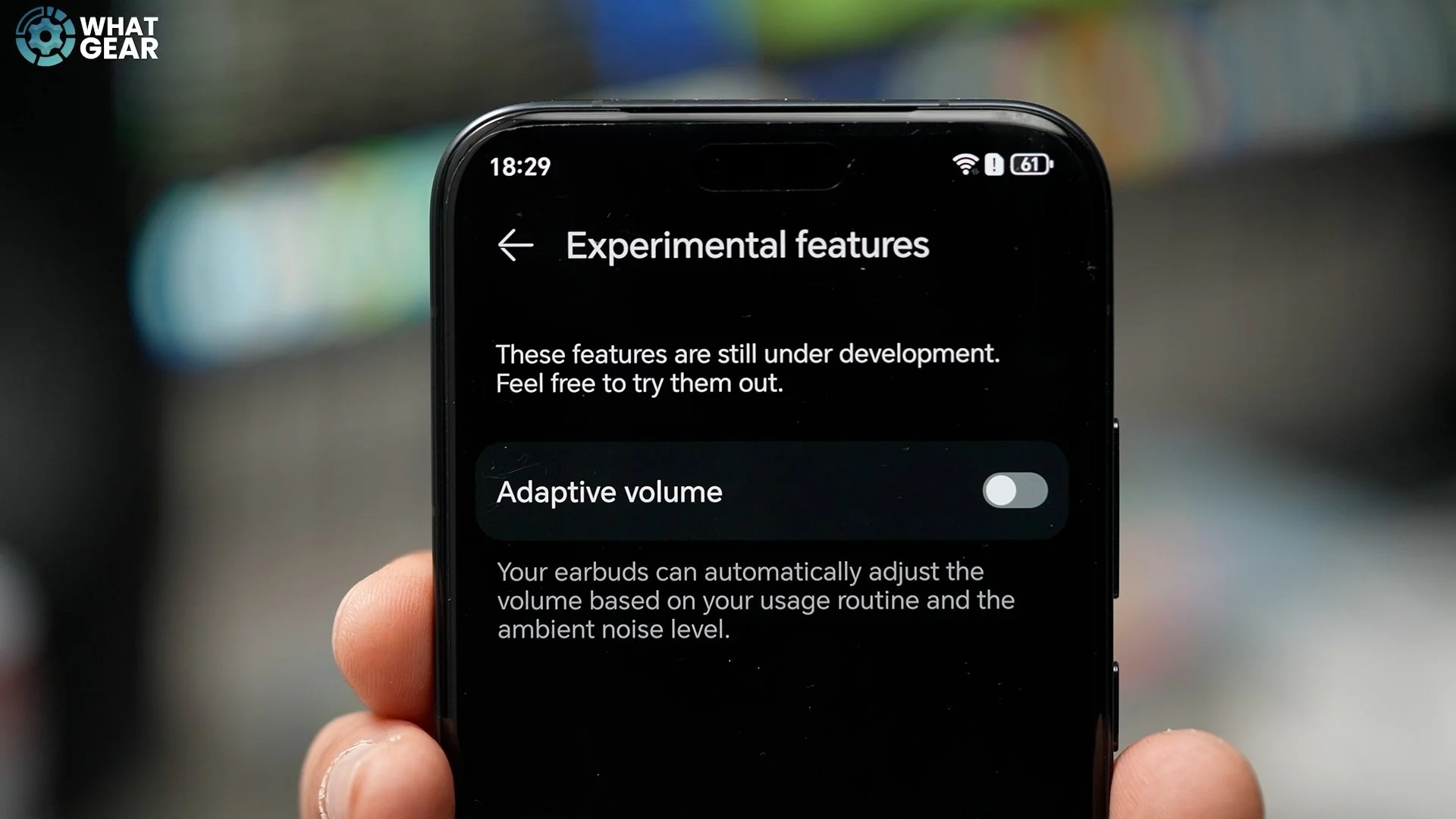
Huawei’s companion app is available on both Android and iOS, so there are no compatibility issues here. One standout feature is adaptive volume and voice control, which uses AI to detect the noise around you and automatically adjust the volume to maintain the same perceived audio level, regardless of environmental noise. This is something many open-fit audio solutions still struggle with. Dual connectivity is also supported and managed through the app.
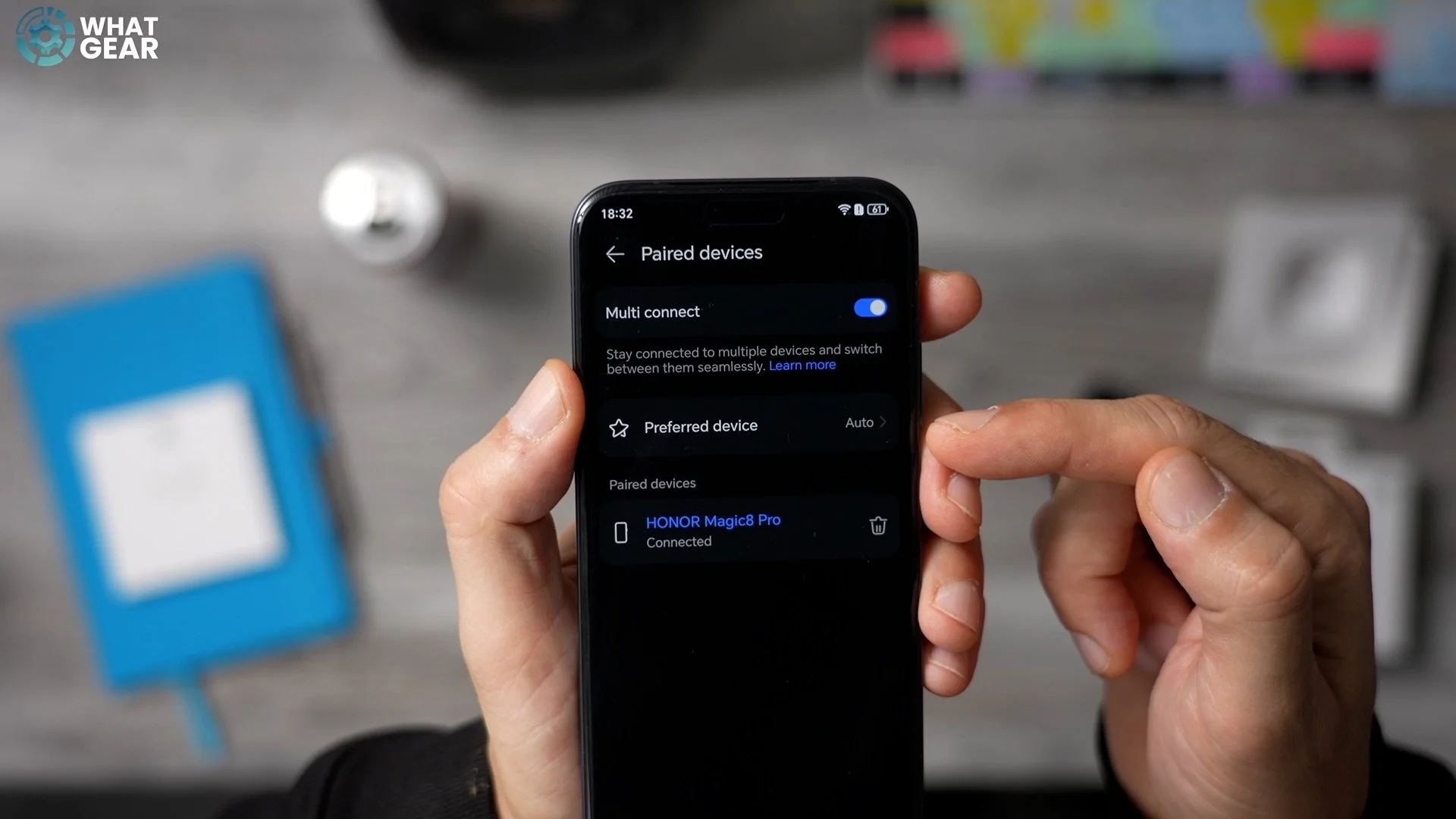
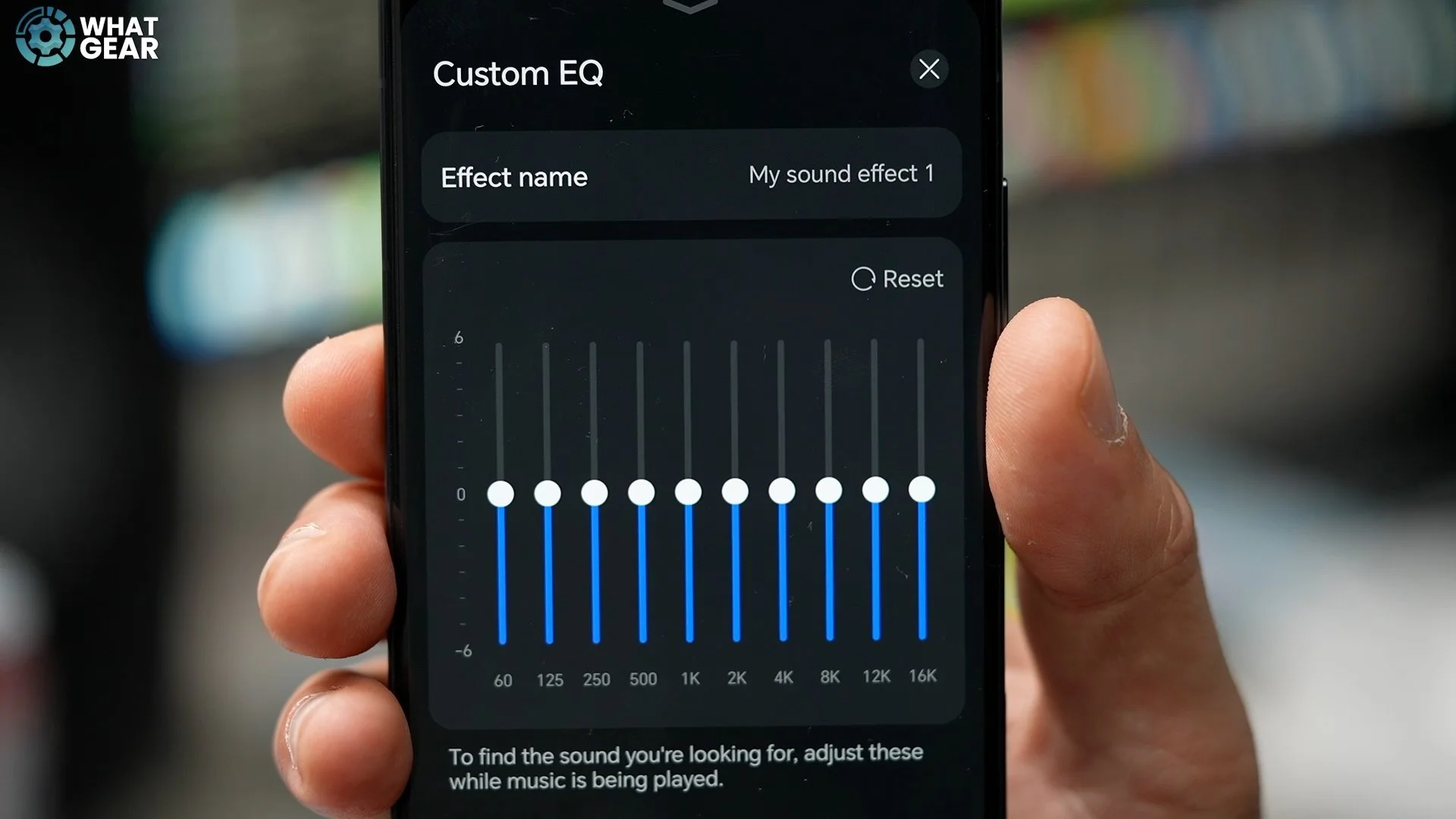
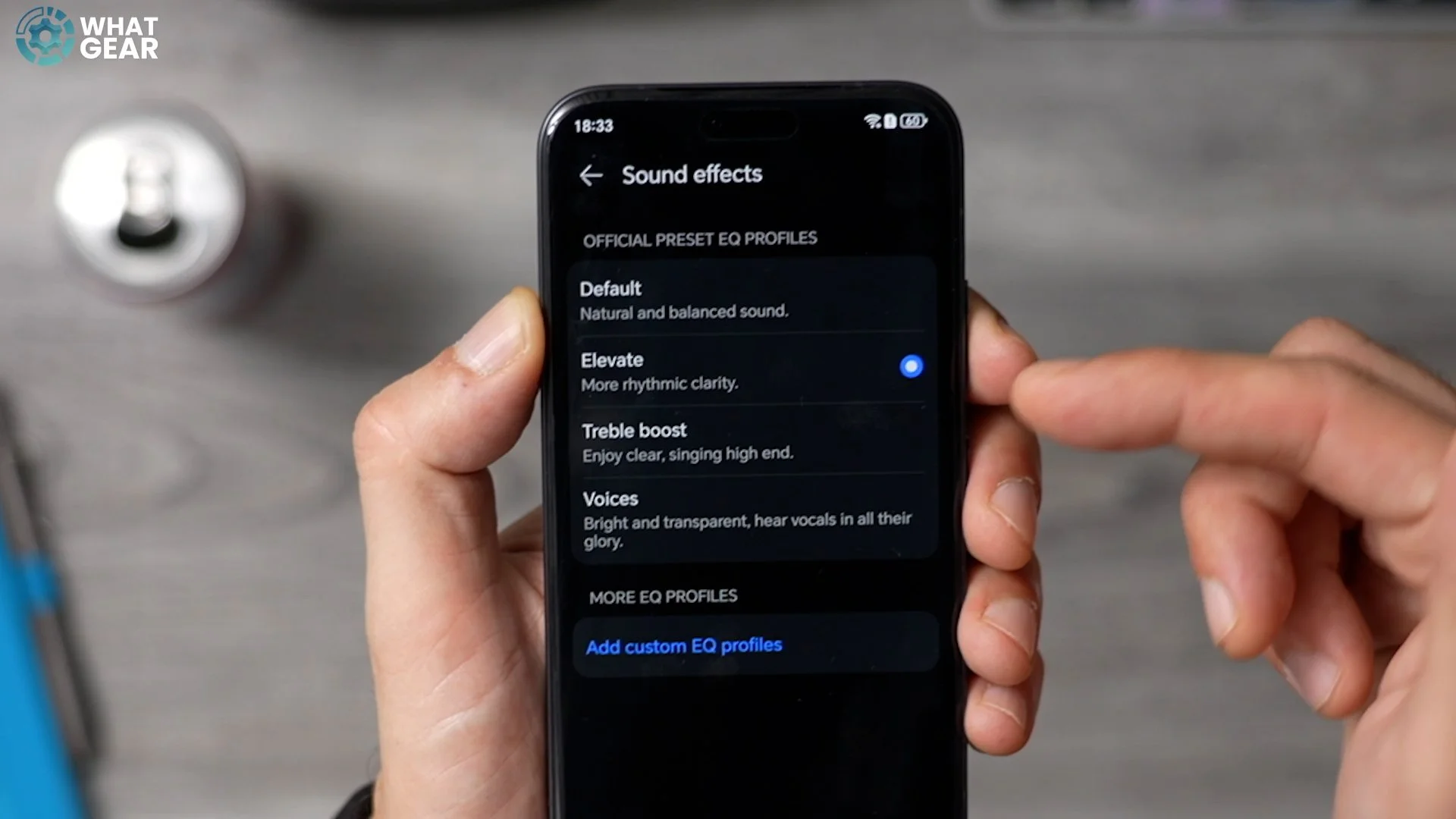
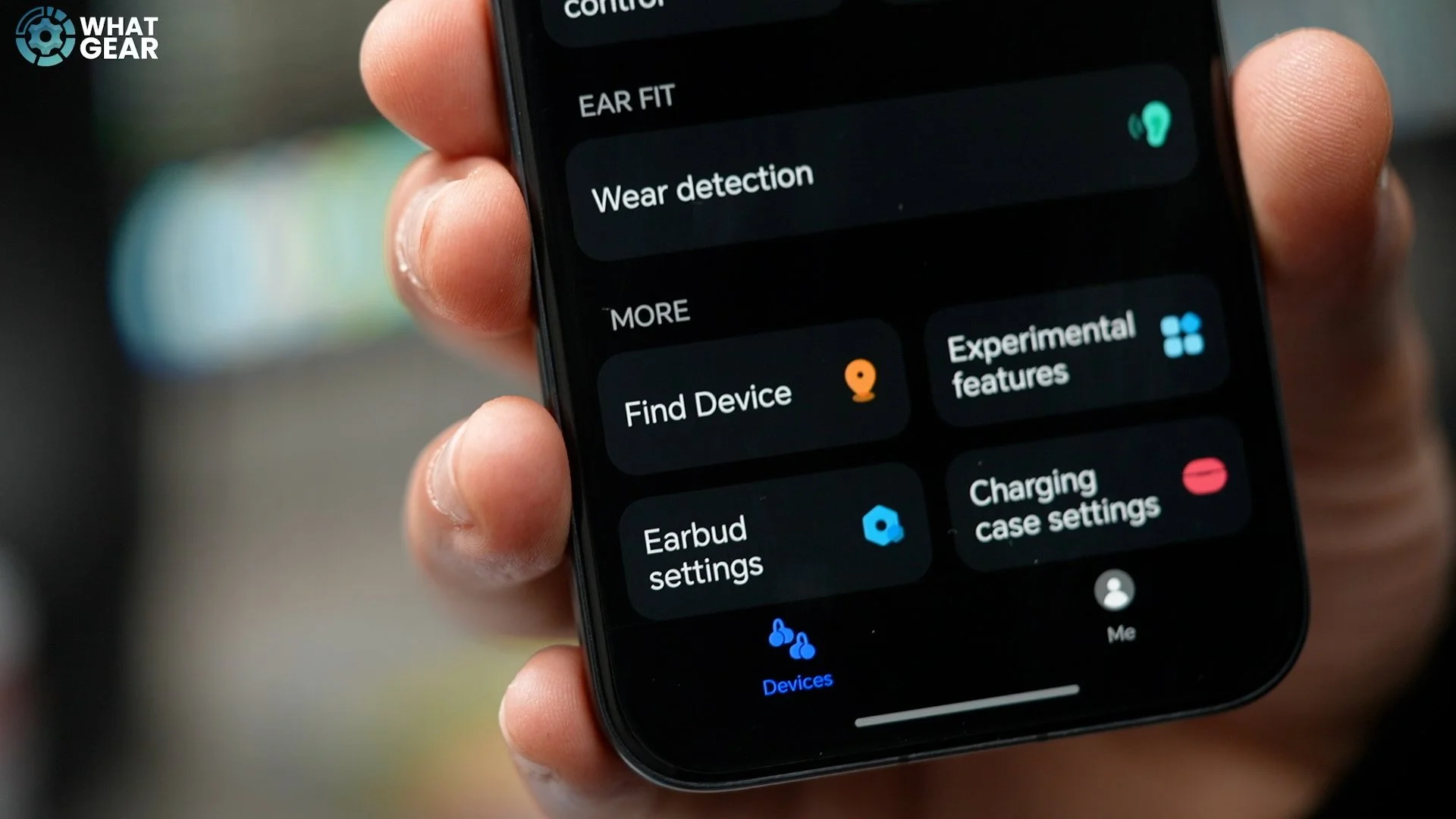
You can connect to your smartwatch and phone at the same time, or your PC and phone, and dynamically switch between them on the fly. There’s also a 10-band equalizer, which some users will really appreciate. For those who prefer simplicity, Huawei includes professionally calibrated EQ presets. There’s also a Find My Earphones feature that plays a loud tone through the earbuds if you misplace them — although you definitely wouldn’t want to use this while they’re in your ears.
Sound Quality & Mic Performance
Huawei claims the newly designed 10.8mm dual-diaphragm turbo driver moves 100% more air than the previous model. That sounds impressive on paper, but it only really matters if you’ve tried the previous version — which I have. Putting these on is incredibly easy, and once they’re on, they genuinely feel like they’re not even there. They’re extremely lightweight and very comfortable, which is a big win. The bass performance this time around is genuinely impressive — the best I’ve heard from an open-fit design so far.
Clarity is excellent, comfort is outstanding, and loudness is very good. I did need to push the volume a bit higher than usual, but the results are genuinely impressive. Each FreeClip 2 earbud has three microphones, making six in total, paired with a deep neural network algorithm designed to isolate your voice from wind and traffic noise. In testing, even with road noise and strong wind introduced, voice clarity held up extremely well.
Best Use Cases
So where do these earbuds make the most sense? For me, they’re perfect for relaxing on the beach — you can hear everything around you, have conversations, and still enjoy music or podcasts in the background without completely isolating yourself. They’re also great for the gym. The C-clip design keeps them secure, and because they don’t sit inside your ears, you don’t get that sweaty, uncomfortable feeling. Hygiene is also less of a concern when you put them back in the case.
They’re ideal for running and cycling too, where awareness of your surroundings is crucial. You can hear approaching cars while still enjoying your music, and adaptive volume helps balance everything naturally. They also work well in an office environment. You can take calls, listen to background music without disturbing others, and still hear someone calling your name.
With most open-fit earbuds, you usually sacrifice sound quality and noise isolation. But when it comes to sound quality, these are genuinely very good. Now listen — if tapping the Acoustic Ball and swiping the Comfort Bean sounds like something you’d enjoy when it comes to open-fit earbuds, then the Huawei FreeClip 2 might be exactly what you’re looking for.