10 Magic OS 9 Features Every Android Should Copy
This is the Honor 400 Pro. It's rocking the flagship Snapdragon 8 Gen 3, so it's got some serious AI Firepower. Out of the box, it's running on Android 15 with Honor's latest Magic OS 9 skin. And it's got some magic tricks up its sleeve that I honestly wish every Android had. And if you're looking for a way out of that apple-walled garden, you might be interested in seeing some of this stuff.
Image to video
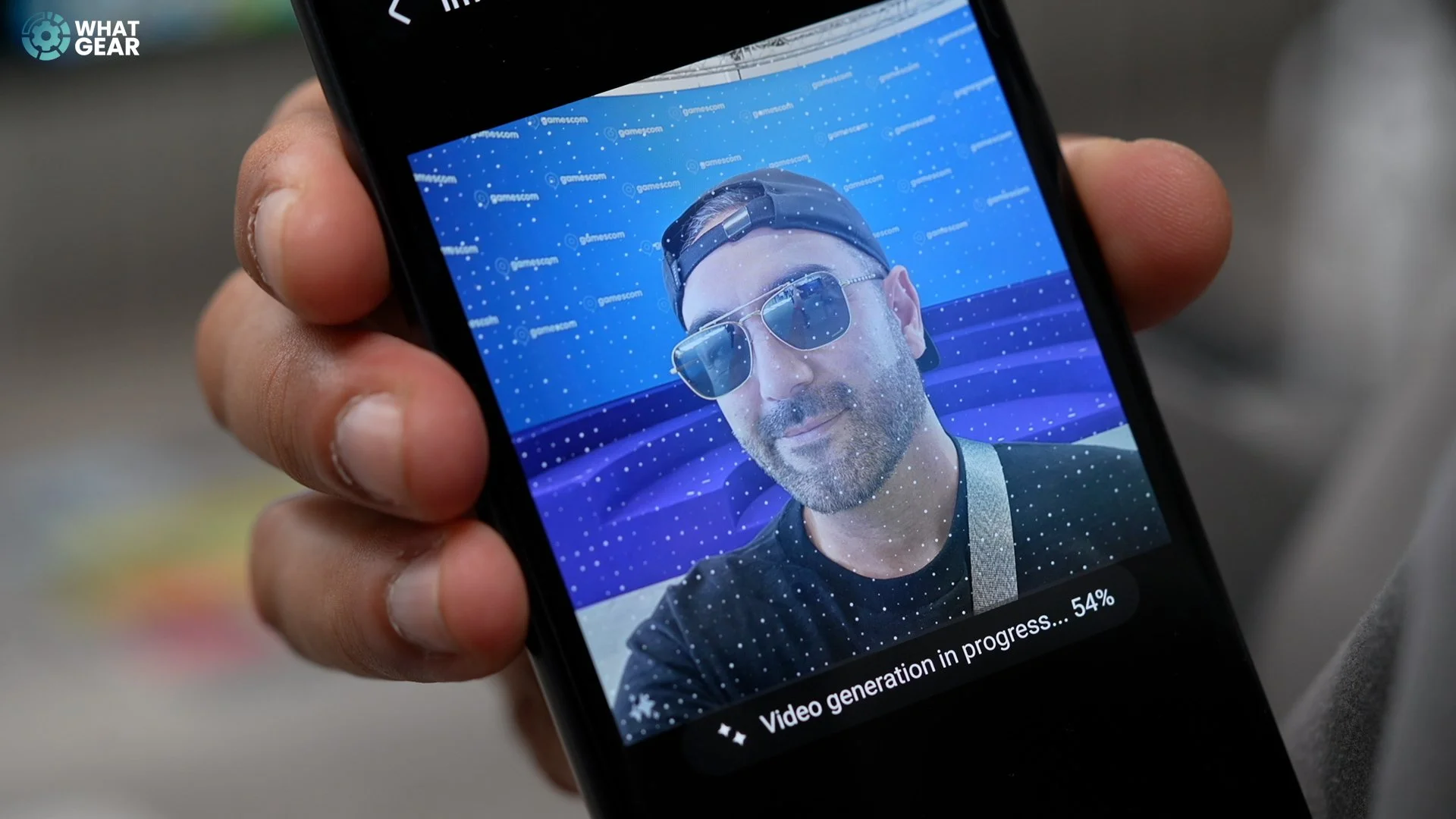
So, let's get into this. Have you ever heard that a picture is worth a thousand words? Well, Honor says, why not convert that into 5,000 words per second. In Honors exclusive gallery app. There's a new Create sub-menu at the bottom. Here, you can tap 'image to video.' choose a photo, hit generate, and there you go. You've got a 5-second video from a photo.
2. IR Blaster

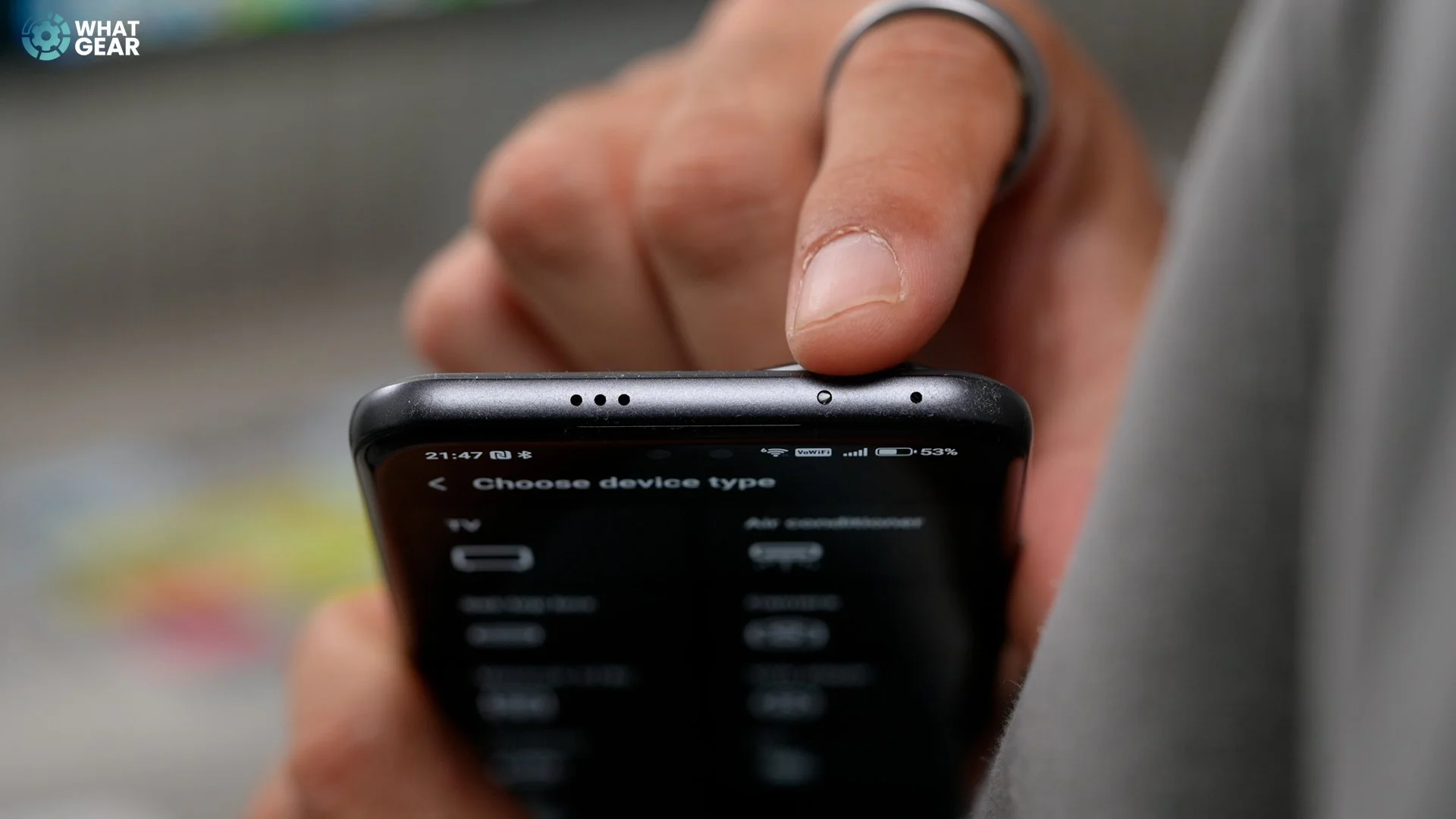
This is not new, but it is still handy. And it's something I wish my Samsung & iPhone had. Pre-installed on the Honor 400 Pro is an app called Smart Remote. When you jump into this app, you can select any type of device for which you have a remote control. And follow the steps to set it up. Honor has fitted the 400 Pro with an IR blaster, so you'll never have to look for a TV remote. You can also use it to play pranks on people. But don't do that…
3. Long folders
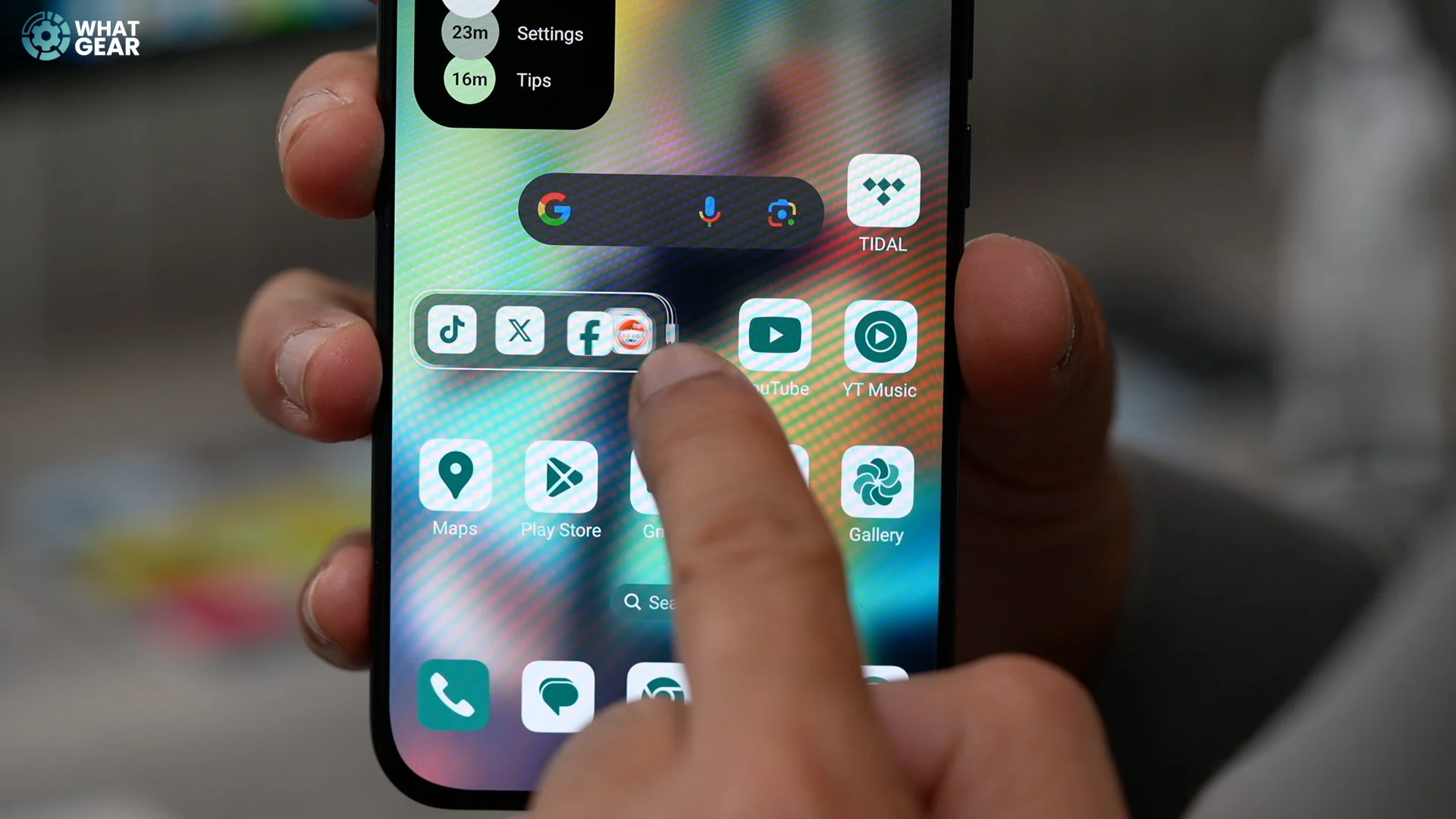
This is a small thing that's a big deal. Creating folders is not new. But Honor's implementation of this is quite unique. So, you can throw apps into a folder and make the folder small or enlarged. But it's the freedom to increase the height or even the width, which I wish more phones could do.
4. App / shortcuts expand.
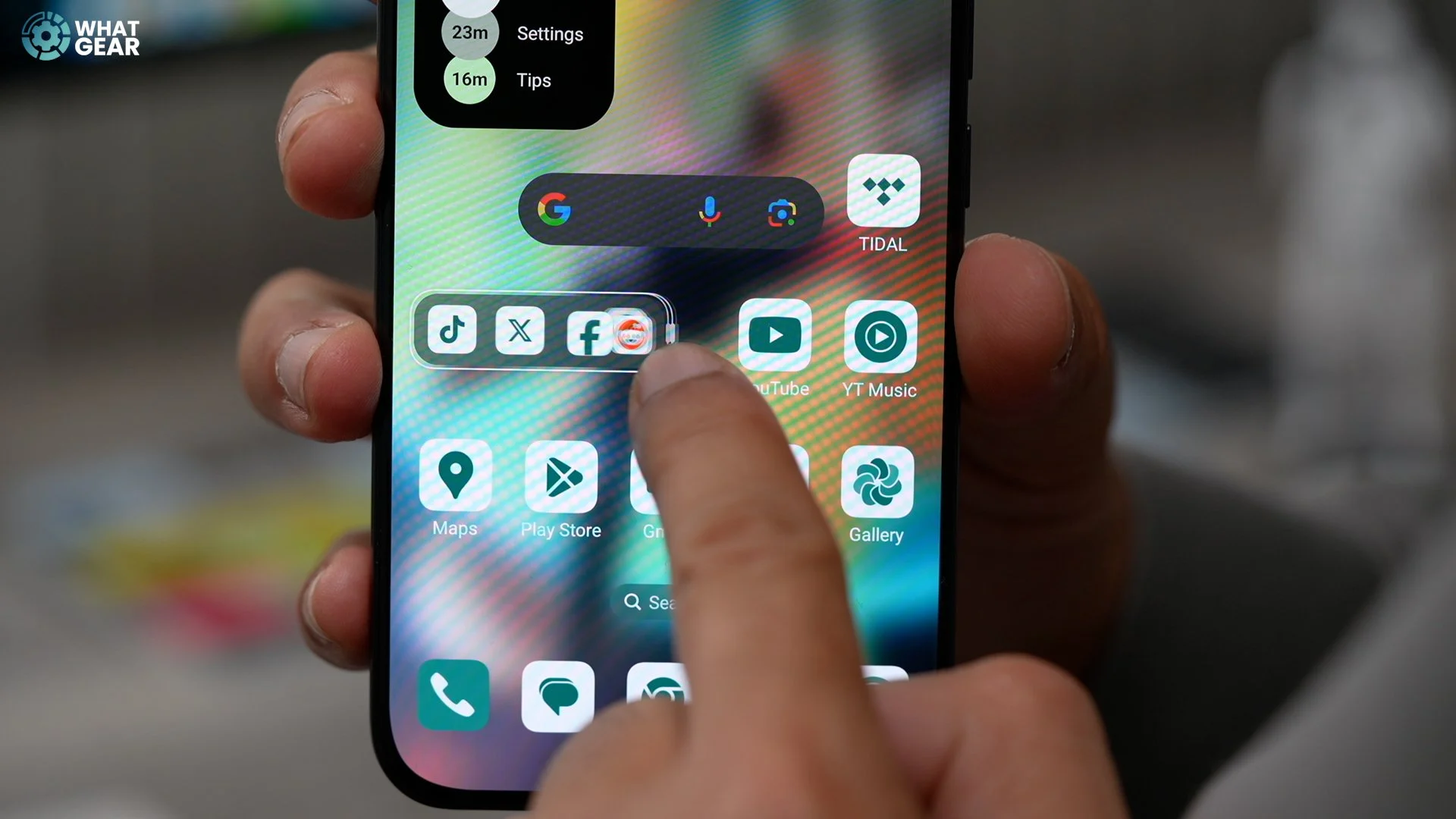
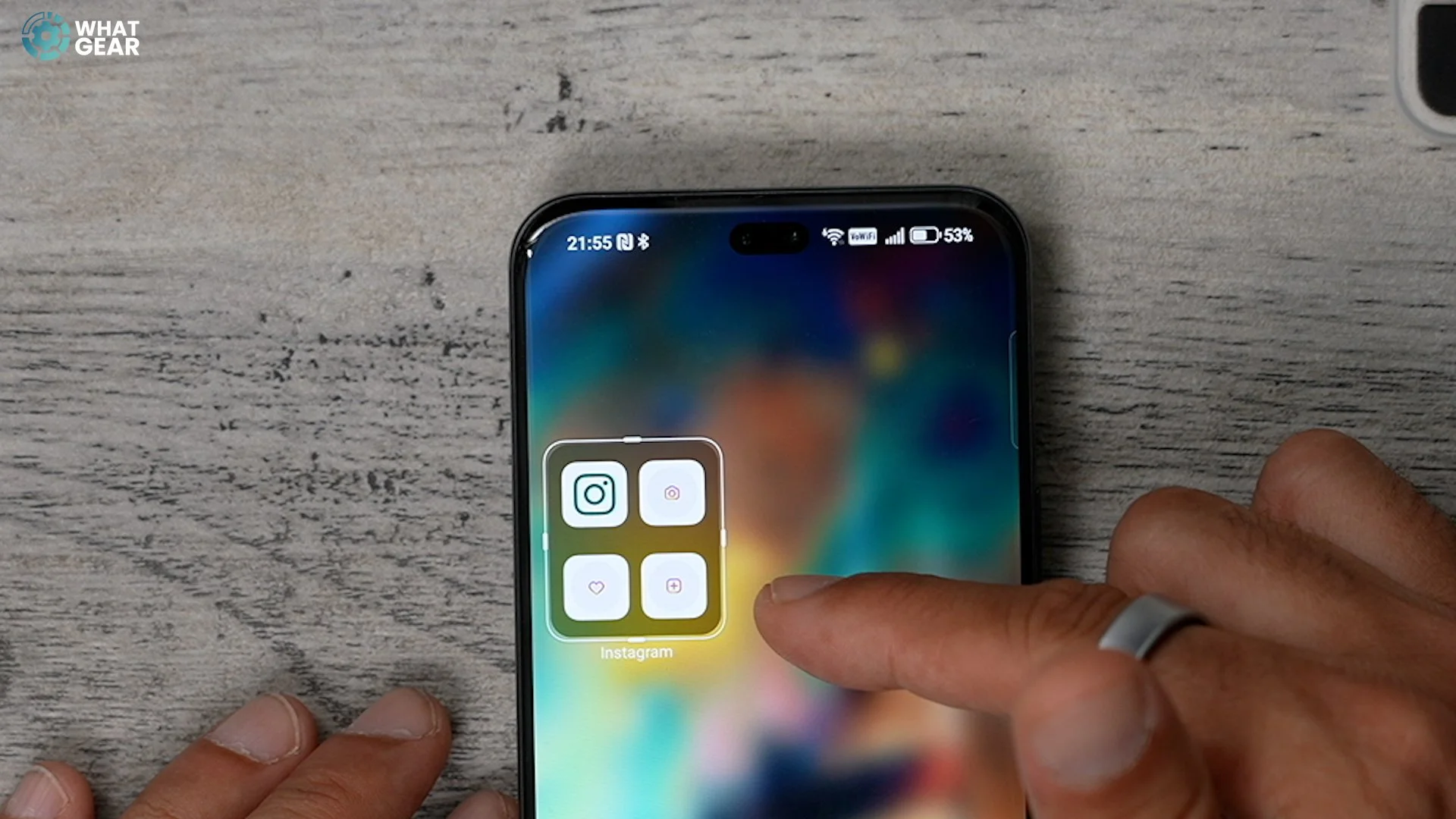
This is similar to the last but quite different from many Androids. Some of you might be familiar with this on Android. You can see quick shortcuts if you hold your finger down on an app. On the Honor 400 Pro, you can expand an individual app to permanently show all the shortcuts for that app on your home screen. Only one tap is required instead of a long push and hold followed by a tap.
5. Favourite spaces
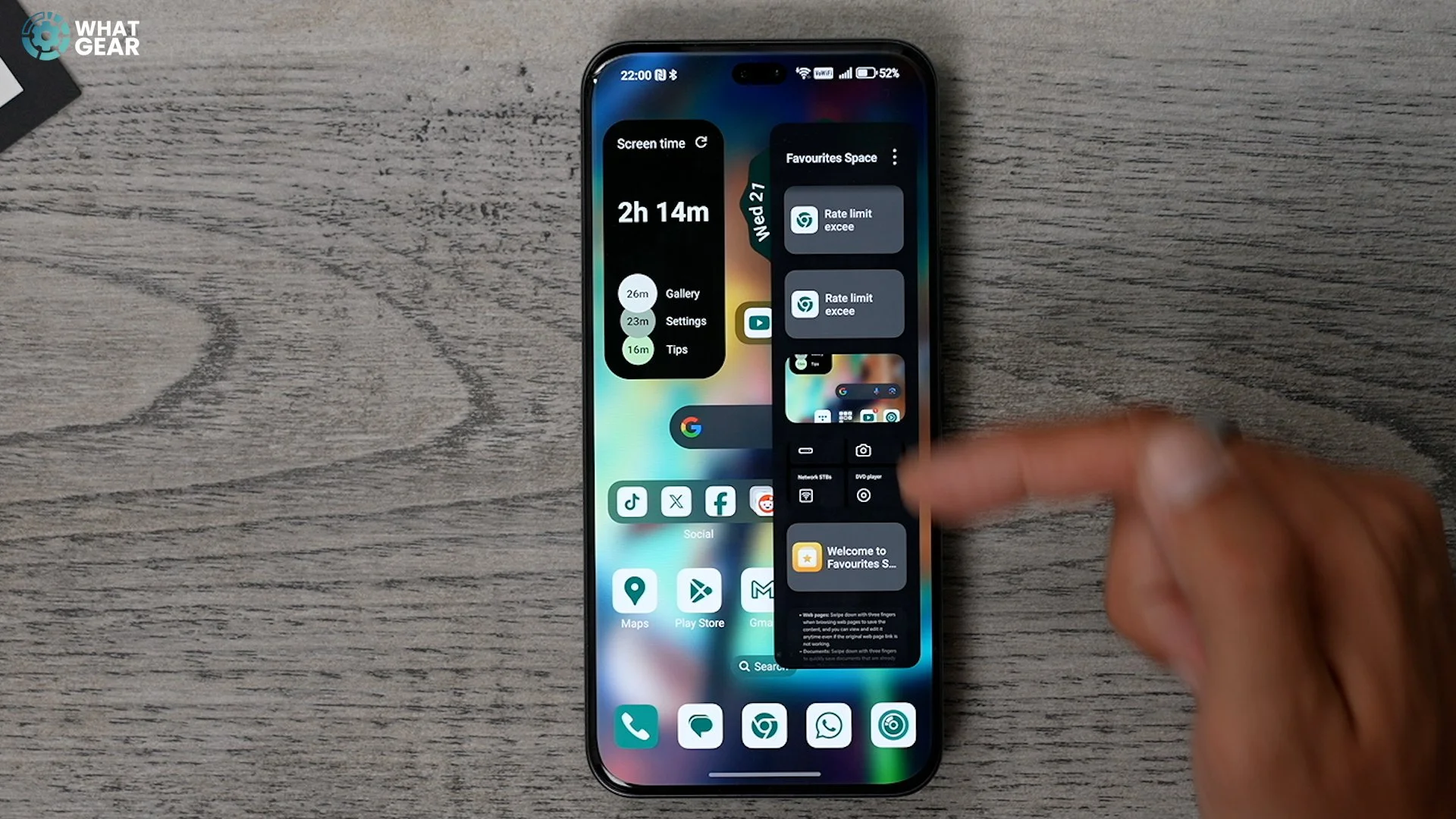
I like this newer addition to Magic OS 9. You can screenshot the classic way as you'd do on other Androids, but you can also use a three-finger swipe down. And doing this will add the screenshot to your own 'Favourite Spaces' app. Honour may have been inspired by the Pixels screenshots feature and Nothings Essential Space. It's a great way to keep all those screen grabs in one place.
6. Lock screen composite effect.

This new customisation tweak is really lovely. Some people like to have photos of family or friends as wallpaper. But do know what Honor says. So check this out if you pinch the home screen - go to wallpaper & custom, swipe across to lock screen, then choose lock screen style. Here, you can select Composite Effect. Select a portrait and an overlay from your photo gallery to create this very personalised style, and you can change the style of the clock in the background and the background colour.
7. Ai Out-painting


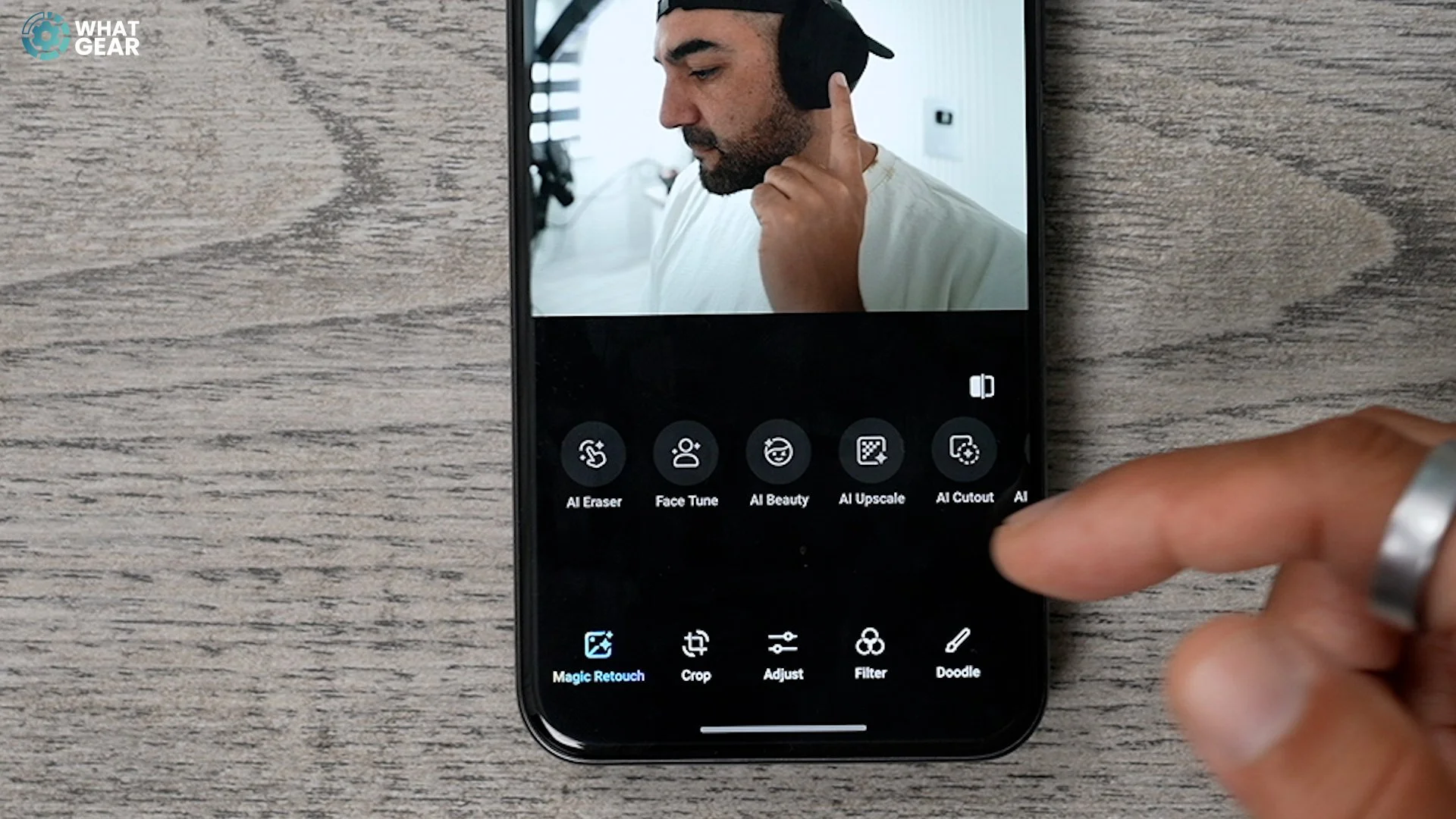
Ok, this next one is something some other Androids have, but Honor's execution is so lovely. So let's say you've taken a nice photo, but maybe the subject's big head is in the whole frame. In the Honors Gallery App, you can hit Ai Out-painting to create more background. This can allow you to centre somebody or frame your shots slightly differently after the fact.
8. Smart Sensing
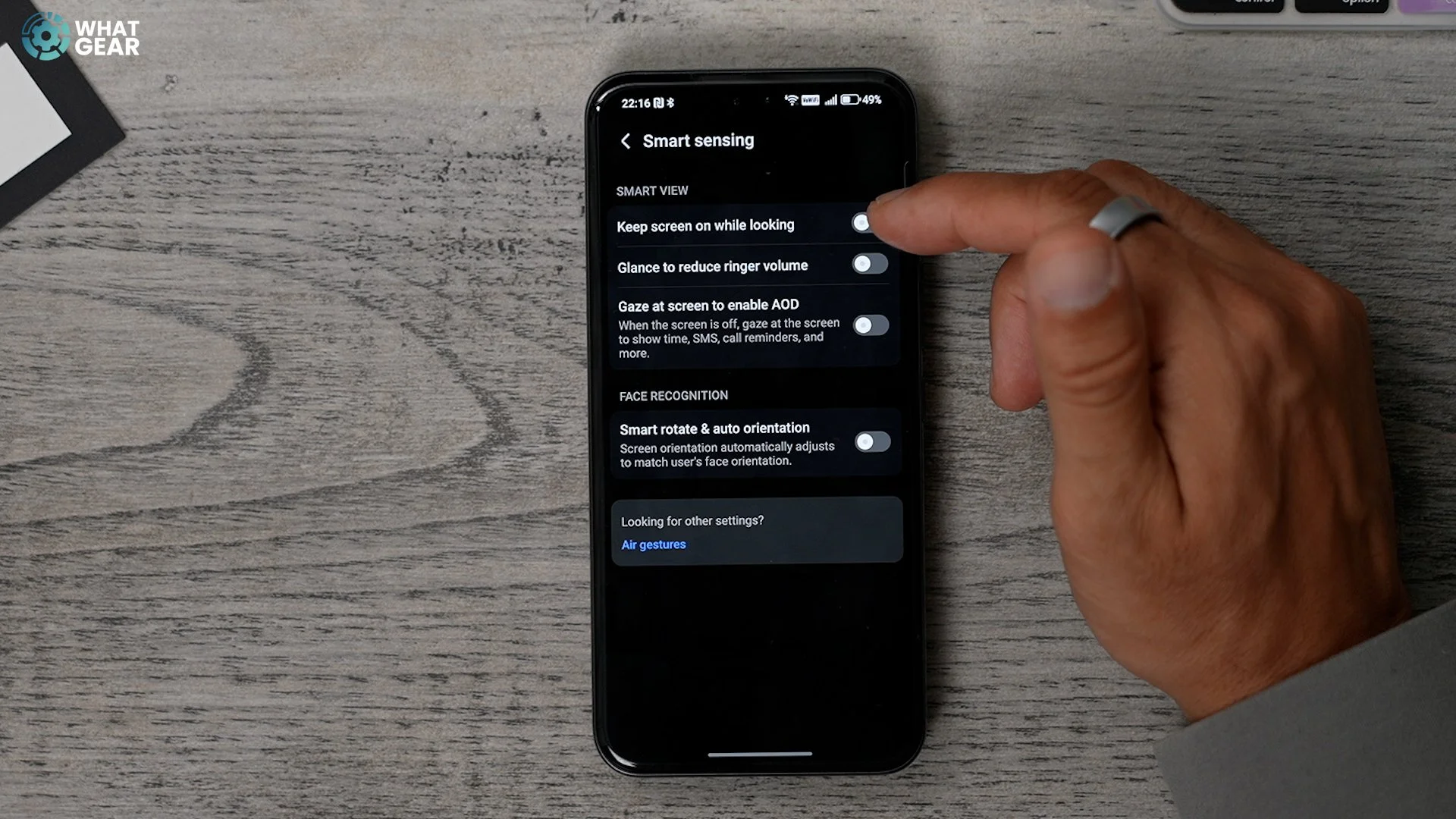
Here are a couple of cool features that utilise the dual selfie cameras that the Honor 400 Pro has. In the settings menu, if you go to Honor Ai and intelligent sensing. Here, you can enable a few things, but I particularly like 'Glance to reduce ringer' and 'Gaze at screen time enable AOD'. Just minor tweaks that make a big difference are always good. Also, the smart rotation is fantastic if you use your phone while lying down. And if you want to go even deeper down the rabbit hole. The Honor 400 Pro supports Air Gestures. Which are helpful if you can't touch the screen for any reason.
9. Parallel space
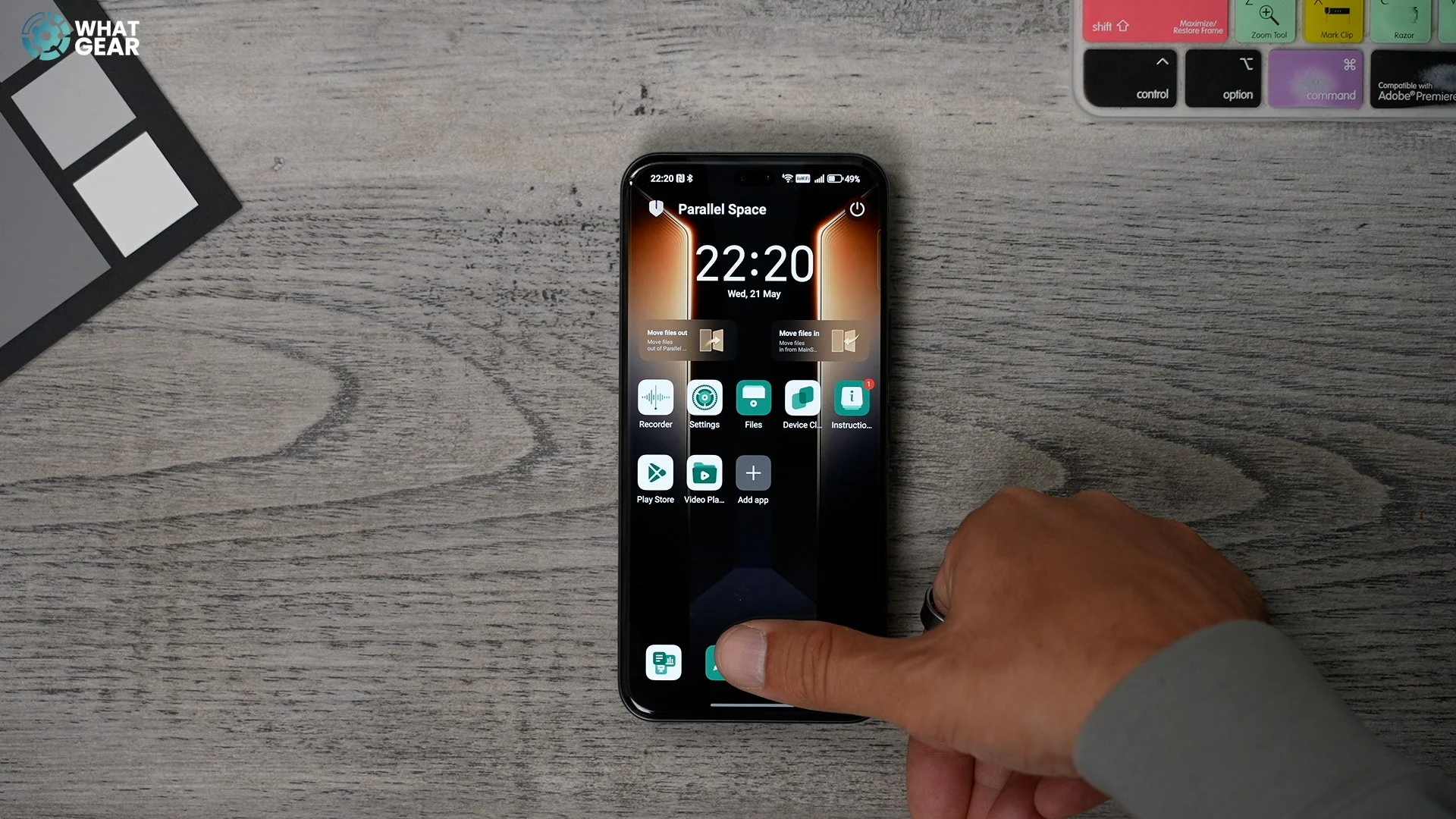
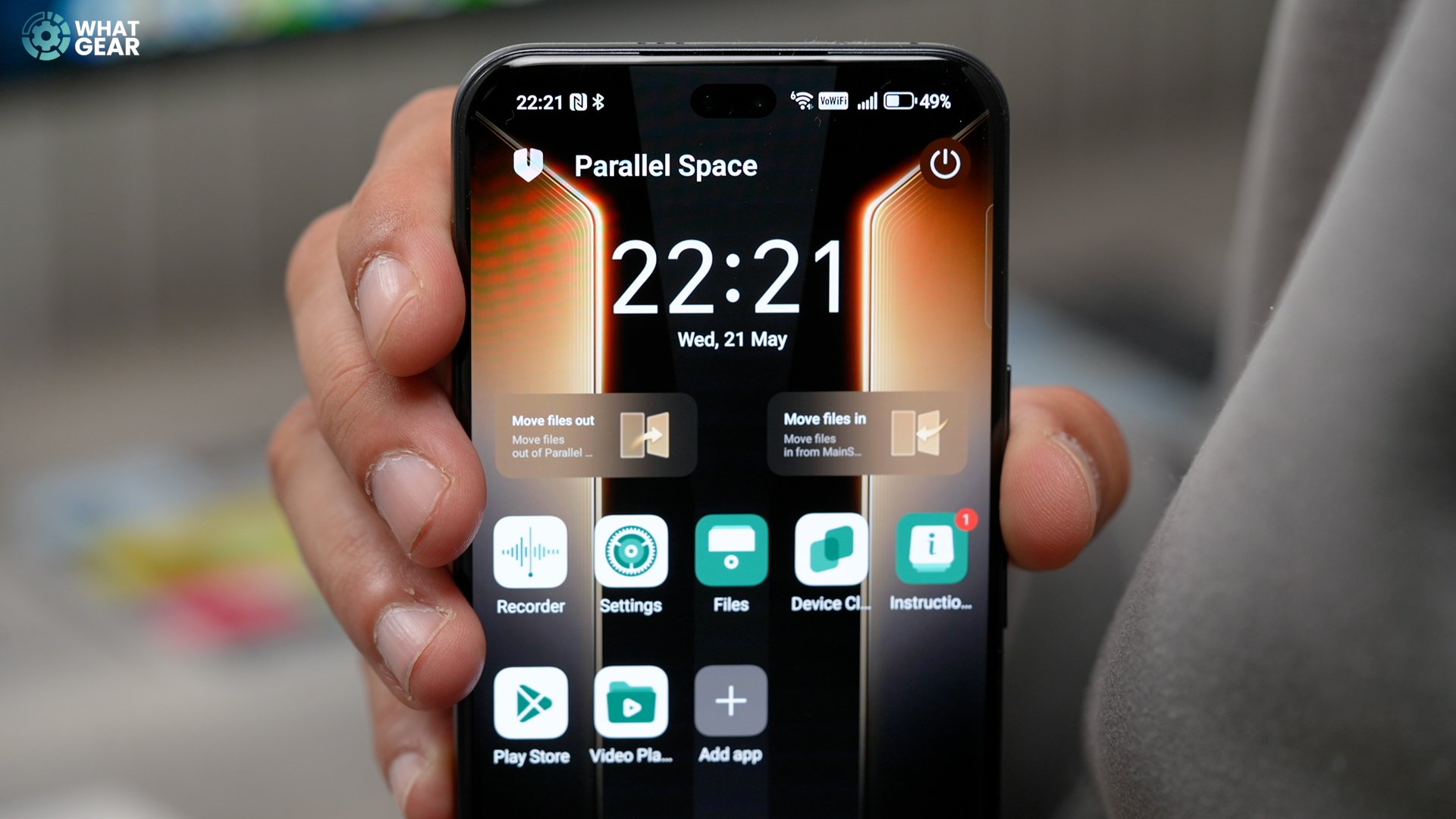
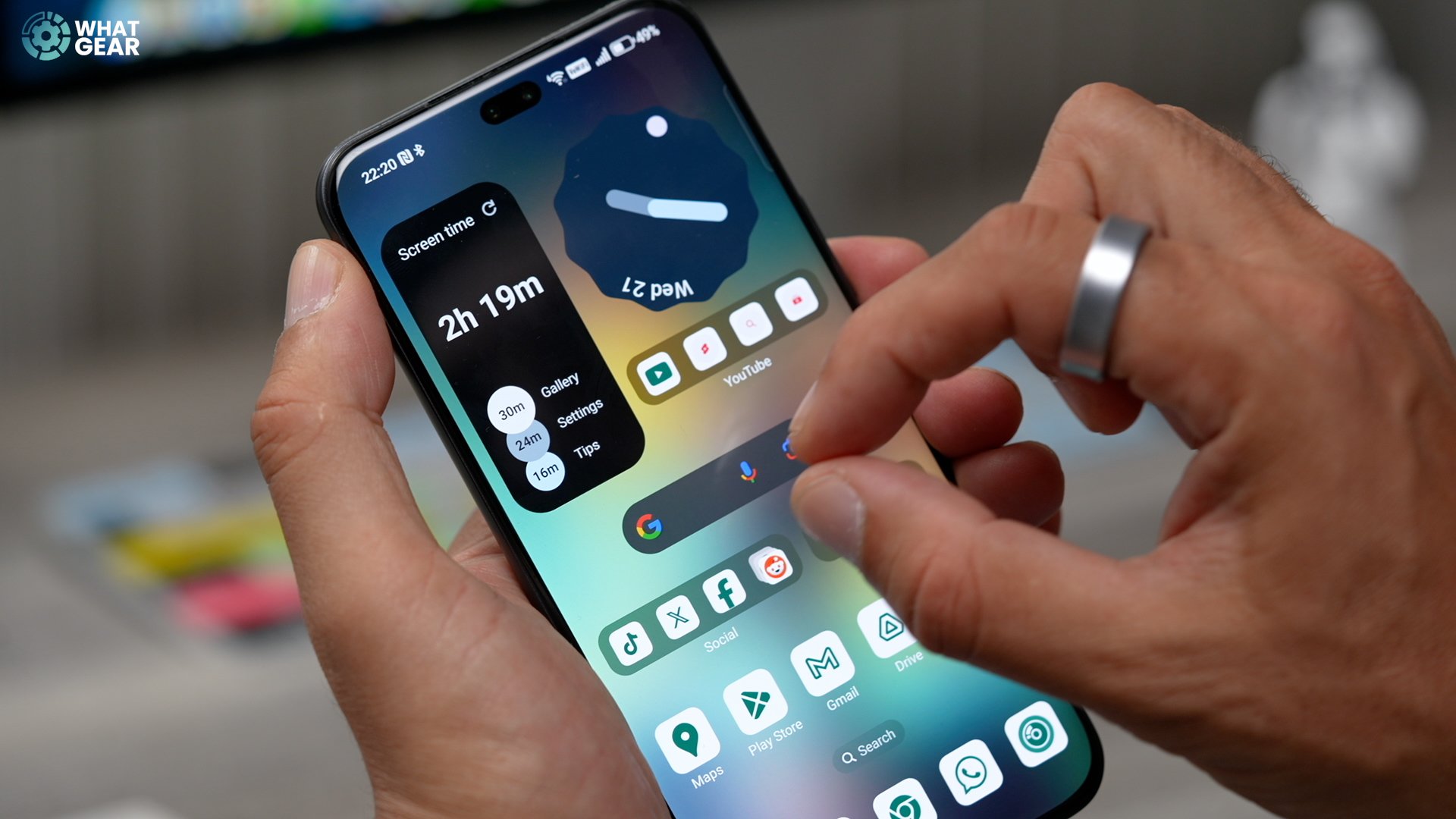
Ok, many phones have something similar to this next feature. I just really like how Honor has done this. It's a feature called Parallel Space. You can access this anytime in an instant by simply pinching outwards. This opens up a secure space on the device. Where can run parallel instances of apps? And what I like the most about this is how easy Honor has made it to move files in and out of this extra secured space.
10. Magic Portal
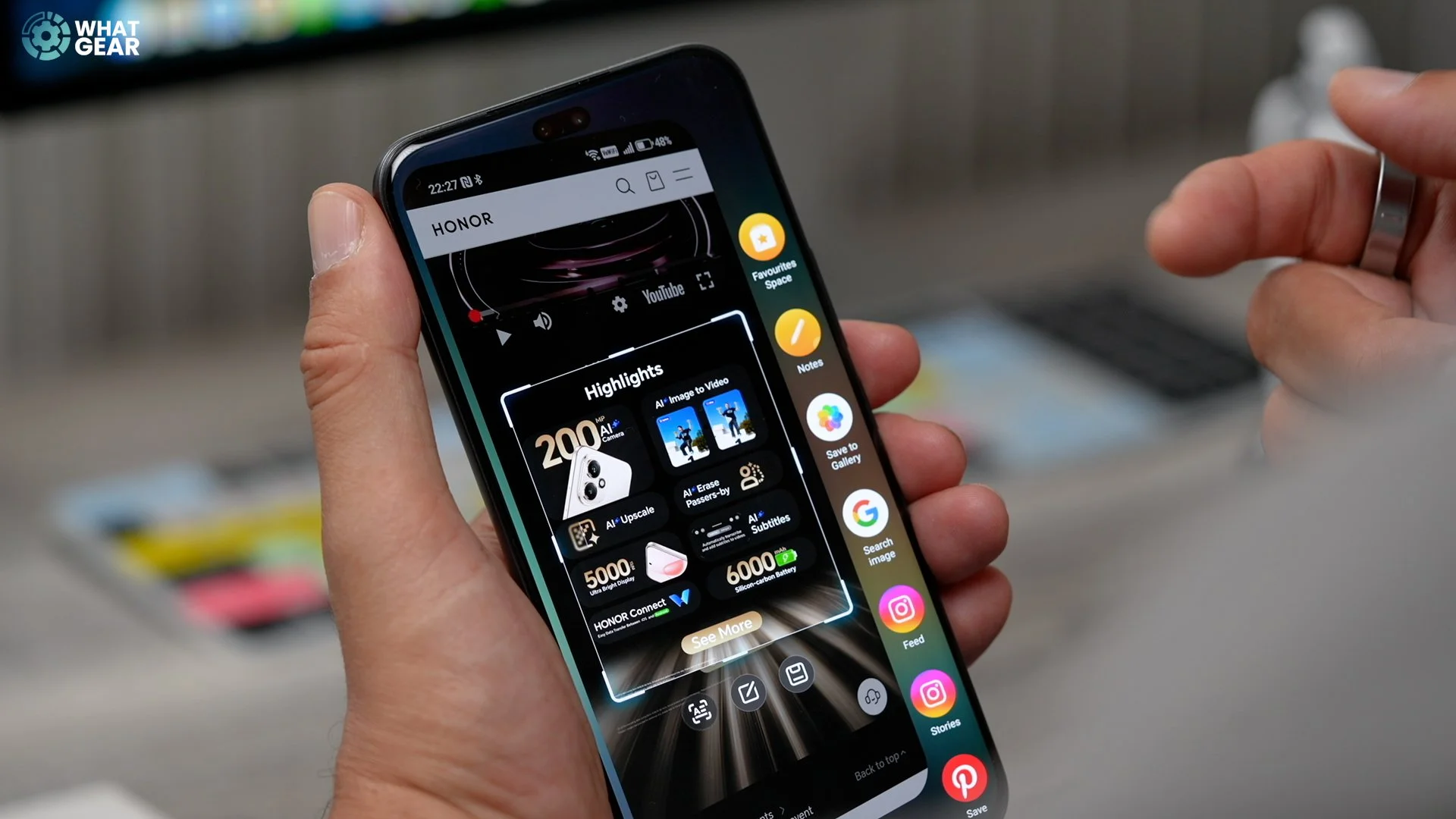
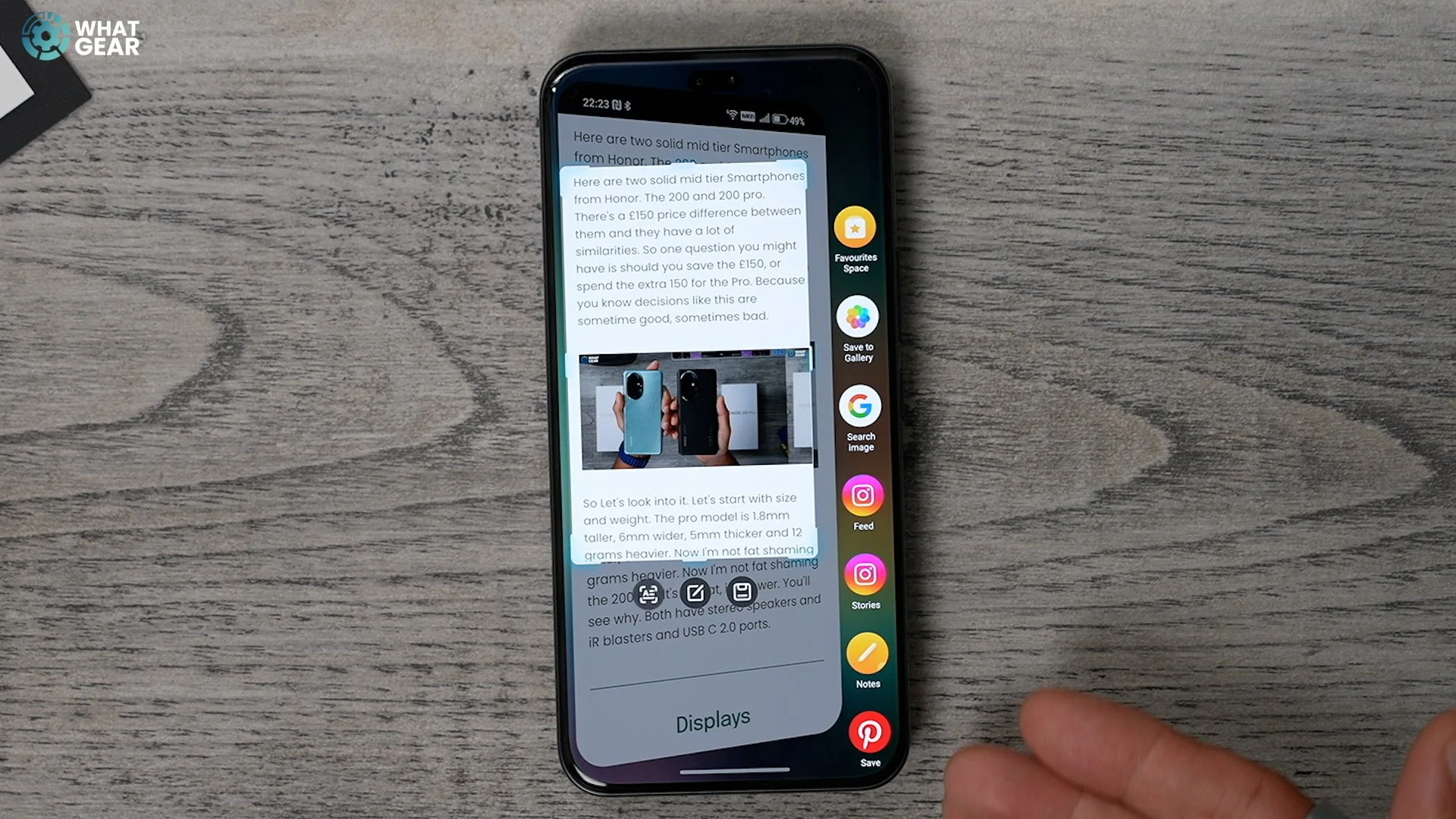
All right, so this is something that makes sharing information between apps so much easier. They call it the Magic Portal. It works similarly to Google's Circle to search, and it gives you more options. Check this out. Using a knuckle, you can circle any part of the screen. Your phone will offer contextual options for what to do next based on what you have circled. For example, if there's an address in plain text or even within an image, you can extract the text, & It will suggest Google Maps. You can also grab parts of the screen and add them to your favourite or parallel space. It's similar to Samsung's Ai Smart Select but different & there's nothing like this on iOS right now.
Ok, so you've made it to the end, and I've saved a couple more interesting features for you guys who are most interested.
Bonus 1. DeFocus Feature
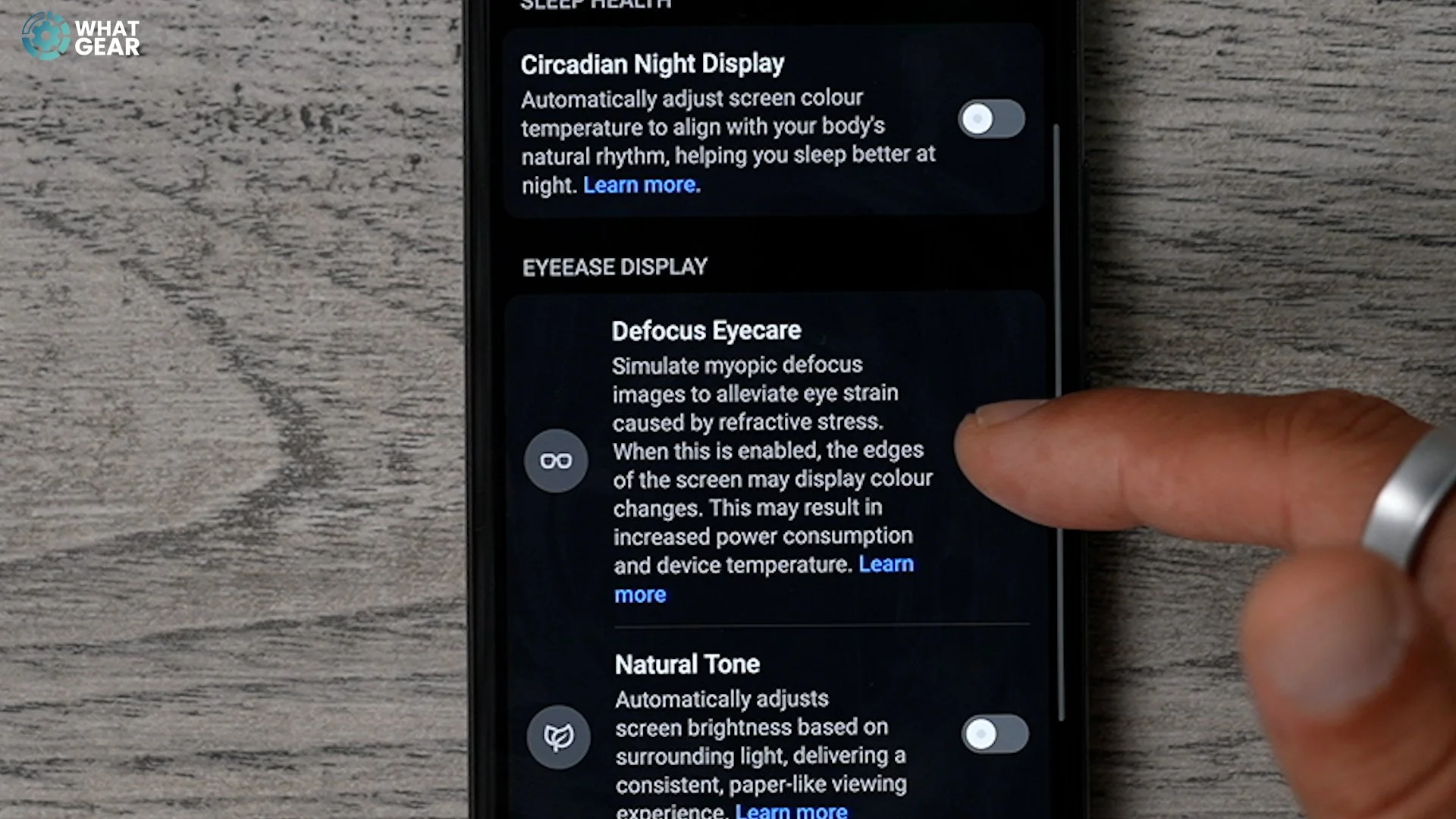

Ok, so something that you won't miss until. It's gone or starts to fade in your eyesight. And Honor has a unique feature that I'm told has been scientifically proven. It's called Defocus EyeCare. It's a power-hungry feature, but it's been designed to keep your eyes safe by adjusting sharpness and colour tones during longer viewing sessions.
It's nice to know that Honor is watching for you and your eyes. Regarding eye comfort features, it's like Honor's (meme) running through all the details with a tooth comb; they crossed all the T's and dotted all the lowercase J's.
Bonus 2. Deep Fake Detection
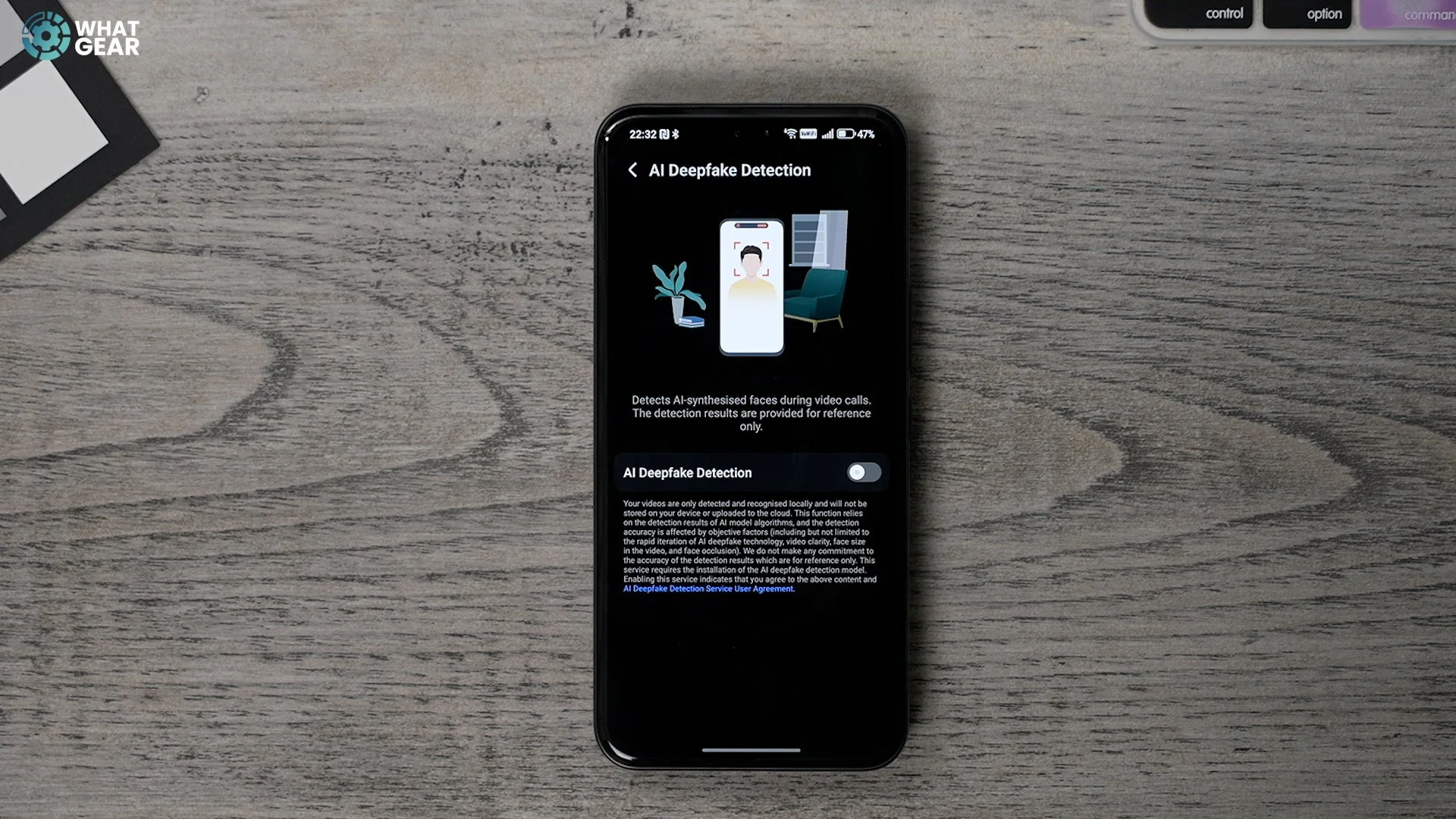
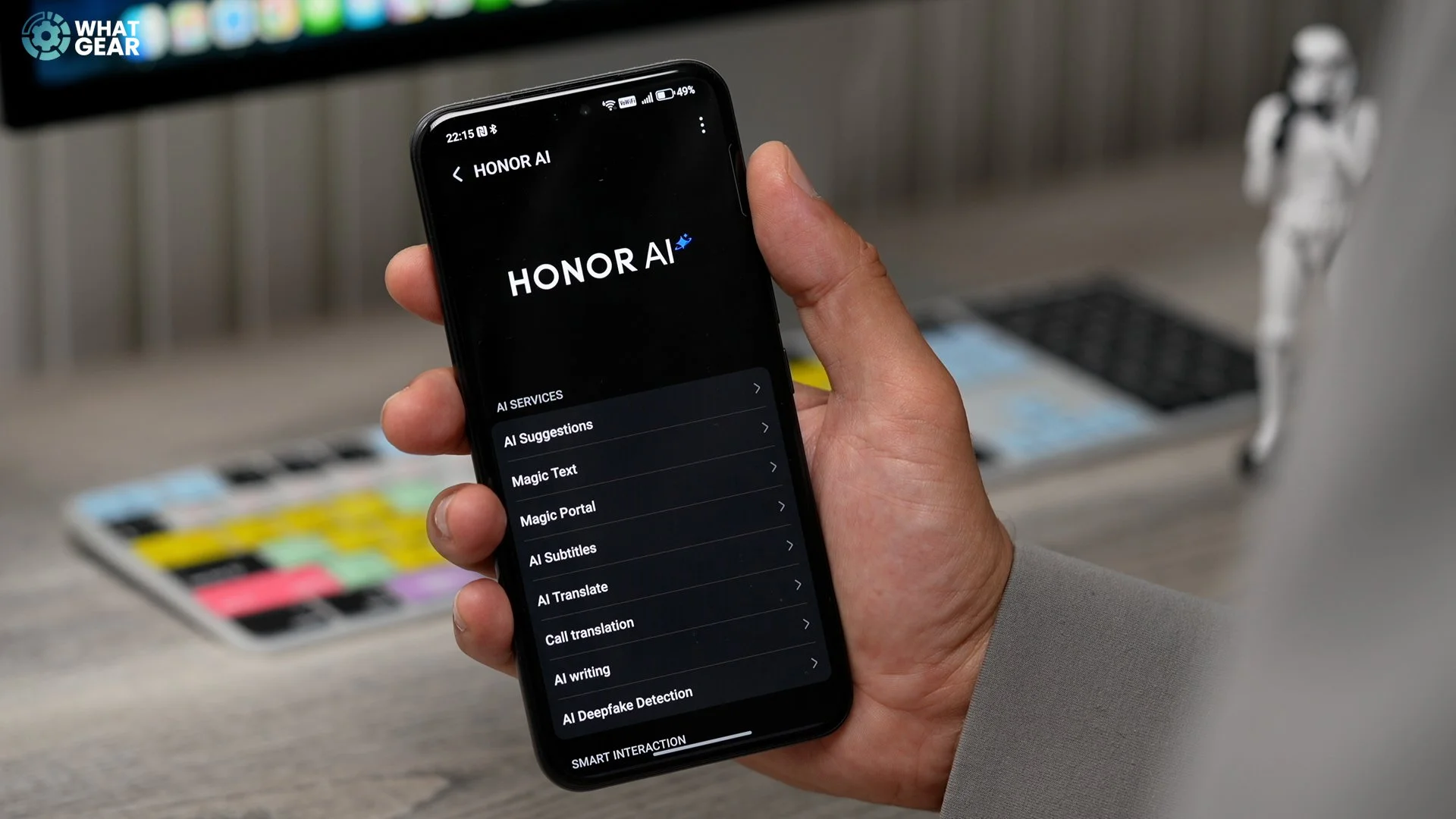
So, if you go to settings and Honor AI, there's a new AI Deepfake detection feature. So, not today, maybe not tomorrow, but soon, Ai will be so good that it will be hard to tell if the person you're talking to is actually the person you're talking to. This feature is designed to detect this during video calls. Unfortunately, actual phone calls for now it'll be hard to tell.
So, I was thinking about doing a deep dive tips and tricks guide on Honors Magic OS 9, a classic tech review, or a blind camera test Vs the iPhone & Galaxy S25 Ultra. But this is what I went with. If you want to see any videos I just mentioned, let me know in the comments. If I get enough requests, I'll do my best to make those videos for you.
Now listen, I know it's almost pointless to ask. But listen, please subscribe ( meme ). You know I'm joking. See you in the next one, don't be late.