HP OmniBook X Flip - The Perfect 2-in-1 Laptop for Work AND Play?
There'll come a time when you'll need to find a new laptop for study or work, whilst on the go, and this HP OmniBook X Flip, a Copilot+ PC is more than well-equipped to help you accelerate your productivity and make your work life easier... even if you’re not tech savvy. so that you can free up more time for the more important things in life.
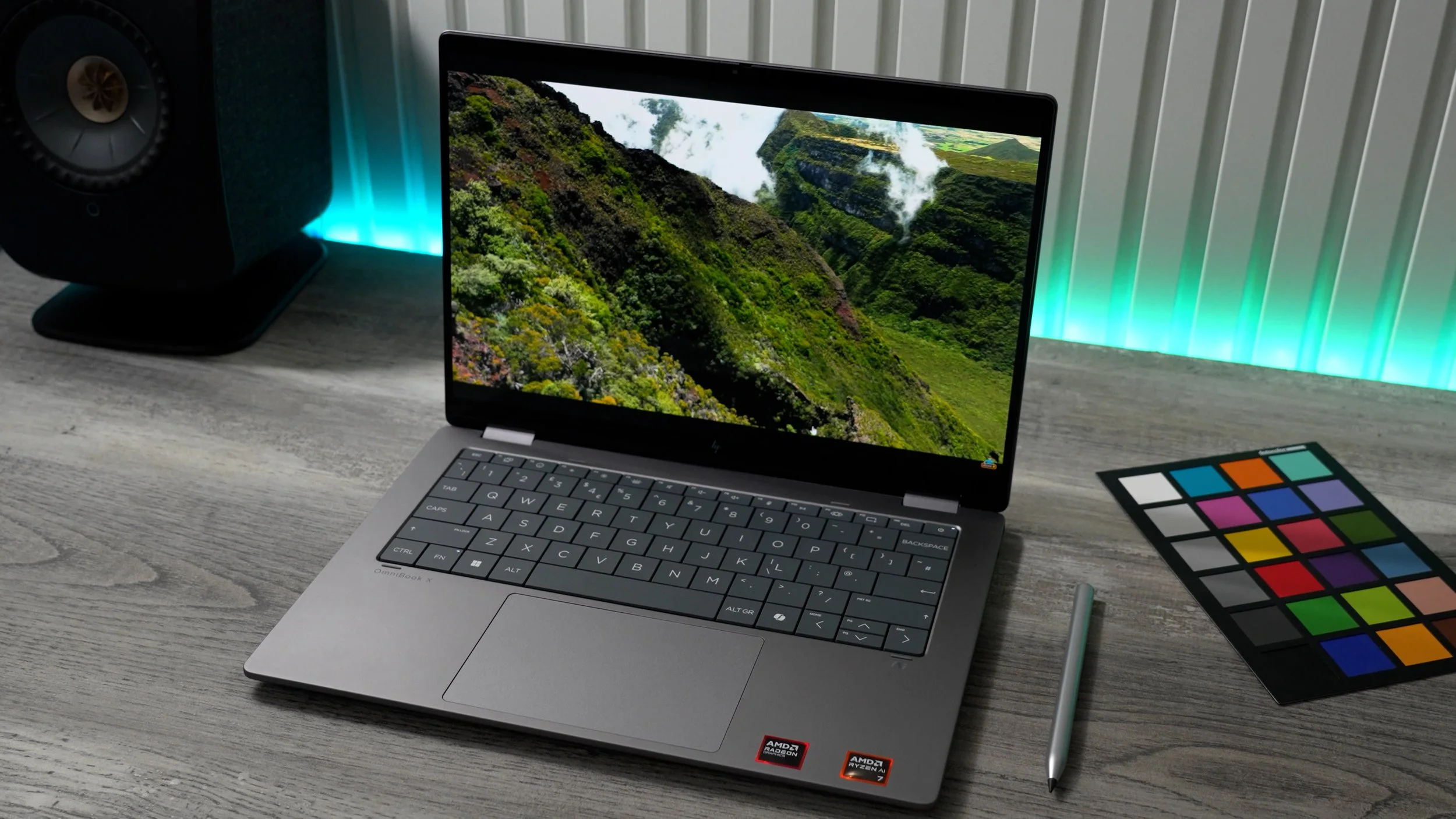
Whether that's casual gaming, chilling while watching a movie, getting creative... or anything else, you'll appreciate what HP has to offer here. And especially at this price point, you’re about to see what I mean.
Performance
When buying a new laptop for work & productivity, one of the top priorities is performance & there are many different configurations to choose from. But a good choice if you want to use the ‘I need it for work card’, but secretly you also want it for gaming, would be the one I have here. It has a 16 MB L3 cache, 8 cores, and 16 threads & Intel variants shown text graphic
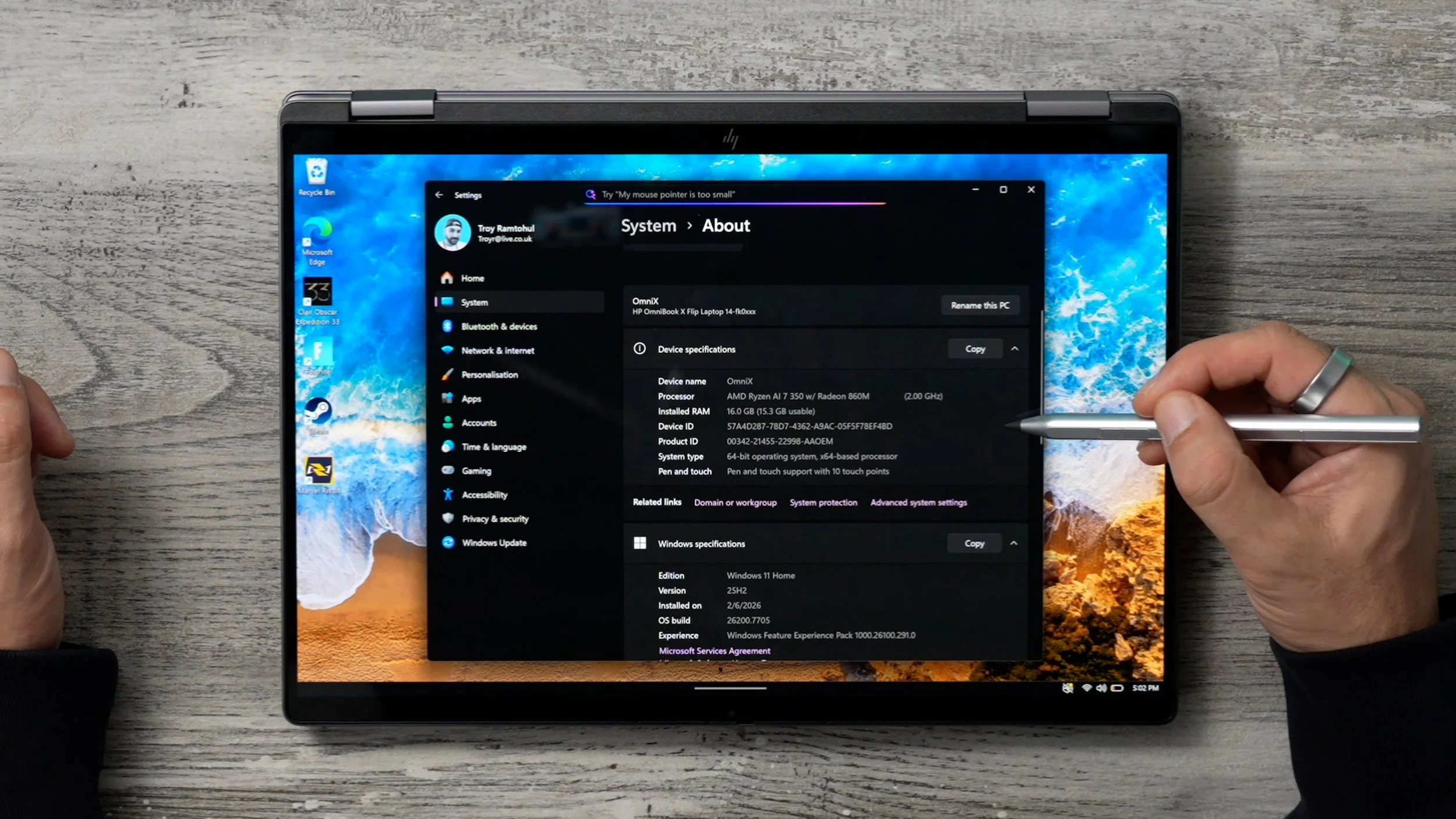
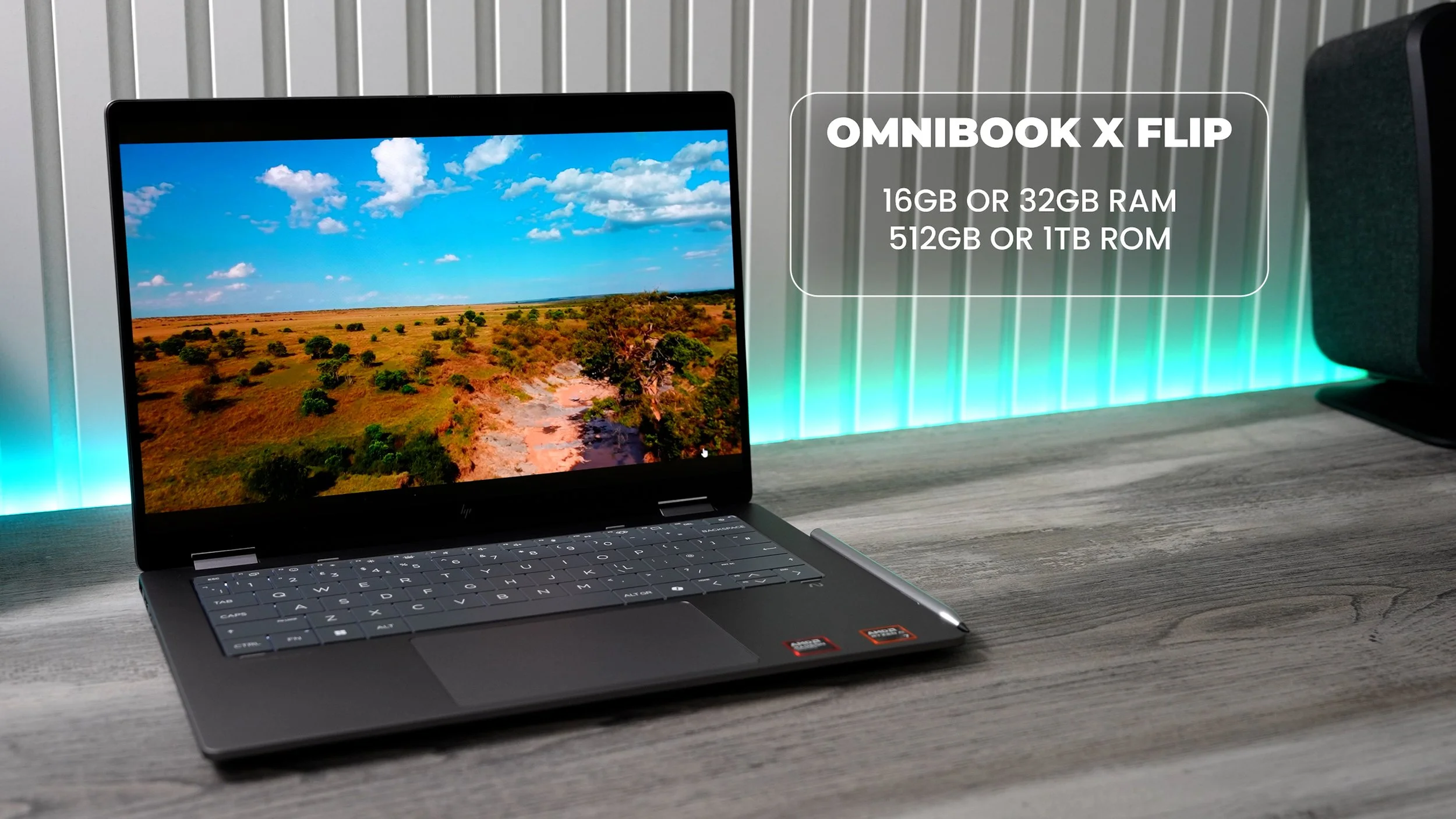
This particular setup is a nice blend of speed and power. As it can handle all your day-to-day MS Office tasks without breaking a sweat. And it's also capable of some heavy lifting, for example, professional 4K video editing and graphic design apps. And of course, it's also powerful enough to handle those sweaty gaming sessions The RAM & ROM selection here also significantly improves performance. An important side note is that the RAM is onboard and cannot be upgraded later, so you have to decide whether to upgrade from the base amount of 16GB up to 32GB.
And this is an Ai PC ( The Neural Processing Unit - 50 trillion operations per second ), which gives it some unique advantages. For example, with a quick tap of the Microsoft Co-Pilot key you can instantly use Ai to help with research and troubleshooting. Plus, there’s an excellent Recall feature that lets you navigate back in time to find any document, file, or website you've previously accessed.
Display
So, now let me show you what you’d be working with if you decide to pick up an HP Omnibook X Flip 14” laptop. The display is obviously one of the most important features. The aspect ratio here is 16:10, which is slightly taller than the classic 16:9. This is great as it frees up a little more screen real estate, which can be particularly useful when working in creative apps. There are two display options available on HP’s website. 2K or 3K resolutions, both are OLED 10-bit panels. This one is the 3K display with its higher resolution, which is perfect for content creators like me who need that extra pixel density for video editing and graphic design. And both panels are very colour-accurate and have amazing Brightness levels.
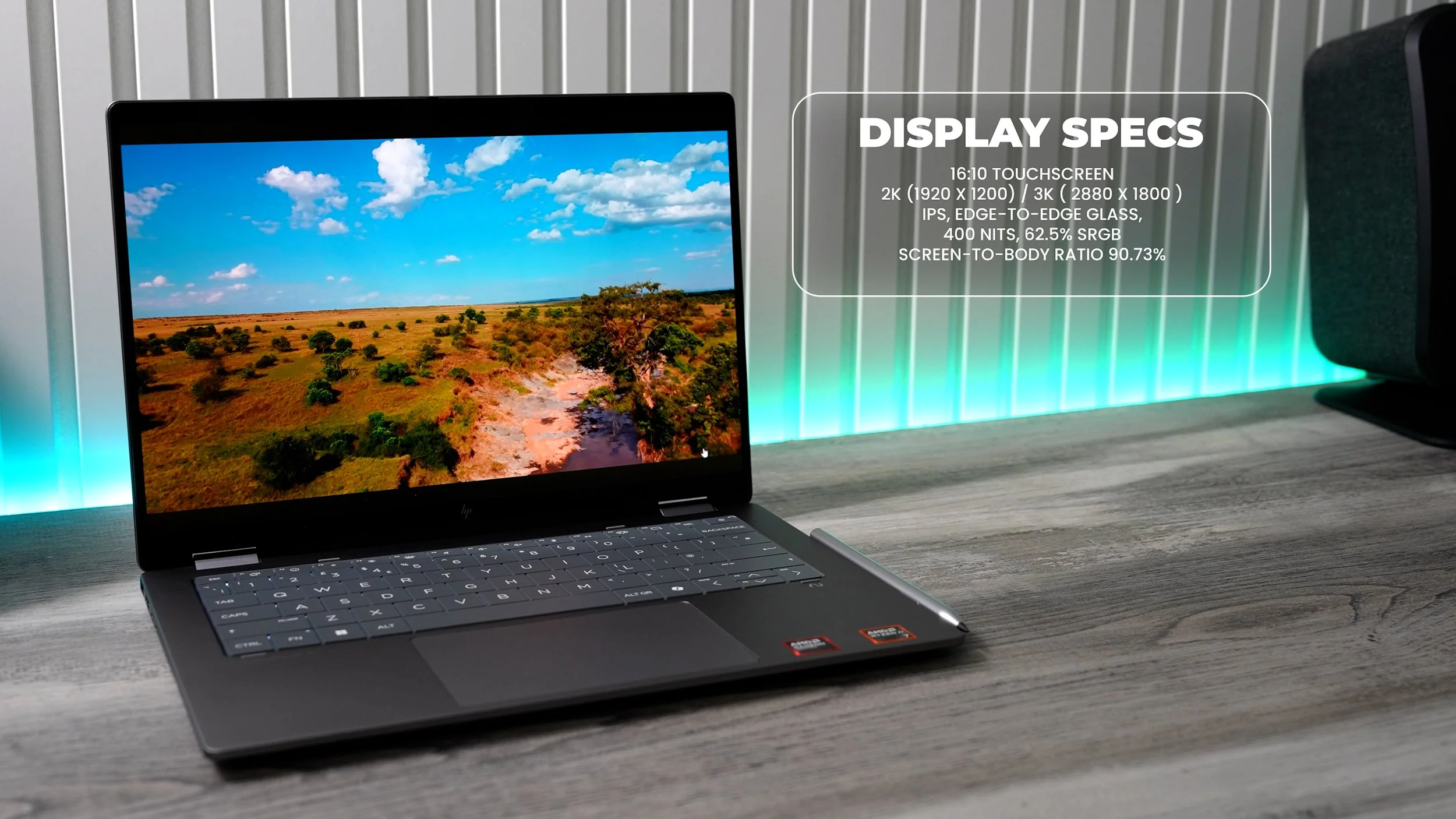
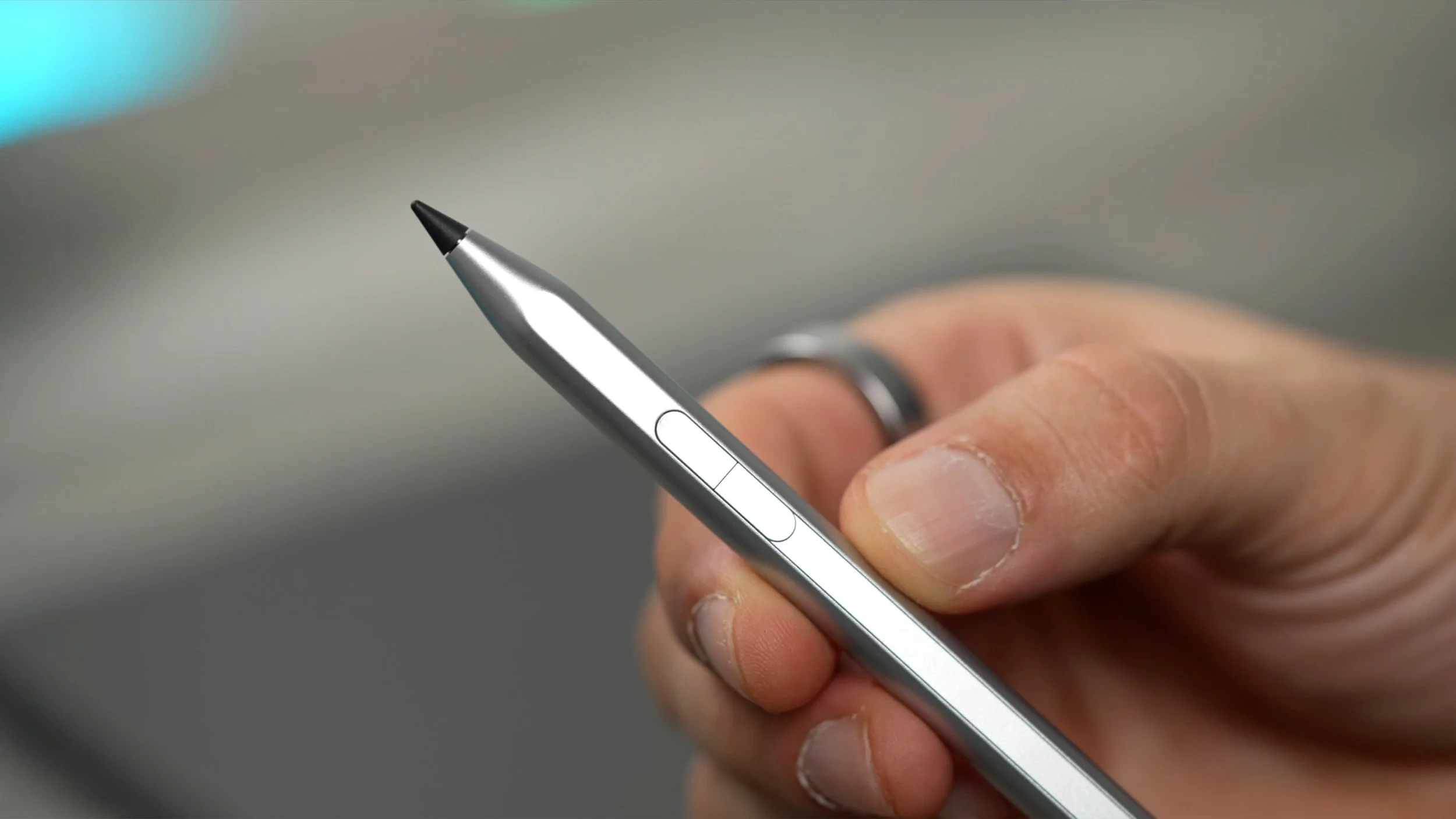
And because they are OLED panels, they’re very power-efficient & What makes them even more power-efficient is the variable refresh rates that they support. ( 48Hz-120Hz ) Thanks to this, the Omnibook can switch dynamically between the speeds when needed & this is great for power efficiency and also for… gaming. It's a touchscreen display & it does support a stylus in the form of the HP Tilt Pen, which is fantastic if you're into sketching or graphic design. And to ensure this premium OLED display is well protected, HP has fitted it with Corning Gorilla Glass 3. This is a very durable, scratch-resistant screen glass.
Battery Life
So the Omnibook X Flip has a lot of firepower under the hood, and the display is also fire. And to keep it running, HP has equipped this one with a 59WH Lithium-Ion polymer battery that, according to HP's website, can last well over 10 hours on lighter workloads. Some say they’ve managed to get over 17 Hours of battery life on a single charge.
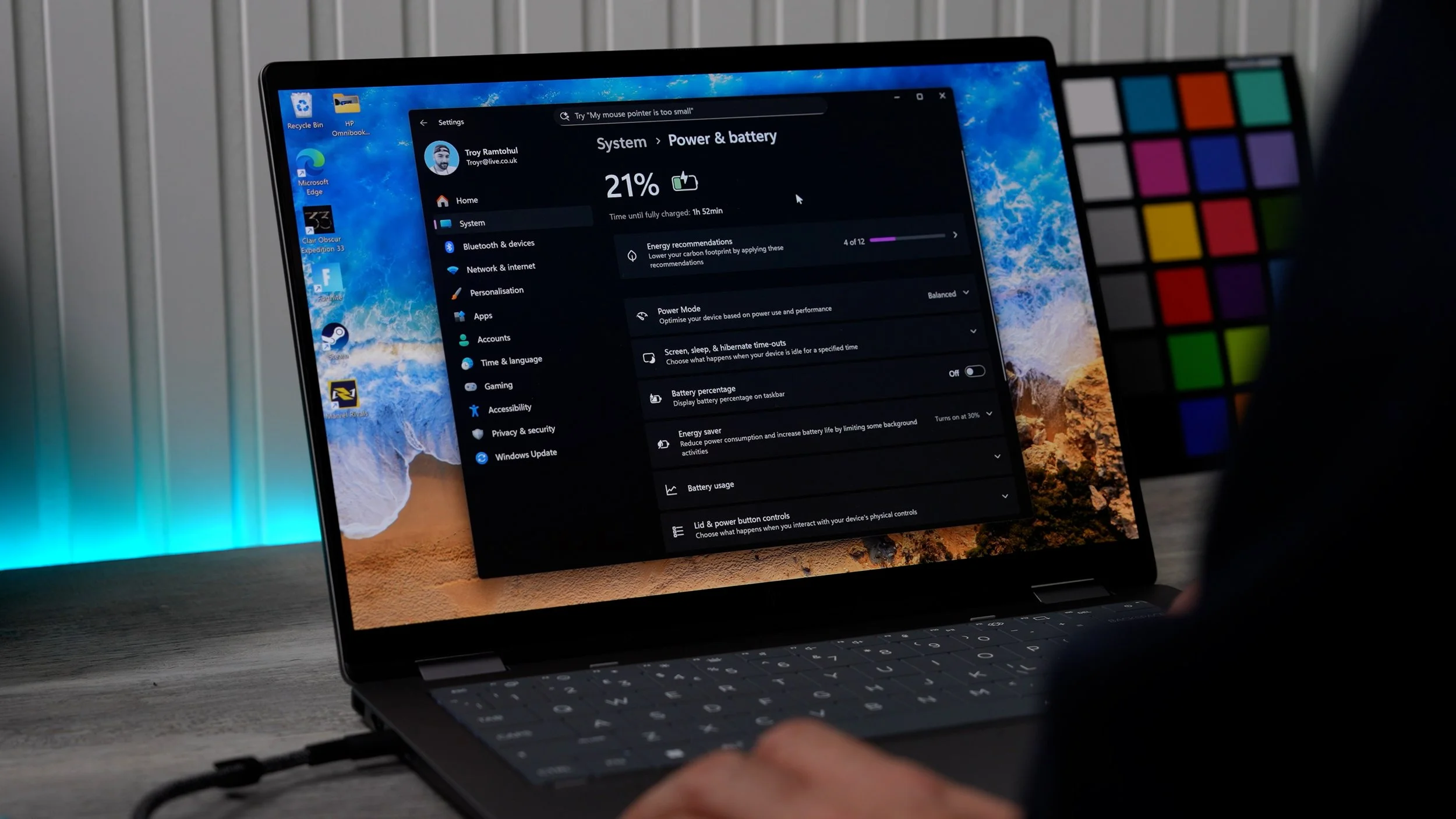
On the flip side, if you plan to do heavy video editing or play some casual gaming, battery life can drop to just over 6 hours, which is still very respectable. And when out of power, thanks to HP Fast Charge with the provided, very premium-feeling 65 Watt USB-C charger to boost it back up. ( zero to 50% & in just 30 mins. )
Design
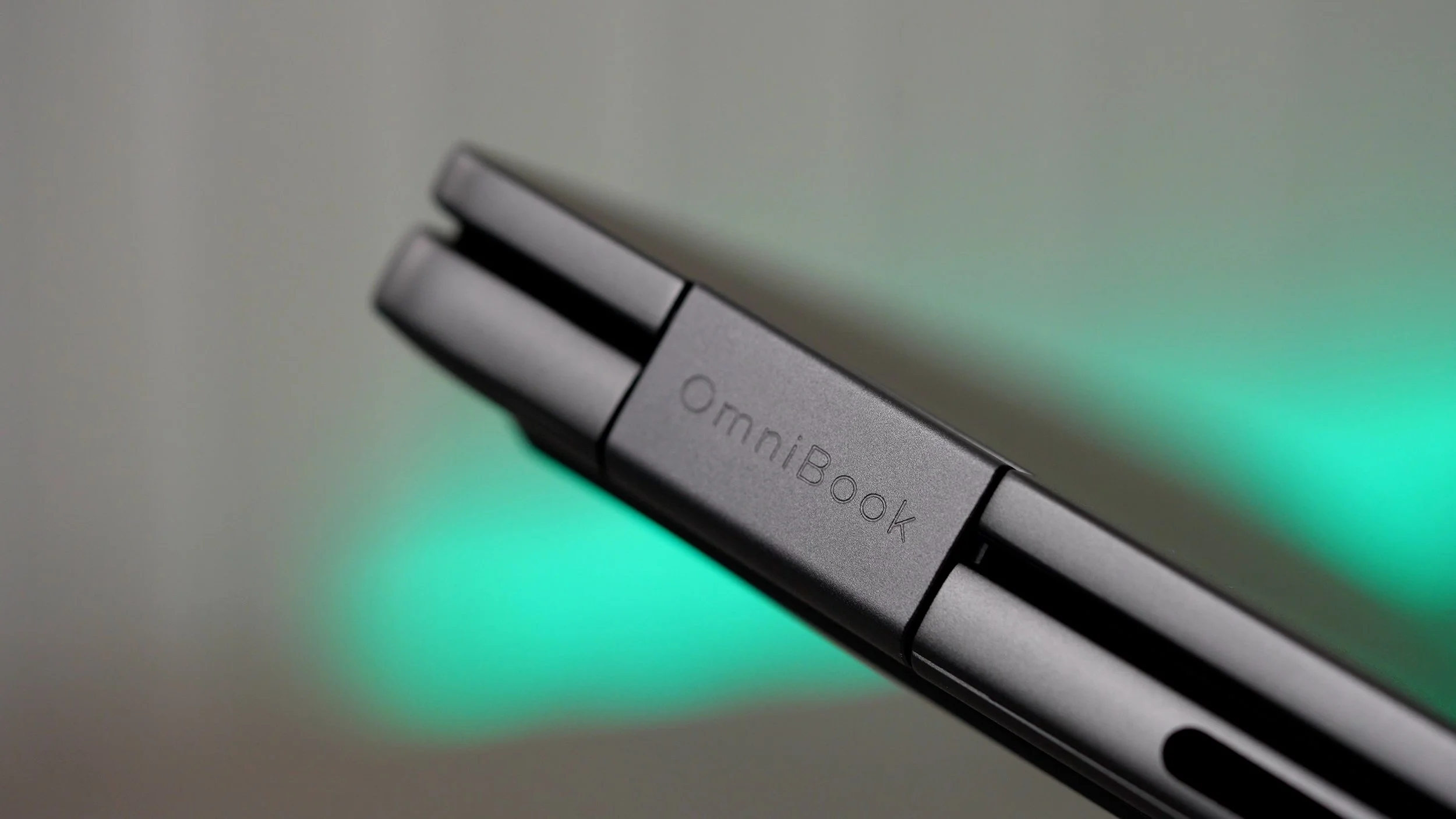
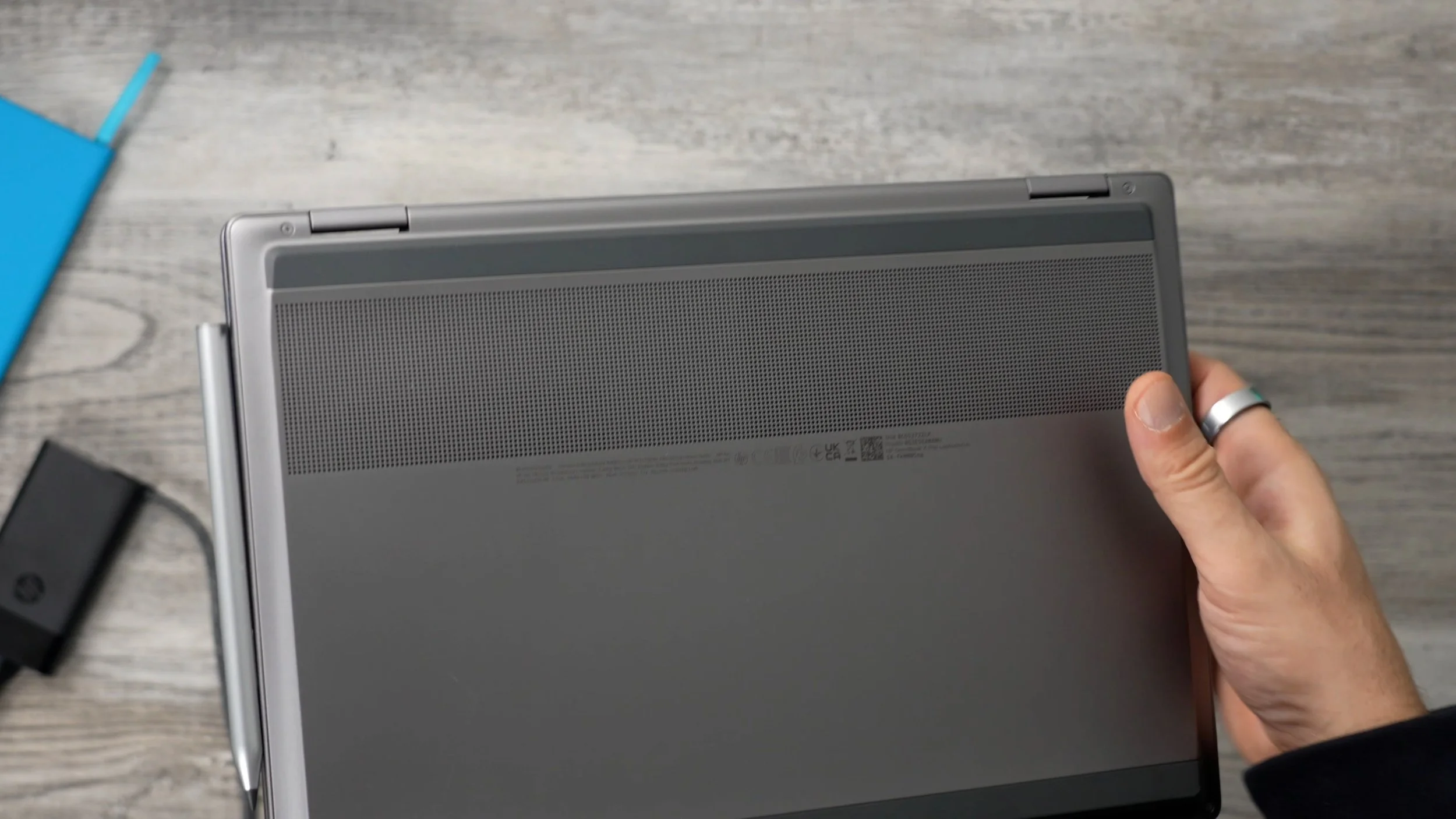
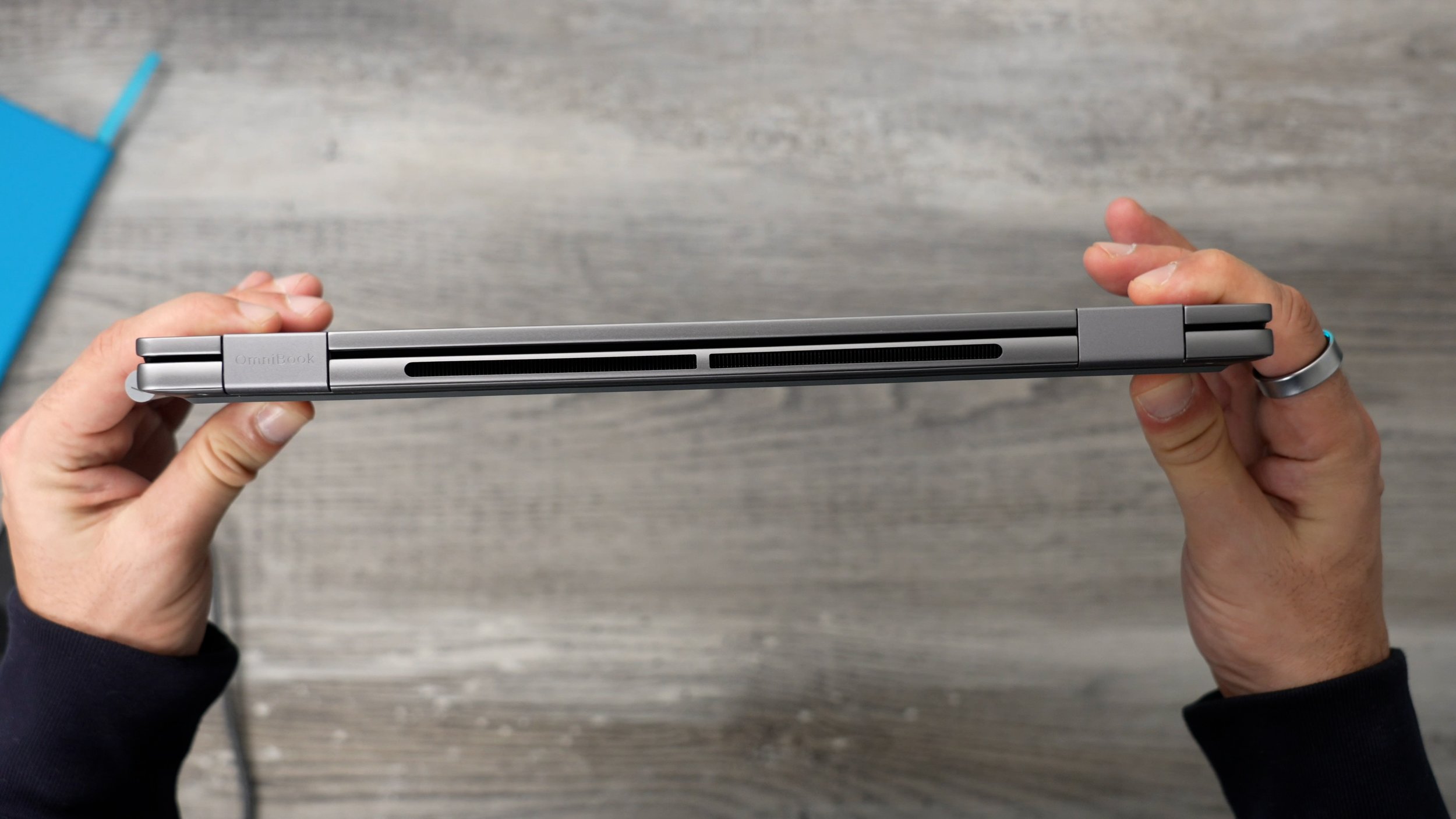
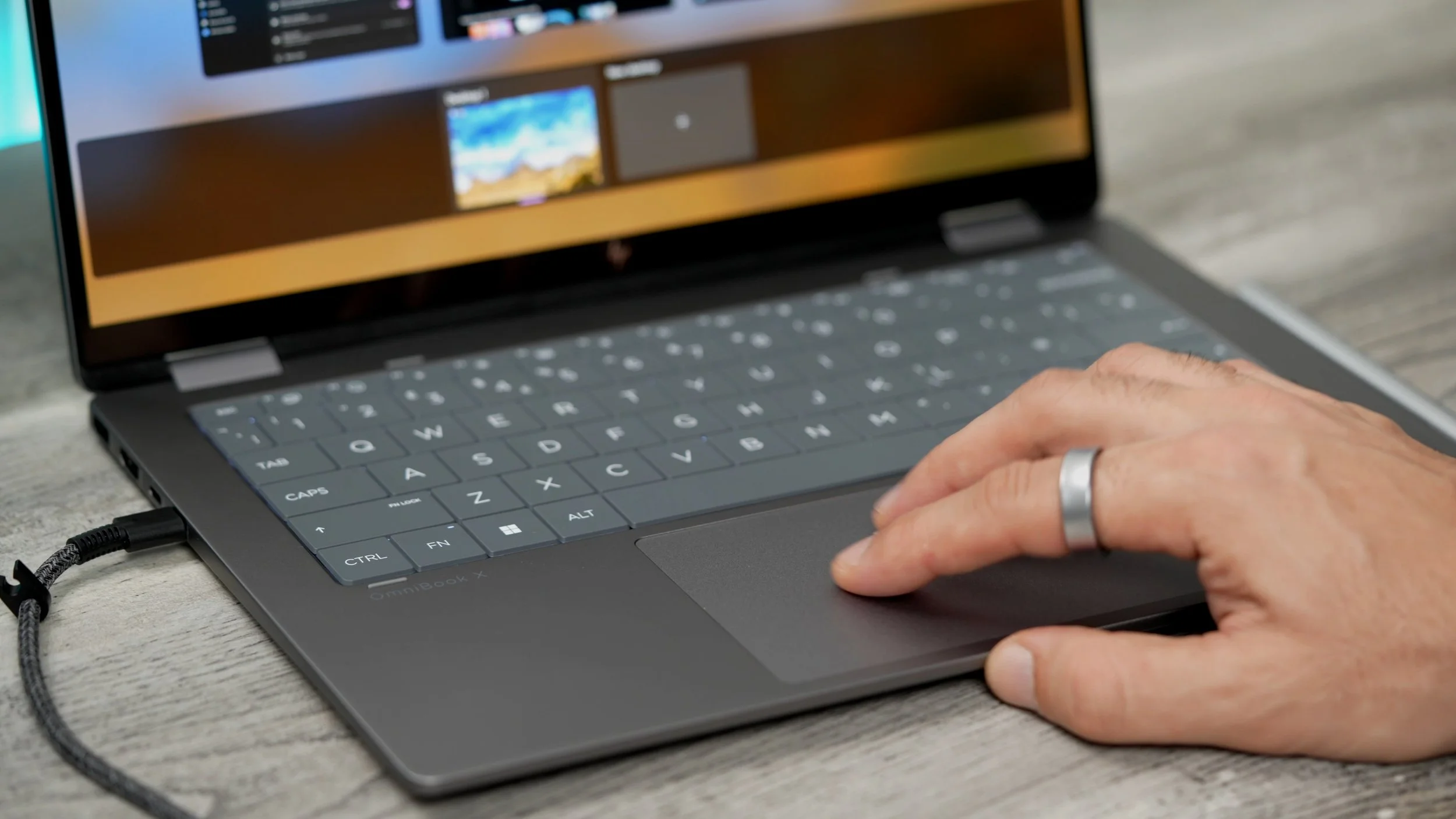
What really stands out is the build quality. Encased in high-strength aluminium, the 14-inch model feels premium and weighs just 1.39KG.The colourway is called Meteor silver, and it has a really nice sandblasted anodised finish with subtle details. On base, there's a perforated area for air intake with its heat vents around the back. The hinges are sturdy and strong, and they need to be because this isn't just a regular laptop. The keyboard is also pretty interesting. They call this a lattice-less design; put simply, there is no frame around the keys, allowing them to be slightly larger. Which could be a big win for anyone with big fingers, but it also looks cool and modern, especially since it's backlit.
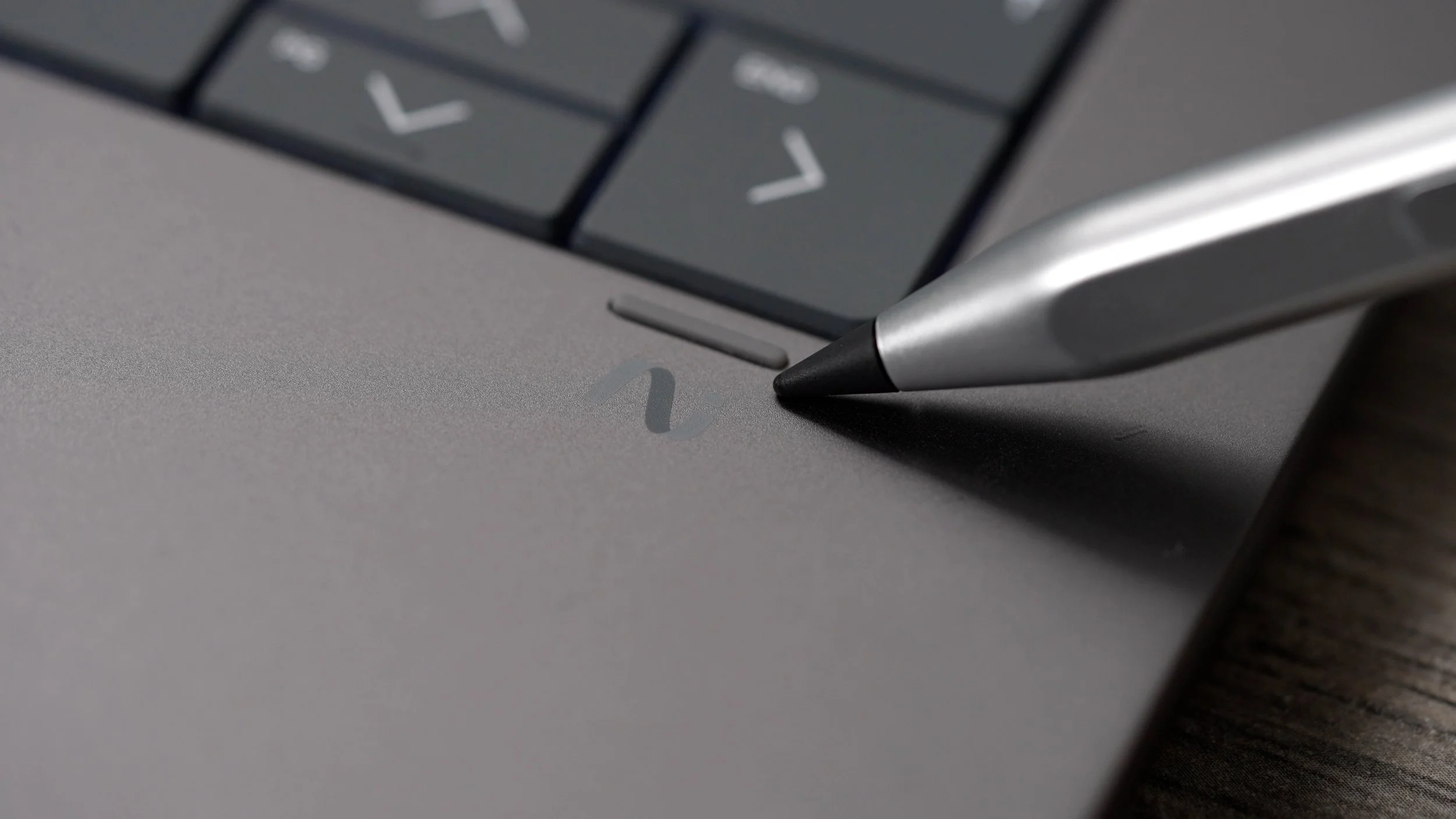
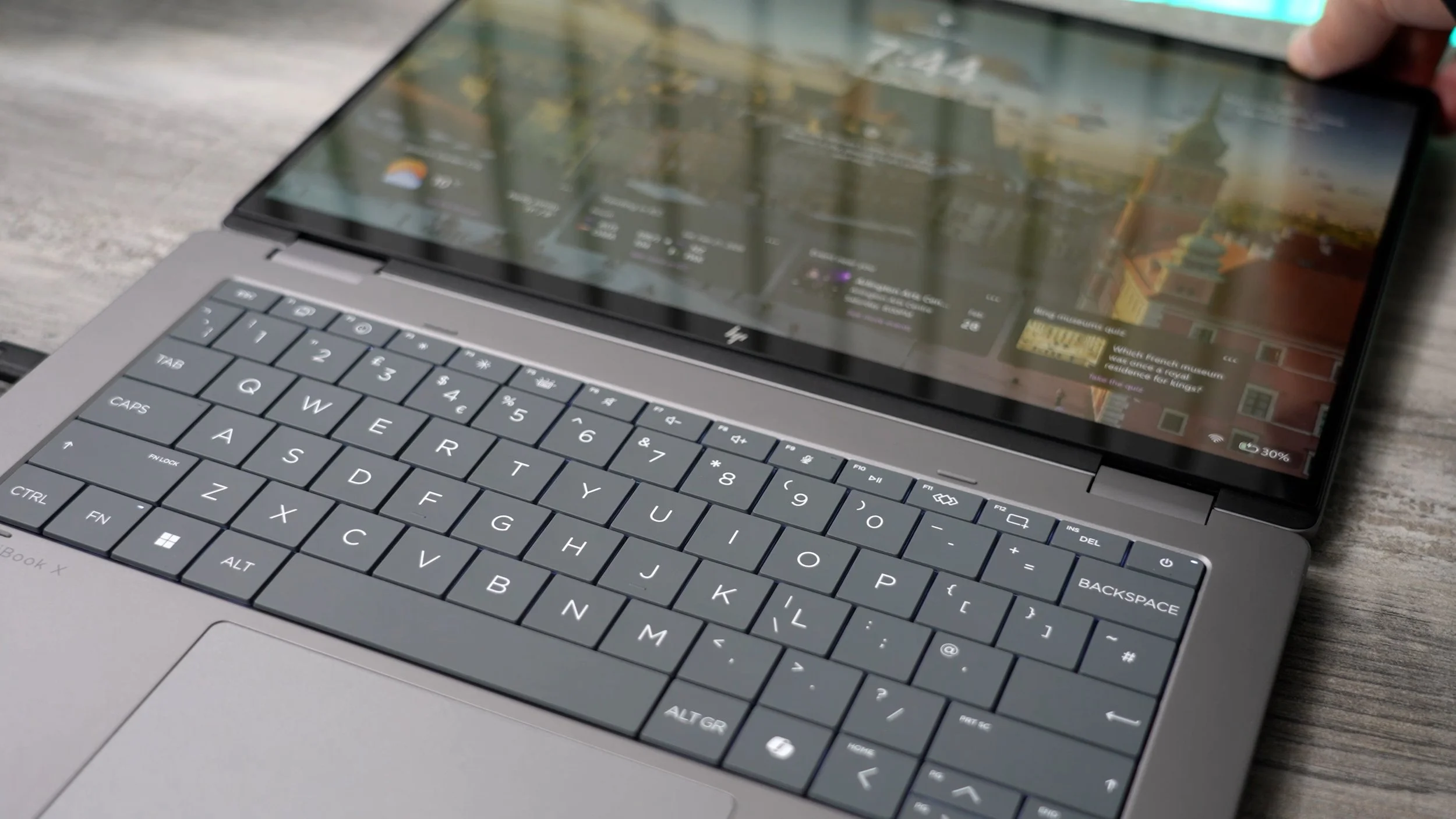
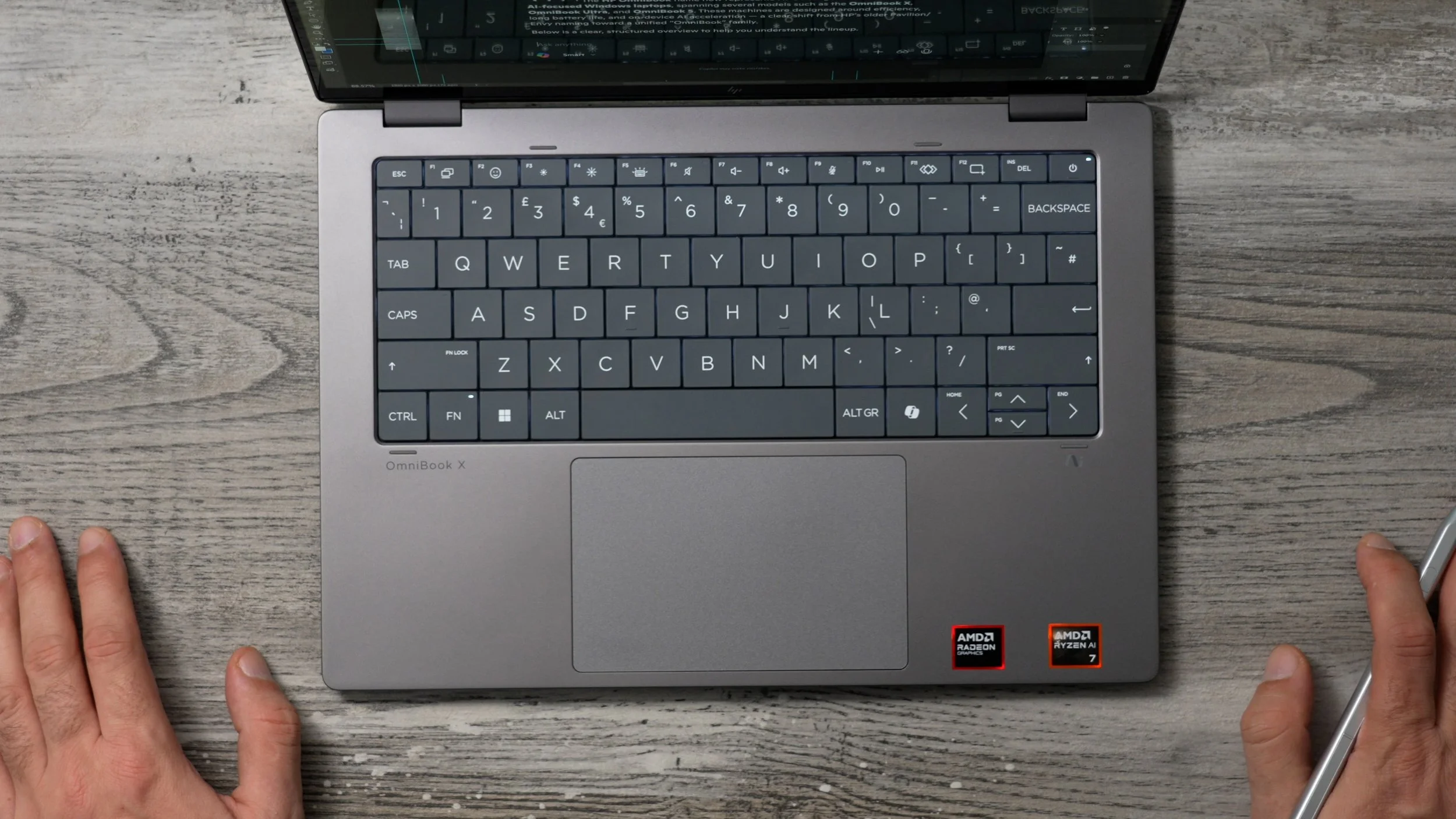
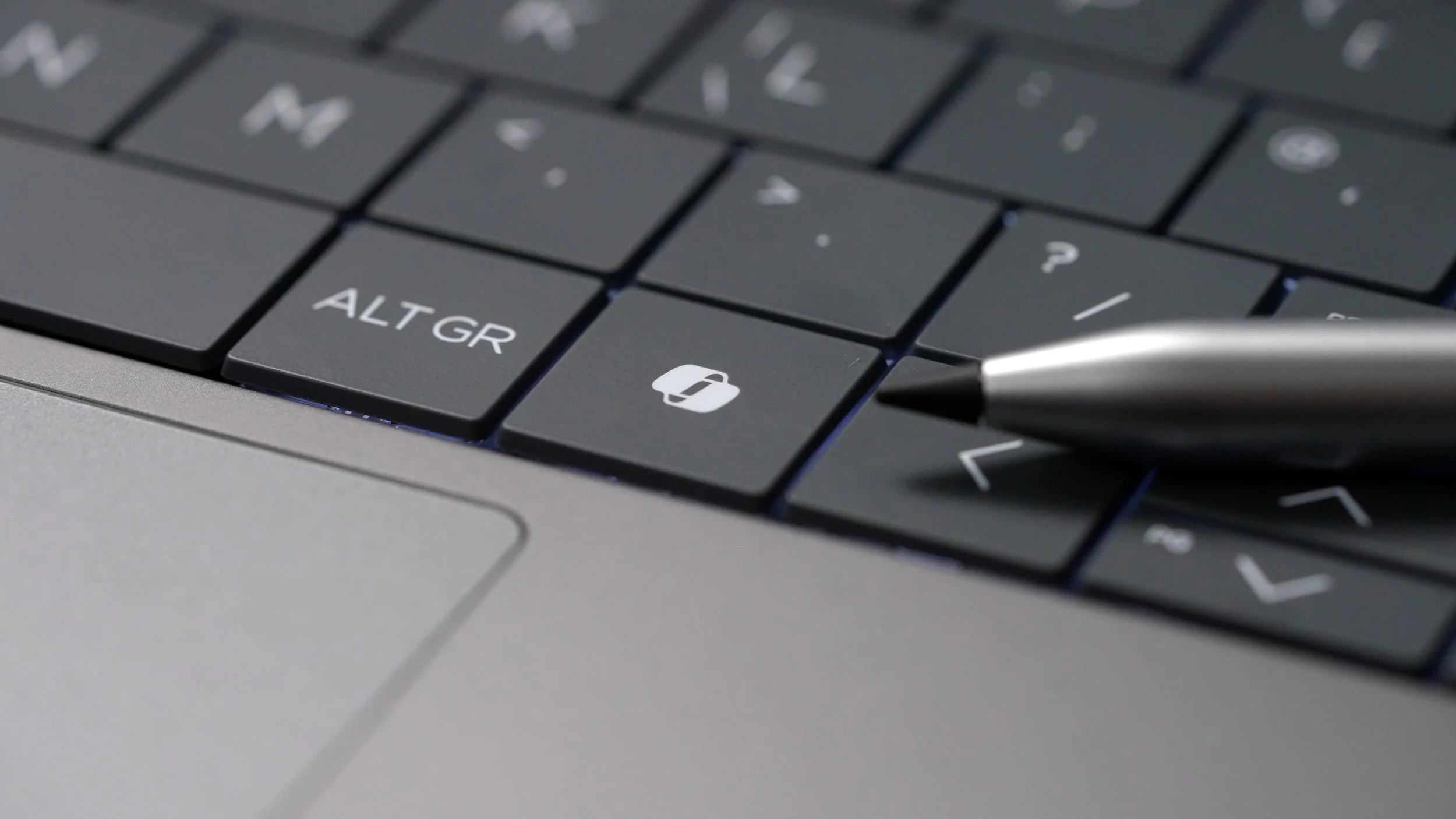
And you’ll notice that there is a dedicated CoPilot key. This is a Copilot+ PC, and you use this key to summon Microsoft's online AI whenever you need it, which can assist you with questions you might have, help you research topics, or create images, and now supports voice commands too. The trackpad has haptic feedback and gesture recognition, and it is glass. And underneath is where you’ll find two forward-firing stereo speakers. And I really like how HP has placed these so that they won’t be easily obstructed. ( DTS: X® Ultra / HP Audio Boost )
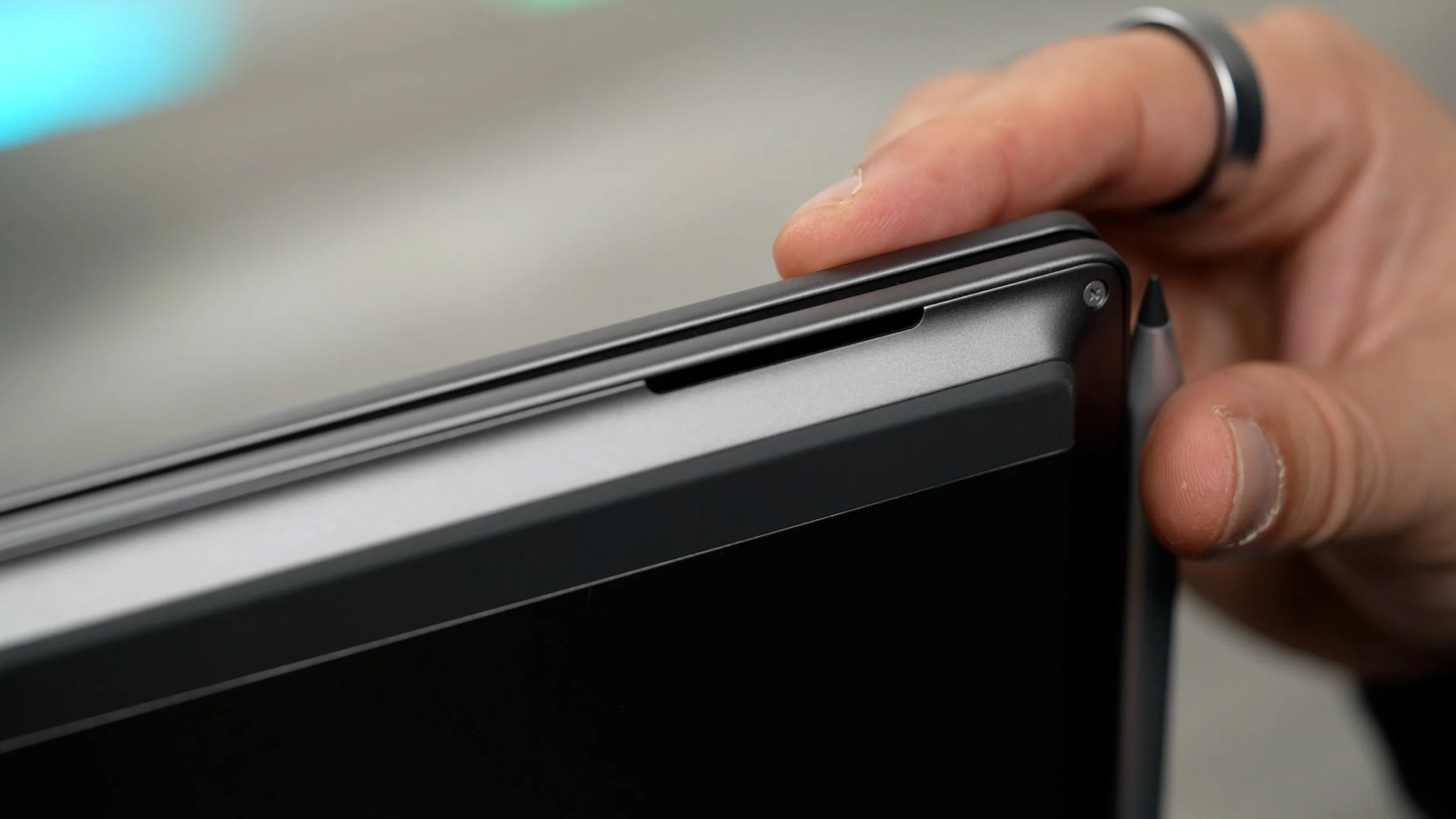
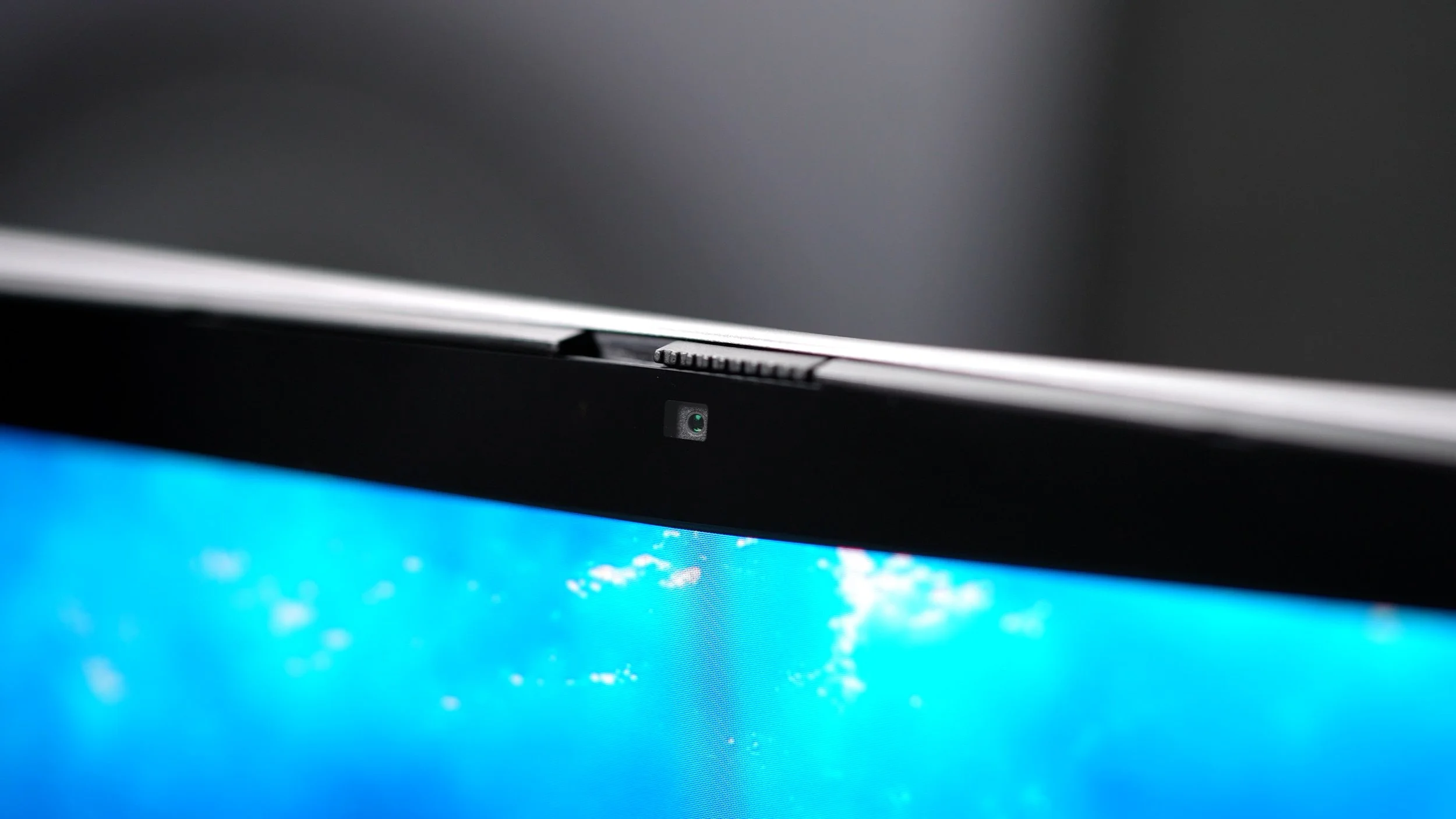
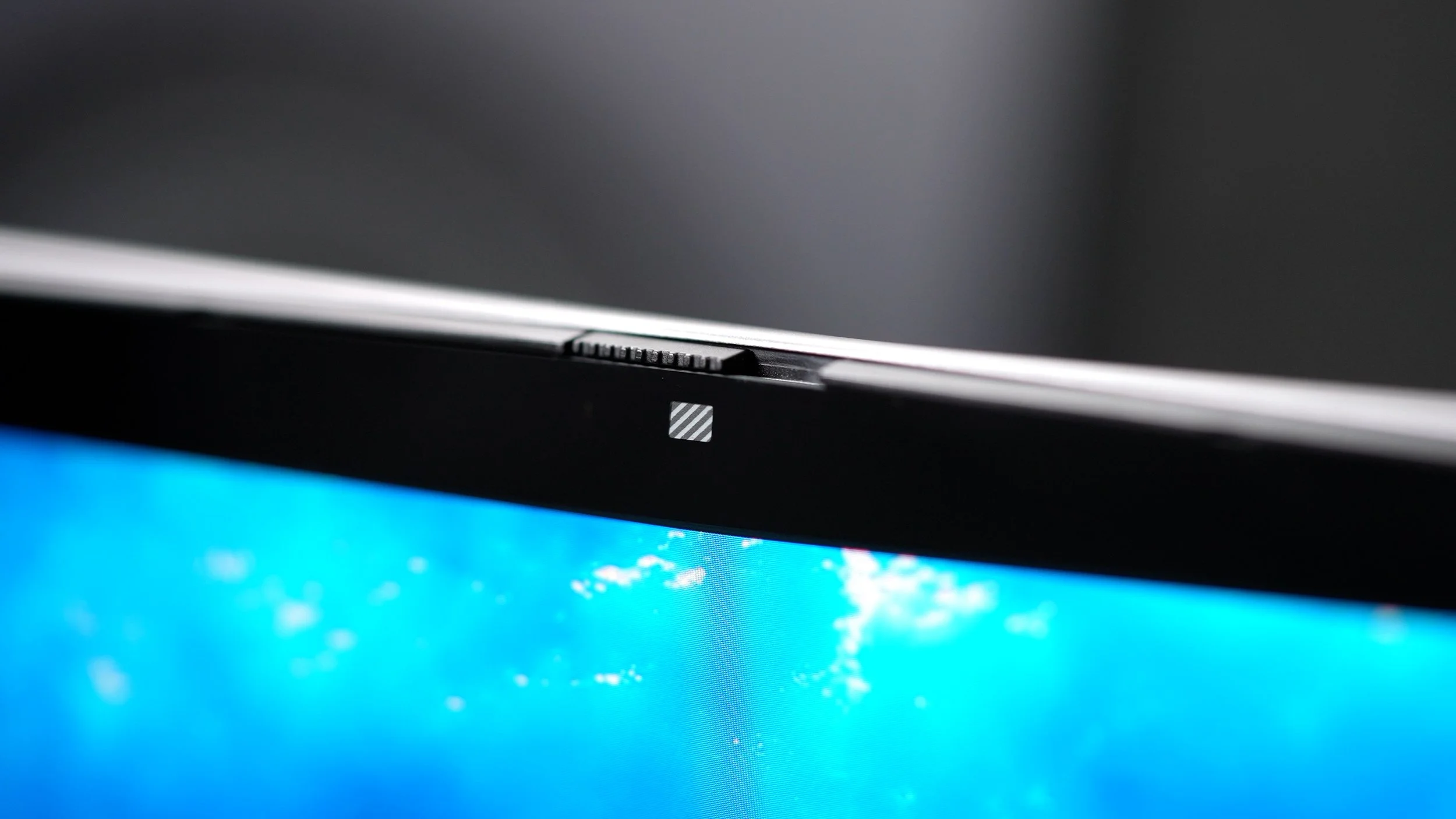
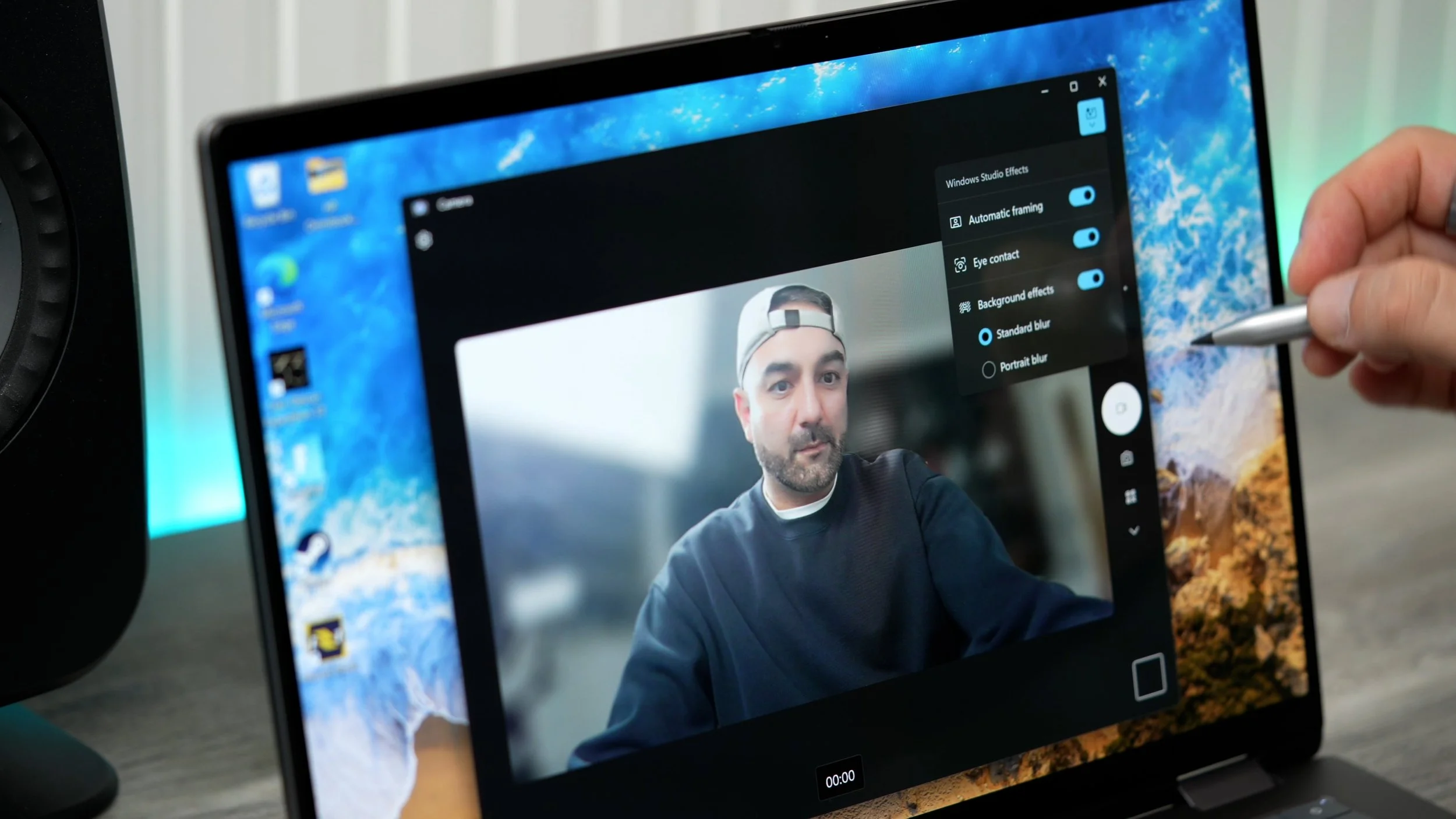
Up top, just above the OLED display, is a 5MP IR Camera for face unlocking and web calls, with a built-in privacy slider for when it’s not in use. And when you do need to use the camera, you can utilise this CoPilot+ PC’s Windows Studio effects (Features listed on the screen graphic), which will significantly improve your online meeting experience thanks to a variety of software enhancements. If you purchase directly from HP, using the link below, you can get the HP Tilt Pen 2.0 included with this model. I think you’ll appreciate the design here too. It recognises 4096 pressure levels and has two mappable buttons. And there are built-in magnets that allow it to snap onto the side of the Omnibook & the connection is so strong you can literally drag the laptop across a surface with it.
Connectivity
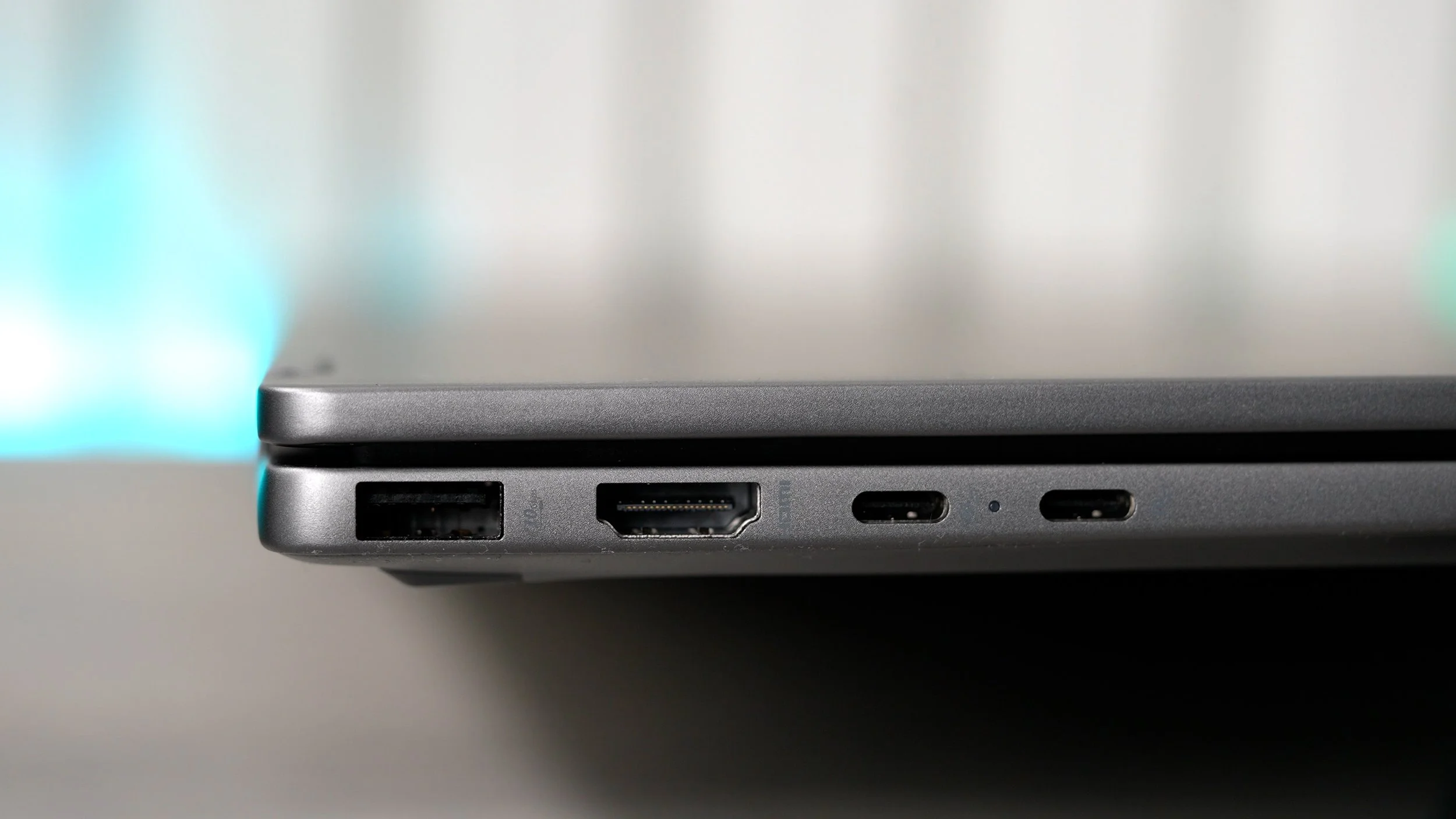
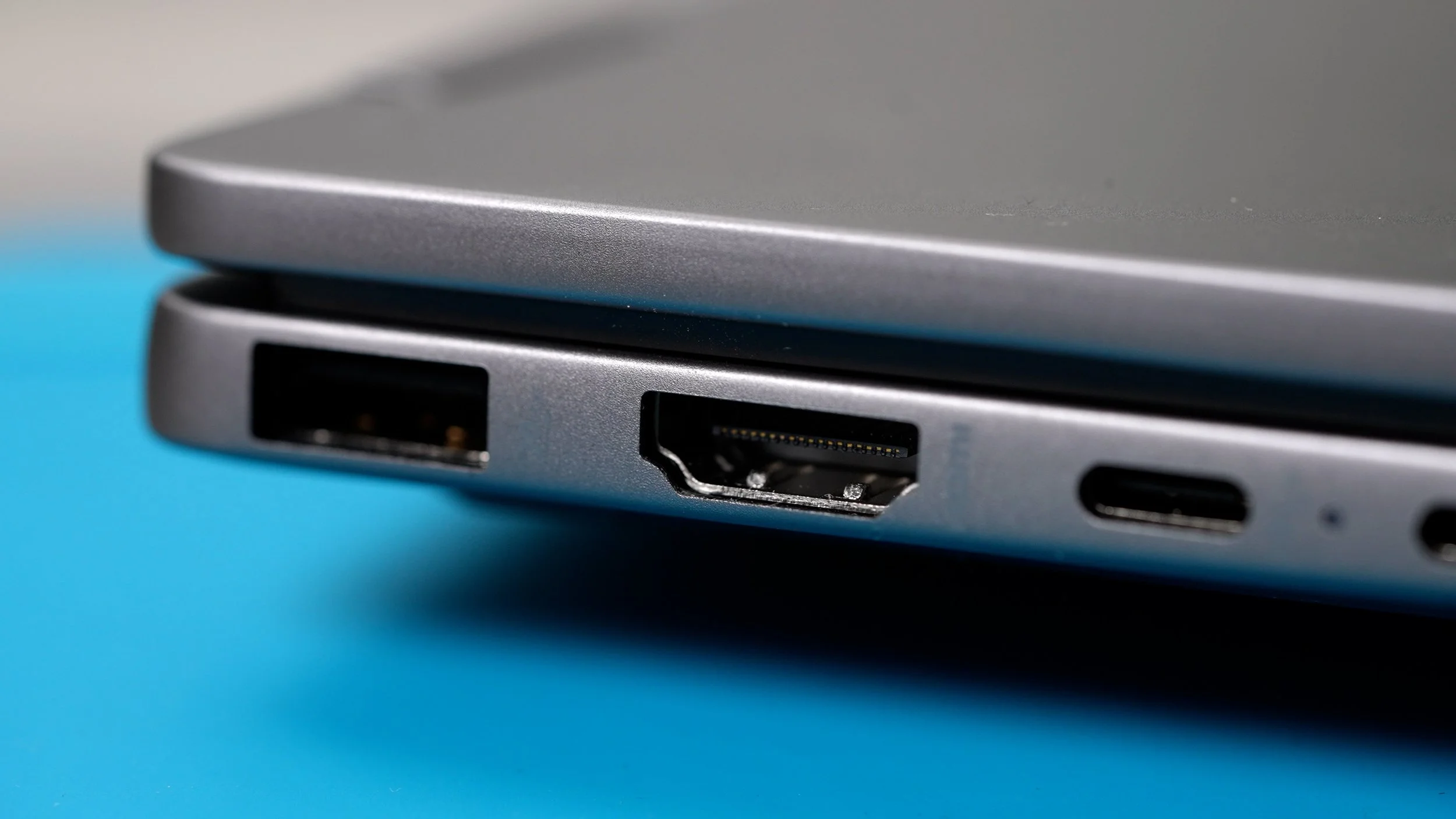
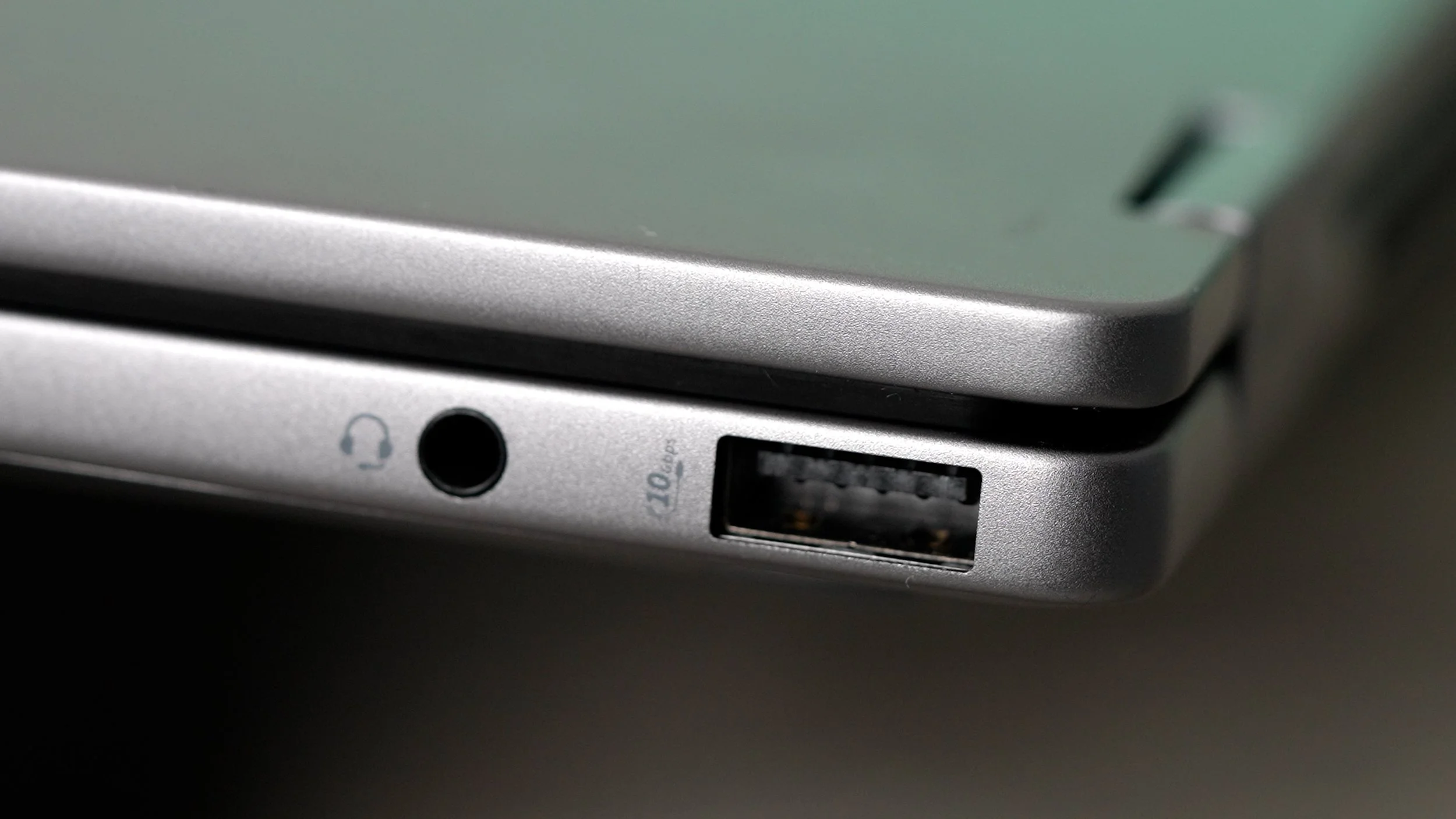
The connectivity is also very impressive. You get 2 USB Type-A ports As well as two USB-C ports, both of which support power delivery, so you don’t have to think about which is which when charging. Both USB-C ports are display ports, which means you could use them to output to external monitors, and there’s a full-size HDMI 2.1 port, which you can also use to output to external monitors and, more importantly, TVs and projectors. There’s also a headphone jack/mic combo. And inside is a Wi-Fi 7 wireless card, which will let you get the fastest Wi-Fi speeds when available.
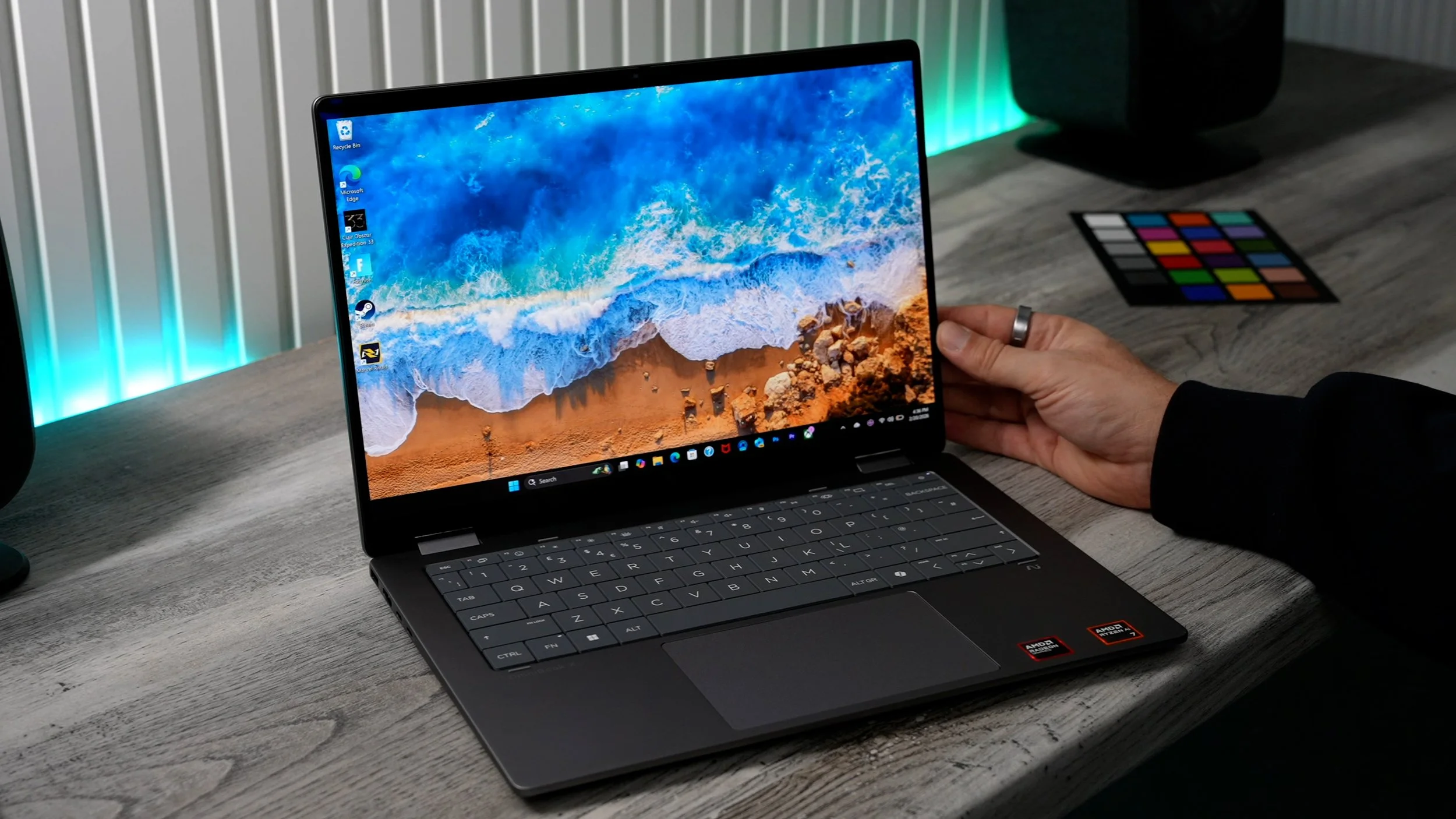
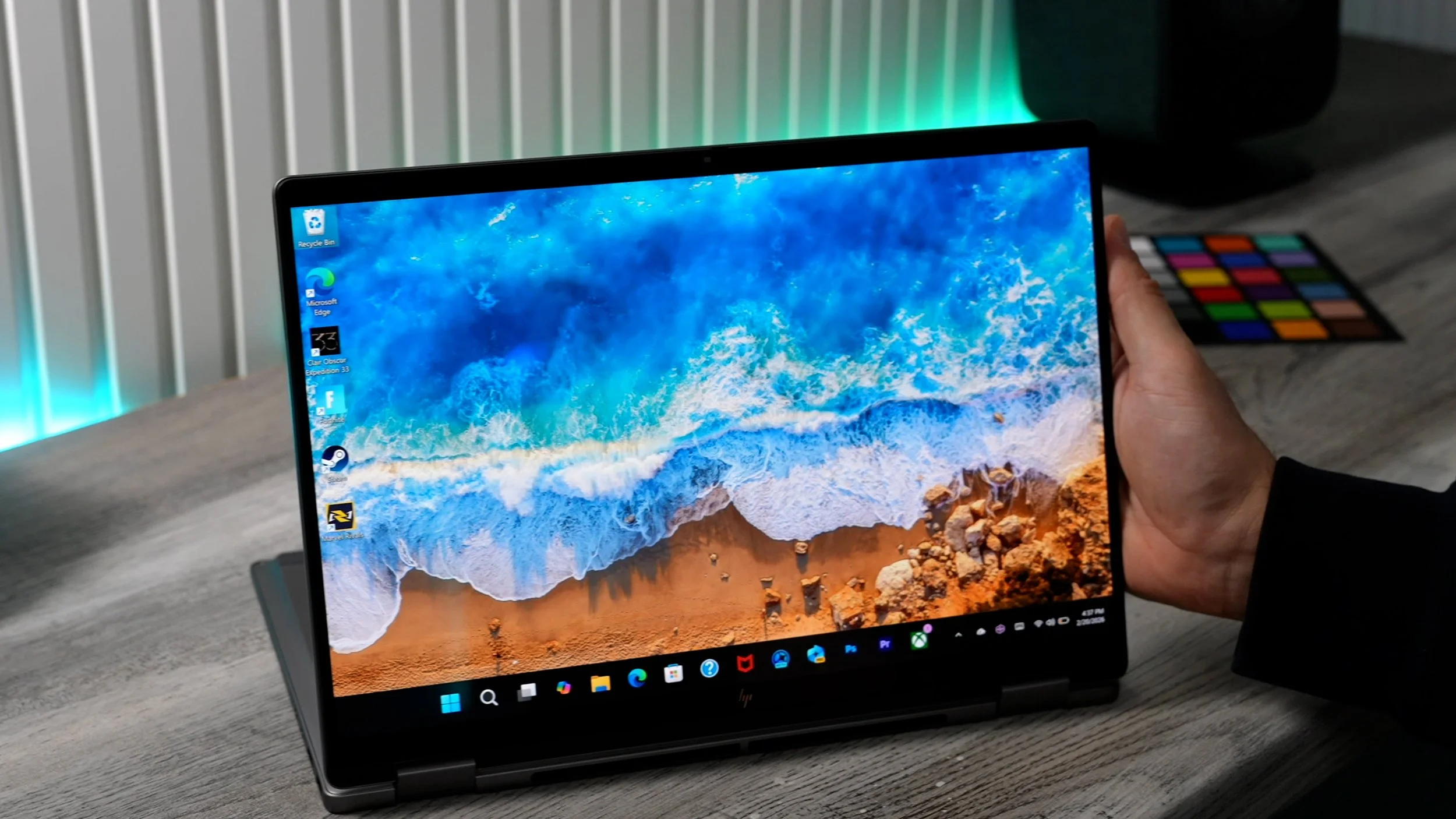
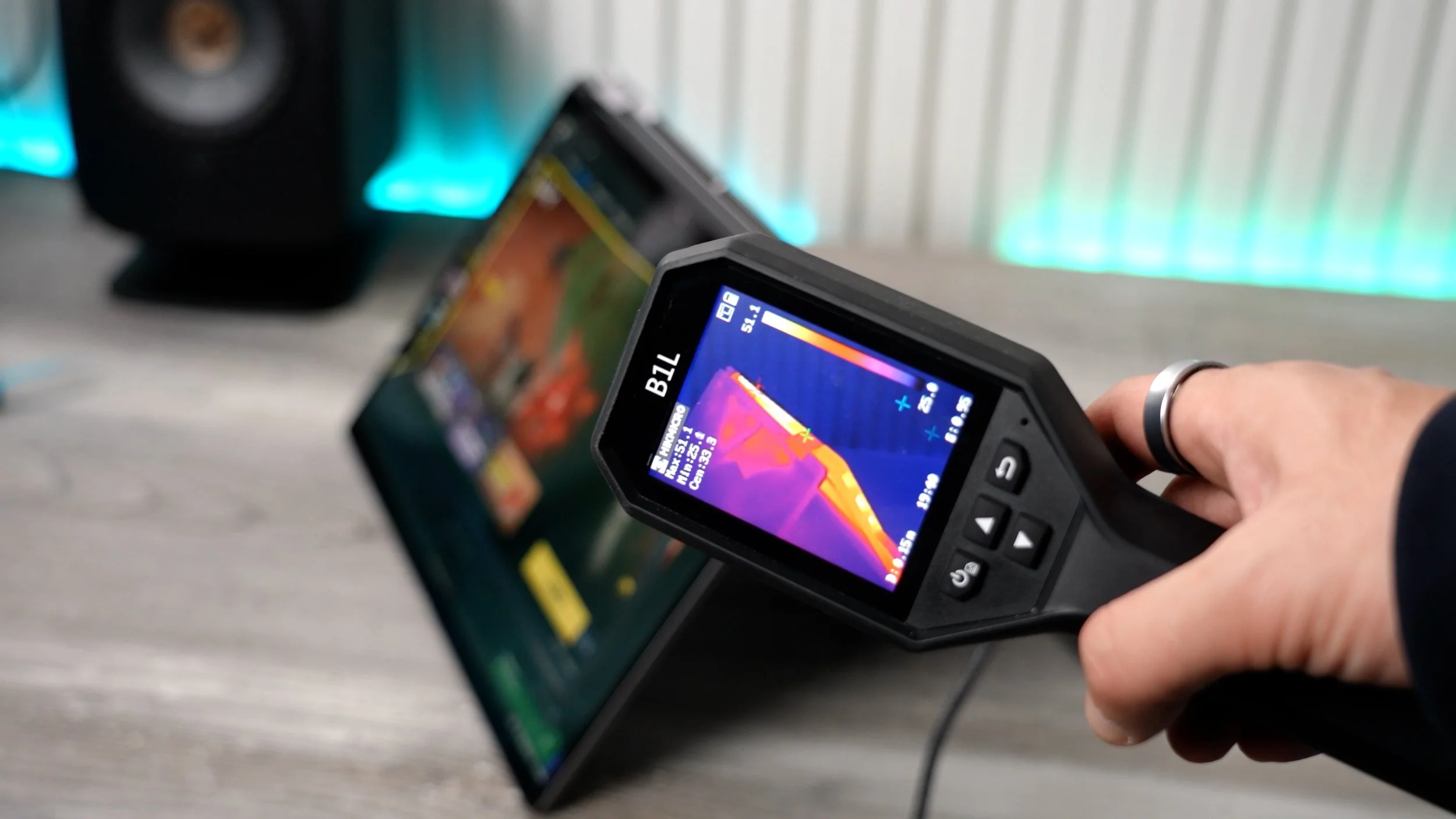
This is all good stuff, and ultimately, the reason I called this maybe ‘The Most Flexible Work & Gaming Laptop’ is the combination of its specs, AI features, and convertible form factor. When you need to sit down and type, and look professional you can use it as a classic laptop, if you want to draw or play a touch screen game you can use it in tablet mode, If you want to watch a movie you got the ‘media mode’ setup or if you want to play a more demanding PC game you can make use of ‘tent mode’ for optimal ventilation.
And if you are into gaming, you’ll be happy to know that you get 3 Months Of Xbox Game Pass included with your purchase. But never forget the main excuse…I mean, the main reason why you would need to buy a laptop like this... It’s because you need it for work.