HP OmniBook 7 AI PC - One Laptop to Rule Them ALL? (Student, Creator, Streamer)
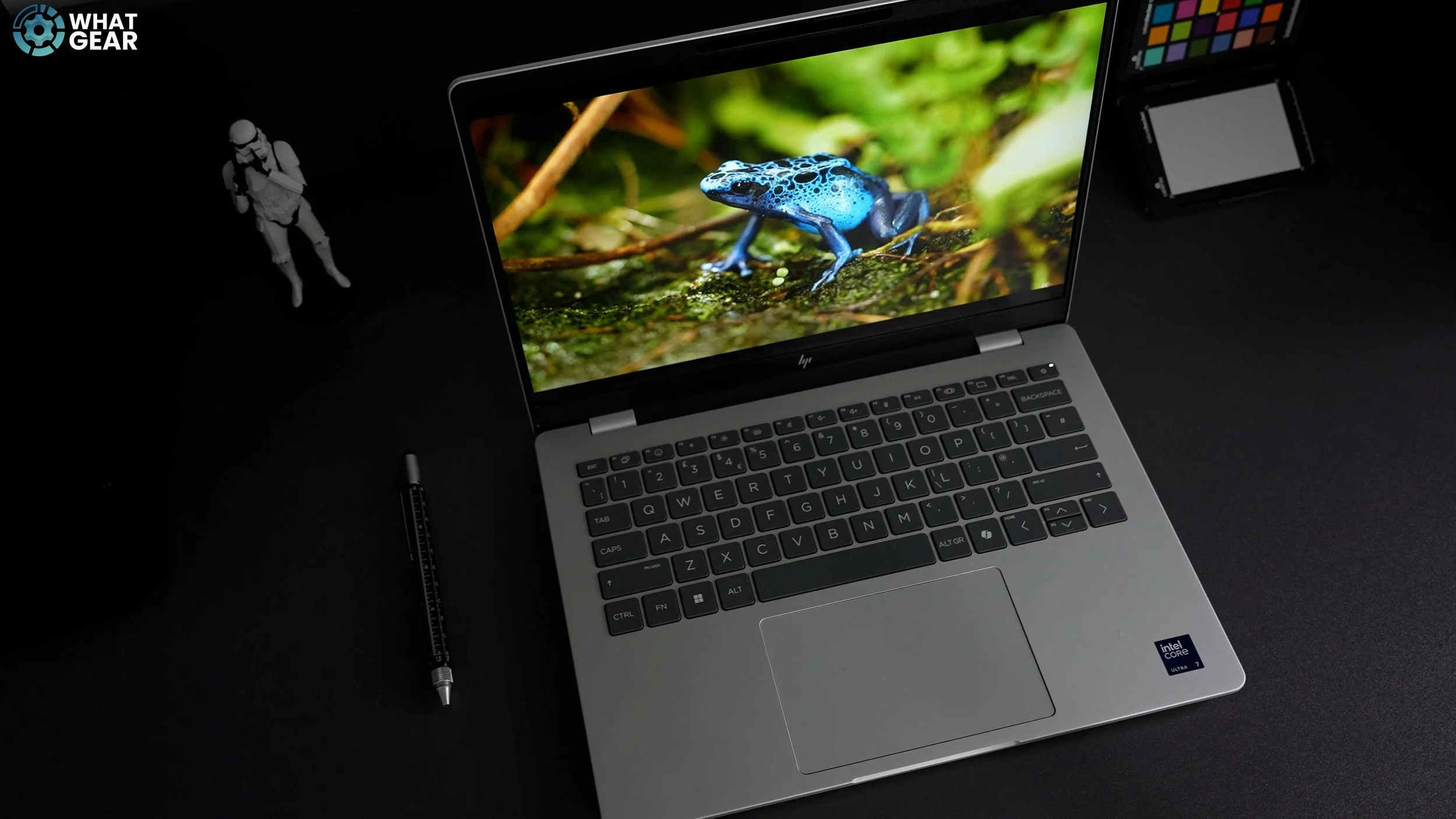
If you need a new laptop that can handle work, meetings, content creation on the go, and even some casual gaming or live game streaming, this could be for you. One problem you might encounter when shopping for a new laptop is the overwhelming array of choices. There are numerous options and a wide range of brands. My guess is, You probably don't want to buy a computer only to find out later that you've purchased the outdated model, and also that it's not as powerful or intelligent as you need it to be. Well, I’m going to give you a few pointers to help you with that. Here I have a new 2025 HP Laptop. This is not a Pavilion, it's not an Envy; this is one of HP's latest and greatest, And this one right here is called Omnibook 7.
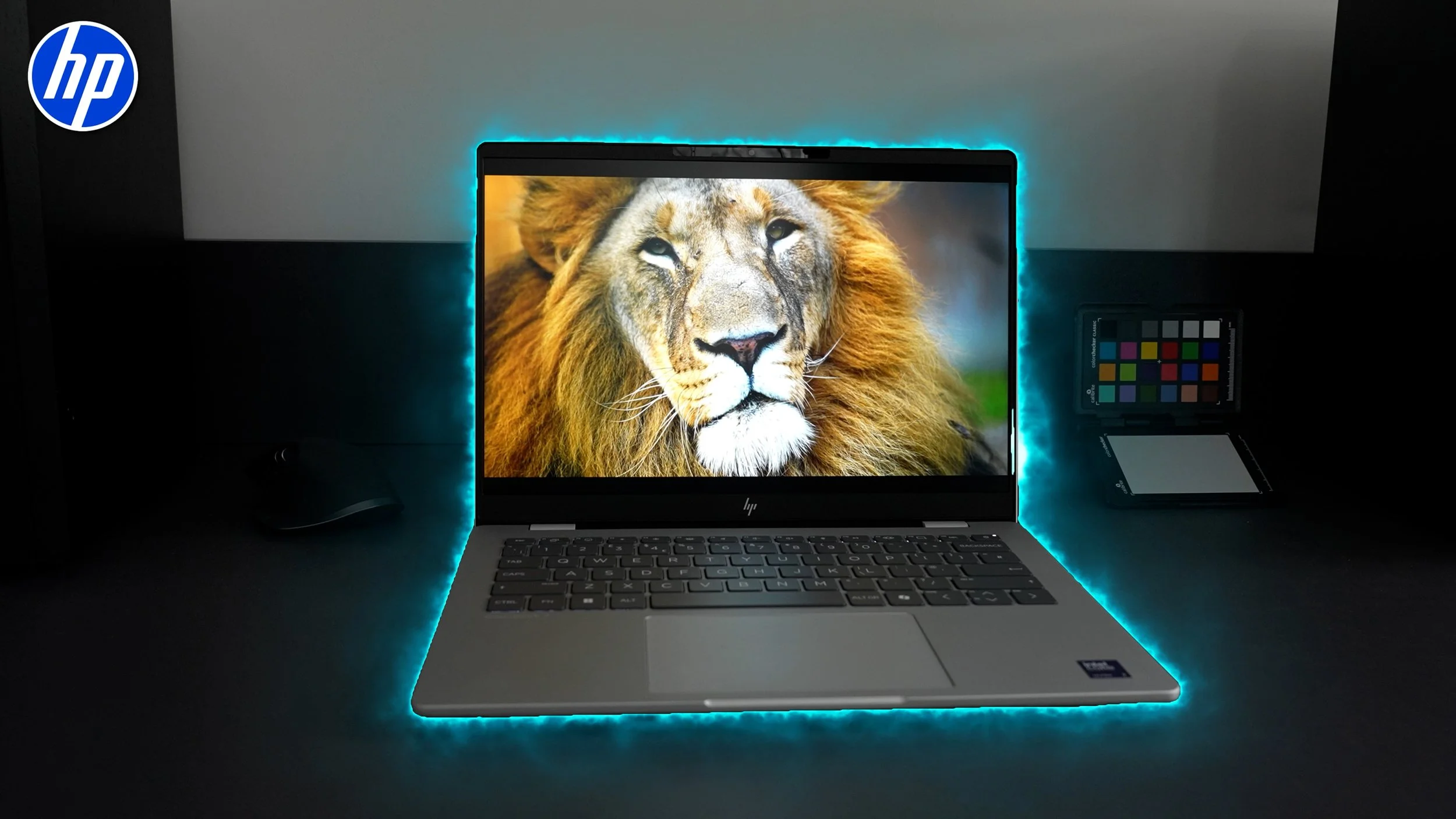
The first tip for you if you’re looking for HP’s newest lineup, is to look for this new logo. I’m told that this redesign is more than just a visual change; it signifies a new era for HP laptops.
“ So, if you want the newest HP models, it's easy to identify them by their newer logo & the new Omni naming system.”
There are various models and configurations in the range, but this version of the Omnibook 7, features the Intel Core Ultra 7 255H, with 32GB LPDDR5 RAM, 1TB M.2 SSD. And the price of this model at the time of this video here in the UK is £1099.
Overview
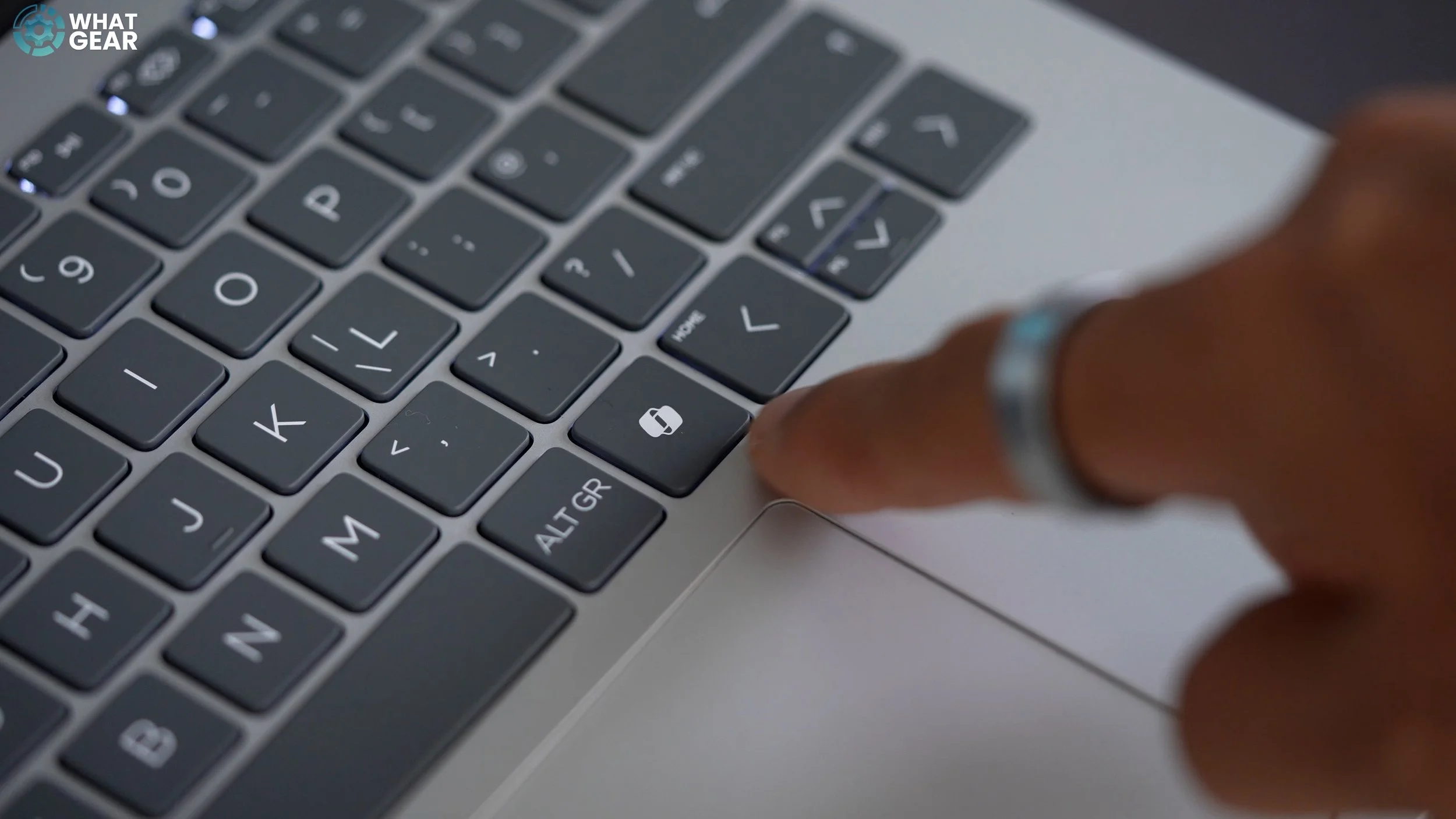
What sets the Omnibook line apart from HP’s past Envy's and Pavilions is that this is an AI PC. This means it's equipped with advanced AI features that enhance user experience and AI productivity tools. For example, you got the dedicated Co-Pilot key, more on that in a minute & you get access to HP’s exclusive HP Ai companion, which is an offline LLM. This is fantastic for a few reasons; you can use it whilst offline on a flight, for example, but also for privacy. If the documents you’re working on are sensitive or under embargo, you don’t have to worry about uploading them online.
And this HP Omnibook 7 is equipped with PolyCam software, which has been designed to significantly enhance the camera experience. This is really cool as it offers improved video quality and enhanced conferencing capabilities. I'll delve deeper into what these AI features and camera enhancements mean for you in a moment.
Design & Build
This Omnibook 7 goes all the way up to Intel Core 9 Ultra, and it is a heavy hitter & It weighs 1.4 kg, which may be due to the use of premium materials; there’s lots of metal in this design. The large majority of the body is made of aluminium with a sandblasted anodised finish. Inside it has a large 4-cell, 68 Wh Li-ion polymer battery that can run this powerhouse for up to 15 hours and 14 minutes continuously in optimal conditions. The design of the HP Omnibook 7 definitely gives off those premium vibes and a premium feel to match. It's a robust piece of tech, and there seems to be no compromise in its build quality.


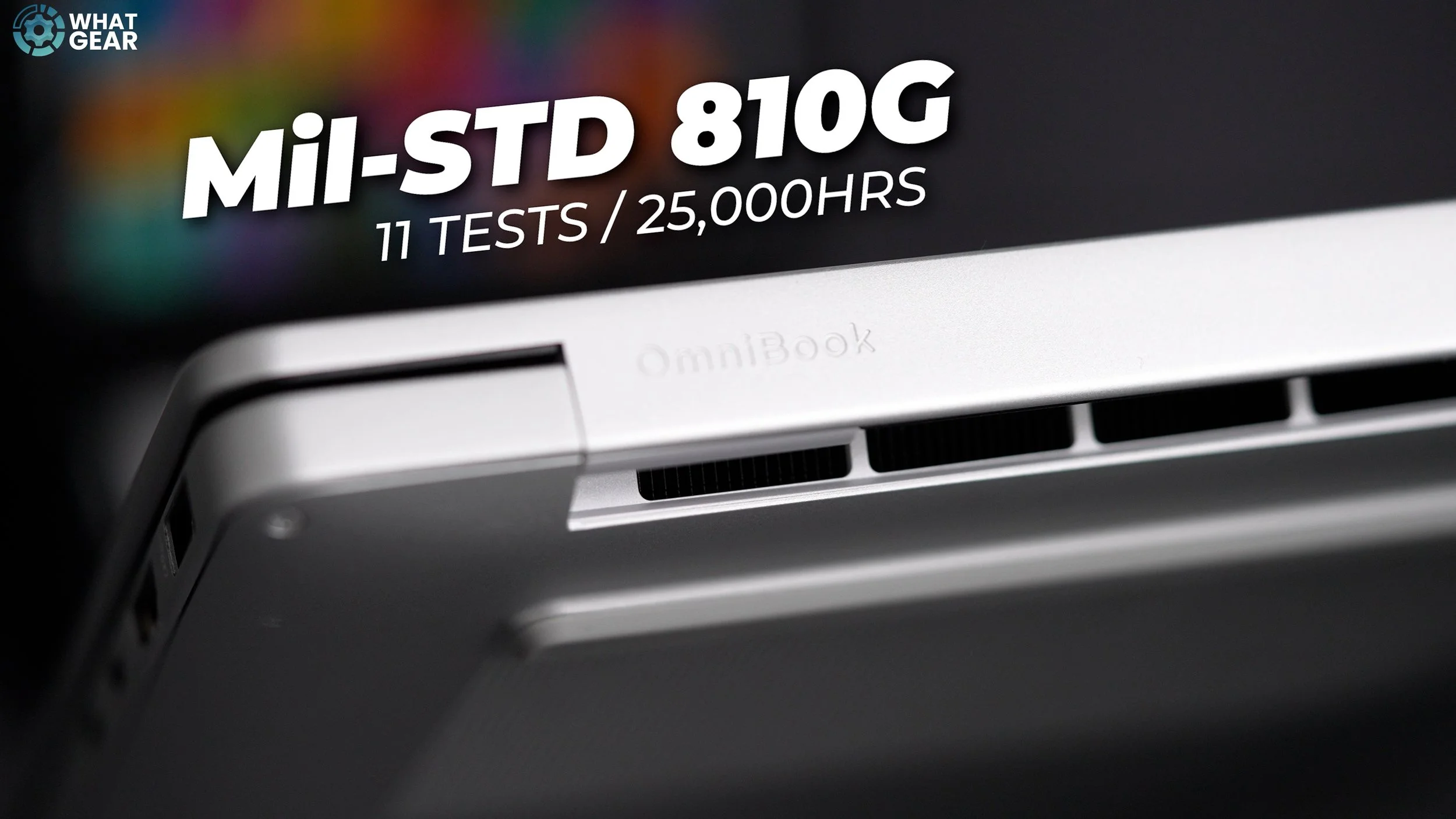
What's even more impressive is that HP has achieved this while meeting the EPEAT Gold standard and earning the Climate + stamp of approval. Simply put, this means that the Omnibook 7 is a highly sustainable electronic product from a company dedicated to positive climate action. What I like most about the Omnibook 7 14”, is how sturdy and compact this feels. And it has been designed specifically to be durable & HP have in fact actually put the Omnibook 7 through 11 US military-grade standard tests over the course of 25,000 hours, to make sure that the Omnibooks will last even in harsh conditions. So it looks sleek, it looks & feels premium, but it’s also built to last.
Display
OK, now let's talk about this display. The Omnibook I have here features a 14” IPS, micro-edge, anti-glare display with a 16:10 ratio & 88.9% screen to body ratio. The brightness on this one is 300 nits & sRGB coverage is 62.5%. And that’s because this is an 8 Bit panel. This particular display supports 40Hz & 60Hz refresh rates. However, HP does offer an upgraded option. So, if you want or need the best of the best in this 14" Omnibook form factor, you can spec bump this all the way up to a 3K OLED Panel. Which has 400Nits Peak brightness, 100% DCI P3 colour gamut. As well as better variable refresh rates that range from 48Hz to 120Hz. So this is definitely the better option for content creation.

With that said, the IPS display is perfect for your usual Microsoft office-type work & conference calls. The price difference is likely to be £100 to £200 more expensive. One thing that you should be aware of is that there are no touchscreen options on this model. However, if you need that, you could check out the Omnibook X Flip.
PORTS
Going back to the design there is some really nice I/O onboard. You get one USB Type-A port with a 10Gbps signalling rate and another USB Type-A port with a 5Gbps signalling rate. 1 HDMI-out 2.1, 1 Thunderbolt 4 with 40Gbps. This particular port alone can output to two monitors if you have the right cable. And this also supports USB Power Delivery 3.1 & DisplayPort 2.1 & HP Sleep and Charge. Which limits the max charge to protect the battery.
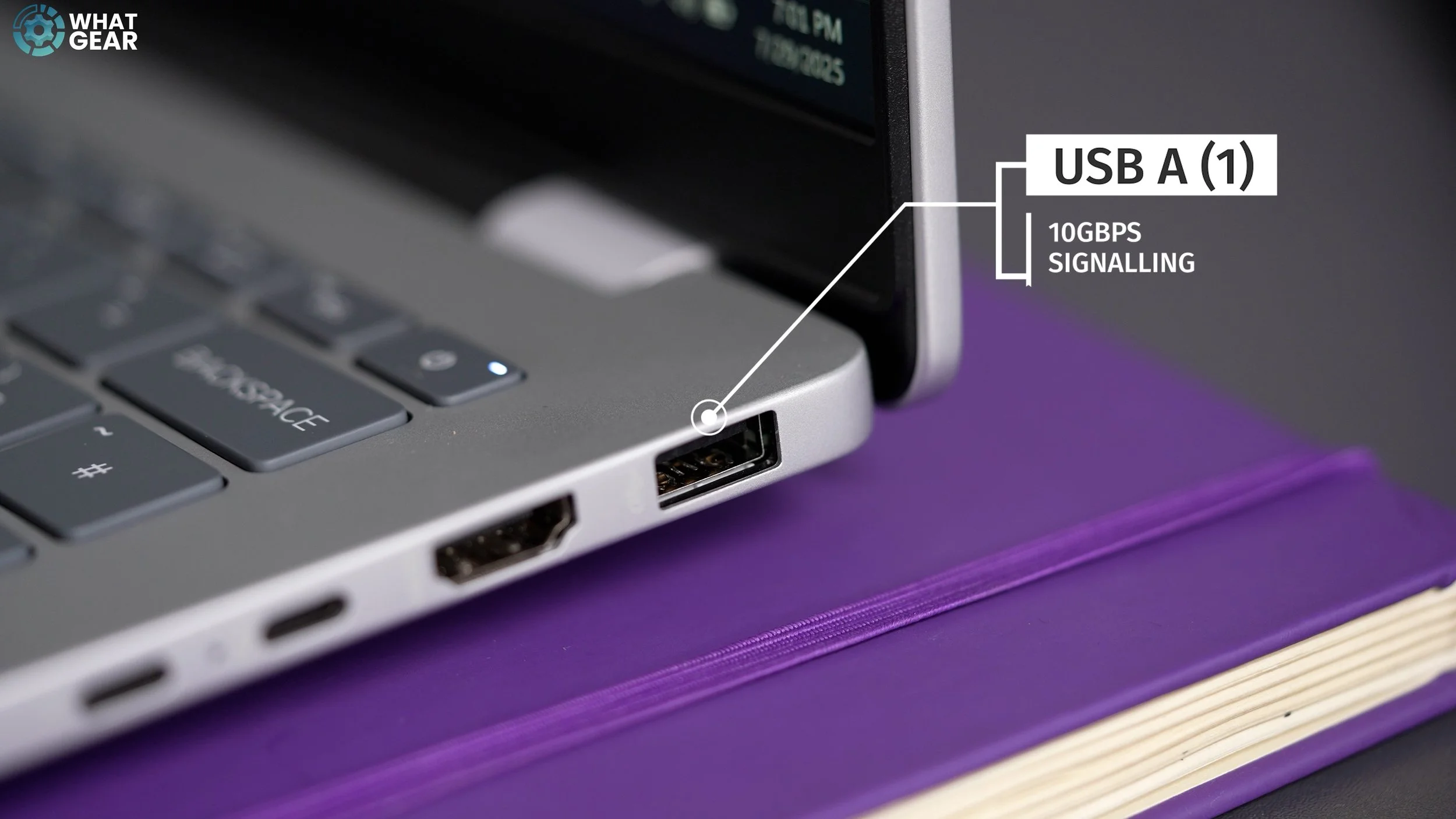

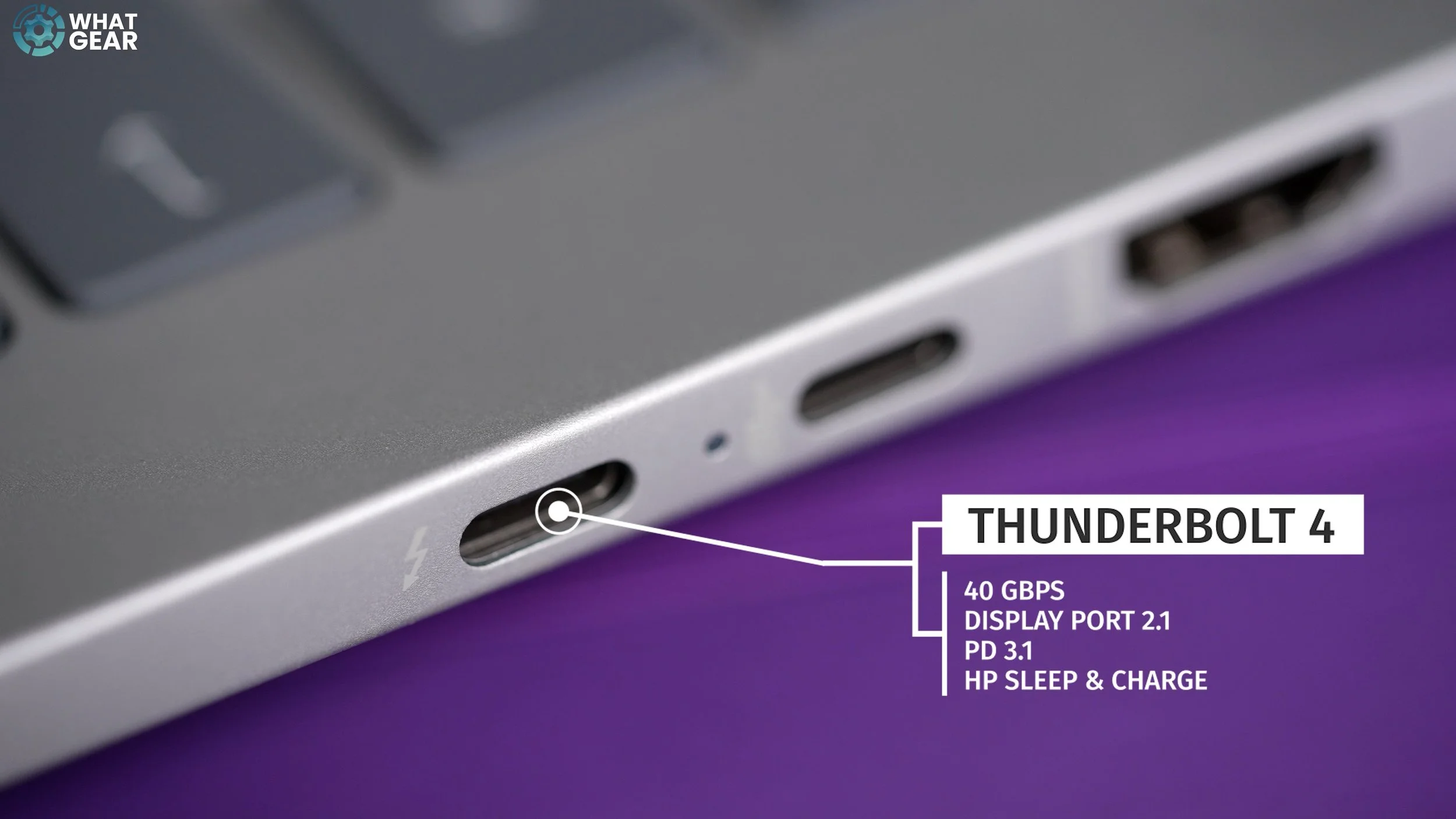


There is also a second USB-C. This one is a little slower, but still fast as it supports a 10Gbps signalling rate & DisplayPort 1.4. There's also a headphone/microphone hybrid jack. And in regards to connectivity Wi-Fi 6E and Bluetooth 5.3 are supported.
Keyboard & Touchpad
One of the aspects of this Omnibook 7 laptop that I particularly like is the keyboard. It has these nice, large keys that have a really satisfying travel and click. They have a nice sound to them too.
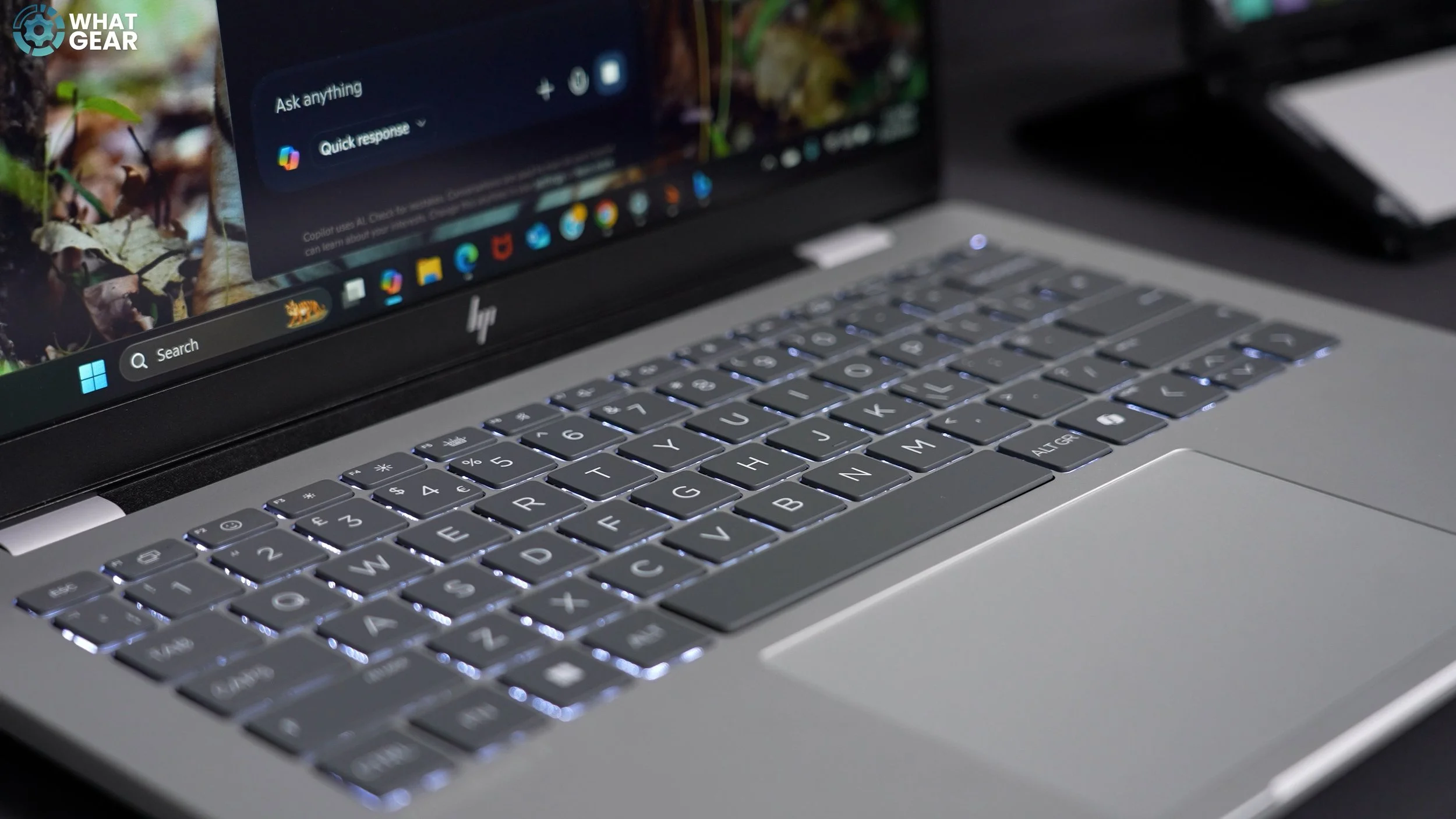
It is a 14" laptop, so you don't get a number pad, but you do get these large fonts on the keys with backlighting. There's good space to rest your palms, and the trackpad does recognise gestures; the left and right mouse clicks are located towards the lower edge.
Performance & Processor
The processor in this particular Omnibook 7 is the Ultra 7. The standard clock speed is 2.2 GHz, but with Intel Turbo Boost technology, it can reach up to 5.1 GHz, which is really impressive. This version of the Intel Ultra 7 uses a 24 MB L3 cache, 16 cores, and 16 threads. It has 6 performance, 8 efficiency, 2 low power efficiency cores.
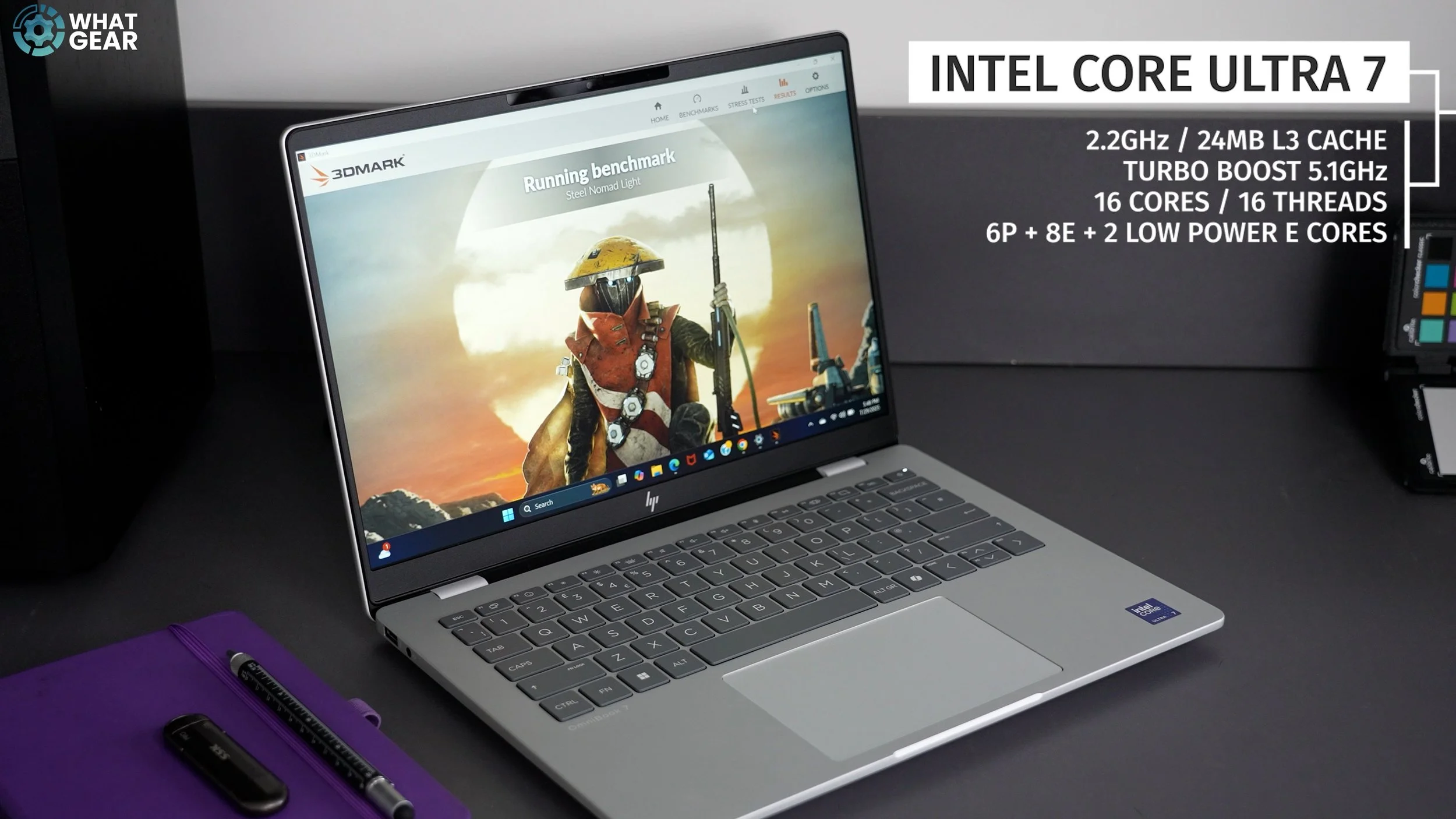
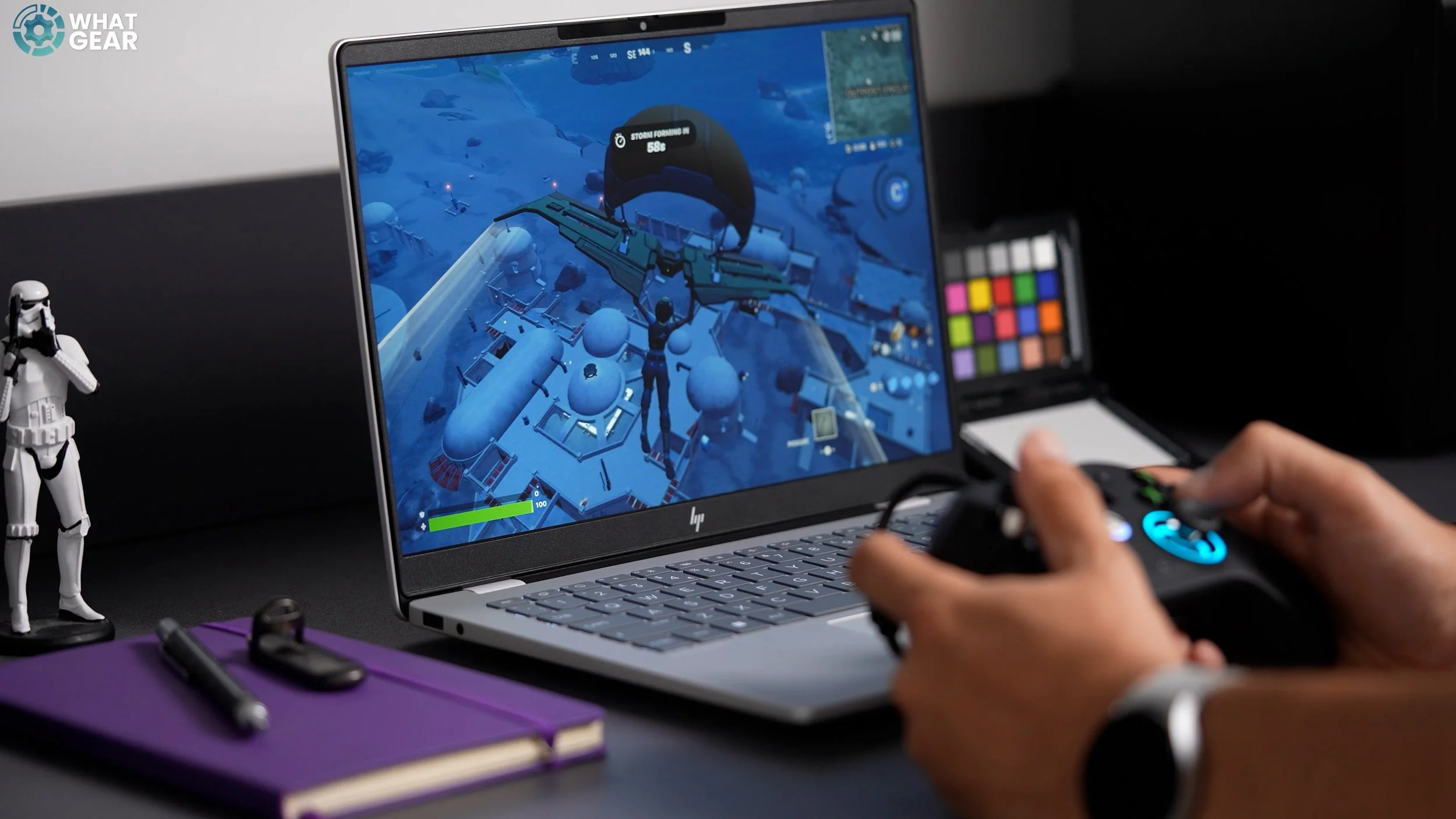
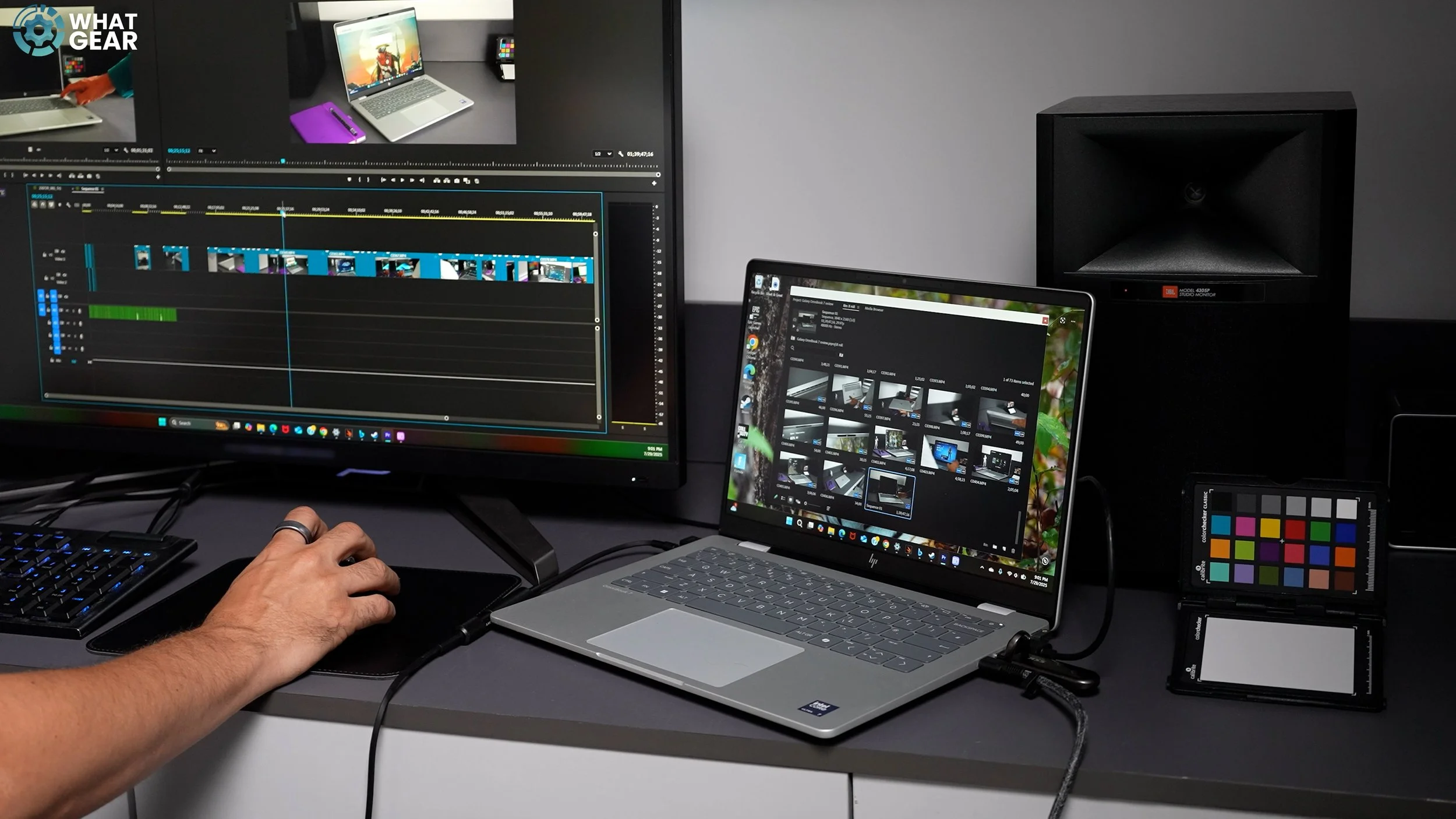
This is no dedicated graphics card, however It does utilise an Intel Arc 140T integrated GPU. And without getting too techy what you need to know is that the graphics on this Laptop is more than fast enough for your usual productivity tasks and can even handle some heavy lifting, such as 4K video editing on the go. You can also get popular games to run on this like Fortnite & Call of Duty. Yes, you'll have to dial the graphics down a bit, but yes, you can game on the go.
Battery Life & Efficiency
However, it's worth noting that great performance power can also come with significant power drains. So if you are gaming with the screen brightness maxed out for long periods. The battery will likely drop from 15 hours to 8 hours.
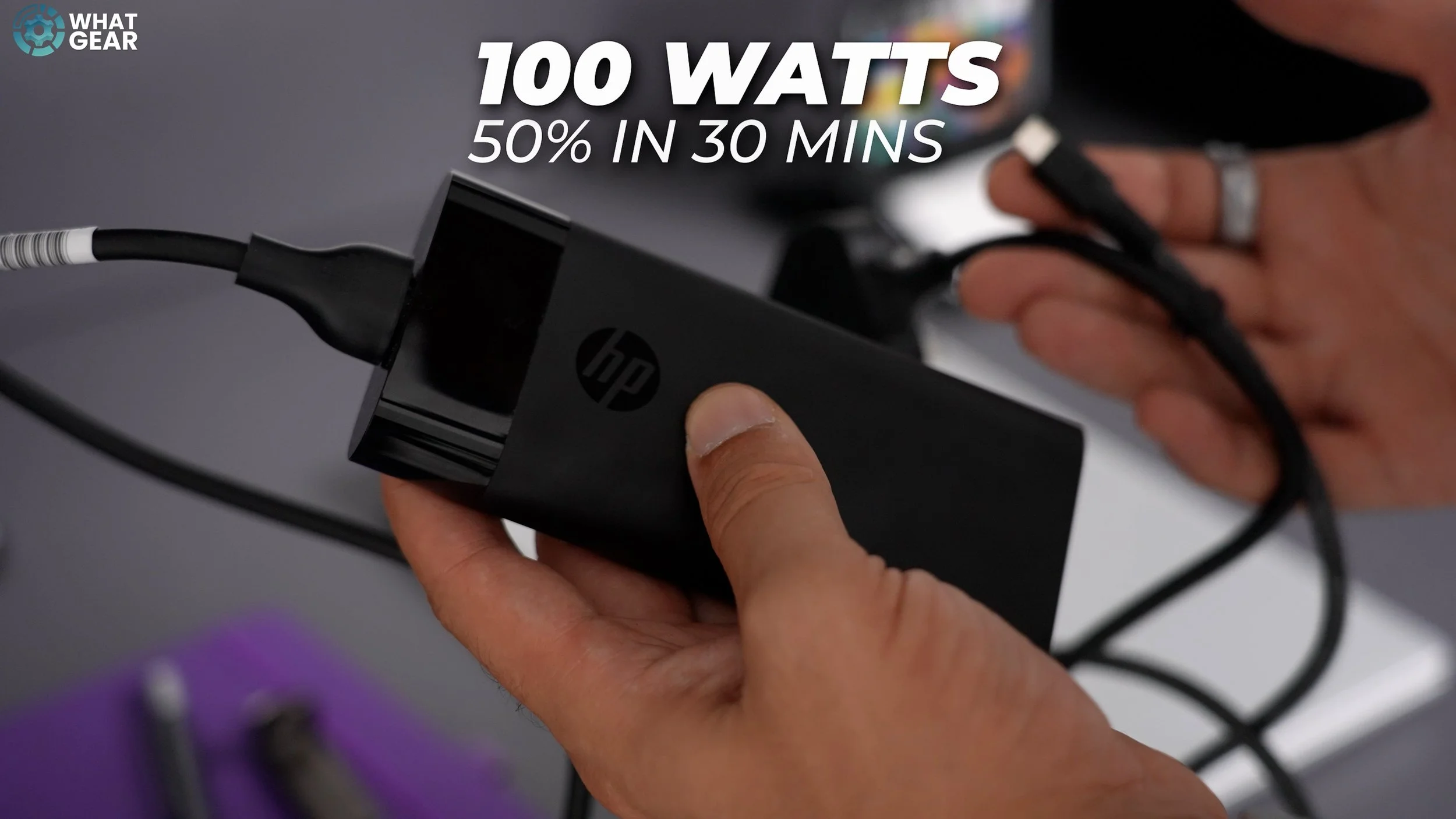
Which is still very good, and maybe it's thanks to the massive amount of ventilation and the powerful fans on this Laptop. And despite its power fans, even when pushed, they’re quite silent. This is how the Omnibook looks after 2 hours of 4K video editing in Adobe Premiere Pro. And ships with a 100 Watt charger that can charge the Omnibook 7 to 50% in just 30 mins.
AUDIO
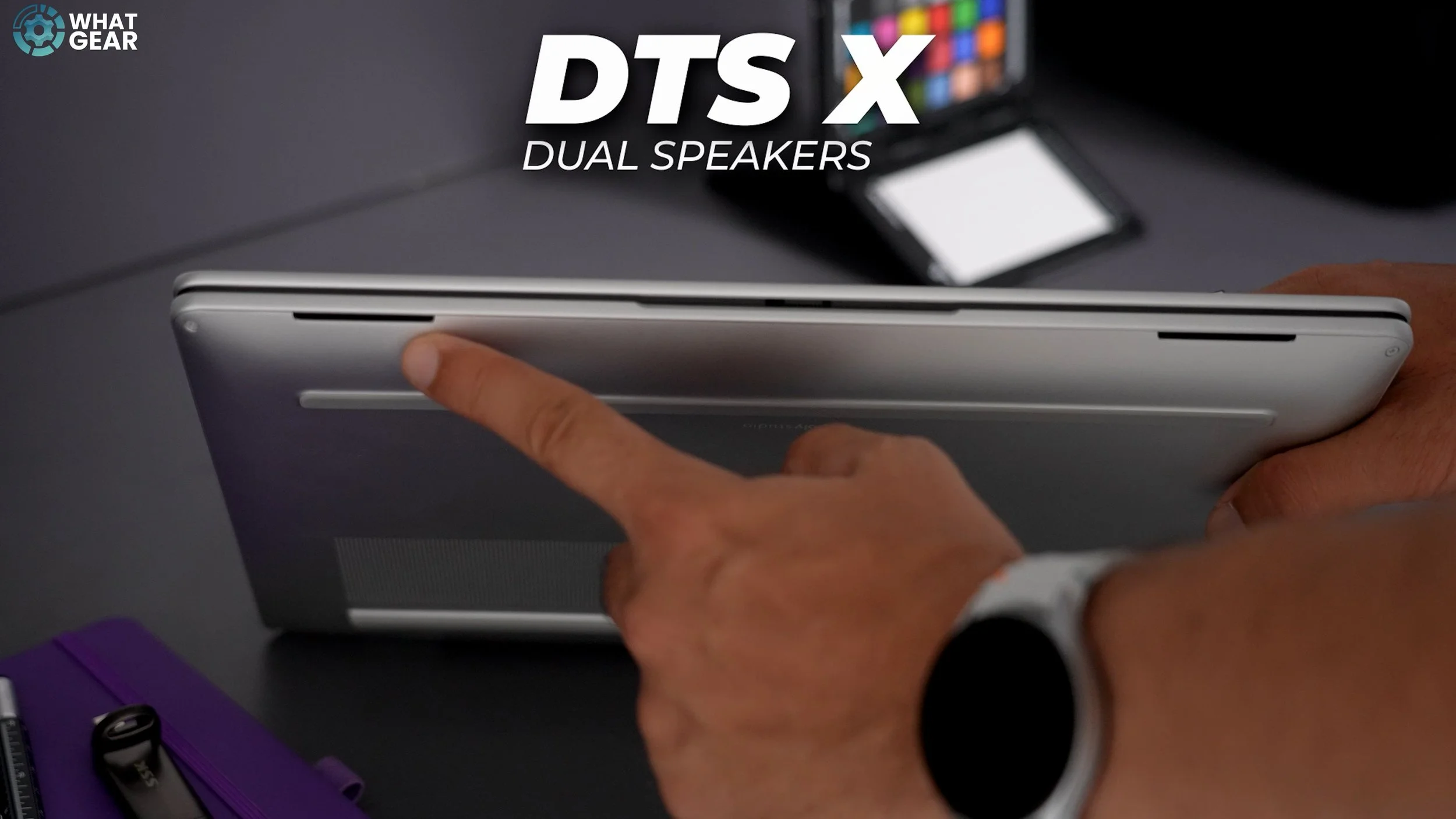
And something that I appreciate, and I know some of you will do. It is the quality of the DTS X ultra built-in dual speakers. They sound surprisingly good, and they're positioned to fire towards you. Also if you prefer headsets or earbuds you can get official PolyAudio products which are ideal for work situations and will be the perfect match for the Omnibook.
Ai Tools
now let's talk about some of the standout features on the Omnibook 7. The PolyCam studios software on the Omnibook 7 is definitely one of them, this comes into play whenever making video calls and using the webcam for work. And it can also be great for game streaming. The PolyCam software uses AI to ensure your video calls are crystal-clear, and also allows you to take advantage of features like auto-framing, lighting optimization, and background blur, which make you look and sound professional, no matter where you are.
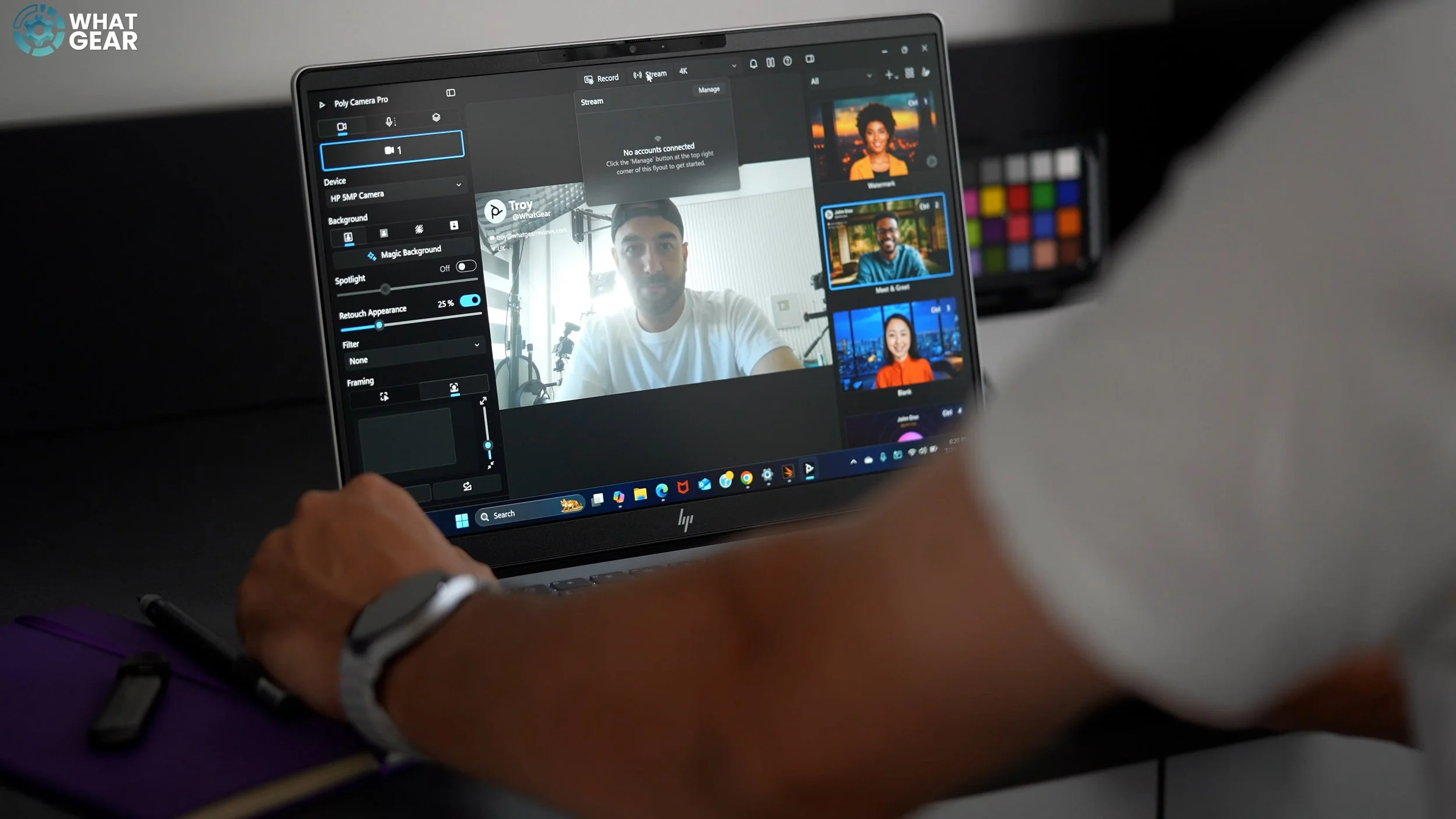
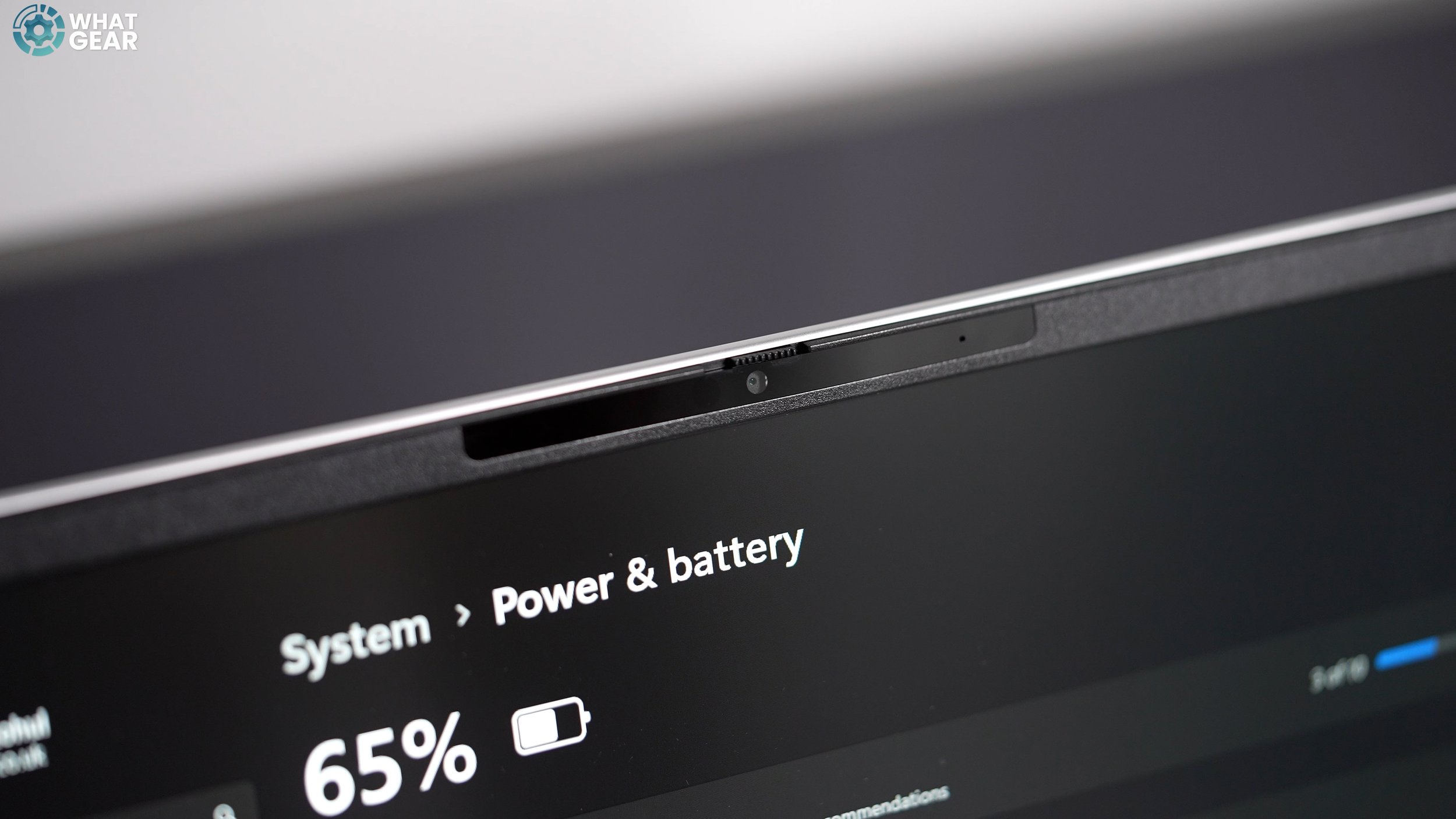
You can also create presets with watermarks with your contact details and social media handles. And this works in tandem with all the most well known web conferencing platforms. And you can even overlay a cutout of yourself over content in the background. This could be perfect for work but also game streaming. The omnibook features a 5MP IR camera, which enables face unlock, and it also includes a privacy shutter. And all the Polycam features of course work with this however you can use the Polycam Pro tools with USB connected cameras as well. That’s kind of a big deal.
The HP Omnibook is a solid laptop, well-built and featuring ethically sourced materials. The battery life is fantastic, and the performance is also on par, with the option to ramp it up significantly, along with the display if needed. The keyboard is one of the nicest I've used on a laptop. The built-in sound is very good, the I/O is very convenient, a lot of laptops ditch the full-size USB-A’s today, and the built-in camera and PolyCam Pro software are also excellent. You get some great configuration options, and you even have 2 M.2 SSD bays if you want to expand the memory yourself in the future. And, of course, you get the Co-Pilot AI and a dedicated button to activate it. The Intel Core Ultra 7 & 9 chipsets are built for AI, and in fact, the NPU in the Intel Core Ultra 7 can perform AI tasks at a rate of 13 Trillion Operations Per Second.
And do you realise what this means… It means…you'll never have to do homework again. OK, I'm joking we can't let the machines take over. That won’t be good. However, you can use the power of this Ai PC to help you accomplish tasks more efficiently & more quickly. Which is important because time is of the essence. So, who is the Omnibook 7 14" for? It could be a fantastic choice for students, as it allows you to run more demanding software, complete your work, and even allows you to enjoy some light gaming in your downtime. It could also be great for professionals who need a productivity workhorse with excellent cameras and microphones for conference calls. It can also be great for content creators like myself who are always editing videos on the go. In my opinion, the Omnibook ticks a lot of boxes for a lot of people & it’s built strong, which is very important if you’re going to be throwing this into backpacks and suitcases on a regular basis.