OnePlus Watch Lite - Is Thinner Actually Better?
Have you ever heard the saying, if you want to have a good time, you need a good watch? Well, this right here is a brand-new one from OnePlus. It is, of course, called the OnePlus Watch Lite. This is the first time that OnePlus has launched a Lite watch, and you might be wondering: What features have OnePlus taken out of this watch? What have they given it to make it different from their other offerings, such as the OnePlus Watch 3, which I looked at not too long ago and which was kind of a phenomenal watch.
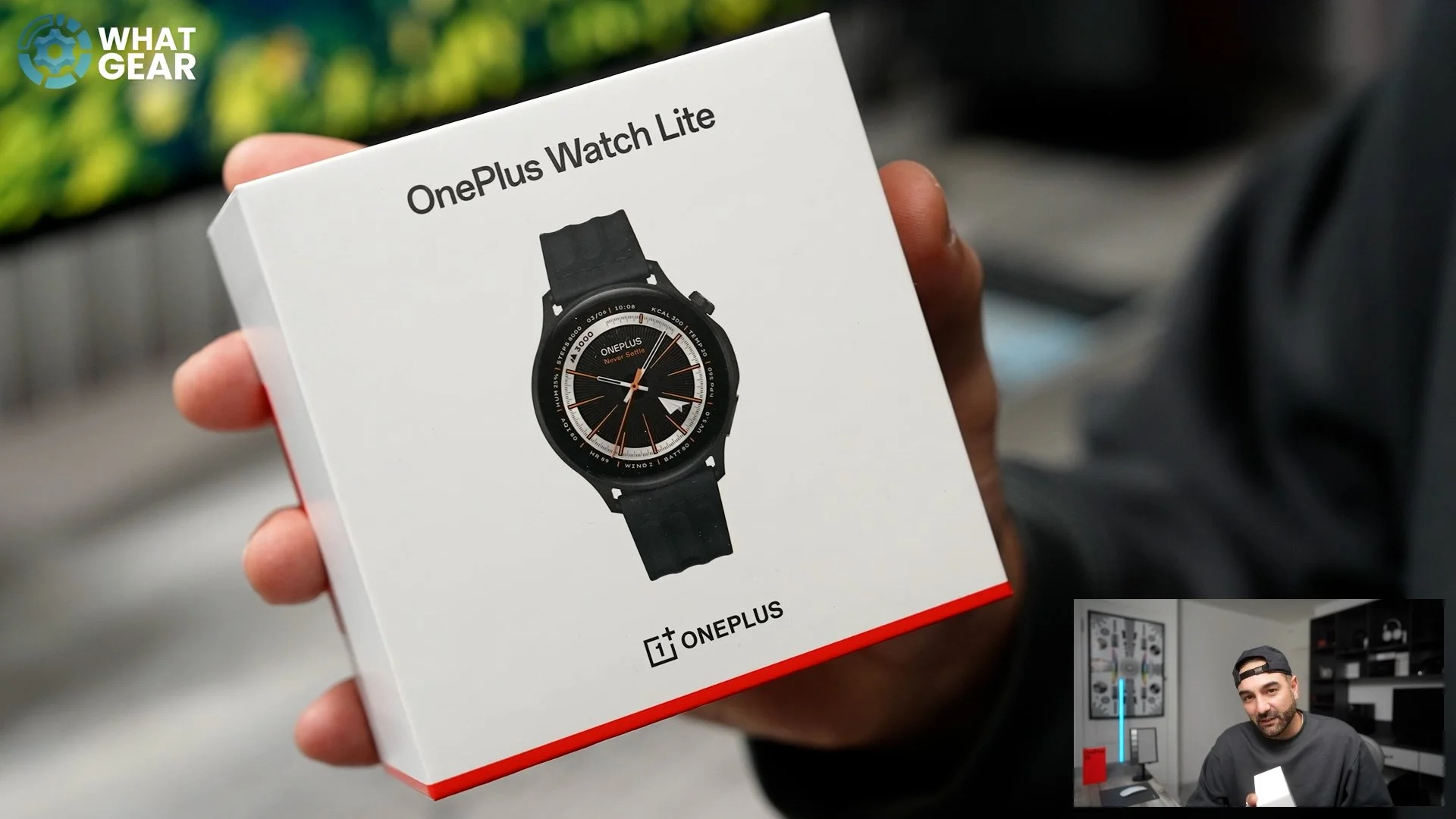
In my mind, there are really three compromises that you might have to make if you do decide to go for this watch. But actually, for some of you guys reading this, I don't think it's going to bother you that much — and you will see exactly what I mean. But first, let's see what's in the box.
Unboxing the OnePlus Watch Lite
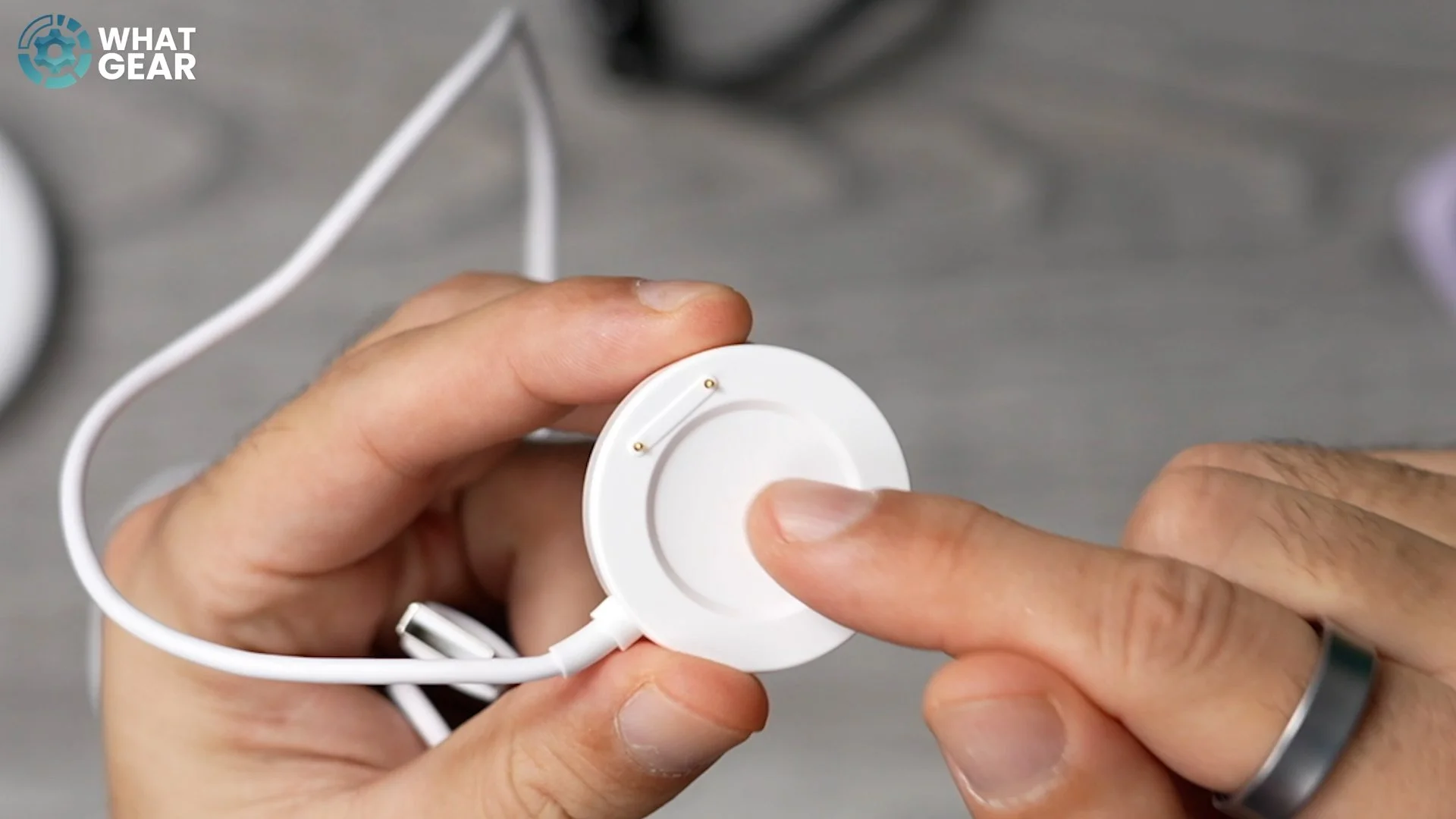
So, the watch itself — we'll put that to one side. Underneath, we have a little compartment. Then we've got the other side compartment, where we have what appears to be a proprietary magnetic puck charger. It's an all-in-one setup: USB-A on one side, and then the puck itself has these two pins, which probably means the watch can't charge using a regular wireless charger.
So, it does have that kind of classic round watch face to it. A couple of stickers here. I have been told that this is, in fact, the thinnest round watch that OnePlus has ever made. And yes, it certainly does look thin.
How Thin and Light Is It?
Let's find out exactly how thin it is. If we measure this at its thickest point, it is 11.05 mm. If we measure it at the thinnest point, which is the side here, I've got it as 9.06 mm. And according to the OnePlus reviewer’s guide that I got on this, they say it's 8.9 mm, at least at this point, which would likely be the thickness right at the edge.
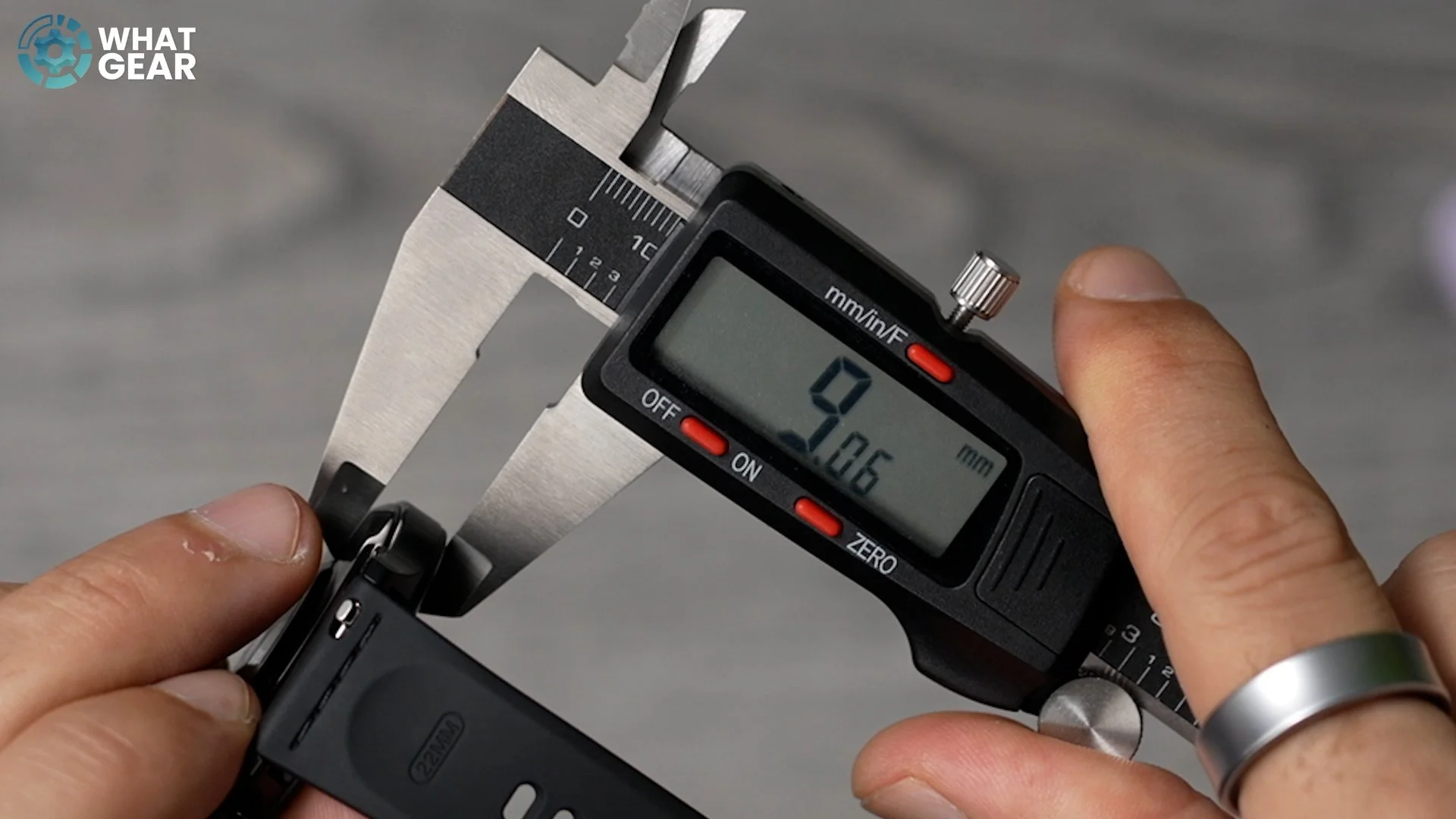
And I must say, compared to a lot of other smartwatches that I've looked at recently, this is actually pleasantly thin. So if you're not into chunky watches, then I think you're really going to appreciate that about this one. It's really nice and lightweight, just 35 g, which is quite surprising — especially given some of the materials that they're using here.
Premium Build & Materials
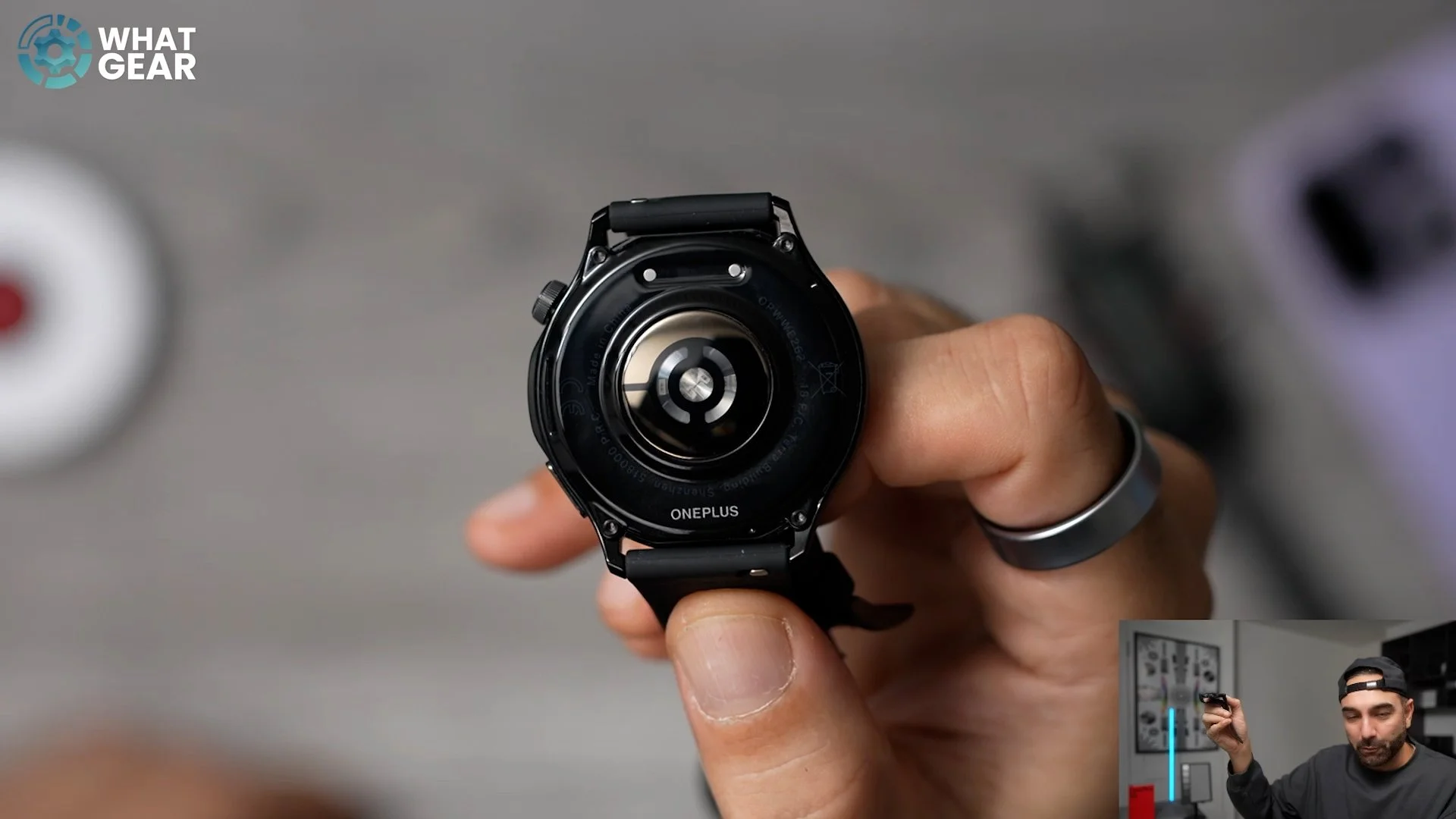
The body of the watch is 316L stainless steel, which is known to be very abrasion-resistant. And something I've just noticed about this is there's a little extended part just here which kind of protects this little sensor (which we'll come back to) and the crown, if you do manage to scrape it across a wall or something like that. Tucked just underneath that metal body is this little cut-out for the built-in speakers. On the back of the watch, we have this kind of glass-like material over the sensors. You can also see the two connection points there for the proprietary charger.
The watch straps used here are fluoroelastomer. They're very, very soft to the touch and perfect for gym activities, because you don't want the watch strap absorbing all your sweat — and yeah, this will resist that nicely.
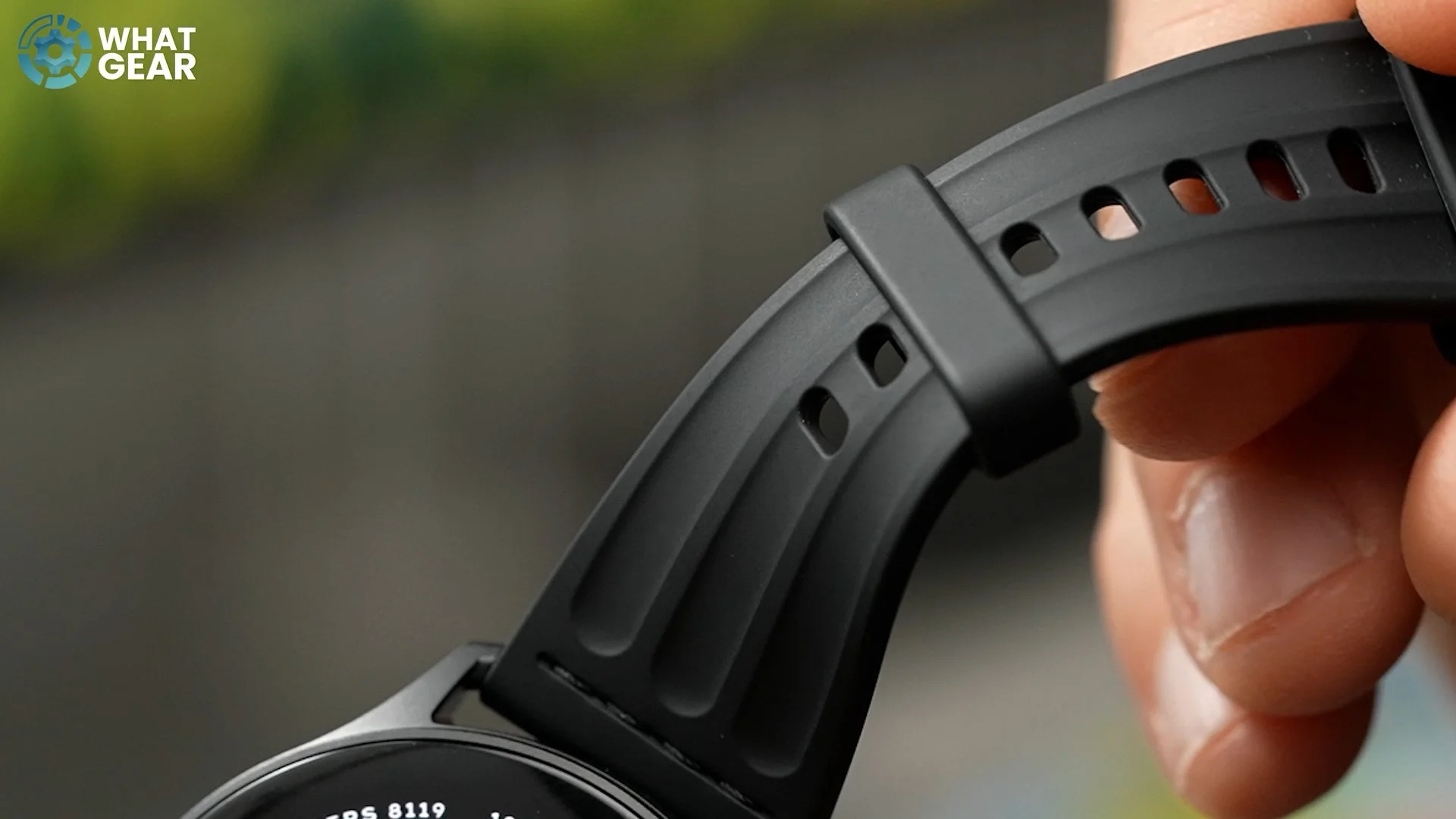
There are two colour options available:
Silver Steel – silver around the edge and steel with a kind of grey strap
Black Steel – with the black frame and black strap
At launch, these will cost £179 here in the UK, which is an interesting price point — and I'll explain why a little later on in the article. And here's another little detail worth mentioning: the buckle on the fluoroelastomer strap is also stainless steel.
Sapphire Crystal Glass & Bezels
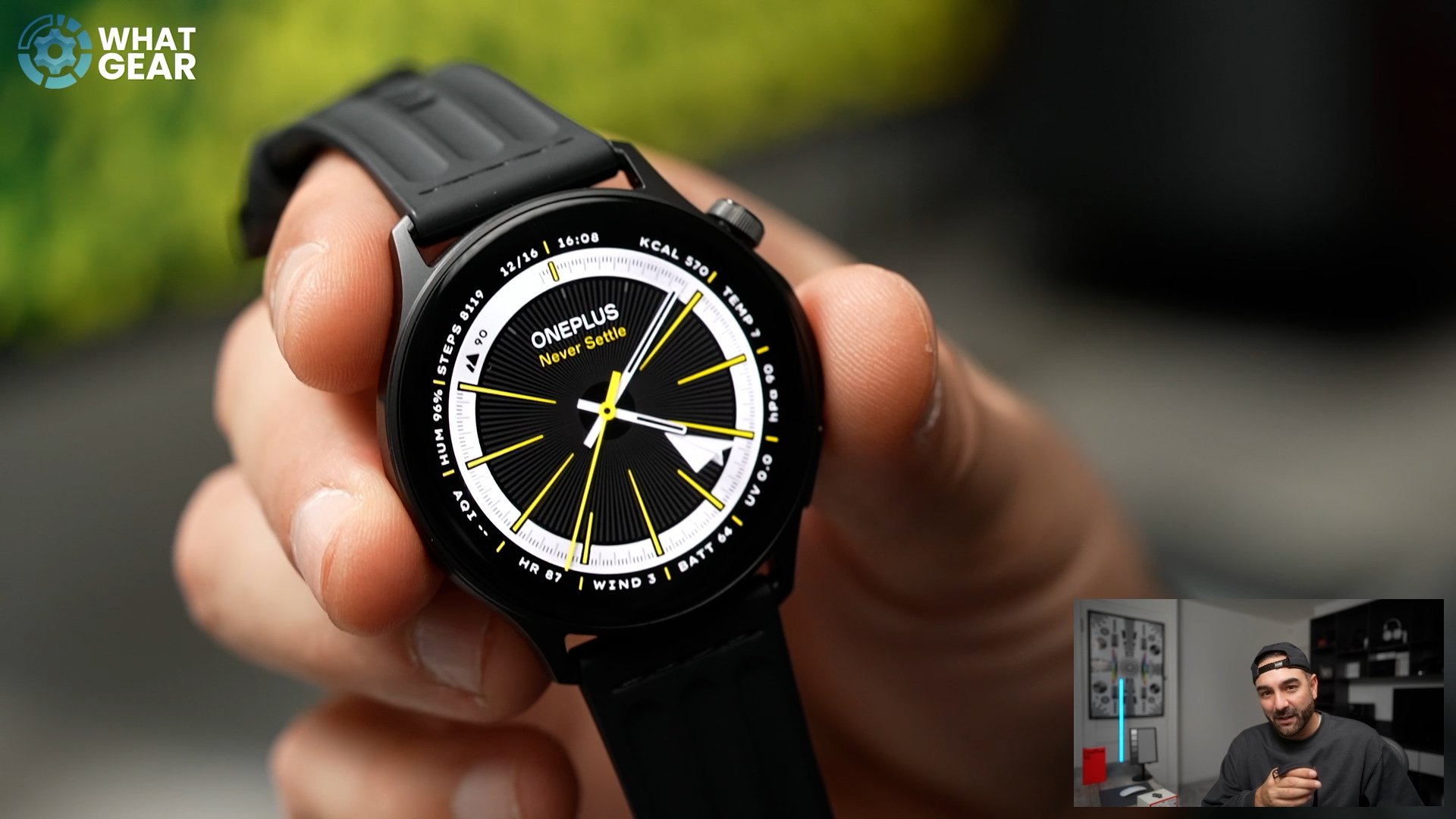
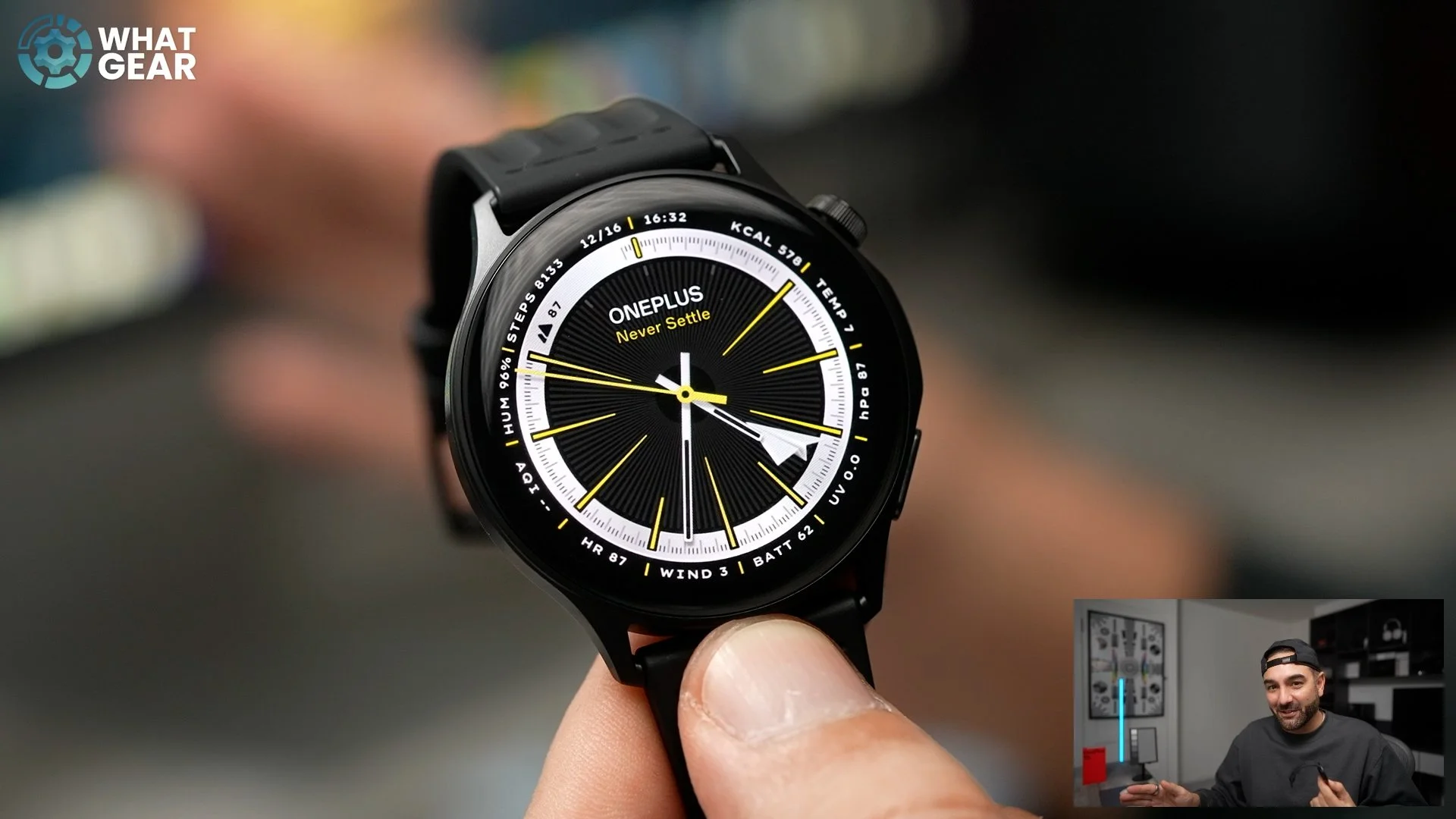
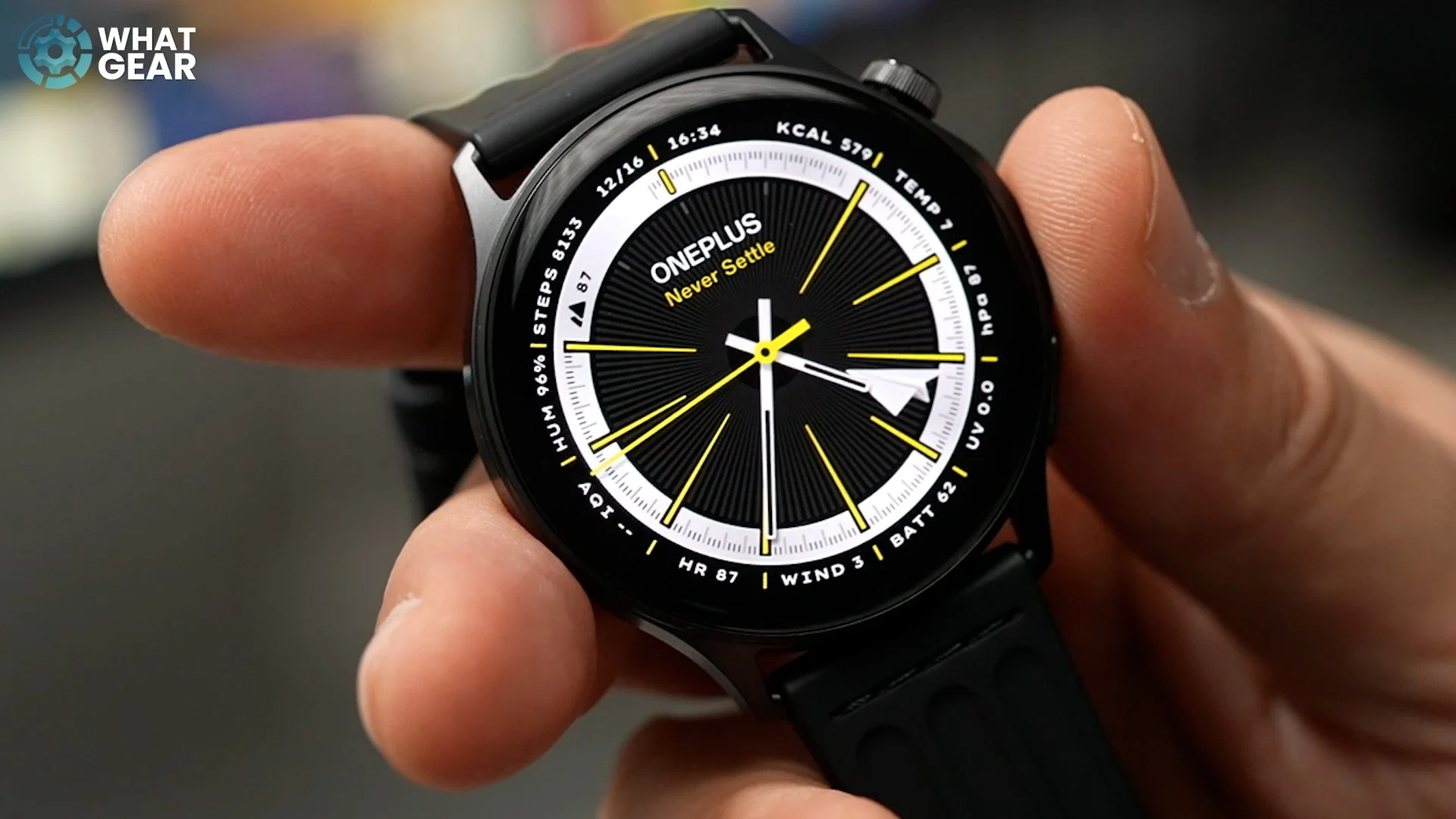
Something else not that commonly seen on more affordable watches is the glass that OnePlus are using here. They're actually using a 2.5D sapphire crystal glass, which is incredibly abrasion-resistant and is level nine on the hardness scale. And when you look closely at this thing, you'll see it reaches right the way to the edge of the screen. The actual bezel around the display is not that visible because of this particular watch face, but you'll definitely notice it when you're using a more well-lit watch face like this one.
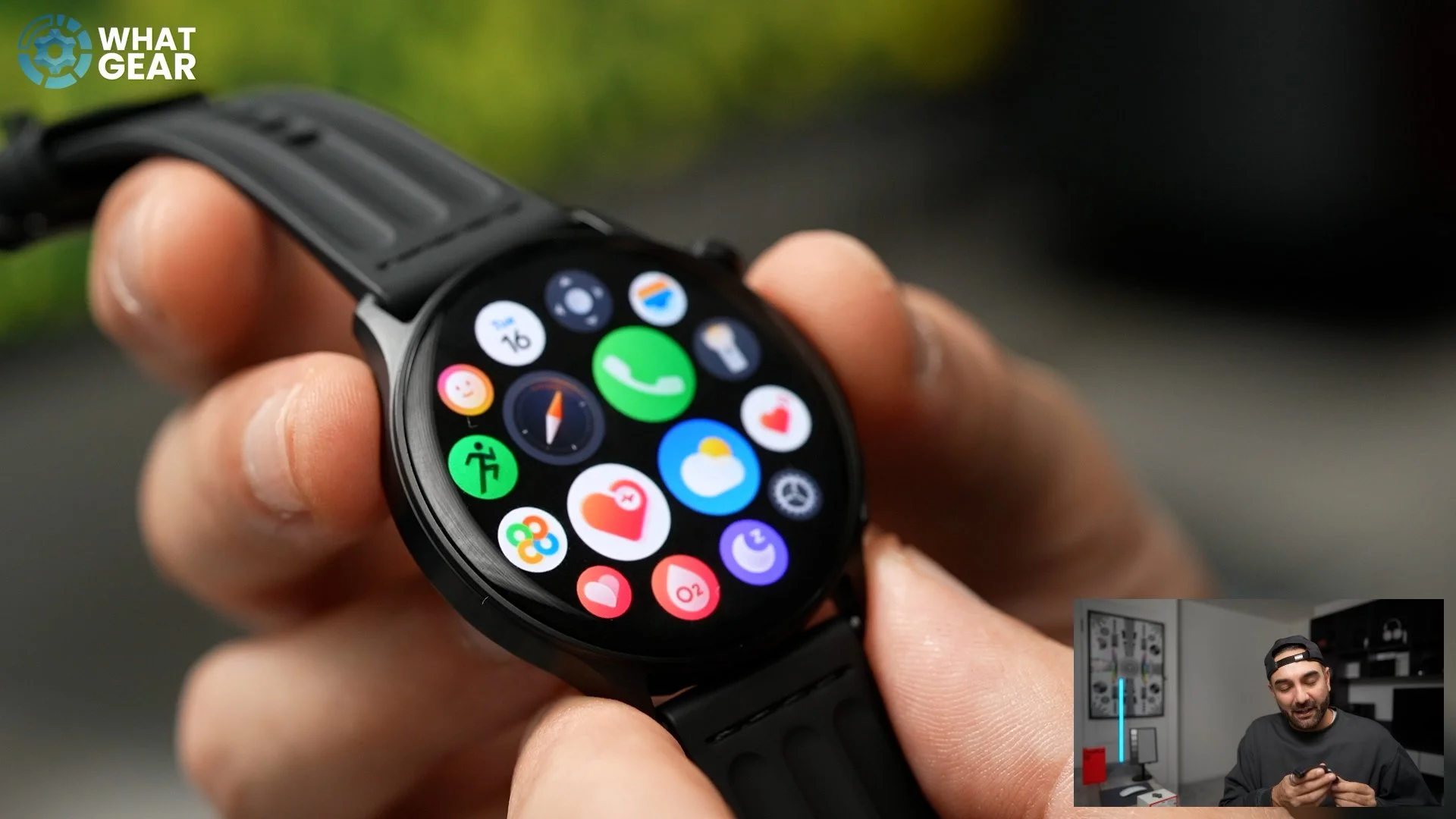
But actually, the bezels are pretty nice and thin at 2.8 mm, but it definitely looks nicer when you use a dark watch face like this one, for example, because that kind of makes it look like it's got an edge-to-edge display. And the fact that the glass wraps around the sides means that it is going to get brushed up against things, so it is a good thing that they're using that sapphire crystal glass here.
Water Resistance & Aqua Touch
And of course, this OnePlus Watch Lite is waterproof, and it has an official 5-atmosphere rating, which means you could take it swimming.
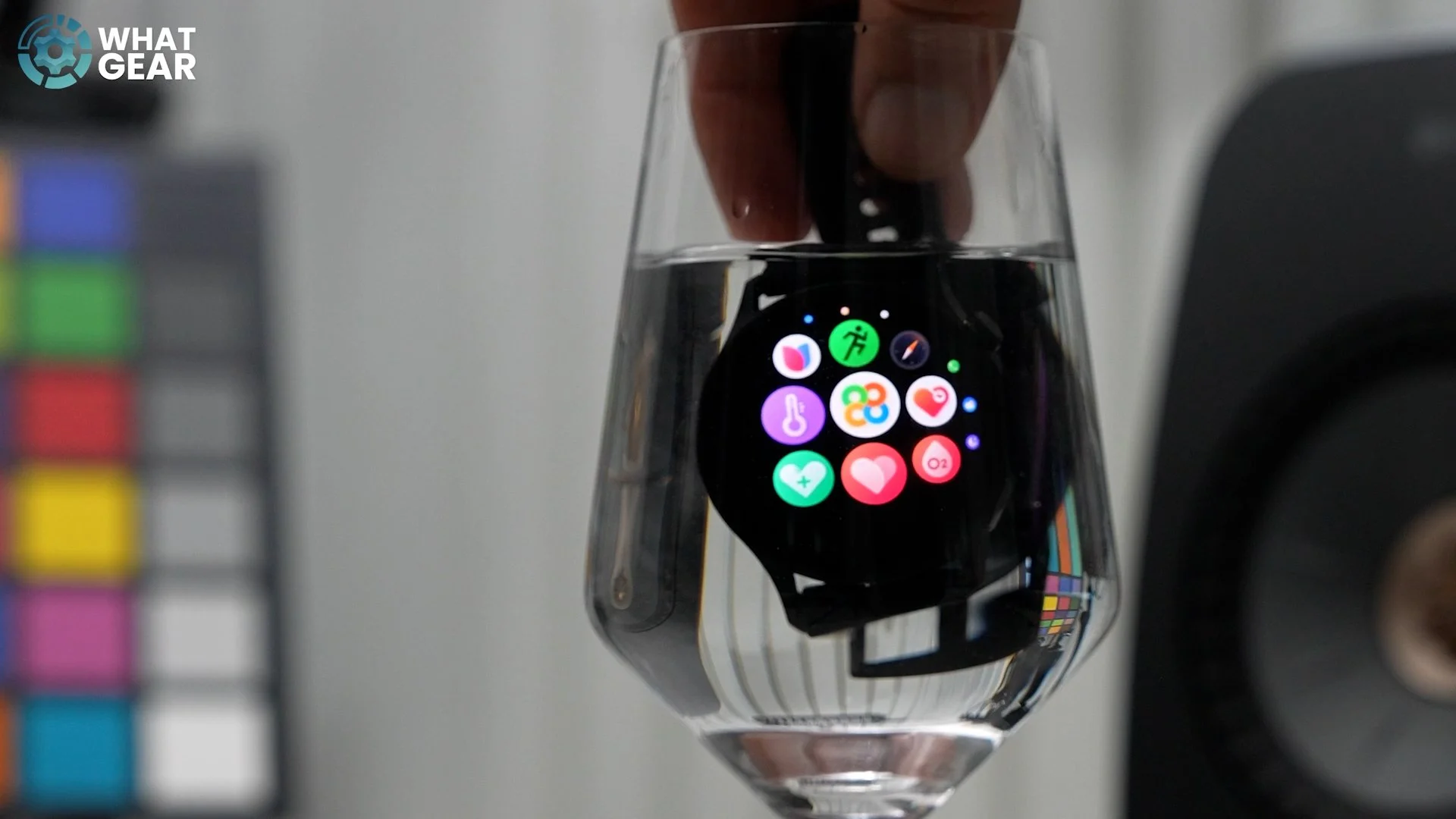
OnePlus have given it a standout software feature seen on some of their phones called Aqua Touch, which allows you to operate the watch normally even when it's raining and there's water on the glass, which will be especially handy if you live here in the UK.
Display: Bright and Premium
Now, something else that I definitely wouldn't call “lite” about this watch is its display. In fact, it's a very, very premium display. It's a 1.46-inch AMOLED with peak brightness up to 3000 nits in sports mode. Of course, that's measured in a smaller window. The day-to-day brightness on this, when you're not using sports mode, will be around 600 nits, but the fact that it can reach 3000 nits is significant, because this means even on the brightest, sunniest day, you'll be able to see the watch when you need to.
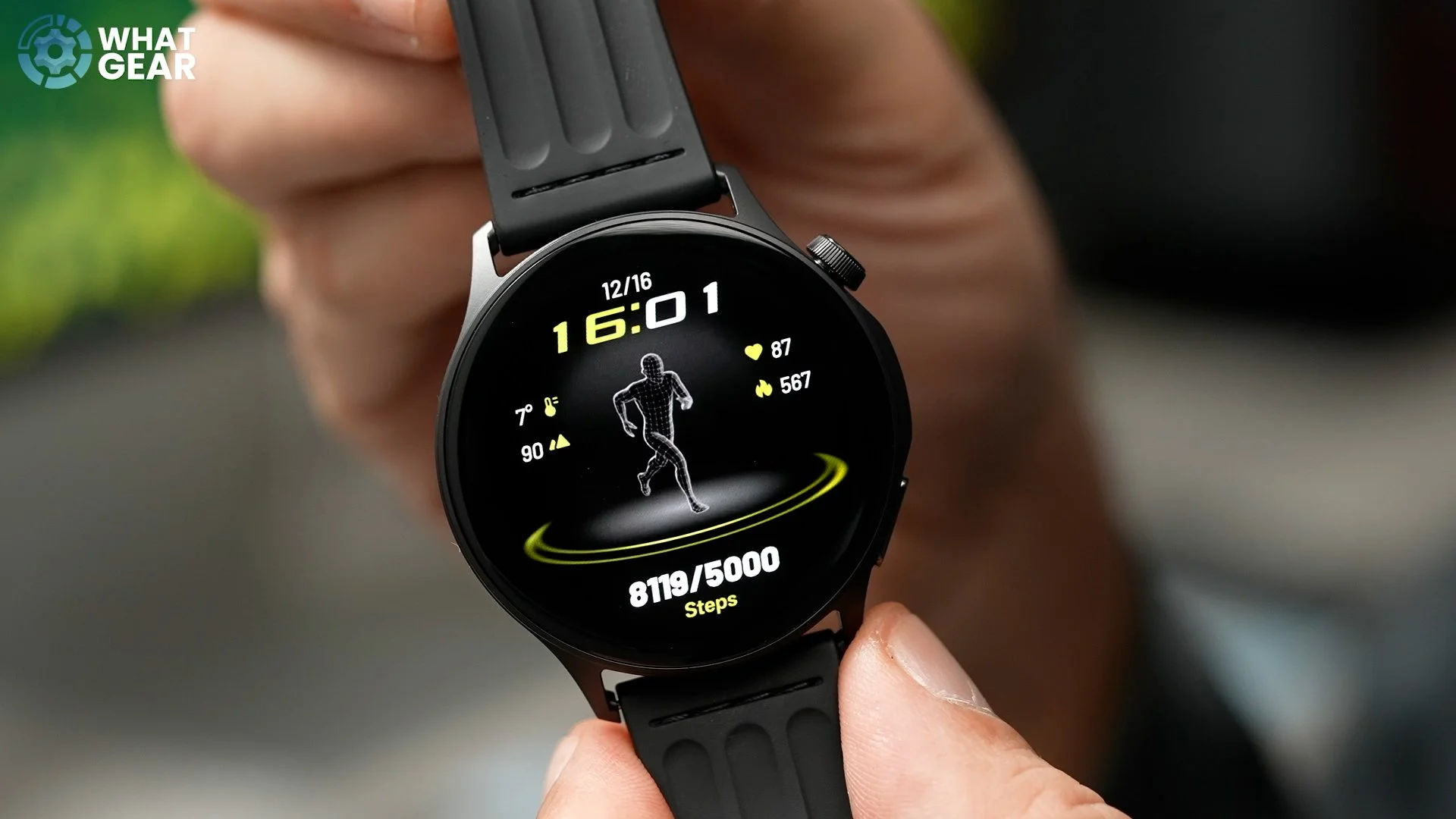
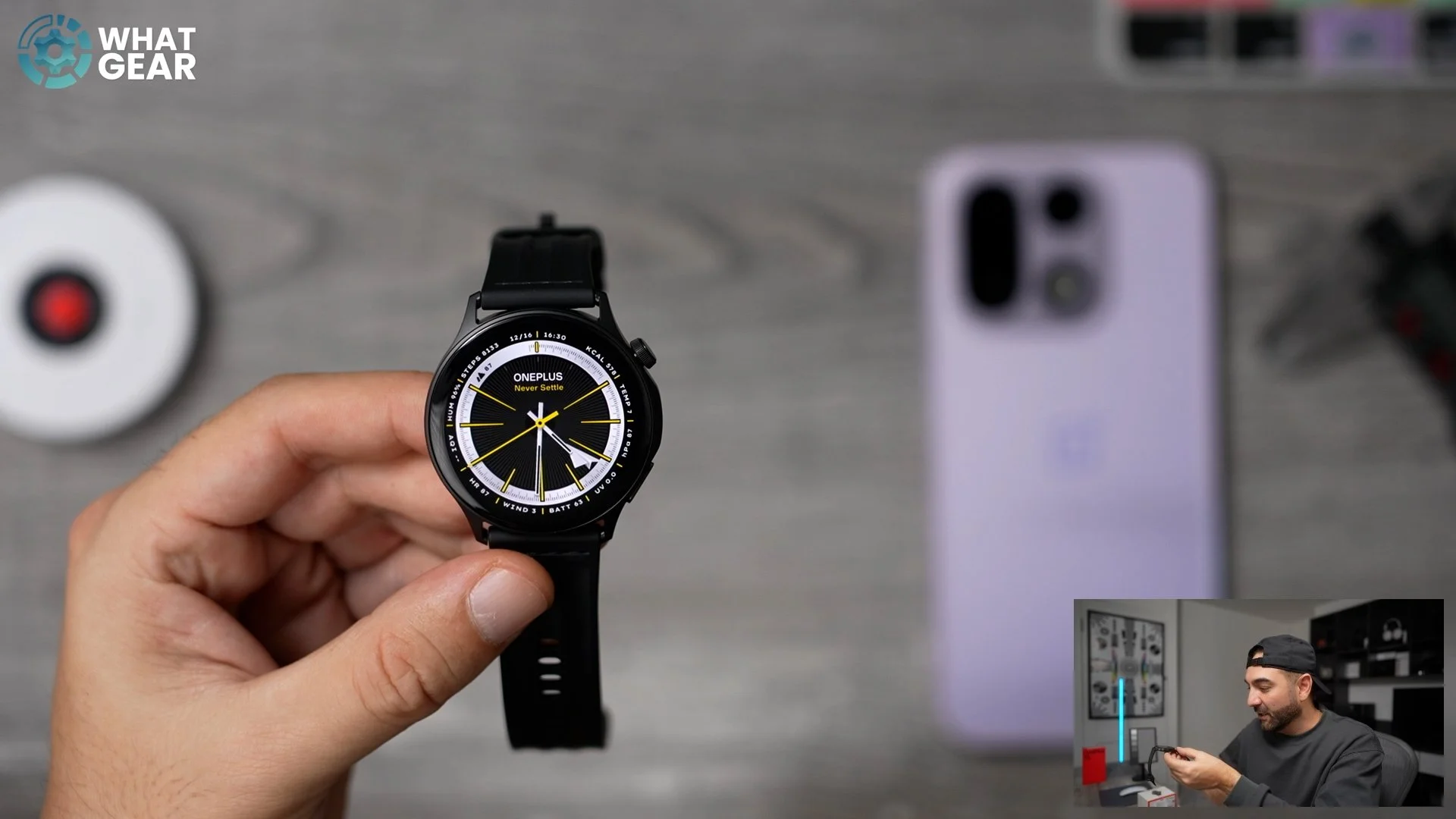
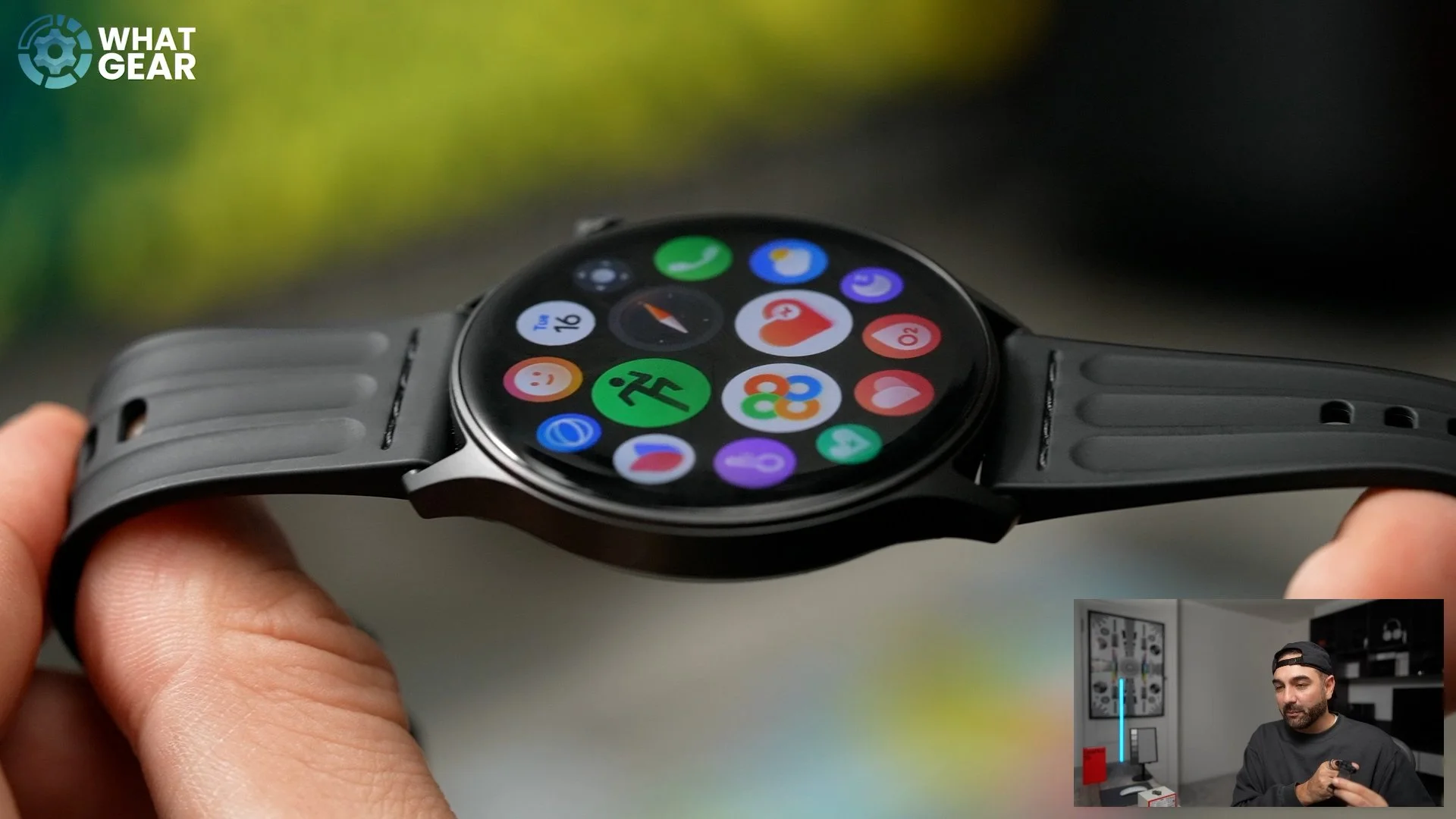
Something else really nice to see here when it comes to design is the rotating clickable crown, so you can navigate around the watch using this and the menu system within the watch. There are actually over 350 different watch faces on the AU Health app, and you can just transfer them from your phone to the watch. And you can even customise the complications and things like that if you want to. You can also set up photos as watch faces and kind of customise a little clock on top of those if you really want to.
Battery Life & OS
Now, something you won't know just by looking at this watch is the fact that it can run for up to ten days continuously on a single charge, which is very, very impressive. However, the OnePlus Watch 3 does go a bit longer than that, but it's also quite a bit more chunky than this. So what makes this watch the Lite version? Well, some of you guys reading this might be thinking that this is running Wear OS, because it looks very, very similar to it, but actually, it isn't. It's actually running OnePlus’s own Auto OS, a real-time operating system on the watch, and it's much more lightweight than Wear OS. This is one of the main reasons why it is so power-efficient.
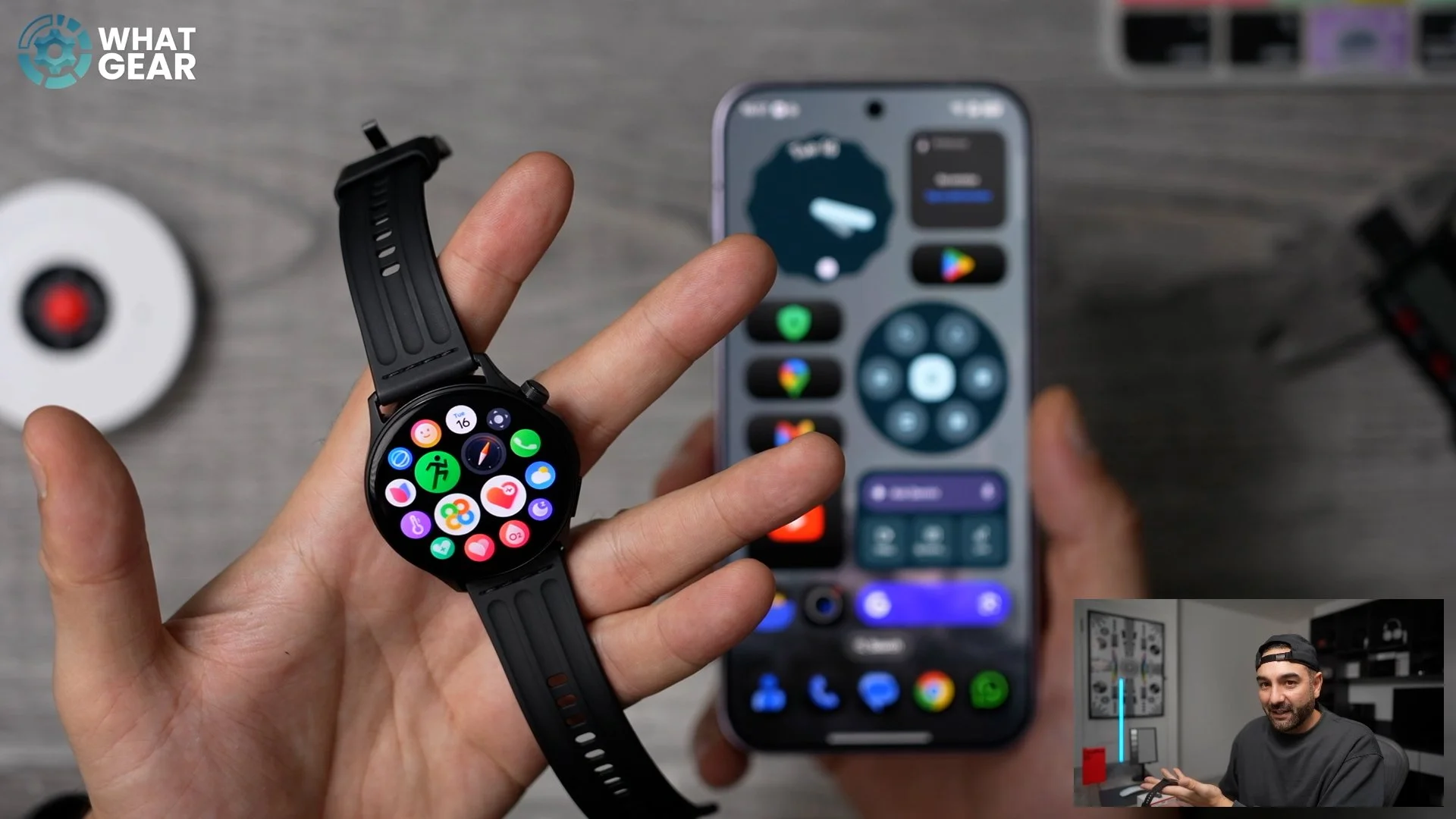
And even though it's using this different kind of software, it is still very compatible with iOS and Android. In fact, you can dual-pair this to iOS and Android at the same time, or even to Android devices like a tablet and a phone, or two iOS devices like your iPhone and your iPad, if you really want to. And if you do this, you can actually take and make calls on those two separate devices via the OnePlus Watch Lite. If you're wondering what Bluetooth version it is, it’s Bluetooth 5.2. Some of the other cool stuff you can do with this real-time operating system includes syncing up your messages from your device, setting reminders, schedules, and even setting it up as a remote camera shutter button.
The O Health App & Tracking Features
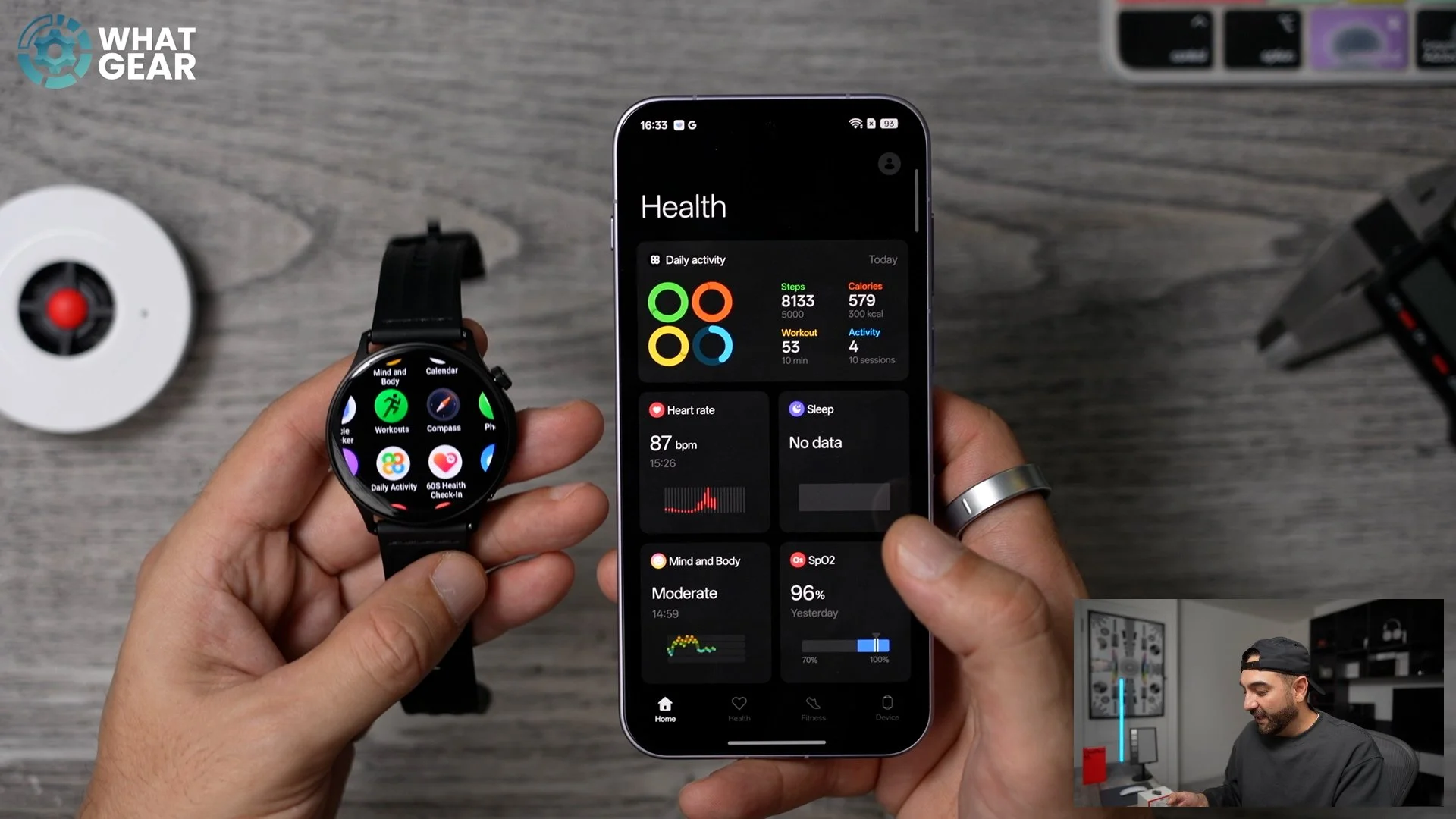
The AU Health app is also really useful. All of your important vitals are tracked here, including:
SpO₂
Beats per minute (heart rate)
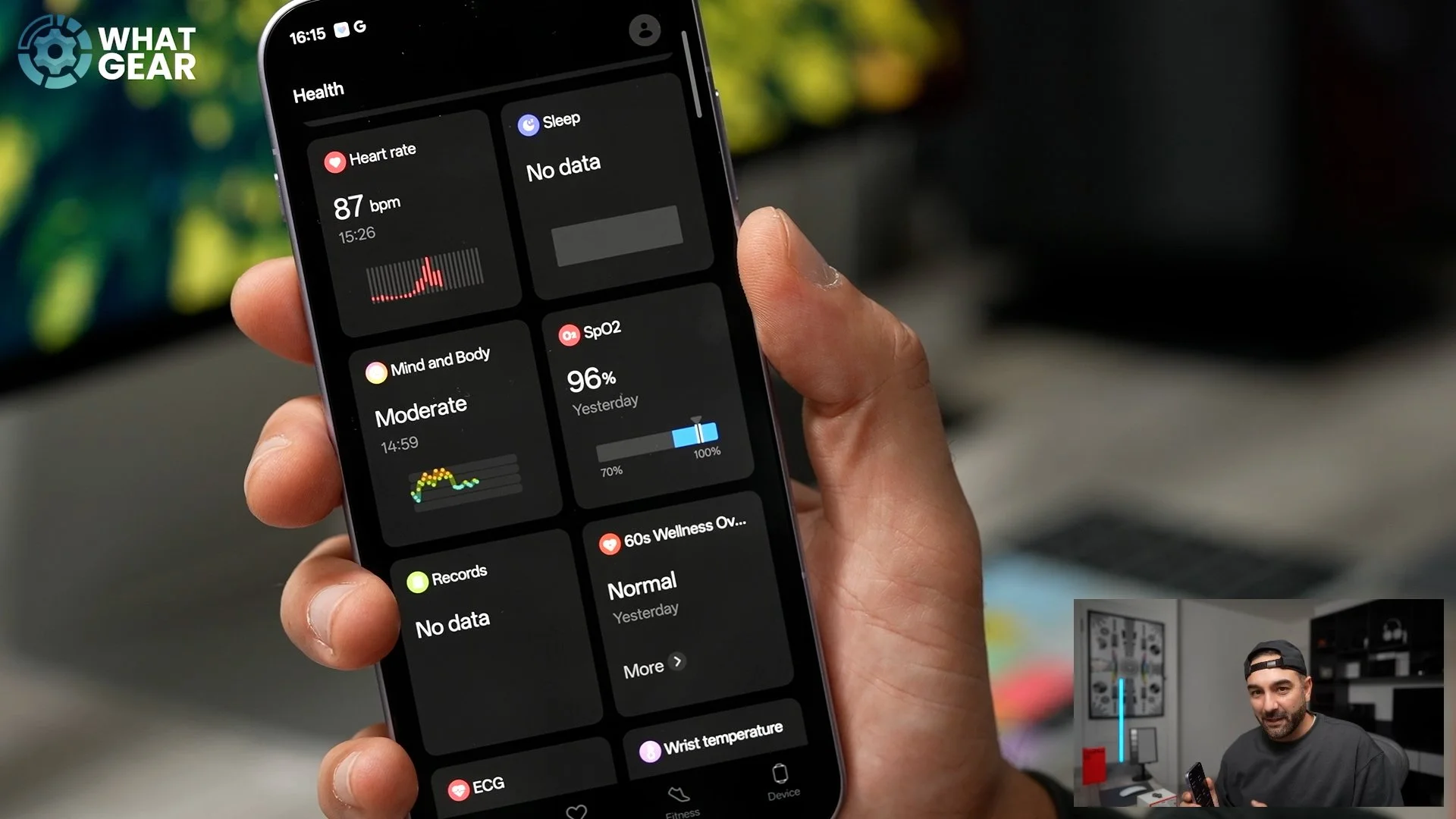
You can even log your mind and body wellness, as well as track other people's data if they're willing to share that with you. You've got the feature right here (which we're going to come back to in a minute), and also ECG is supported. It gives you:
Sleep reports
Wrist temperature readouts
Calories burned during workouts
—all at a glance. So it's nice and easy to use, and it gives you a good amount of information when it comes to tracking your workouts and things like that. There are a bunch of modes which you can trigger here. Also, you can trigger them on the watch as well, so that's pretty cool.
GPS & Sports Modes
The watch does have dual-band GPS as well, so it uses the L1 and L5 satellite connections. So even if you're travelling between big buildings or forests or anything like that, those two satellite connections should be able to deliver pretty accurate tracking of where you are, how fast you're moving, and all that good stuff. And when it comes to sports tracking modes, there are so many of them. You can customise these. A couple of the new ones, I believe, include the badminton mode, which can actually now track your swing speed, shot distribution, forehand and backhand, and even present a five-dimensional radar chart of your play style. So if you're a badminton fan, you're going to love that.
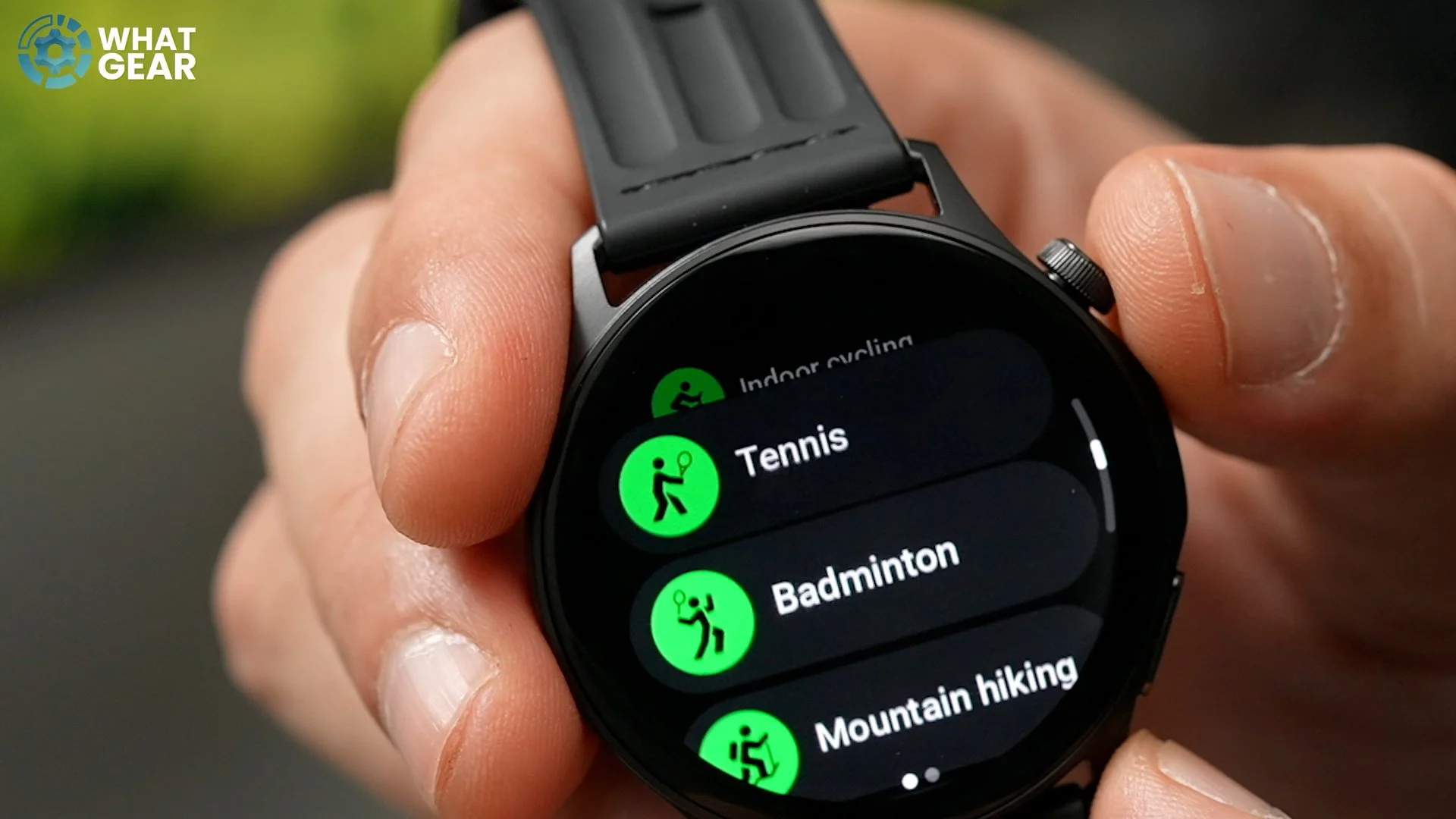
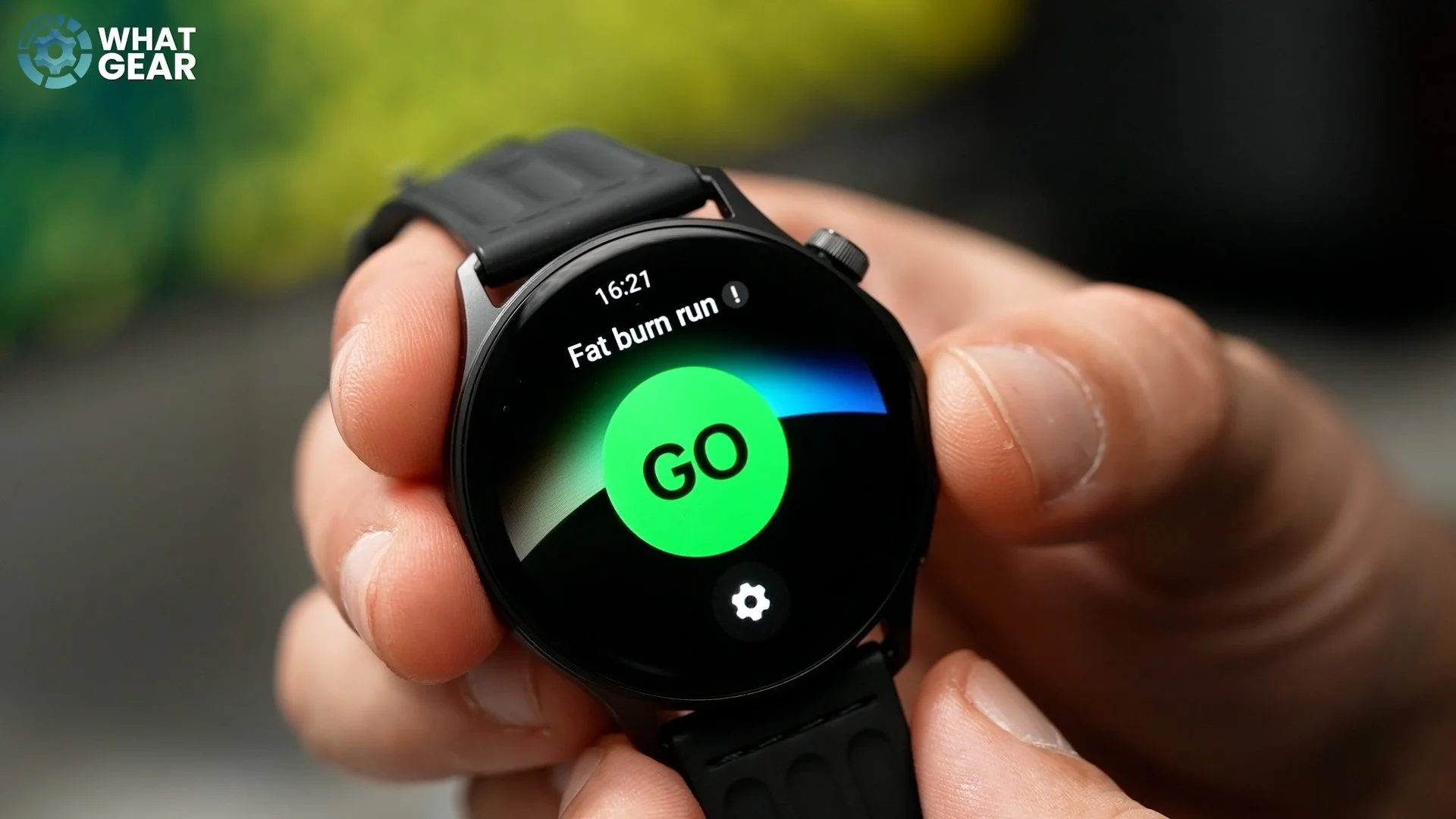
Also, there's a new feature here if you are a runner called the Automatic Lactate Threshold Detection. This kind of data is usually only available in more high-end gear, so it's nice to see it here, and it can help you determine your anaerobic and aerobic zones without having to do any complicated tests — it just does it all for you. This watch has so many health tracking features, I could be here all day talking you through all of them. But there is another health feature which I think you absolutely need to know about.
ECG Sensor & 60-Second Health Check
See this little button here? This isn't, in fact, a button. It is actually a sensor that allows you to take ECG readings using the watch. And it also allows you to use one of this watch’s most useful features in my opinion: the 60-second Health Check-In. You just rest your finger on that dial, keep it held there for 60 seconds, it’ll take the ECG along with a bunch of other readings from the other sensors on the watch, and then give you a quick report of how much progress you're making — or how much your health is deteriorating. Let's hope it isn’t. I'm hoping mine isn't.
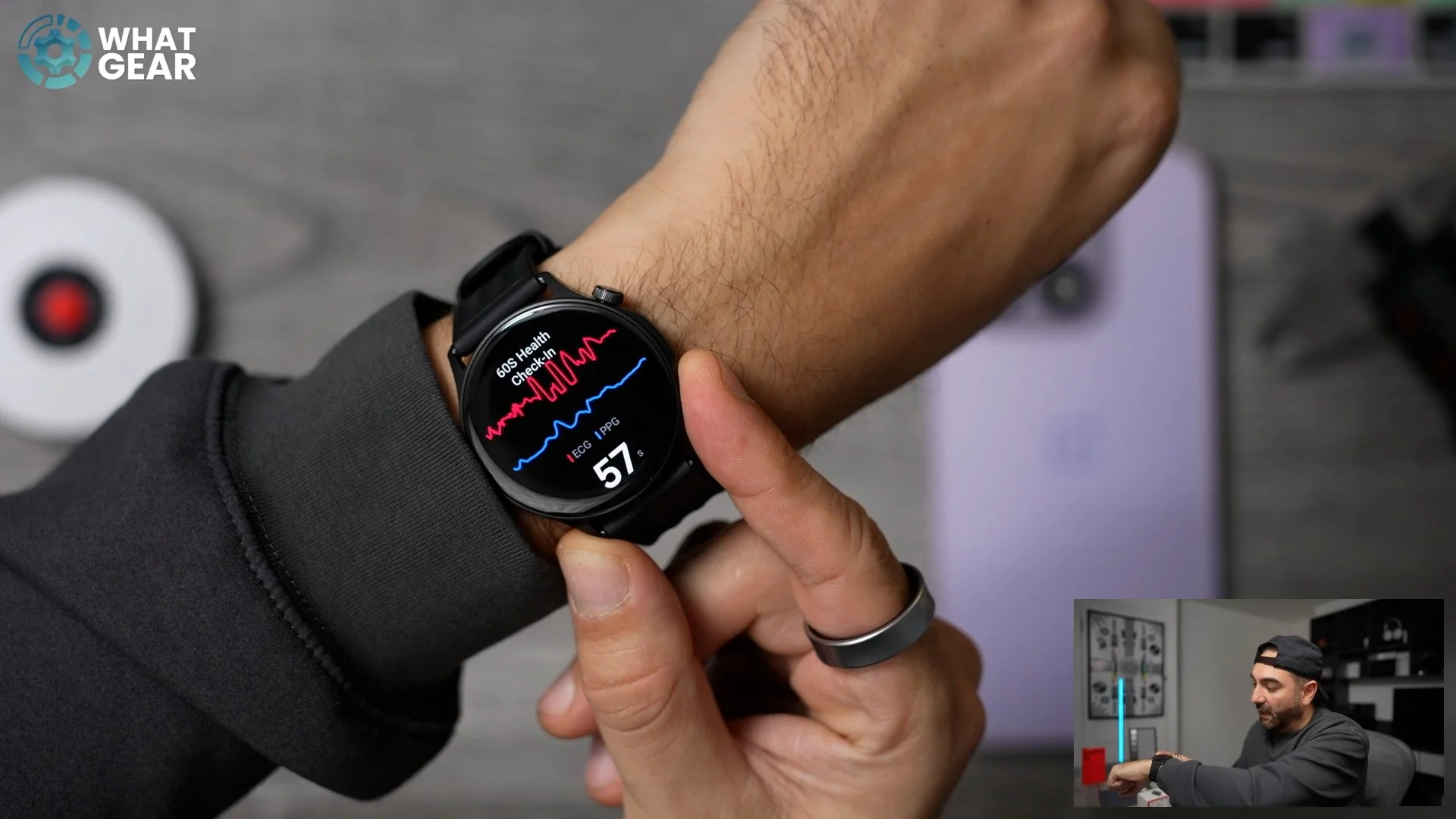
And if you want it to, you can get it to broadcast your heart rate during workouts. Now, this might sound good, and you might be wondering at this point, what would be the point of spending more to get Wear OS? Well, let's go back to what I foreshadowed at the beginning of this article.
The 3 Main Compromises vs OnePlus Watch 3
Here are the compromises that you would need to make if you opted for this watch as opposed to the OnePlus Watch 3.
1. NFC, But No Bank Cards
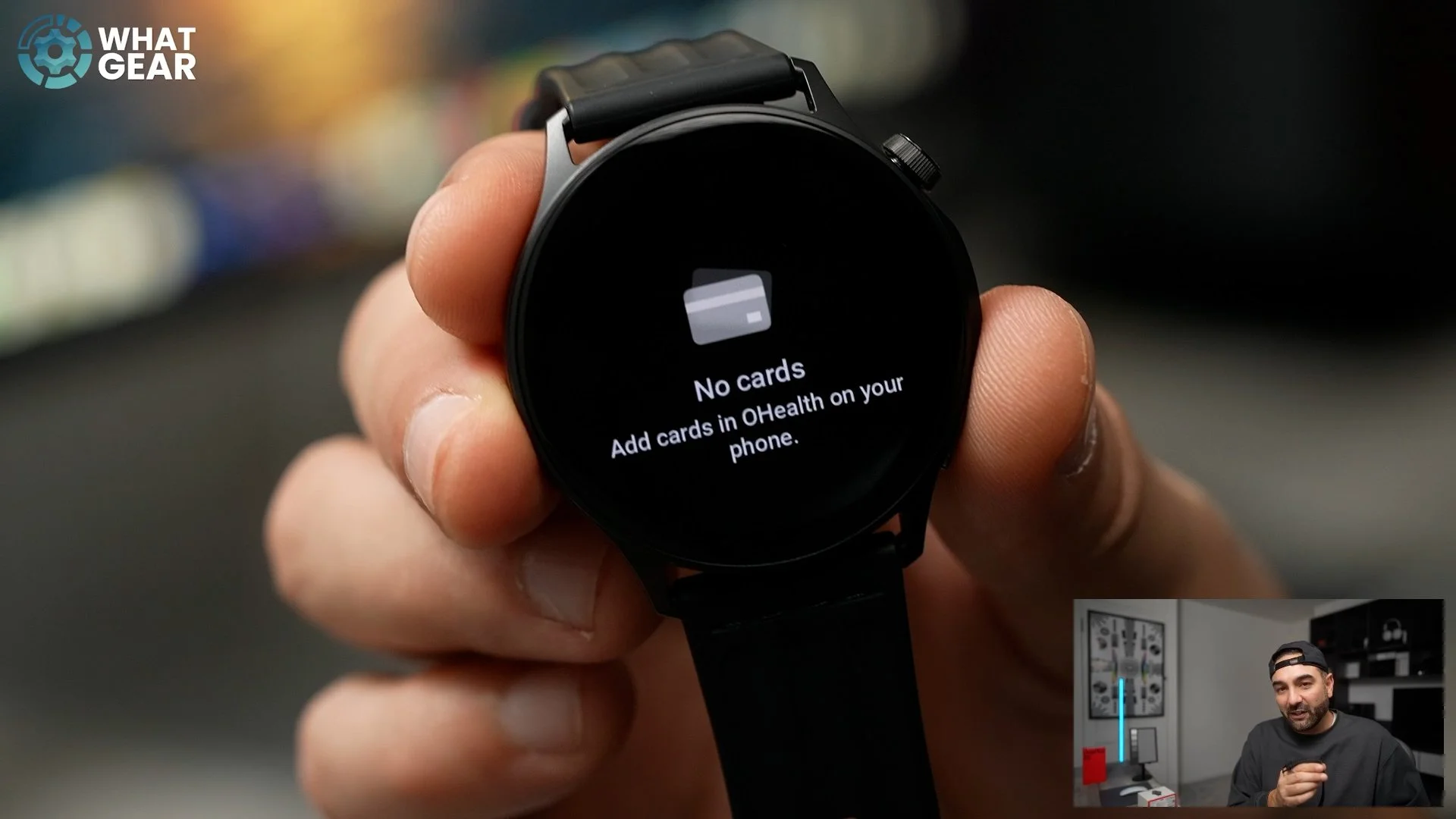
You probably noticed that when I peeled that sticker off right at the beginning of the video, it does say that this watch has NFC, and it does. And there is a Wallet right here. However, this wallet can't hold any bank cards because it's not linked to any apps on the phone other than the health app. But what you can do with the wallet feature here is actually add key fobs and cards that are unencrypted today. So you don't have to carry those key fobs with you — for example, your gym key fob. So that's one compromise.
2. No Third-Party Apps
The other one that might be a dealbreaker for some of you guys is the fact that this is running on its own operating system, which means that you can't install any third-party apps. That means you can't put Spotify on here, or Deezer or any audio service, and that is compromise number two.
3. Battery vs Watch 3
The third compromise, if you can call it that, is the battery life. It is ten days, which is still better than pretty much 90% of the smartwatches out there. However, the OnePlus Watch 3 has a lot more battery life than this one.
Google Fit Compatibility
But here's a bit of good news if you are a Google Fit user and you're worried about having to use the AU Health app instead of that: you can actually migrate all of the data from AU Health to Google Fit if you want to. So that solves that problem.
Who Is the OnePlus Watch Lite For?
So who do I think the OnePlus Watch Lite is really for? Well, obviously, it's for anyone who doesn't need their bank card on their watch, and also for anyone who doesn't want to store music locally on the watch. If you're the type of person who likes to leave their phone at home and just go for a run with the watch, this will still track all of that. However, it will be disconnected from any data until you get back and resync it with your devices. So if you don't mind that, you could save a few quid on this.
And I think lastly, if you really want a thin but strong watch, this one is definitely one of the front-runners. The materials used here are really, really premium, and the health tracking features here are also very premium. And that ECG sensor, the electrode on the side, is something we never see on more affordable smartwatches. So yeah, this is great value for money.
OnePlus Watch Lite vs OnePlus Watch 3
Now, there is one little catch. I had to look online to see how much the OnePlus Watch 3 costs. That's the flagship watch right now from OnePlus. On Amazon, it's £188, so that's not much more than this will cost. So I guess you really have to ask yourself:
Do you want a lighter and thinner watch?
Or do you want more raw power and more features in terms of apps and stuff like that?
But if that kind of stuff does not matter to you and you want a watch that does pretty much all of the health tracking you need, and you want it to be thin and light and look cool, well then, yes — I would absolutely recommend the OnePlus Watch Lite. If you guys want to check out my video on the OnePlus Watch 3, that's right here.