Poco Pad M1 - What £350 Gets You These Days!
This is the Poco Pad M1. Do you know how much you need? If you want to buy one of these? I need about three for three fitted. And the reality is, if you walk into an Apple Store with a 359 for the best, you'll probably walk out with is one single sock. And Poco are really well known for their value proposition, so this one should be kind of interesting because you're about to see what you can get for 350. If you go for a Poco pad M1. So let's kick this off by doing a quick unboxing.
Unboxing
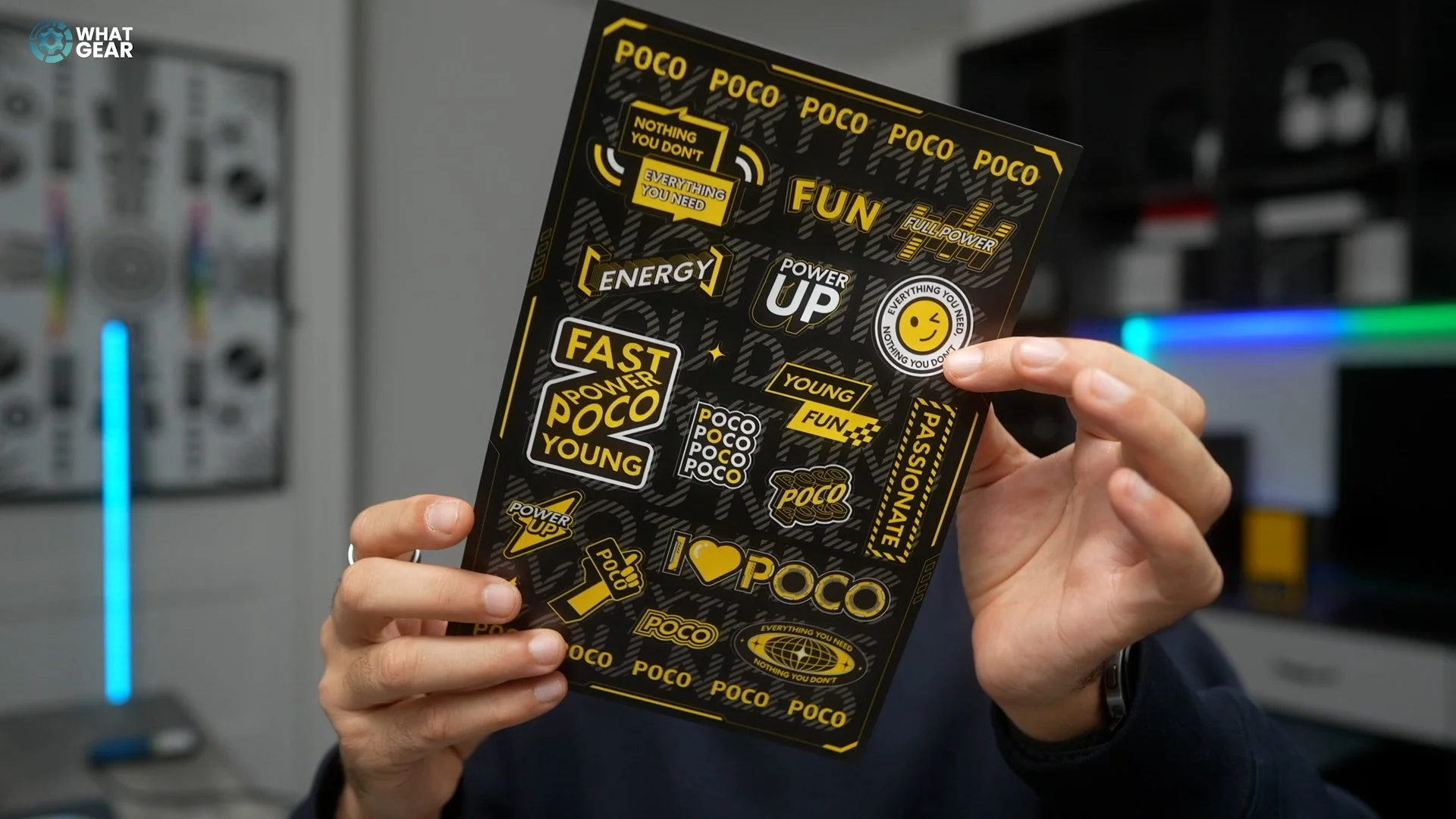
This tablet does have Dolby Vision and Dolby Atmos, as well as all your favourite Google apps. I did not see this coming. There is an entire A4 page of stickers. Apple did get rid of the individual sticker, probably to cut costs. And yeah, Poco ain't doing that. Here are some of the top-level specs.
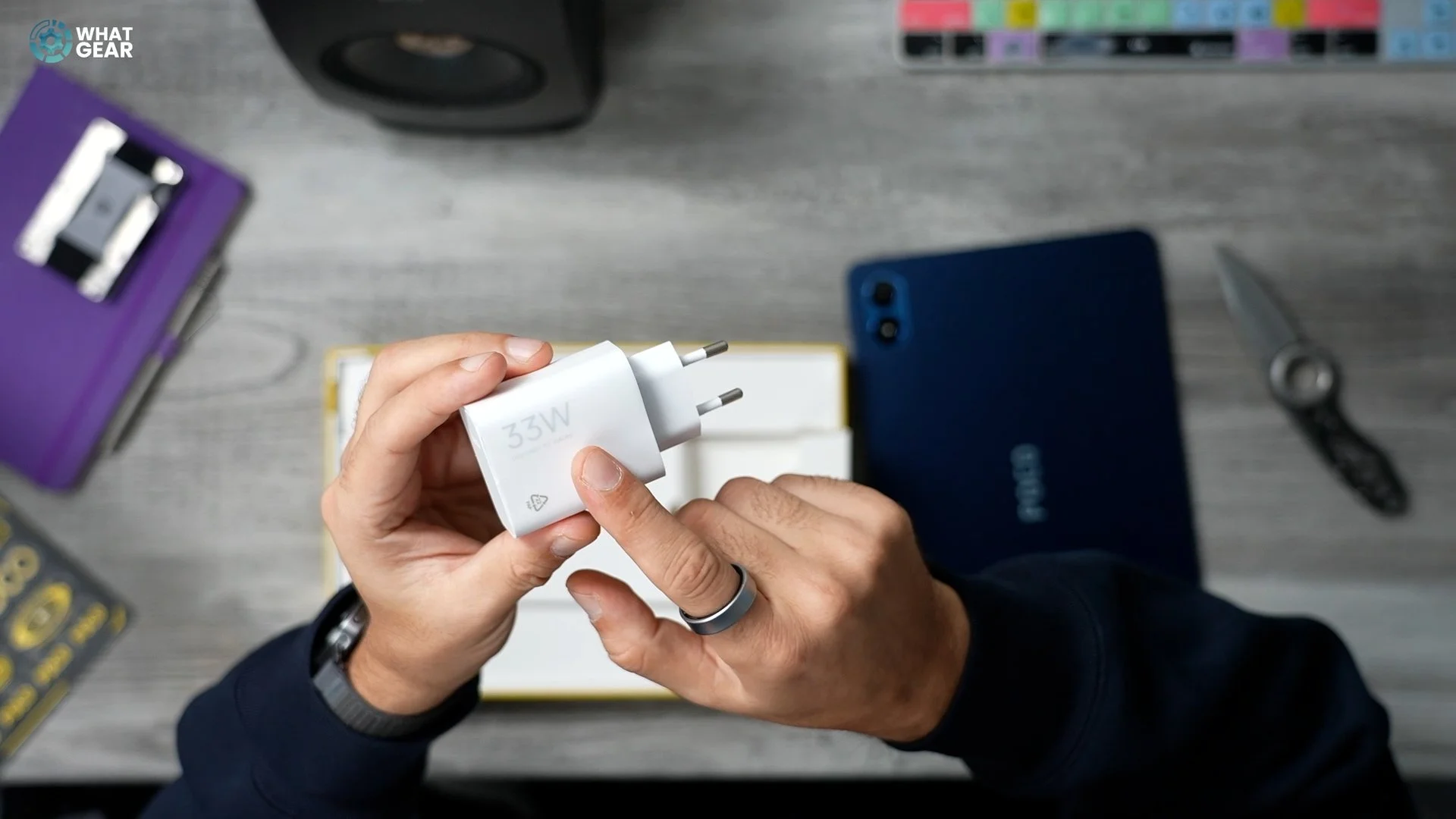
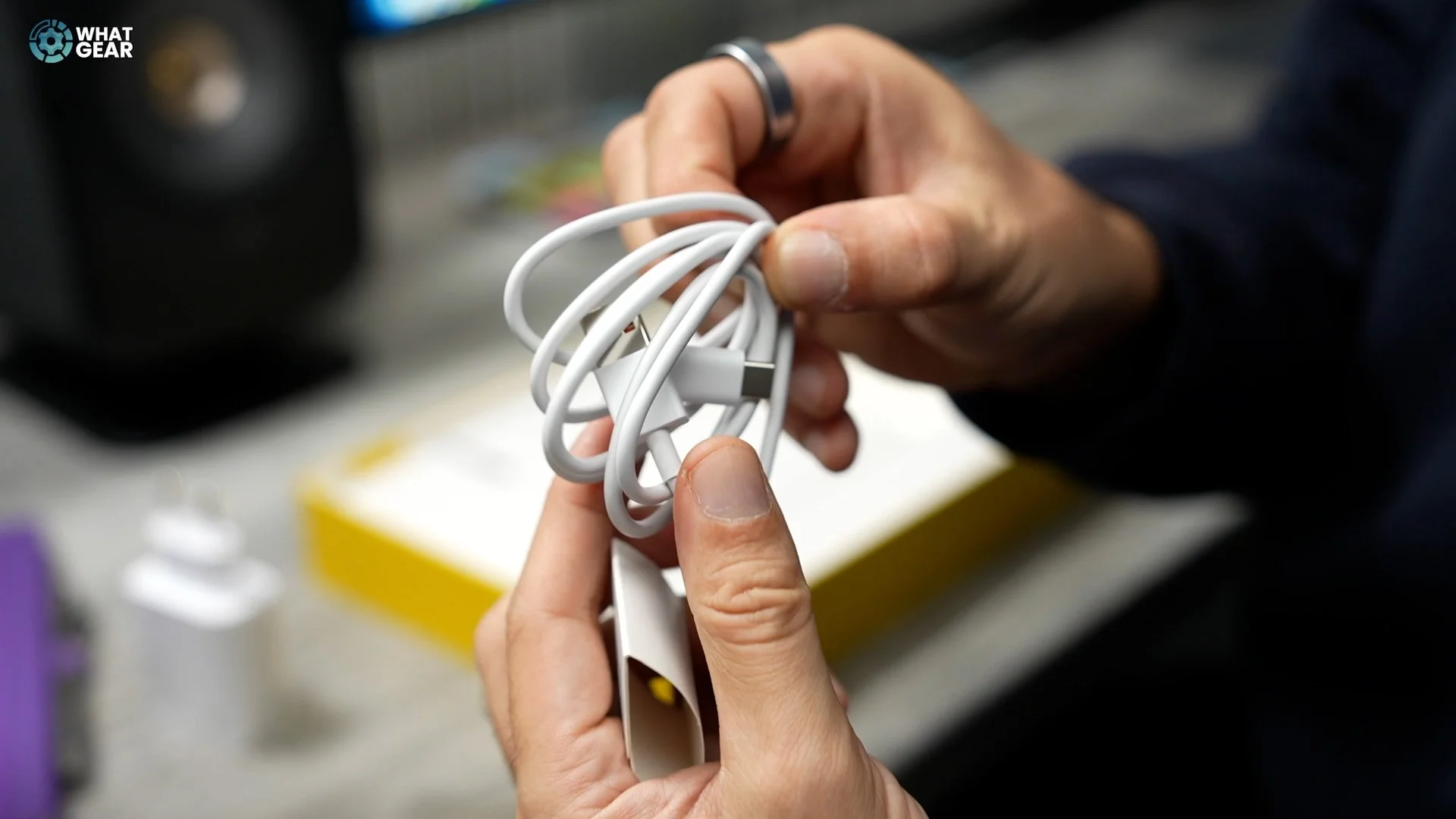
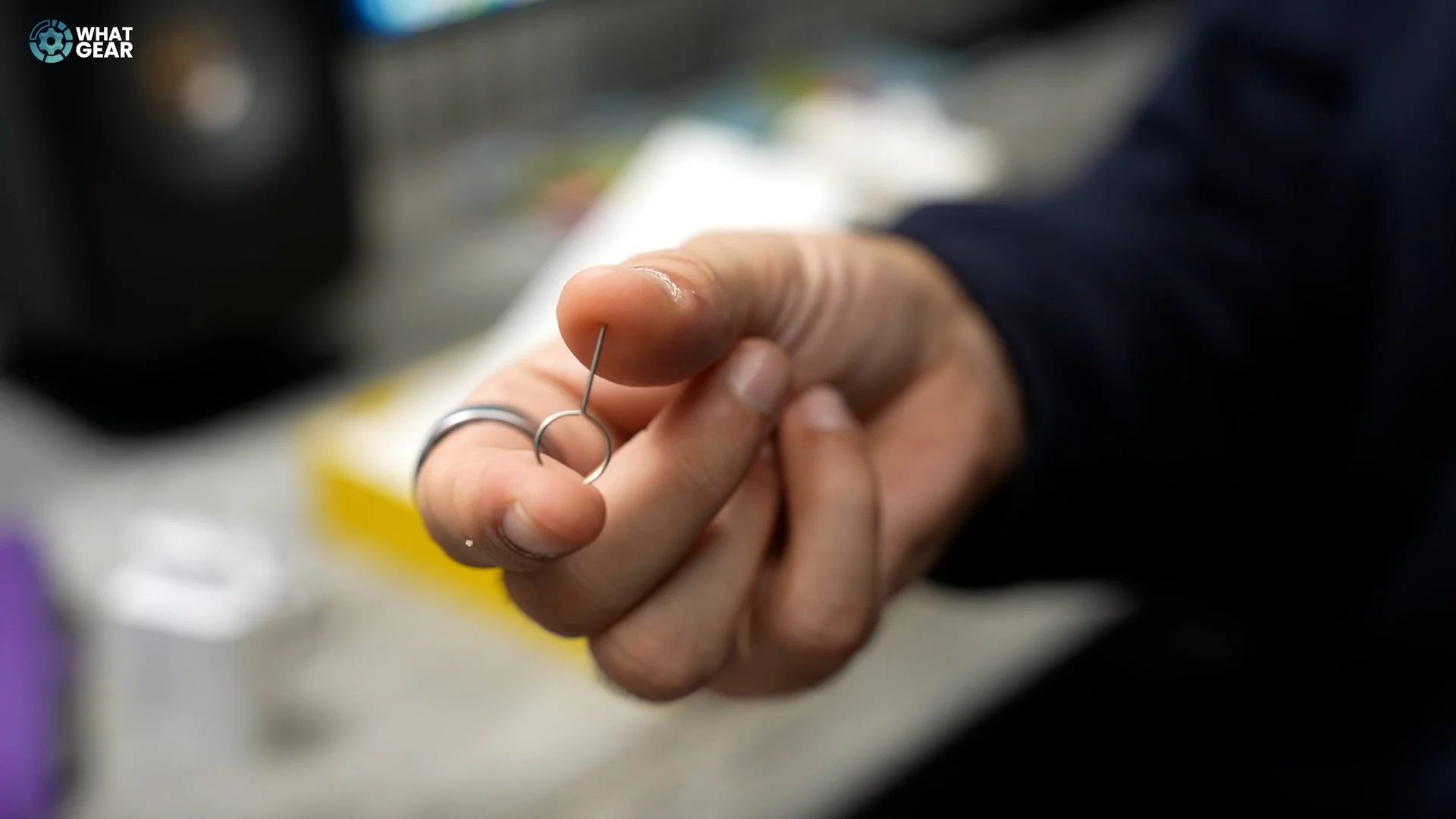

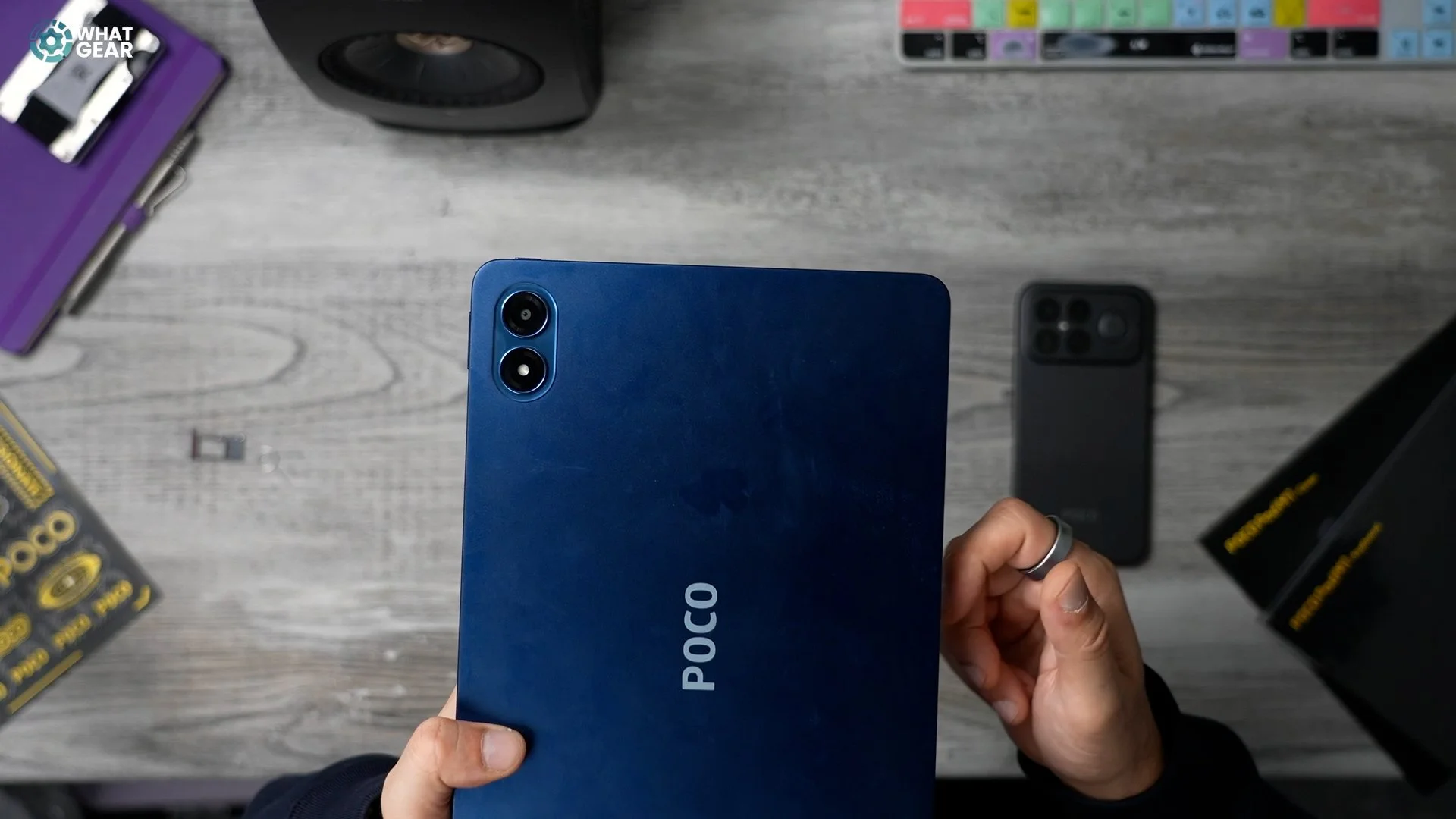
You got a bit of Poco branding. And a camera module with a camera and a flash. Let's see what else is in this box. So a few compartments, European charger. That's really nice. And that's an impressive charging speed for a tablet. USB-A to USB-C cable, SIM ejector tool, which means there's either a SIM tray or an expandable SD card slot.
Design & Build
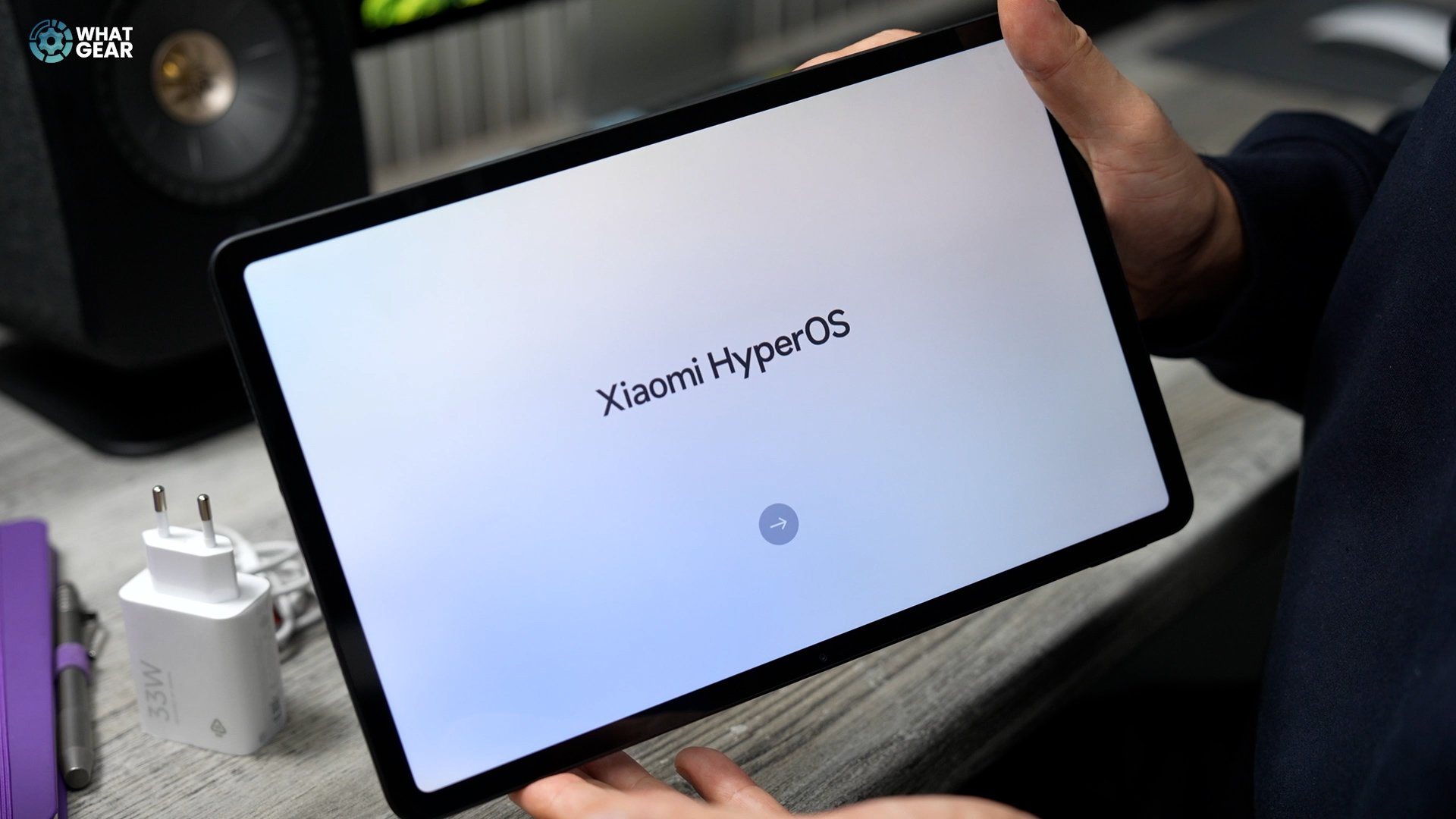
So first off, the back of this is really nice. The frame is aluminium. You'll notice if you look here, two speakers right there and then on the other side, two more speakers plus a headphone jack, which I'm really happy to see. The operating system is going to be Hyper OS out of the box. I think it is Hyper OS 2.0 on Android 15, and it's worth noting that if you buy it at the right time, you could potentially get the keyboard or the cover case for the tablet for free, but you'd better check the deals below this video to see if that offer is, in fact, still running.
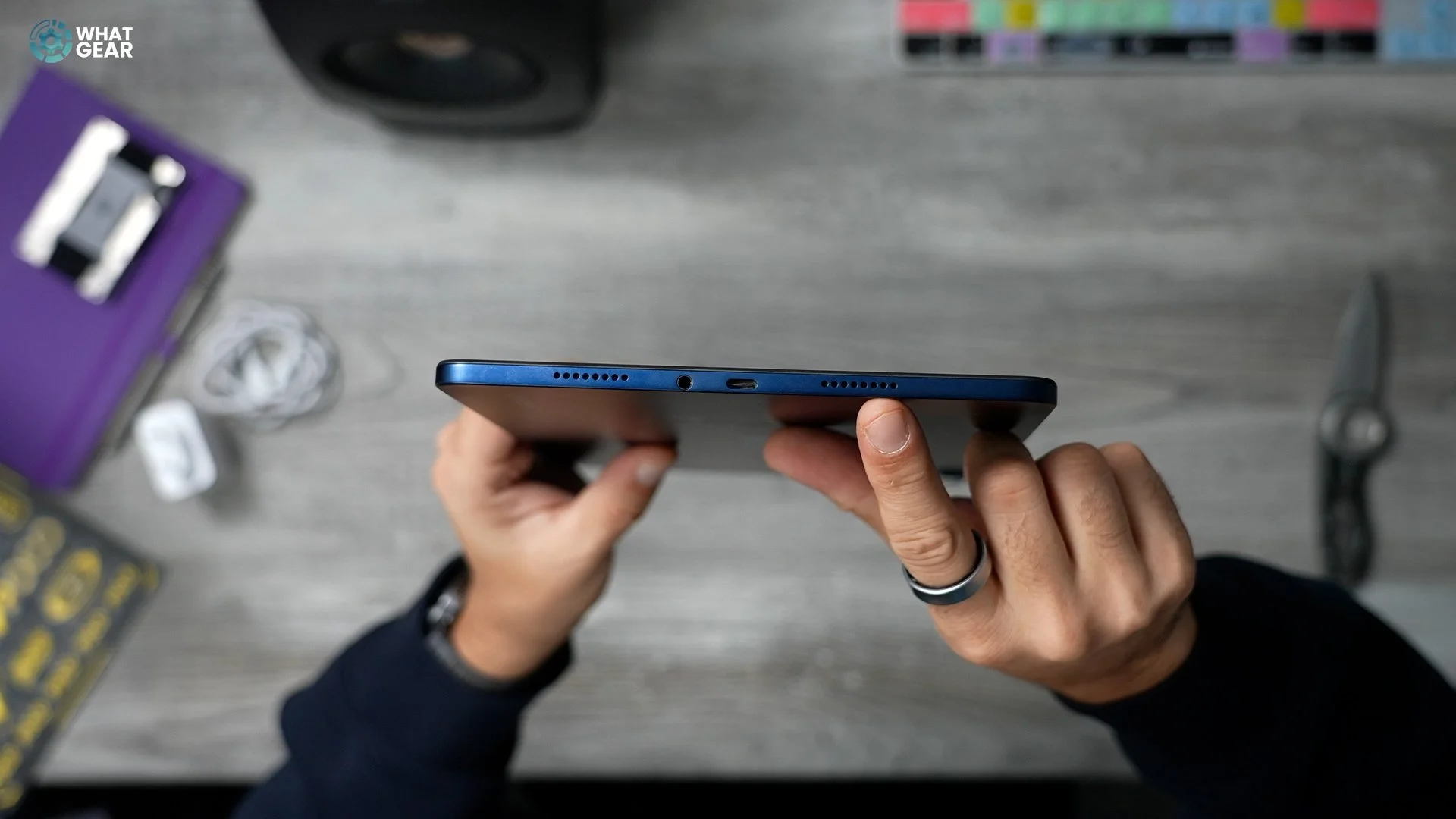
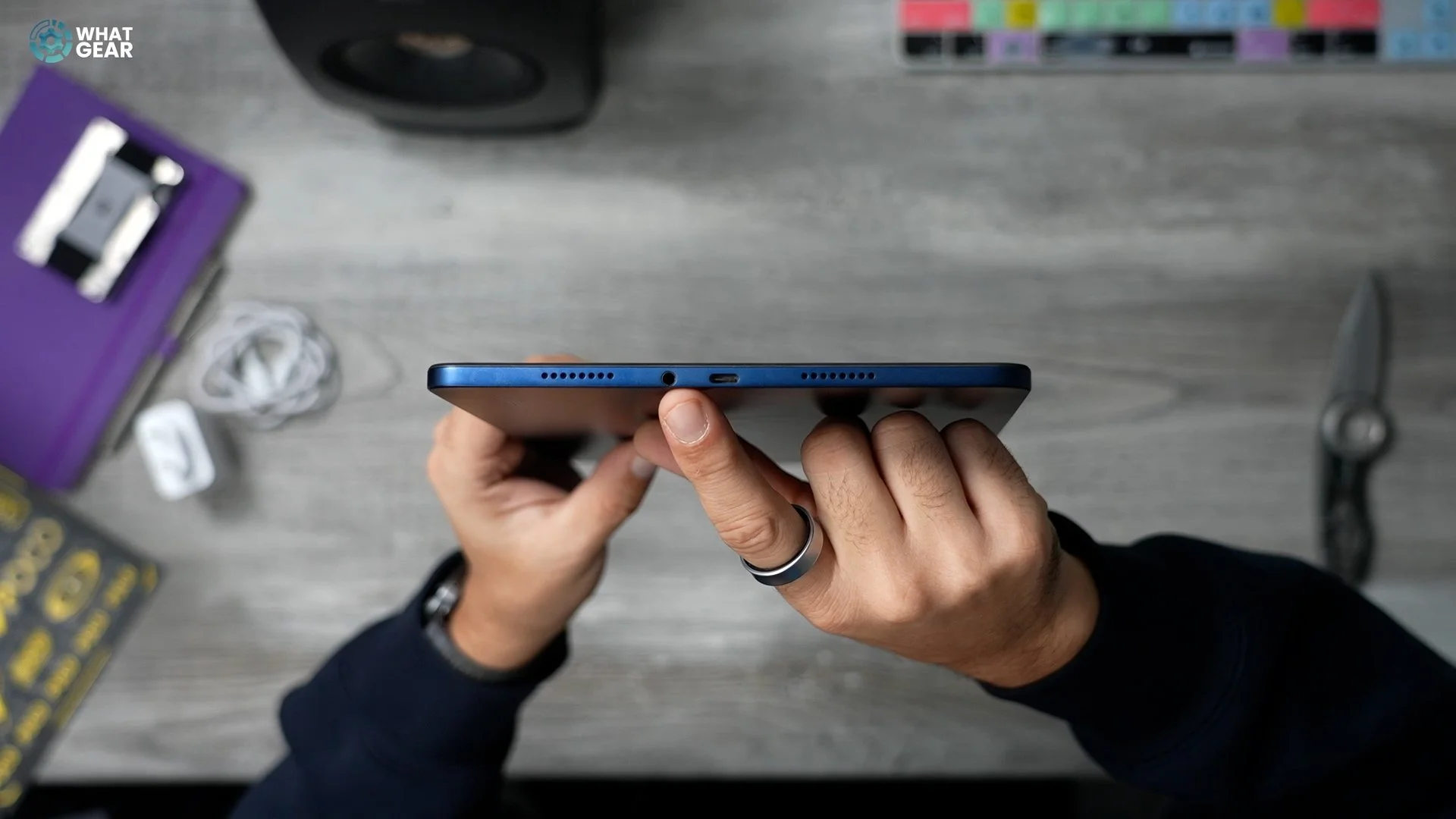
And something that I kind of hoped we'd see would be a pre-installed screen protector, but unfortunately, not this time. So as you can see, this is quite a sleek tablet, and the frame is aluminium. The weight on this one is 610g. The thickness is just 7.5mm. Two colours, blue and grey. This glass on the front is Gorilla Glass three. That USB port is USB-C 2.0. And right there, you can see they're very proud of the fact that this supports Dolby Vision and Dolby Atmos.
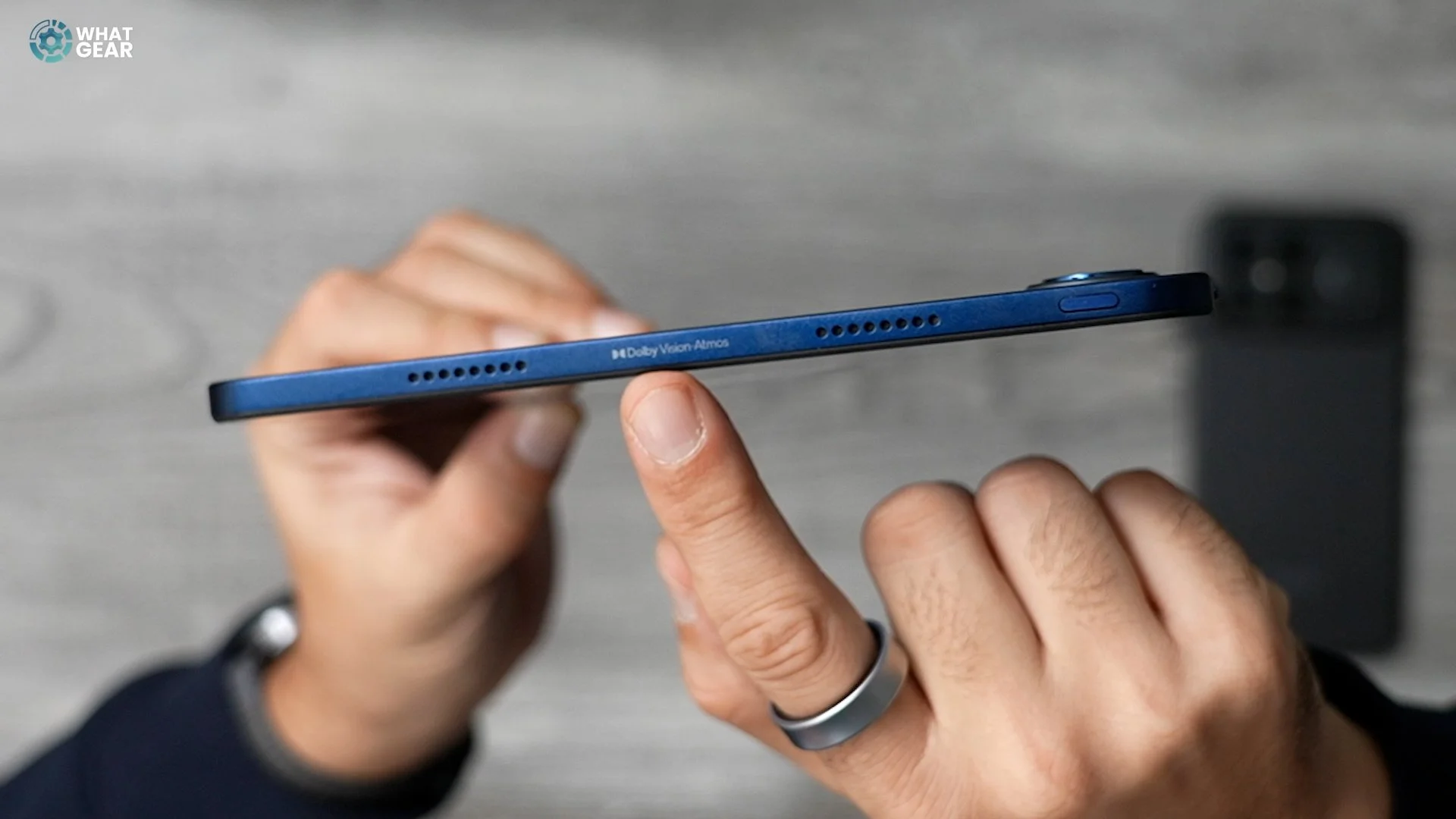
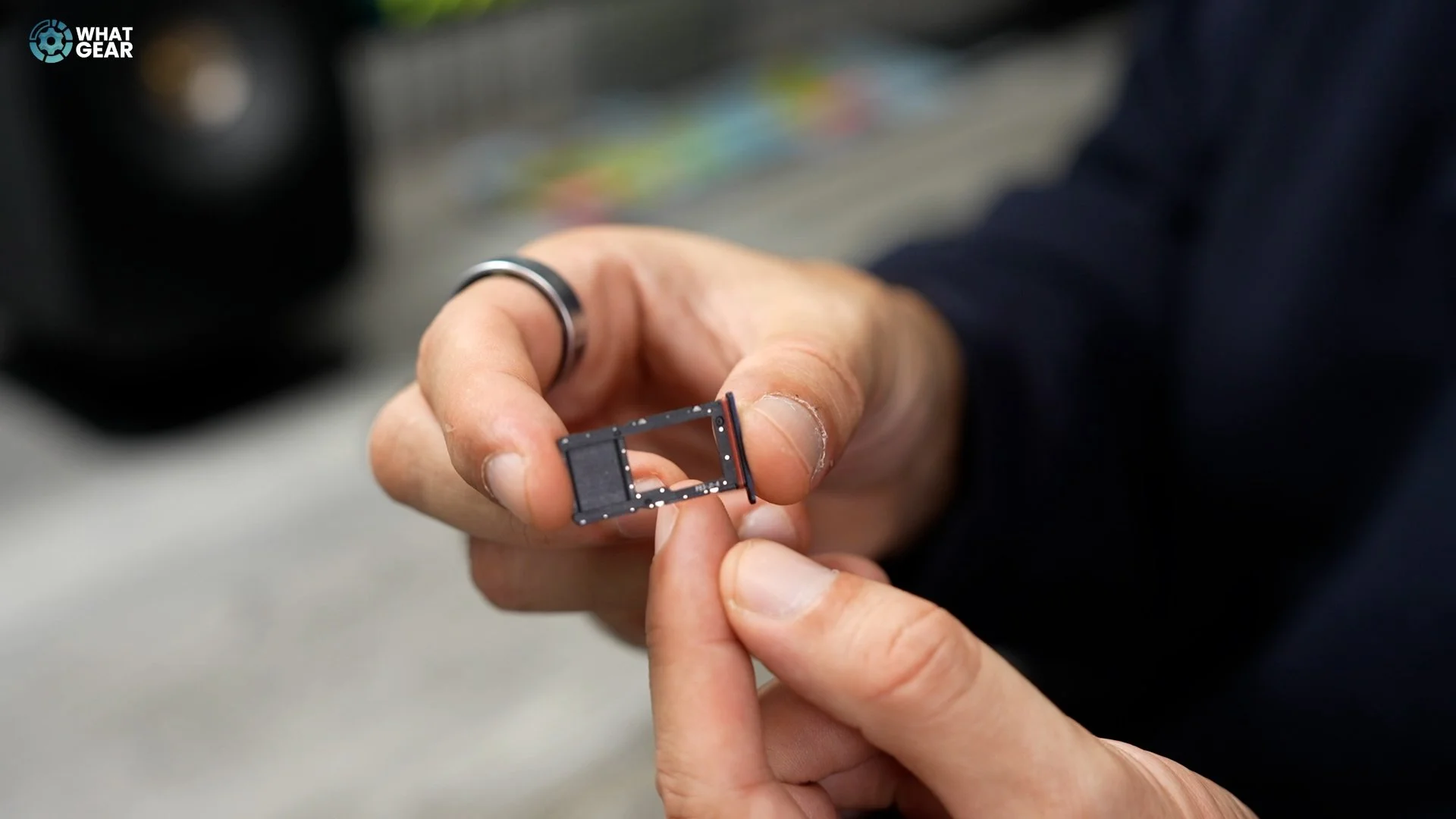
And the headphone jack is a big plus for anyone who appreciates the highest quality audio with the lowest possible latency. Let's see what this injectable tray is all about. So there is a gasket around this, although there is no official IP rating on this one. It looks like it was a classic SIM tray. SD card hybrid, but they've converted it to just an SD card slot. And I'm told you can expand this up to 1.5TB if you need that extra storage. The read write speeds aren't super fast on the supported formats. For the SD card as standard, it has a pretty fast 256 GB ROM and 8 gig RAM.
Display
I think the bezel thickness seems to be just right. It's just enough so that your thumb won't touch the screen when you're holding it like this. If you're watching something, you're not obstructing the display itself, and you're not going to trigger anything off like fast forward or rewind. So, not going to lie, this is somewhat of a fingerprint magnet. It's been out of the box for about five minutes. And, yeah, it's picking up some prints for sure.

So you might be wondering what the deal is with the camera as well? That one right there has a 13 megapixel sensor and a pretty big flash. There's also an eight megapixel selfie camera here, which is on the landscape side of the tablet, which is nice, because when you're on conference calls, you're probably going to be using it this way around. The button placement is quite interesting. So you've got the volume rocker, and then you've got the power button. And that is just the power button. It's not a fingerprint scanner or anything like that. This tablet actually only supports face unlock, which is a 2D face unlock and a PIN number.
Now let's talk about what was arguably the most important aspect of the tablet. It is, of course, the display. So the Poco iPad M1 has a 12.1in IPS LCD display, but it does support Dolby Vision. It's not going to be quite as power-efficient as an OLED display, but there's some good news in that department. We're going to come back to that resolution. Here is 2.5 K 2560 by 1600 pixels by age 249. And that doesn't sound like a lot when you compare it to a smartphone. But when you compare this to a 4K TV that has 70 pixels per inch yet this is respectably pixel dense for its size refresh rate.

The brightness is up to 600 nits. That's in high brightness mode. Touch sampling rate is 180Hz. Although there is a game booster mode that can increase the sensitivity of the screen so you get faster response times when gaming, that mode is called Game Turbo, to be more specific. And whilst we're talking about speed, this does support Wi-Fi six, which means connectivity speeds can be surprisingly rapid. If you have a modem that supports Wi-Fi 6. And if you're not going to be using the Dolby Atmos quad speakers onboard or the analog audio jack, well, then you can make use of Bluetooth 5.2 with Ldac or haptics HD for that higher quality sound. Of course, you still get the AAC and SBC stuff, which is pretty standard stuff, really.
Performance & Audio
Now, some of you might know that this tablet actually has a Snapdragon chip, and you might be wondering, why doesn't it have Snapdragon sound? Well, it turns out that in order to have Snapdragon sound, the hardware must meet the requirements. And that's not to say that it doesn't. It just means that Poco haven't paid for the license here on the Poco Pad M1. But to be honest, that's not a dealbreaker. But it's going to be fantastic for high res audio anyway.
And whilst we're talking about audio, do you want to hear what a quad speaker Dolby Atmos tablet sounds like? Let's get the volume up. So you can definitely hear the sound going around the tablet. The way that it's using those four speakers allows it to kind of create these pockets at the top right, top left and bottom left, bottom right. And it can kind of circle around. So it actually really works. I'm impressed.
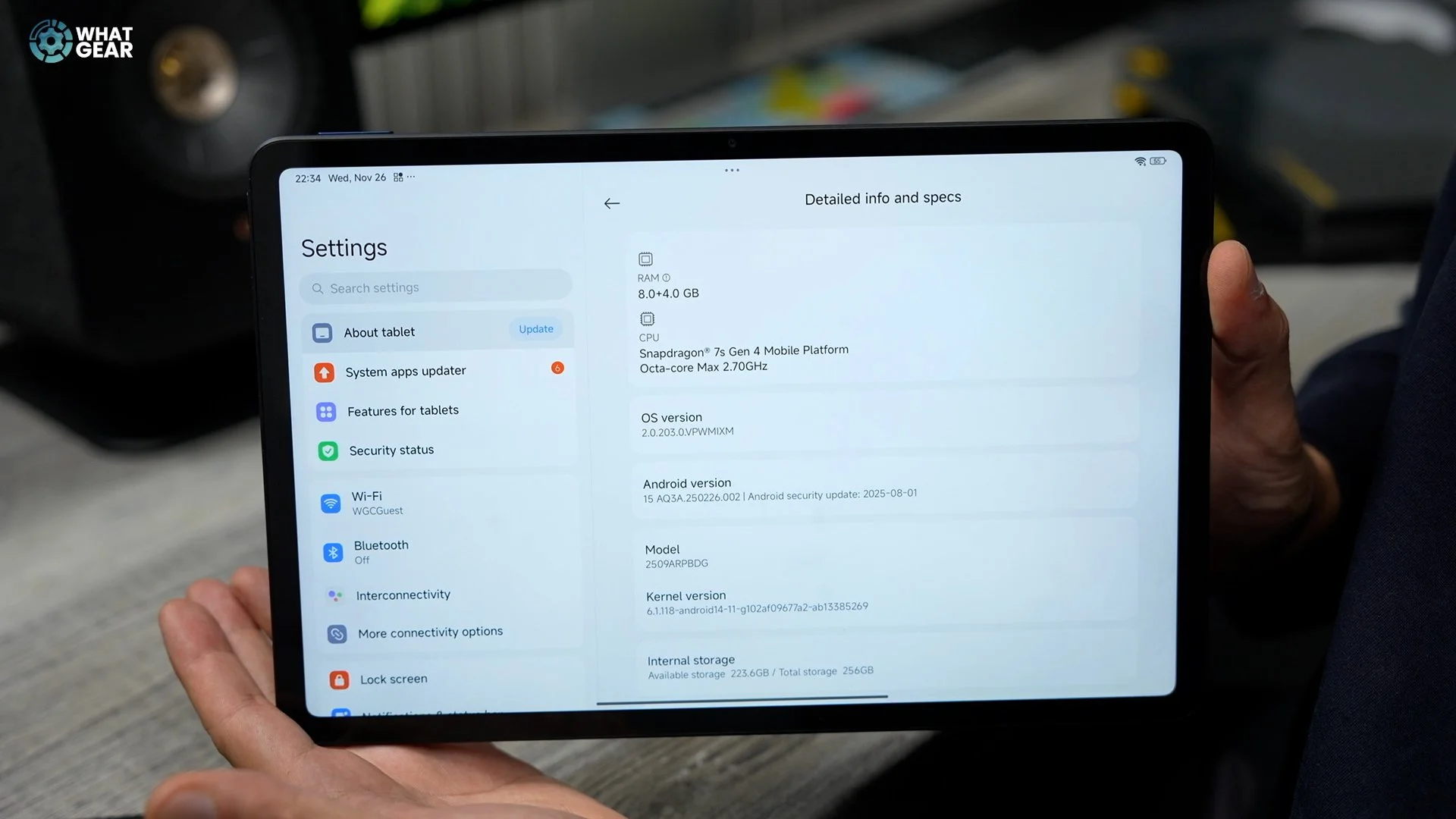
Specs & Gaming
So here are some of the need-to-know specs. The chipset here is the Snapdragon seven stand for. It is a mid-range chip, but it is more than powerful enough to run any game you want to play, but you might have to throttle performance a little bit on some of the heavier games. It has eight gigs of Lpddr4 x Ram 256 gig UFS 2.21. Big advantage for devices like this when it comes to thermal cooling is it has a much larger surface to vent the heat, and I don't believe the Snapdragon seven next Gen four is a chip that's known for getting extremely hot, so gaming for a long time here should be a problem. So if you are a sweaty gamer. You don't need to sweat it with this particular tablet. And I am told it does have a thermal cooling system dedicated to keeping this thing running smoothly.

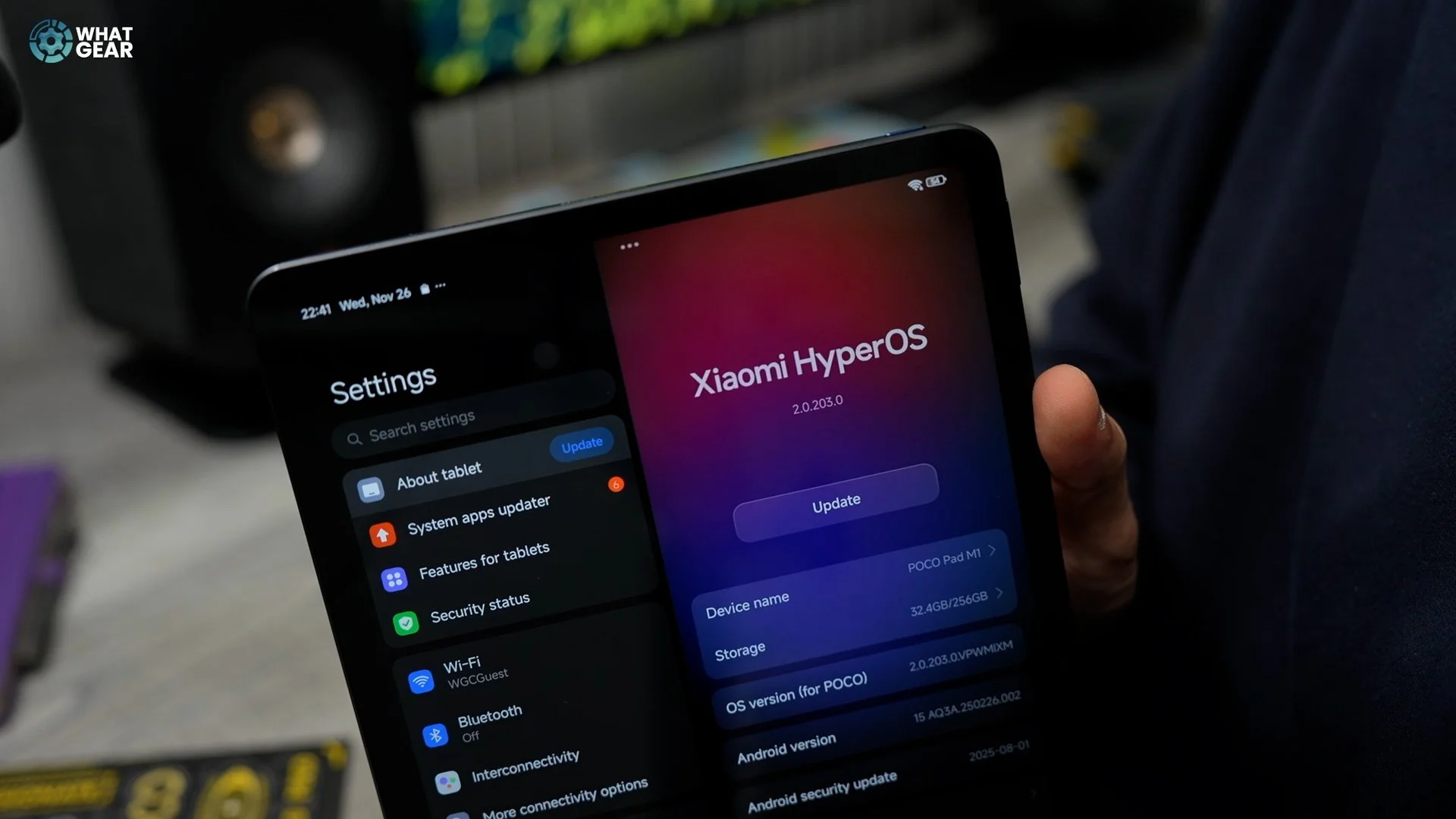
So one of the big standout features for the Poco Pad M1 is its massive 12,000 milliamp hour battery, and they say it can run 16 hours of continuous video before it runs out. As you saw, you do get the 33 watt charging brick, and it does support speeds of up to 33W, obviously. And check that out. You get a little dynamic island as well. And if you're interested in the software on this thing, I have made an entire video dedicated to hype OS. I'll link it at the end. And I think another standout feature for this, since this is kind of a traveling companion, is the fact that you can reverse charge your phone from this via a wire at 27 watt, so it kind of acts like a powerbank when you need it.
AI & Software
And of course, there's a bunch of AI features baked into this tablet. Of course, you get the standard Google stuff, but there are also things AI writing assistant, AI, art generation, and there's even an AI calculator on here. And Poco say they are committed to three years of Android operating system updates. So that's going to take this one up to Android 18 with four years of security patches.
Accessories
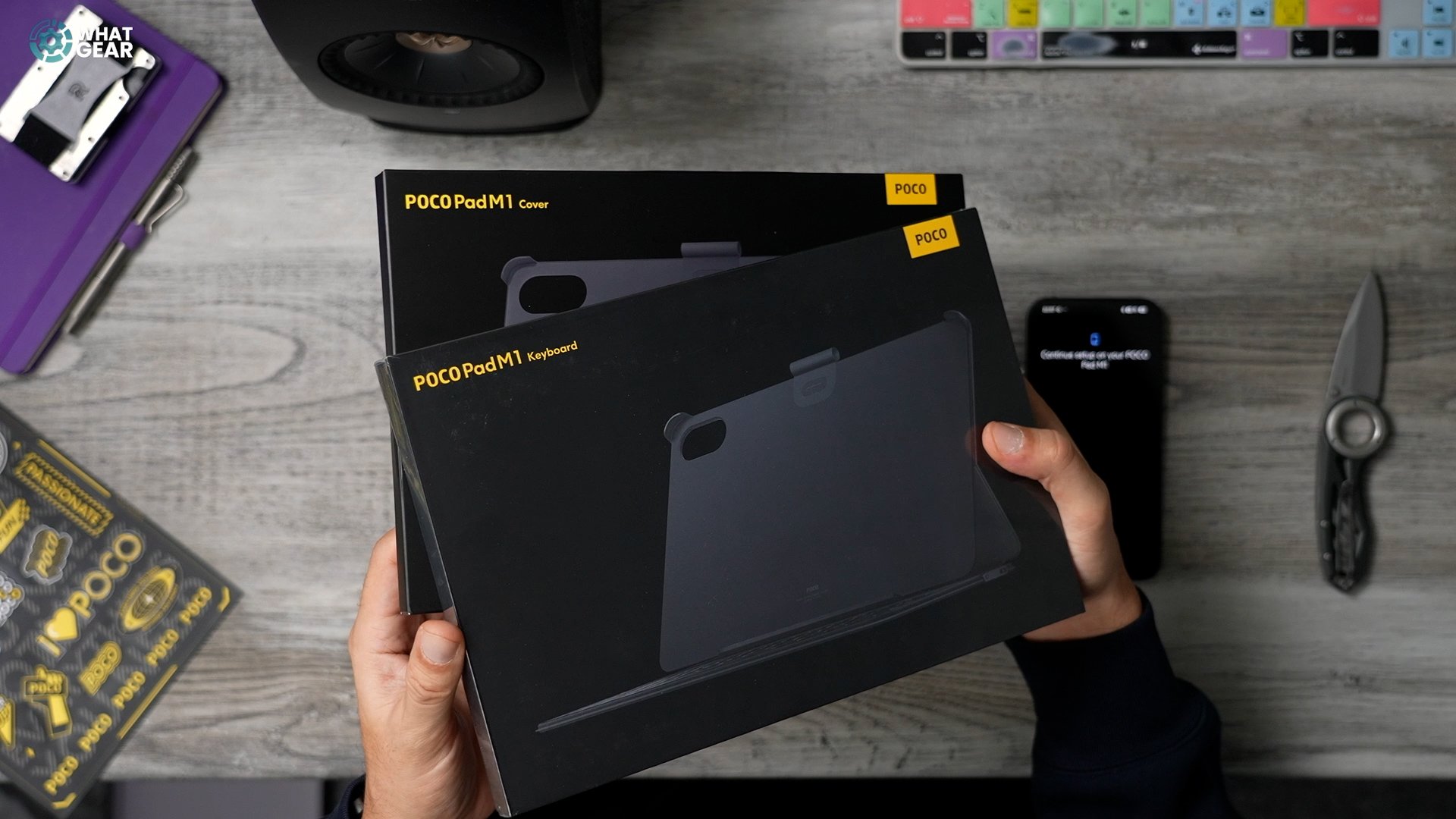
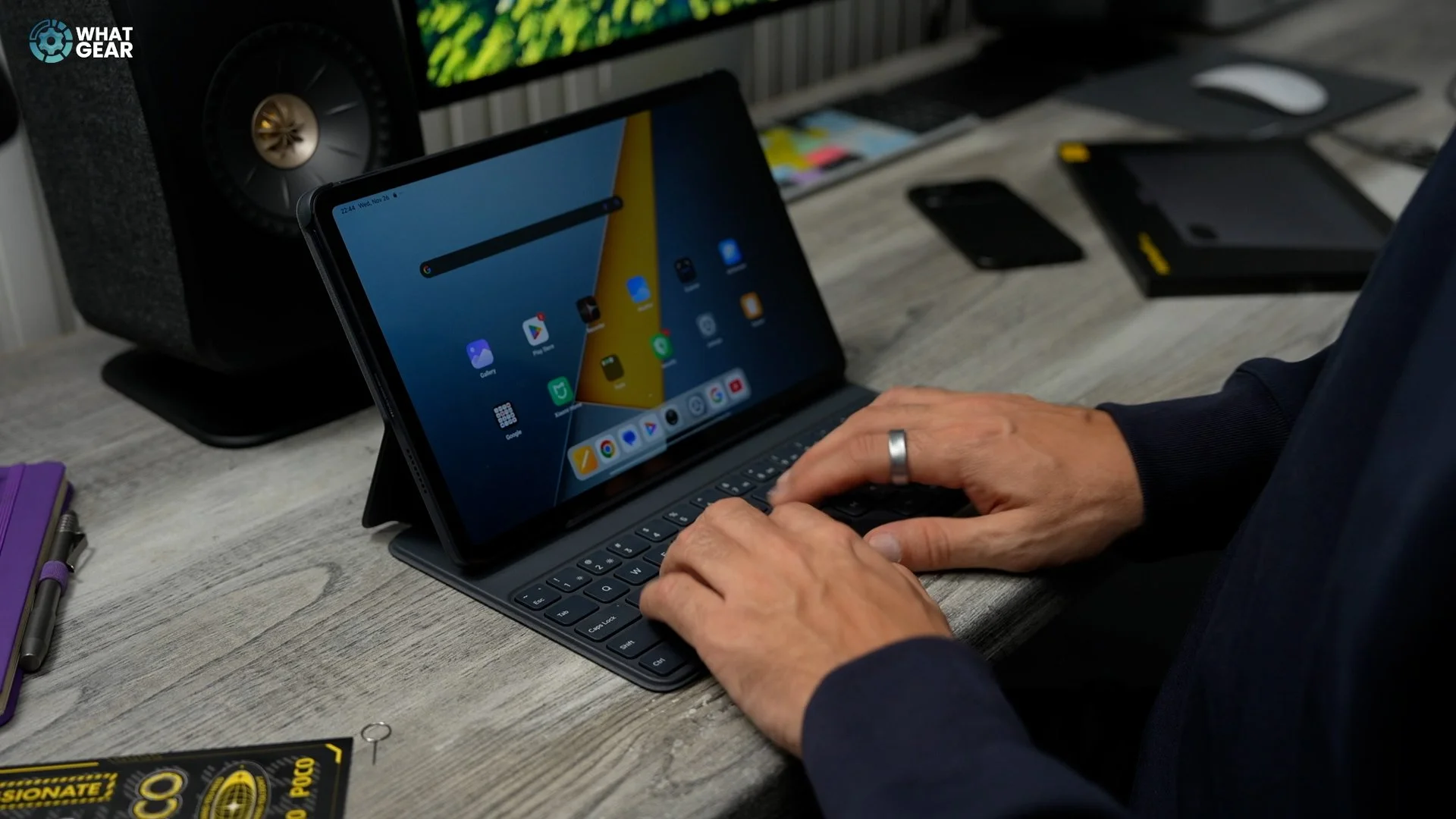
And whilst we're talking about using this as a travelling companion, something that you probably want to get if you are going to be throwing this in a bag is a case.m So let's get a look at these real quick. I believe this one. If you buy it separately, you don't get it in a deal. It's just over 100 pounds here in the UK. Hopefully, this will hide some of those fingerprints. There's definitely a bit of weight to this. If something crazy happens on a train and you find yourself in danger, you could frisbee this at someone, and I'm sure you'll take them out. Is that heavy? And it is for a reason. You get a full-quality keyboard here, which is really nice. No trackpad, though, but let's click this on to see what it looks like. Oh, check that out. There's a little bit there for the stylus. If you do decide to get the stylus for this. And then you've got this little magnetic ridge right here that locks it in place. So you've got your kind of laptop setup going on. It's definitely a good hardshell, and it's got reinforced corners. At least two of them are reinforced. These are kind of recessed here. Now the cheaper option is just the case on its own without the keyboard. And this looks almost identical to this in finish. Let's get a look real quick,
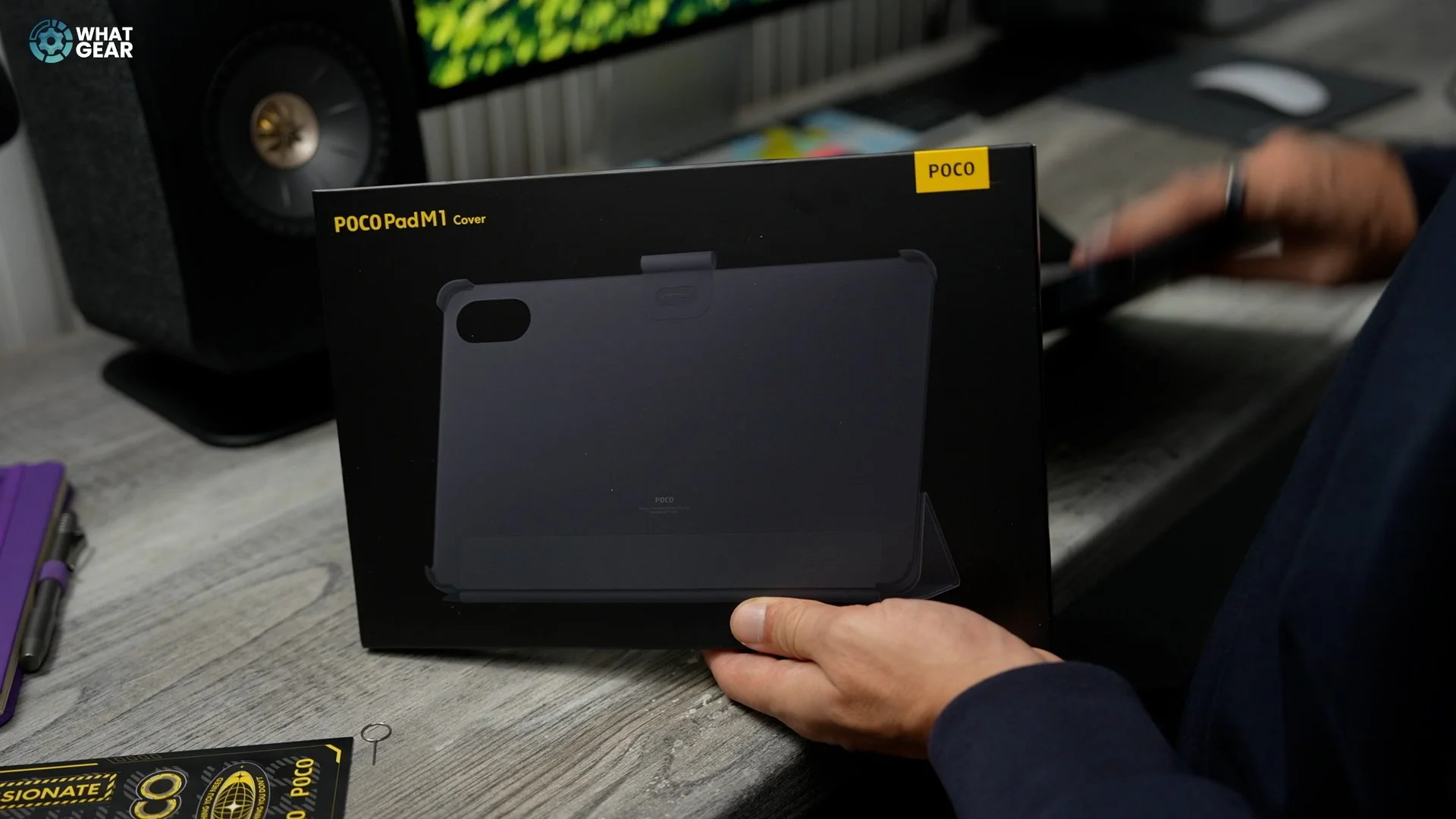
So I've just ripped this off by accident. Now I've realised what it actually is, a little loop thing to run the stylus through if you do have the stylus. So you can remove that if it's getting on your nerves. Oh, then you hate what happens. Anyway, this is also a hard case. This one does protect all four corners, so it doesn't need that gap for the keyboard like the other one. This is arguably even more robust than the other one. Hey, when that happens. And then the way this one works is you kind of wrap it around the back and make this little triangle shape here, and that allows you to rest it on a surface. You can't really adjust the angle, unfortunately, but at least if you're on a plane or something like that, you can prop this up and watch a movie very, very comfortably for up to 18 hours if you're going on a long flight.
Performance Test & Thermal Scan
So just for fun, since I did benchmark the Poco F8 ultra and the Poco F8 Pro against each other, let's see how this benchmarks. And also to make things even a little more interesting, I'll give it a little bit of a thermal scan to see whether he's going inside the thing, and I almost forgot to take a couple of pictures to show you guys the camera quality.
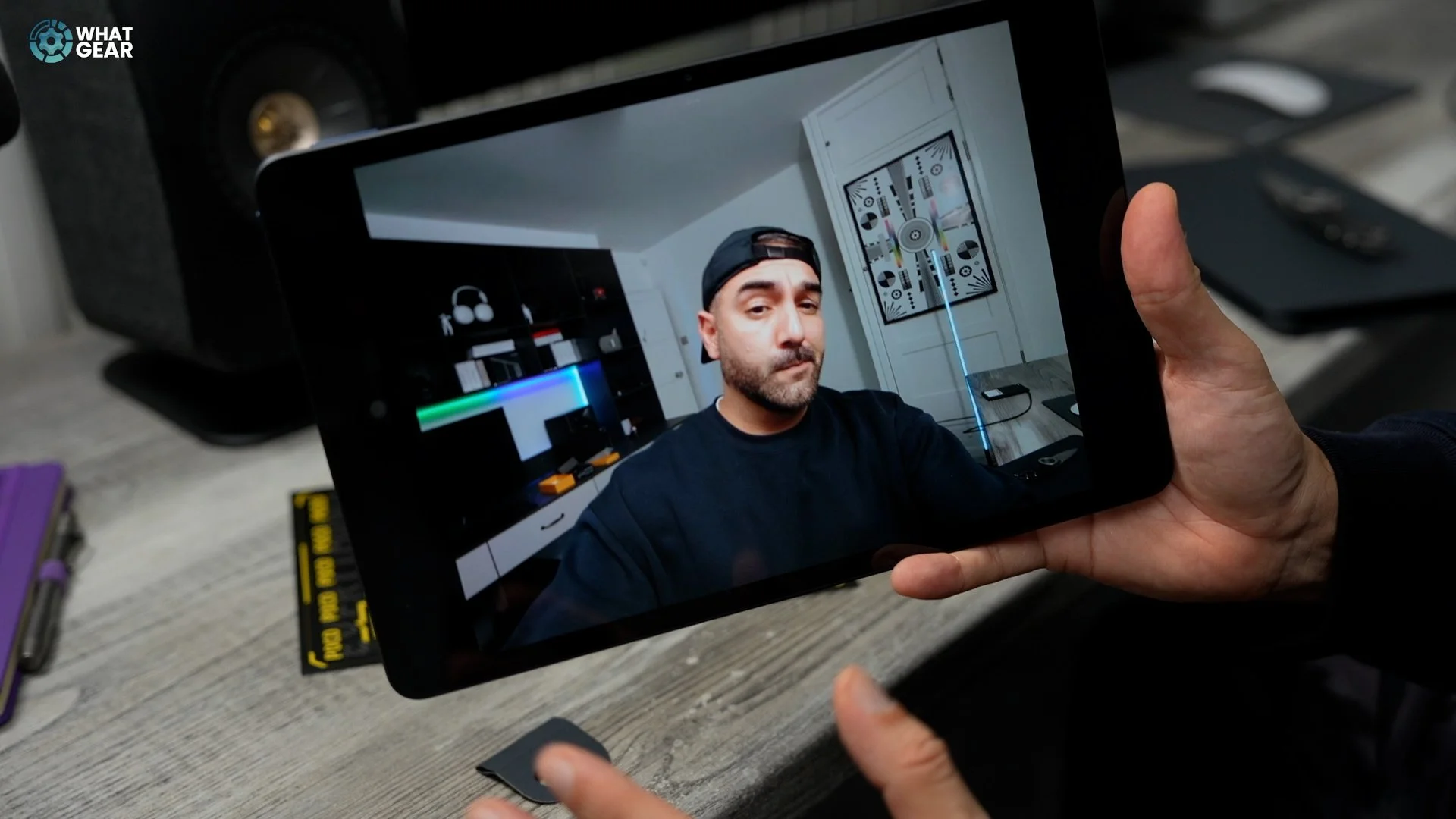
selfie camera is a lot wider, and that is not a good pose. That's my best attempt at doing the Zoolander, but not bad though. Not bad for a selfie camera on a tablet. Being very honest, I actually thought it would be a lot worse than this. So yeah, pretty good.
Benchmark Test
All right, so now let's do this benchmark. We're going to run 20 cycles of a pretty heavy benchmark test. So I'm just going to download that now and get it set up. So I was just getting ready to sit back and relax and watch this do. But unfortunately, it looks like Poco has not allowed 3D Mark to run their benchmarks on this device, which means I'm going to have to do it the old-fashioned way and play a game for 20 minutes with the graphics set to the absolute maximum. So it's game on. I've got Call of Duty set up. Now, what I'm going to do is go into the graphics set. This is to the highest, very high. Let's go to the frame rate. It's maxed out. Let's save and go ultra shader preload I could do that. 2 to 5 minutes. The shaders have been downloaded and installed. I've inverted the pitch on my controller and also flipped the buttons as I do on console. I think we're ready to go.
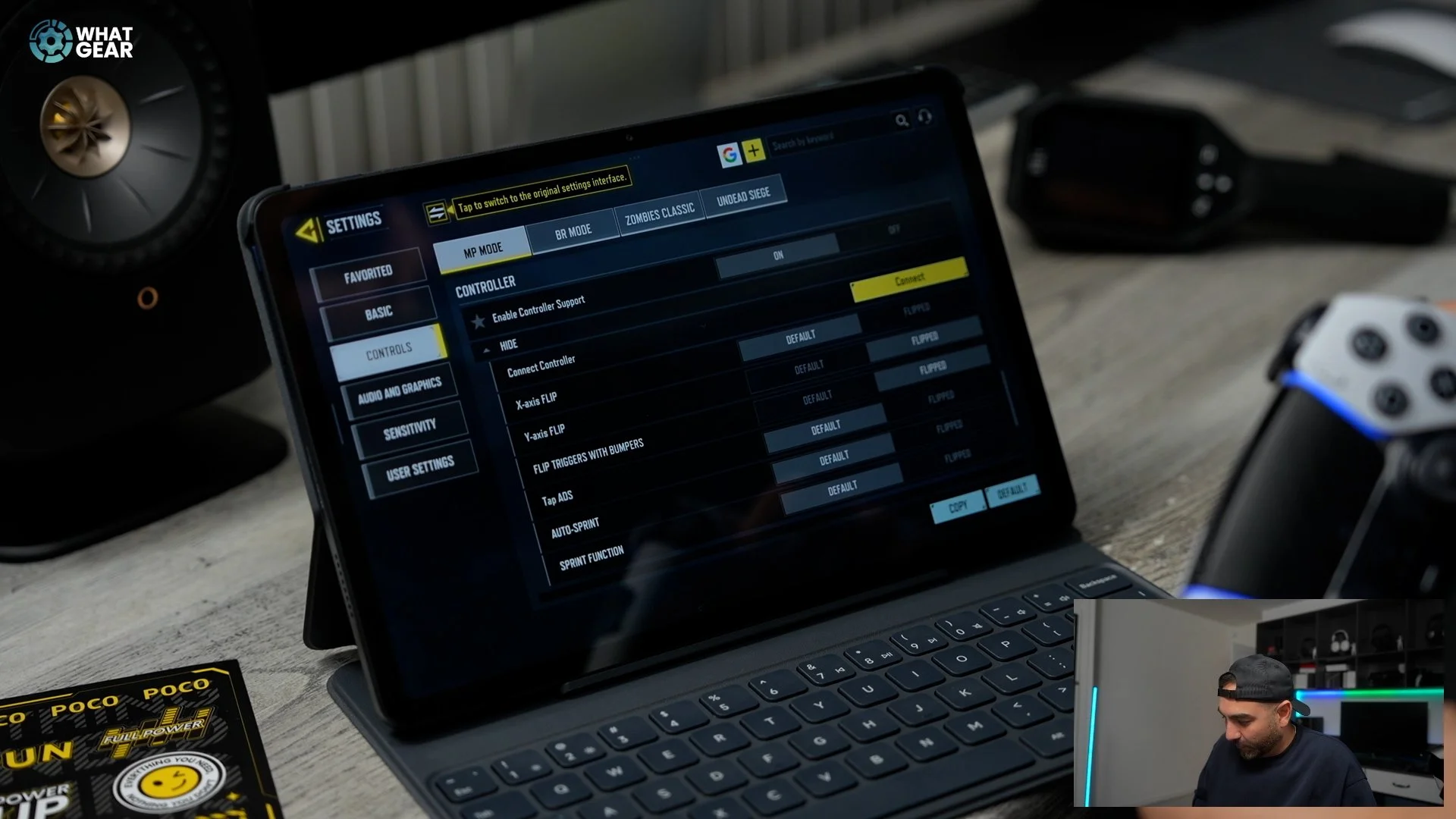
I tried to run AnTuTu. That didn't work. Bluetooth connected my PlayStation controller to Call of Duty and it wouldn't work. It didn't connect to the tablet though, and something that was quite nice was the fact that I could use the touchpad as a mouse on the tablet, but it wouldn't work in the game. Then I tried an Xbox controller didn't work, PS4 controller didn't work. So at that point I threw in the towel. But I have a plan, which is to test out this game, which is weathering waves 40 gig. Download it took absolutely ages graphics to the highest it possibly can be, and I'm going to play it for 20 minutes and I'm going to time it here on the Poco FA ultra, and then I'll be able to show you guys the thermal readout of this tablet after some pretty heavy gaming.
Gaming & Thermal Results
And I've never properly played this game before, so it should be quite interesting. Let's get the game turbo on the go. I can see why people like this game. I set it up on it and we are now 20 minutes into this gaming session, so it's probably a good time to do the thermal reading. Let's get a look with thermal vision. So here we go. This is the thermal imaging of the Poco Pad M1. After 20 minutes of gaming, the hottest point right there is likely where the chipset is. And what you'll notice is the highest temperature is 36 degrees. Typically, devices don't get to us until they hit about 4445 and the lowest temperature is 32.
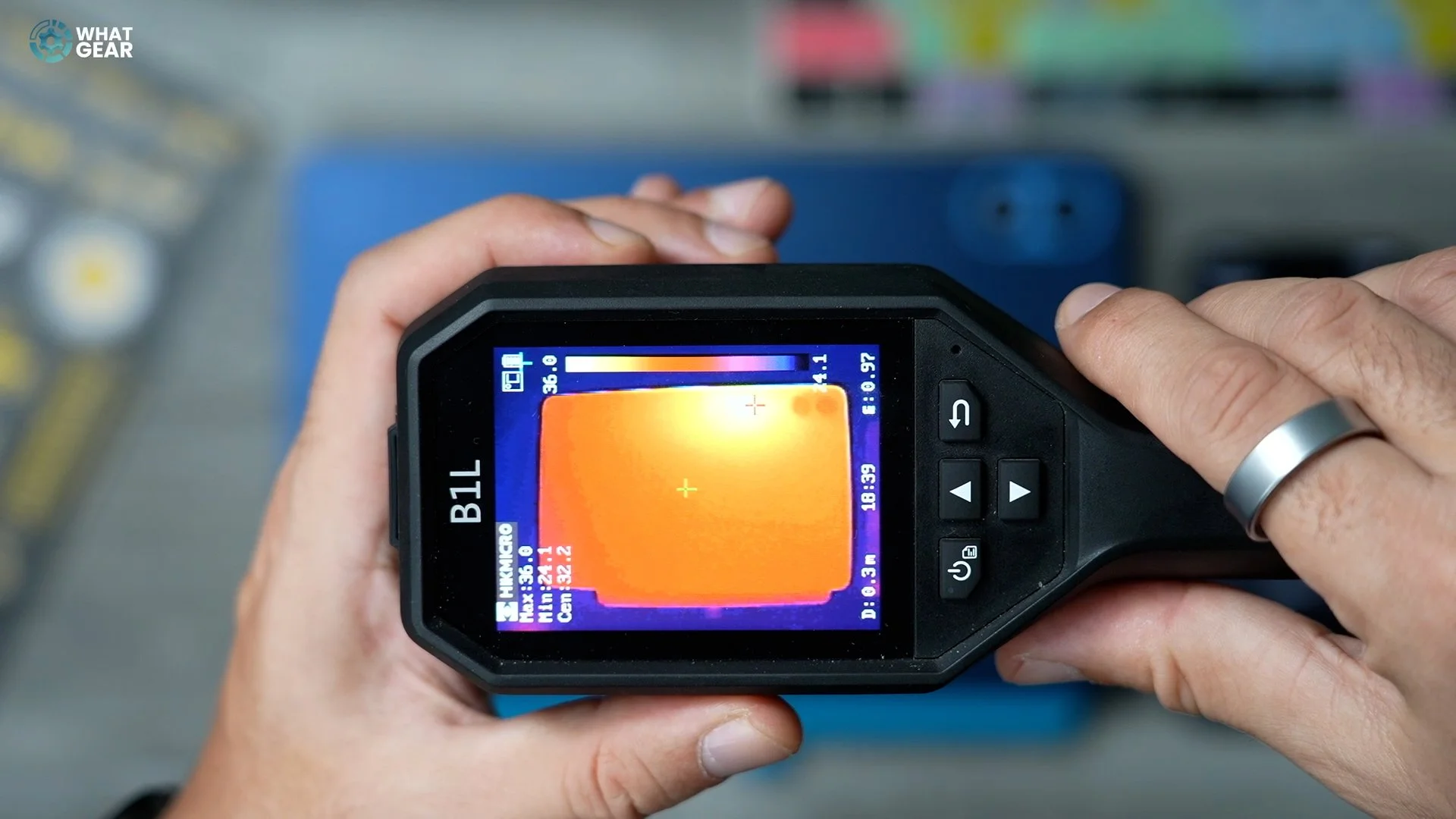
And that's lower the base. And you can see how the heat is spreading really nice and smoothly, which is definitely a good sign. So yeah, the thermal management and the gaming performance on this is pretty good. Whilst gaming, I noticed hardly any stuttering or stumbling on the device, which is also a good sign. Overall, I am genuinely impressed with this tablet for the price point that it comes in. If you guys want to check out my Poco F8 Pro versus Fe ultra comparison, that's right here. And if you want to check out how to customize hyper OS like a Pro that is also on the screen.