Sony's Bravia 7 II Has a BANNED Backlight Trick - Will It Destroy OLED?
If you’ve been shopping for a premium TV recently, you’ve probably noticed almost every major brand has had to severely nerf their screen’s peak picture brightness just to pass strict regulations. It’s basically a ban on high performance. Except... Sony has apparently found a loophole. This is the brand-new Sony Bravia 7 II RGB Mini-LED TV. And it has a backlight trick up its sleeve that is technically so efficient, it manages to bypass those strict power limits while delivering a level of brightness that should be completely illegal.
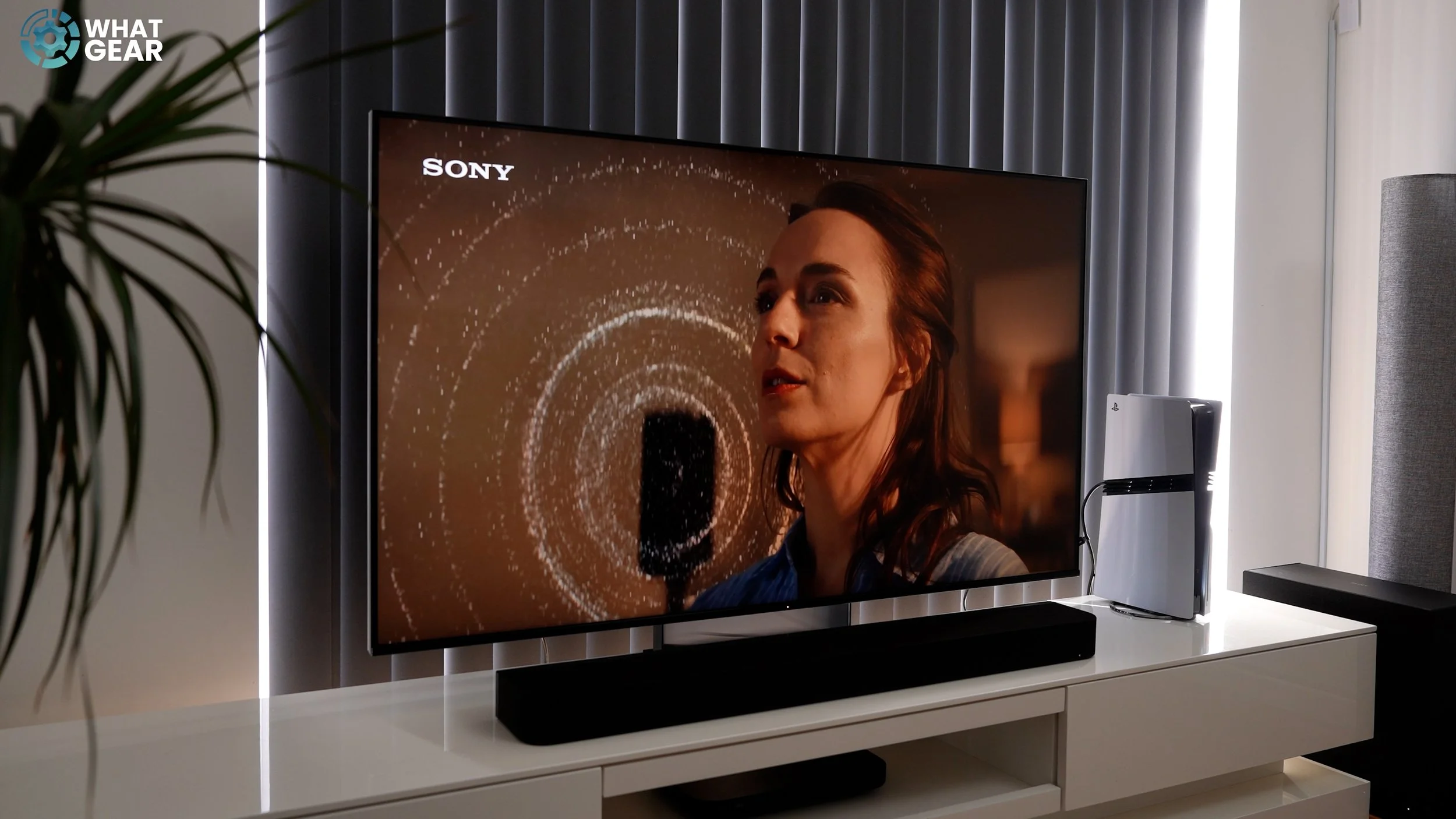
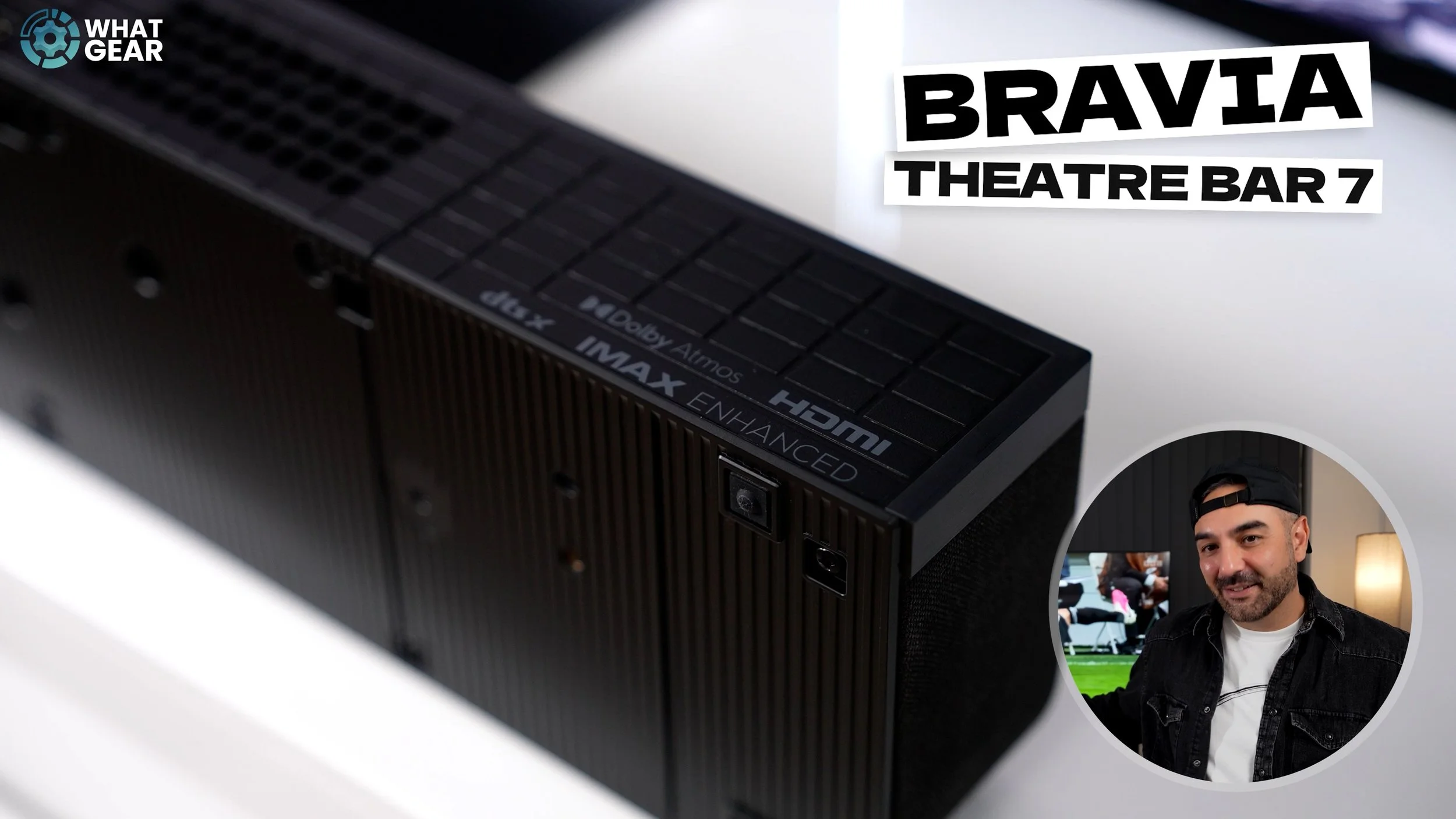
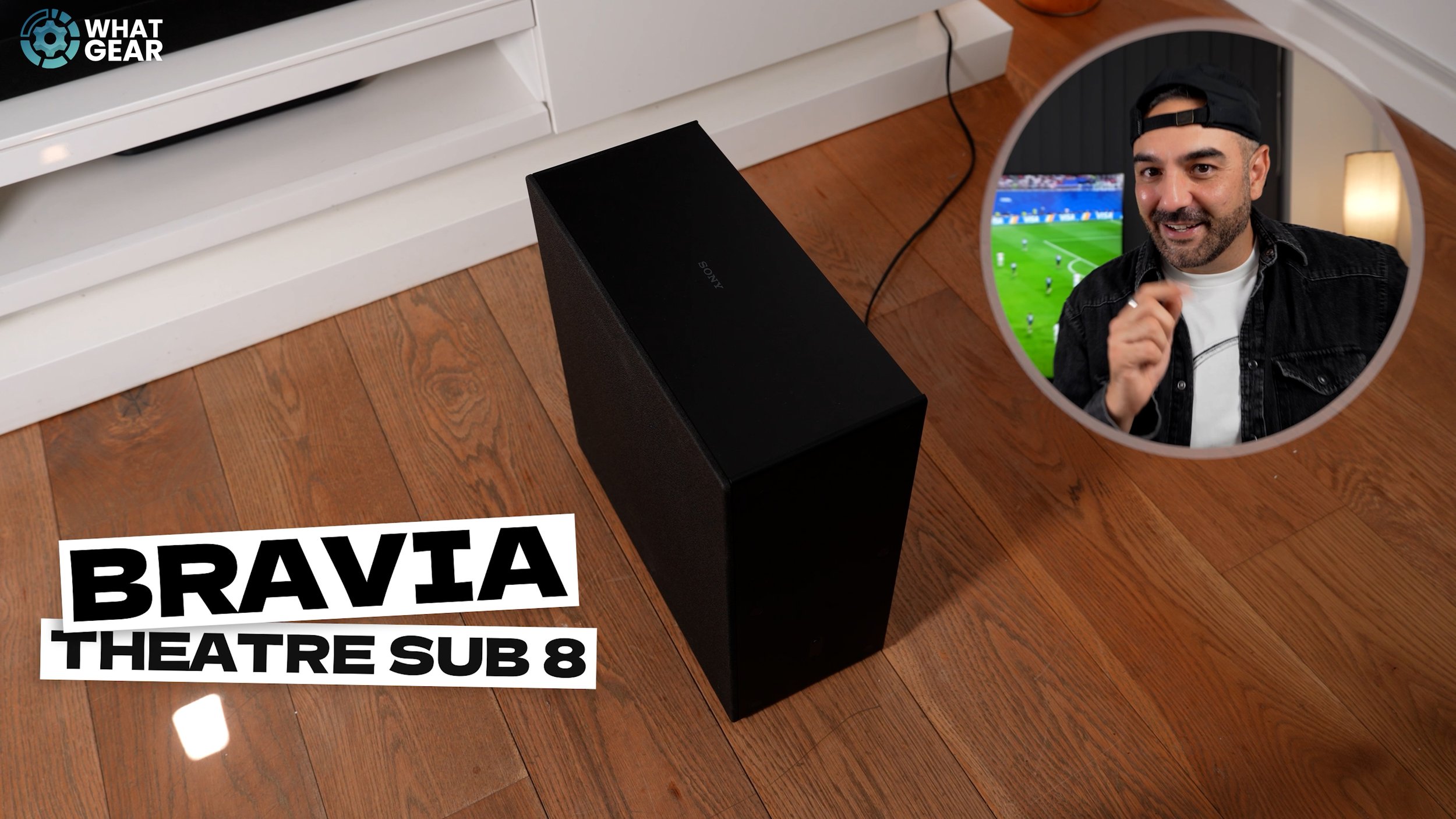
Is this ‘banned’ trick enough to finally destroy the dominance of OLED? I’m going to look at the hardware, the physics, and how this screen fits into a dream movie setup alongside Sony’s new Bravia Theatre Bar 7 and the Theatre Sub 8. So stick around, because I’m going to reveal exactly how Sony is getting away with this backlight loophole—and why other TV manufacturers are scrambling to copy it.
Right, let’s address this massive elephant in the room. What is this ‘banned’ backlight trick? To meet the incredibly tough energy efficiency rules, most manufacturers have had to limit how hard they can drive their backlights. If a TV draws too much power, it literally cannot be sold. This is why many modern TVs look slightly dim out of the box until you dig deep into the menus to find the ‘eco-saving’ toggles—and even then, they are restricted.
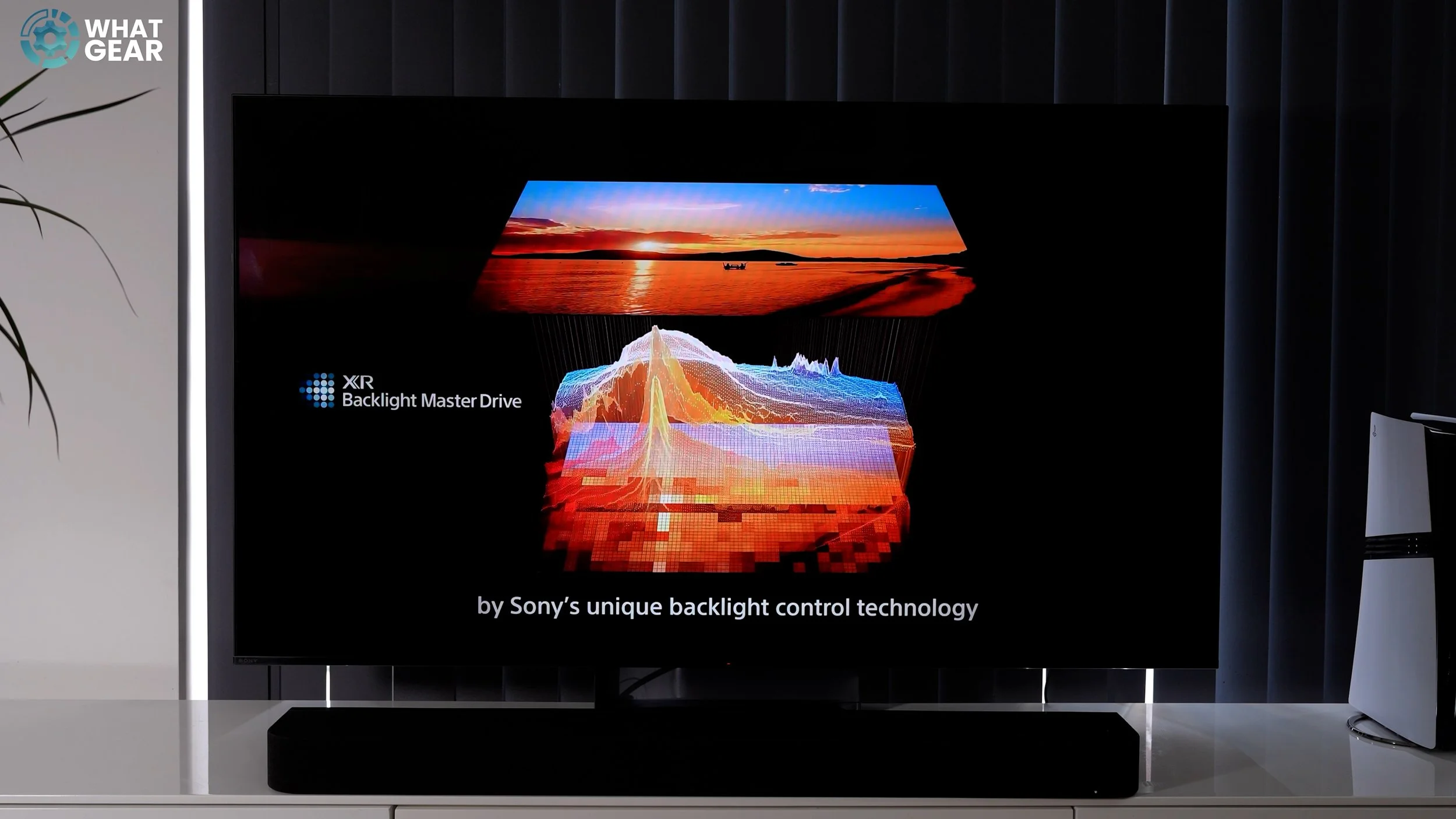
But Sony’s Bravia 7 II bypasses this bottleneck entirely thanks to its True RGB Mini-LED architecture. In a standard Mini-LED TV, blue LEDs shine through a quantum dot sheet to create red and green light, losing a massive amount of light energy and efficiency in the process. But Sony’s new design drives native, highly efficient RGB LEDs directly. Because the panel doesn’t have to waste energy filtering light, it is astronomically more efficient. It draws a fraction of the power of a standard screen, easily cruising under the legal power limits. But because it’s so efficient, Sony can legally unlock the shackles and drive the panel to a staggering, eye-melting peak brightness on HDR content.
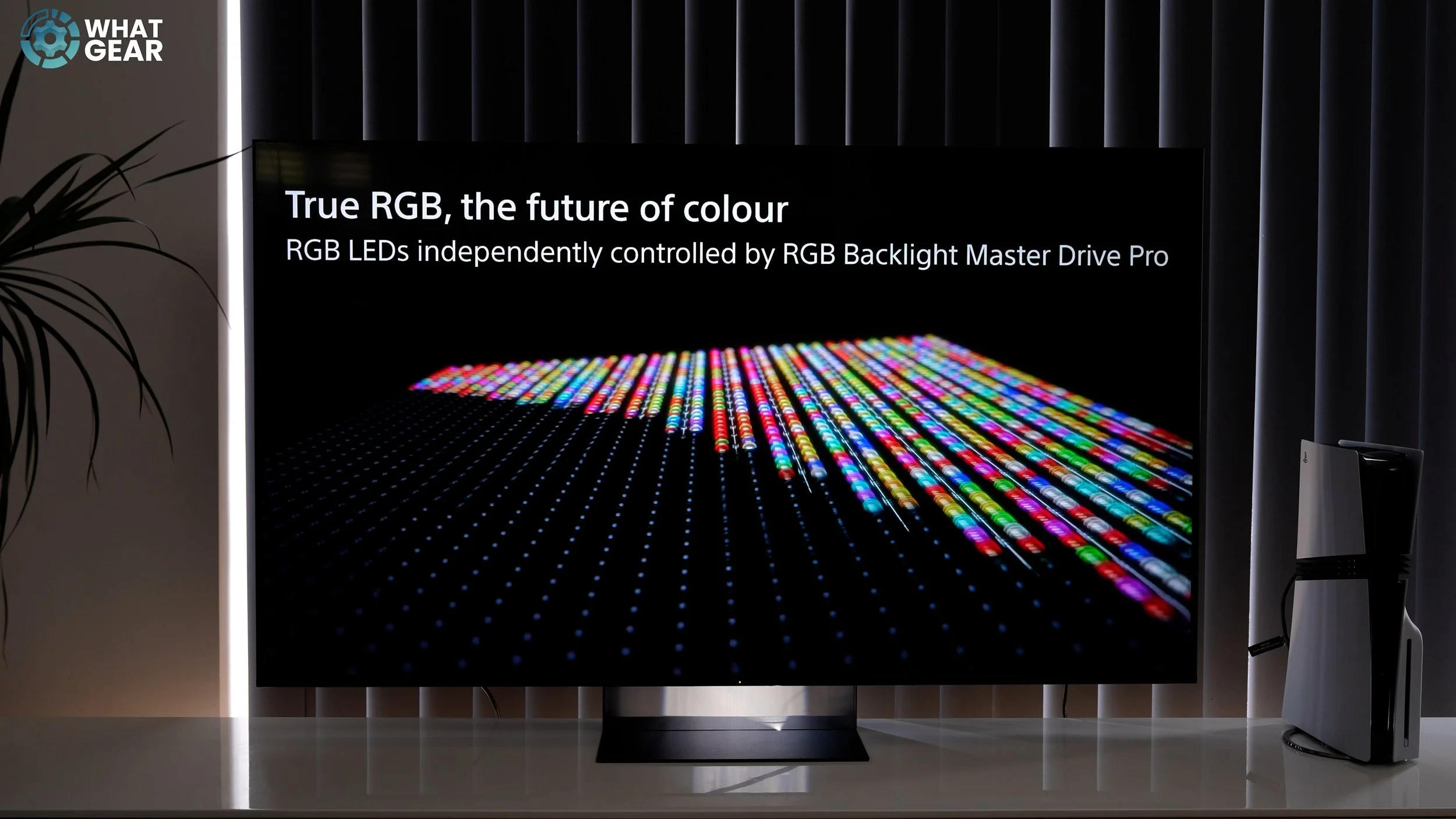
When you pair that RGB efficiency with Sony’s XR Processor and their XR Backlight Master Drive, the results are… Truly stunning & and so natural and life-like. Whilst watching the game, Sony’s RGB tech and picture processing really shine. You don’t even need to adjust the picture settings, and everything looks so clean. The grass doesn’t look like a luminous billiards table; it looks like real natural grass. Skin tones are as close to perfect straight out of the box as I’ve seen on any TV to date.
But does it destroy OLED?
Well, OLED still holds the crown for absolute pixel-level black precision. If you are watching a movie in a pitch-black room, those self-emissive pixels will always look perfectly ink-black. However, Sony’s local dimming algorithm on the Bravia 7 II is so advanced that blooming is almost entirely non-existent. And as someone who is very familiar with Sony Bravia OLEDs. I can honestly say that what you gain in colour accuracy and brightness, combined with how good the precision and depth of the black levels are on this RGB TV. I believe it is enough to beat almost all of the TVs out there at this price point.
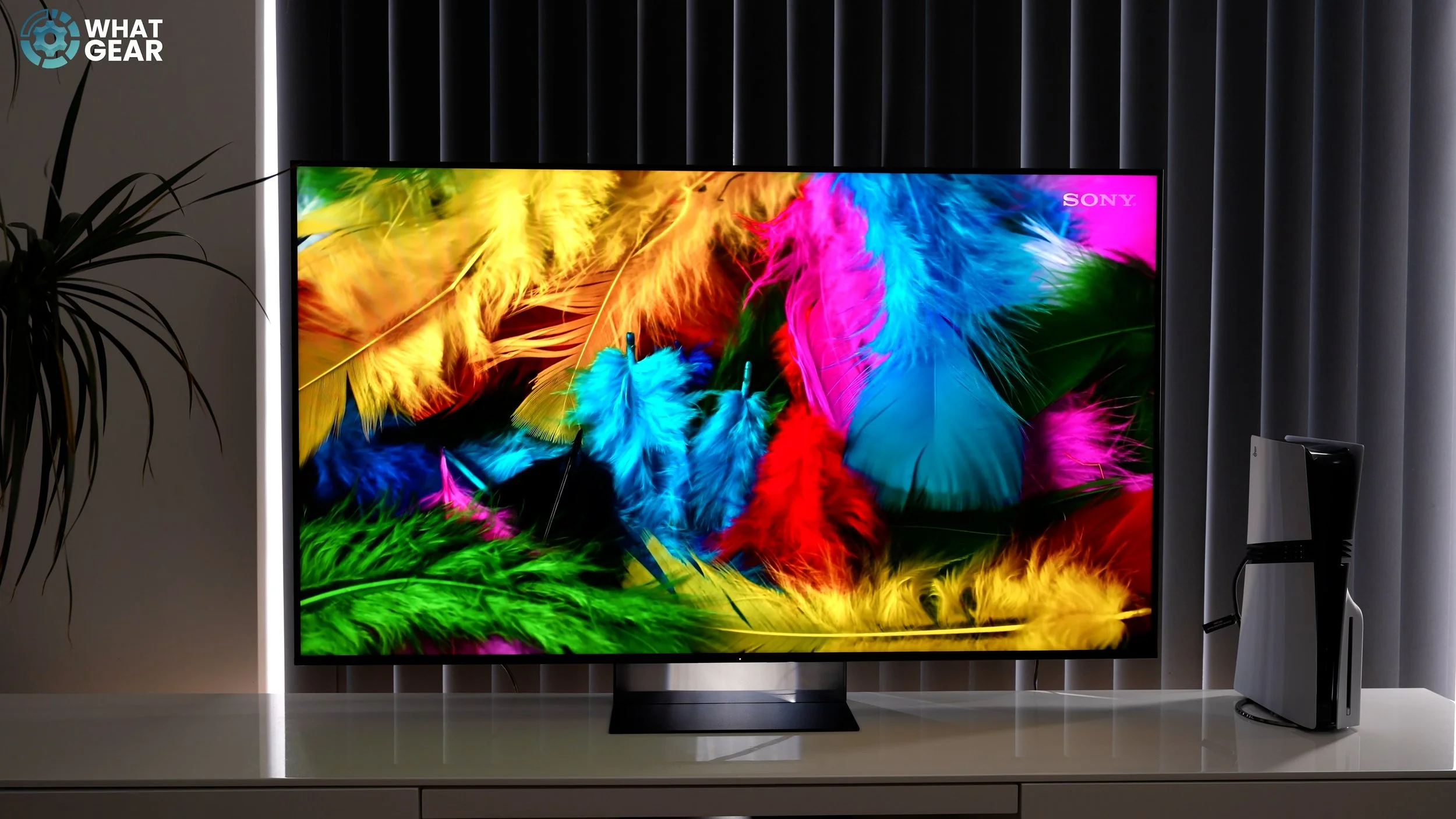
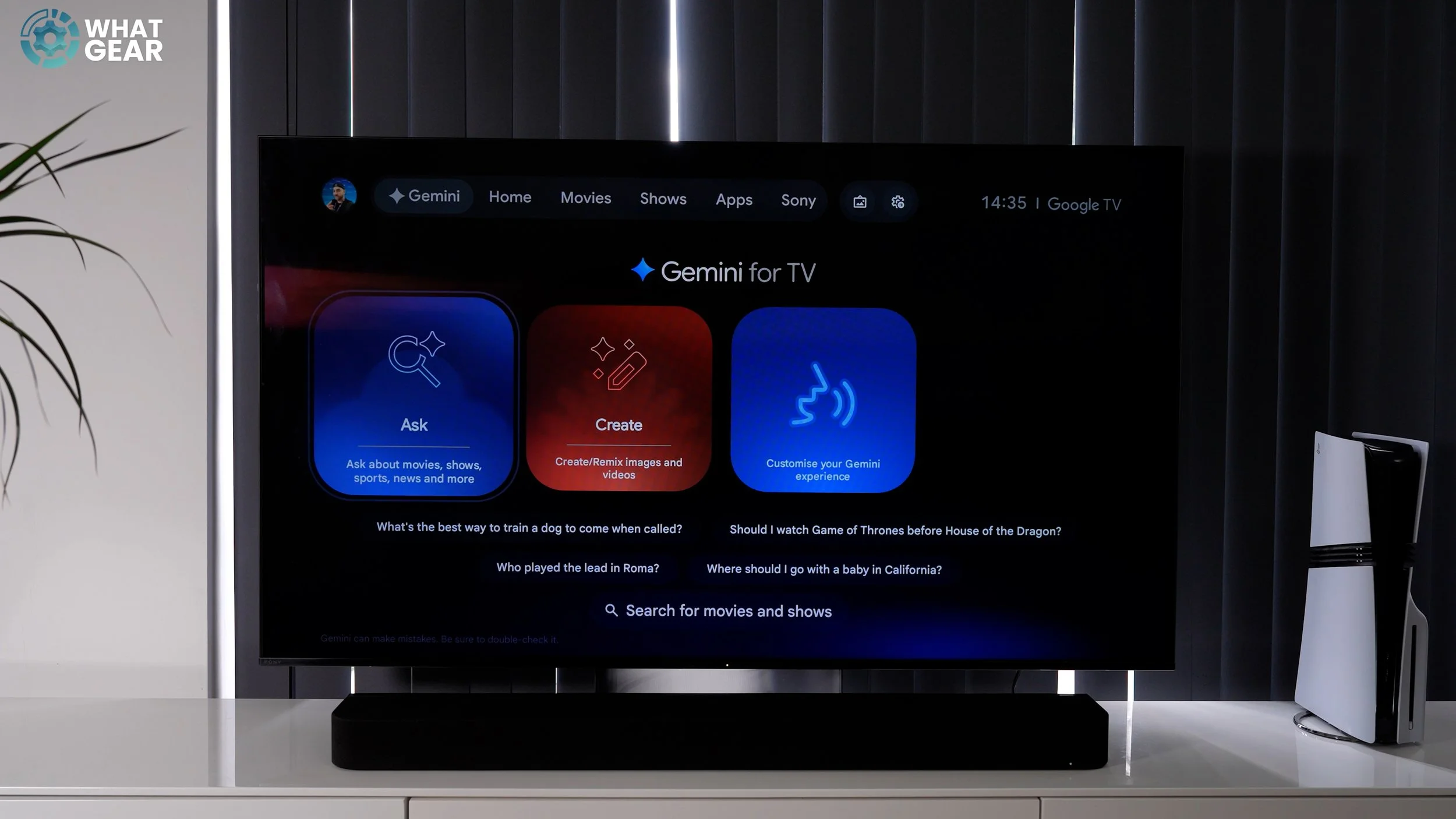
And that’s when watching regular TV. But when you see this Bravia playing 4K HDR content via Pure Stream on Sony’s Pictures Core. It’s hard to beat. So what would it be like if you chose this Bravia RGB as the crown jewel of your Living room? Well, here’s what you can expect from a high-end Sony set. It runs Google TV, which is fast, fluid, and brilliantly organised. And because this is a Sony setup, it features the ‘Perfect for PlayStation 5’ suite. The second you boot up a PS5 console, the TV automatically configures Auto HDR Tone Mapping and switches to its low-latency Game Mode, giving you incredibly responsive, ultra-vibrant gameplay.
And of course Sony knows game consoles better than all the other TV manufacturers, so you can really rely on the quality of all the automated settings that fall in place for you when gaming. I also really like the quick settings categories that Sony has added. It makes finding what you’re looking for that much easier. And, Google added some icing to the Bravia’s user interface cake. This TV has Gemini, one of the greatest AI platforms on the planet, and it’s right here. You want to find something to watch, you fancy a chat, you get a random question… yeh you can just hit Gemini for that.
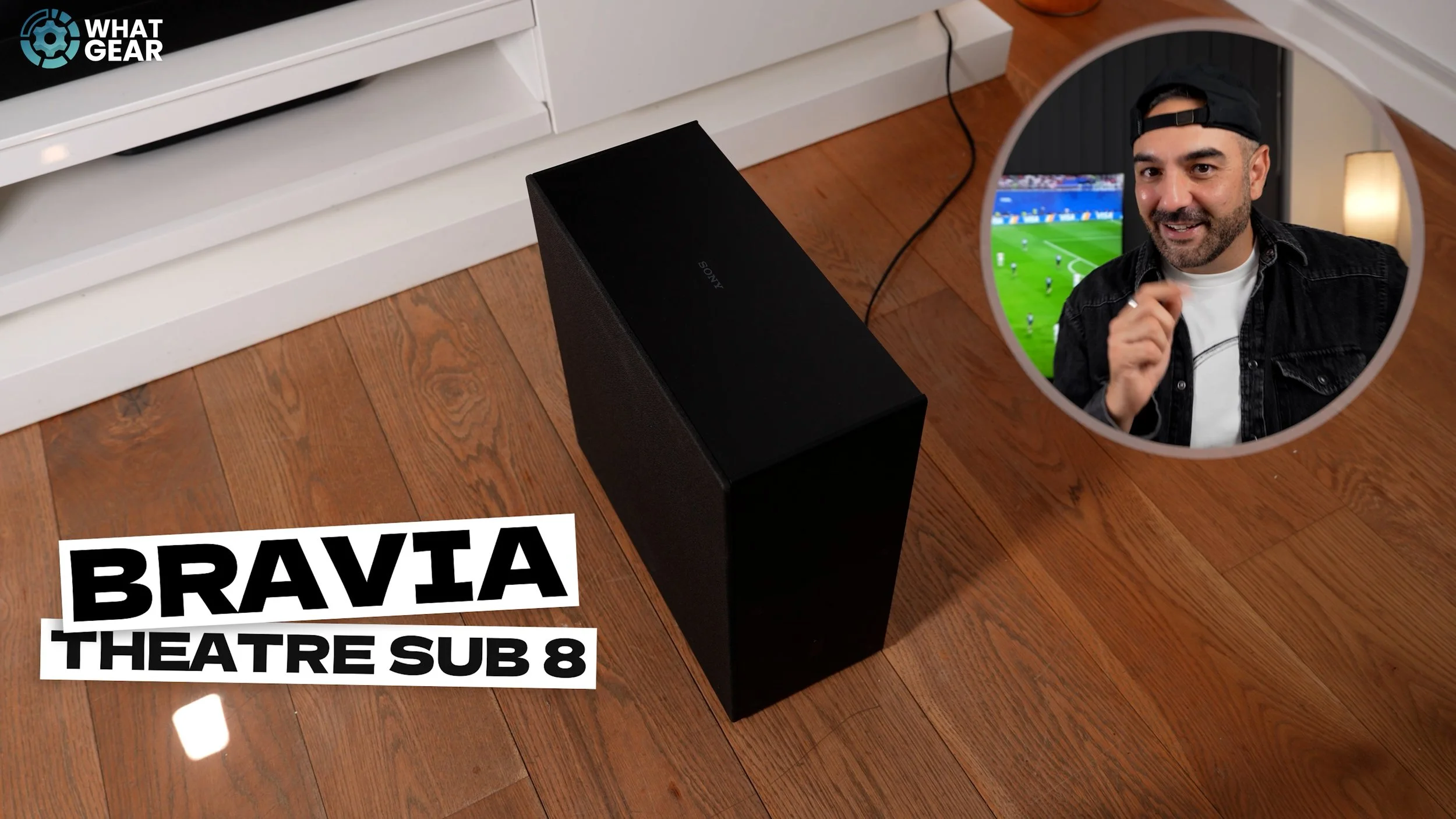
Now listen, before I wrap up, we have to talk about how you can build a home cinema around it. Directly underneath the screen, I’ve got the new Bravia Theatre Bar 7. It has a clever 2-way system with 9 physical drivers, including dedicated up-firing and side-firing speakers. But the real magic is Sony’s 360 Spatial Sound Mapping, which literally projects ‘phantom’ speakers around your living room to make a single bar sound like a surround-sound array. And I’ve paired it with the Bravia Theatre Sub 8. Don’t let its relatively slim cabinet fool you. This is a 300-watt beast with a massive 200mm driver.
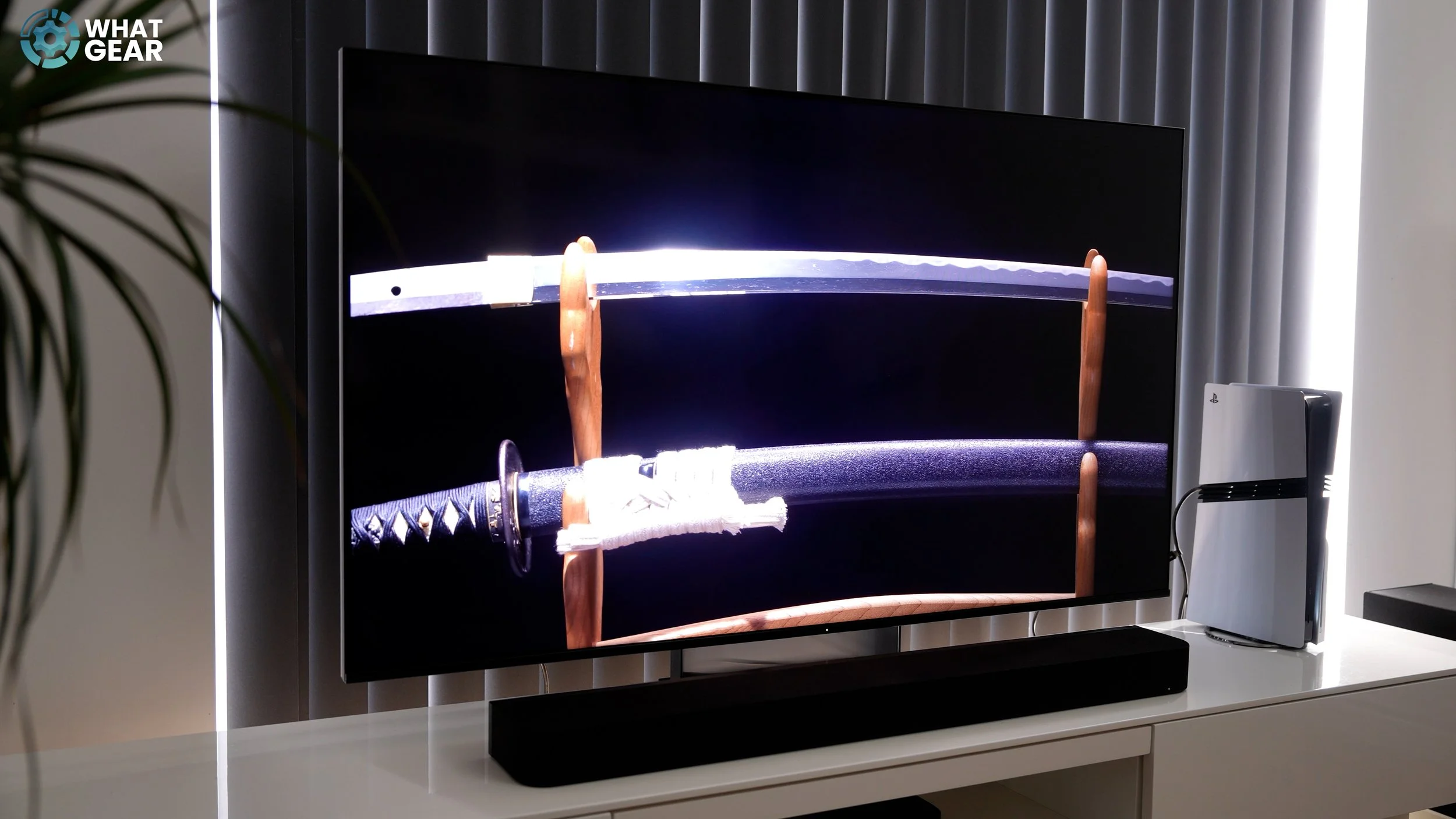
And Sony has really stepped up their app software when it comes to managing your audio. They’ve really made. So, what is the final verdict? Sony’s ‘banned’ trick isn’t a cheat code—it’s just pure, brilliant engineering. By designing a native RGB Mini-LED backlight that is incredibly energy efficient, they have unlocked a level of blinding, HDR-popping brightness that stays completely within the rules while giving OLED a run for its money.
When you combine the Bravia 7 II with the spatial audio of the Theatre Bar 7 and the deep, rich rumble of the Sub 8, you aren’t just buying a TV setup. You are building a home cinema powerhouse that is hard to beat. What do you guys think? Has Sony’s efficiency loop-hole officially made OLED obsolete for your living room? Let me know in the comments down below.